搜尋套件、儲存庫與 APP 分類

croppy 封面
套件詳情v1.5.3

croppy

一個完全可自定義的 Flutter 圖像裁剪工具。以行動裝置為首選,但也支援 Web 和桌面平台。

Web
近 30 天下載
9730
喜歡數
144
Pub 分數
150

安裝套件

flutter pub add croppy

套件介紹

根據套件公開資料產生的選型評估,僅供參考。

Croppy 是一個完全可自訂的 Flutter 圖像裁切工具,採用以行動裝置為首的設計理念,同時支援 Web 與桌面平台。它提供直覺的手勢操作與彈性配置選項,帶來無縫的圖像裁切體驗。專為需要細緻控制裁切介面的開發者打造,Croppy 可自訂比例、裁切邊界與使用者介面元件。其輕量級且具響應力的設計,確保跨裝置的流暢表現。

適用情境

  • 行動應用程式中的影像編輯
  • 基於網路的照片裁剪工具
  • 桌面圖像處理工作流程
  • 可自定義的面向用戶的裁剪介面
  • 將影像裁切整合至媒體上傳流程中

主要特色

  • 完全可自定義的裁剪區域
  • 對多個平台(Web、行動裝置、桌面)的支援
  • 基於手勢的裁剪控制
  • 可設定的長寬比
  • 響應式和自適應的使用者介面
  • 可擴展的樣式選項

適合對象

  • 開發媒體豐富應用程式的開發者
  • 需要高級圖像處理的應用程式
  • 跨平台圖像裁剪解決方案
  • Teams prioritizing user experience in image editing
  • 需要輕量級、高效能裁剪元件的專案

使用建議

  • 非行動平台需要額外設定
  • 用於裁剪形狀的內建預設有限
  • 可能需要自定樣式以符合品牌UI
  • 未針對大規模高解析度影像處理進行優化
  • 依賴於平台特定的渲染行為

原始 README

以下為關聯原始碼儲存庫的 README 原文快照,最新內容請造訪原始碼儲存庫。

Cover image

croppy

Pub Version

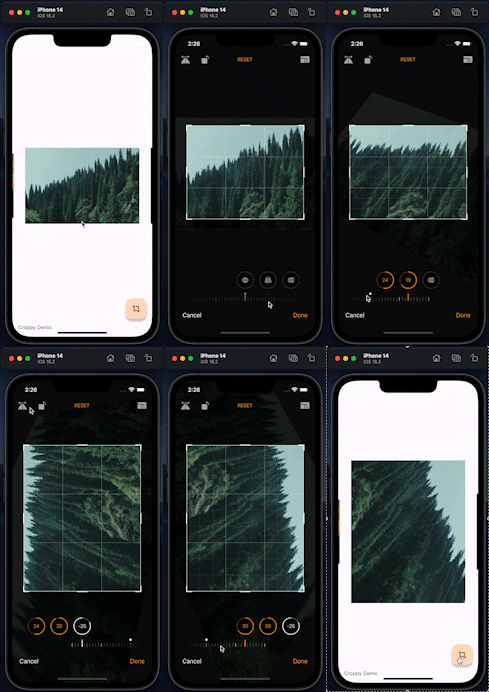
A fully customizable image cropper for Flutter, with built-in Material and Cupertino croppers.

Check out the example at https://kekland.github.io/croppy.

Supported platforms:

  • Android
  • iOS
  • Windows
  • Linux (untested, but should work)
  • macOS
  • Web (uses Dart's Cassowary instead of FFI because there's no FFI support in web)

NOTE: see https://github.com/kekland/croppy/issues/38. Currently I'm very busy with other projects so support might be limited.

Features

  • Material image cropper (similar to Google Photos)
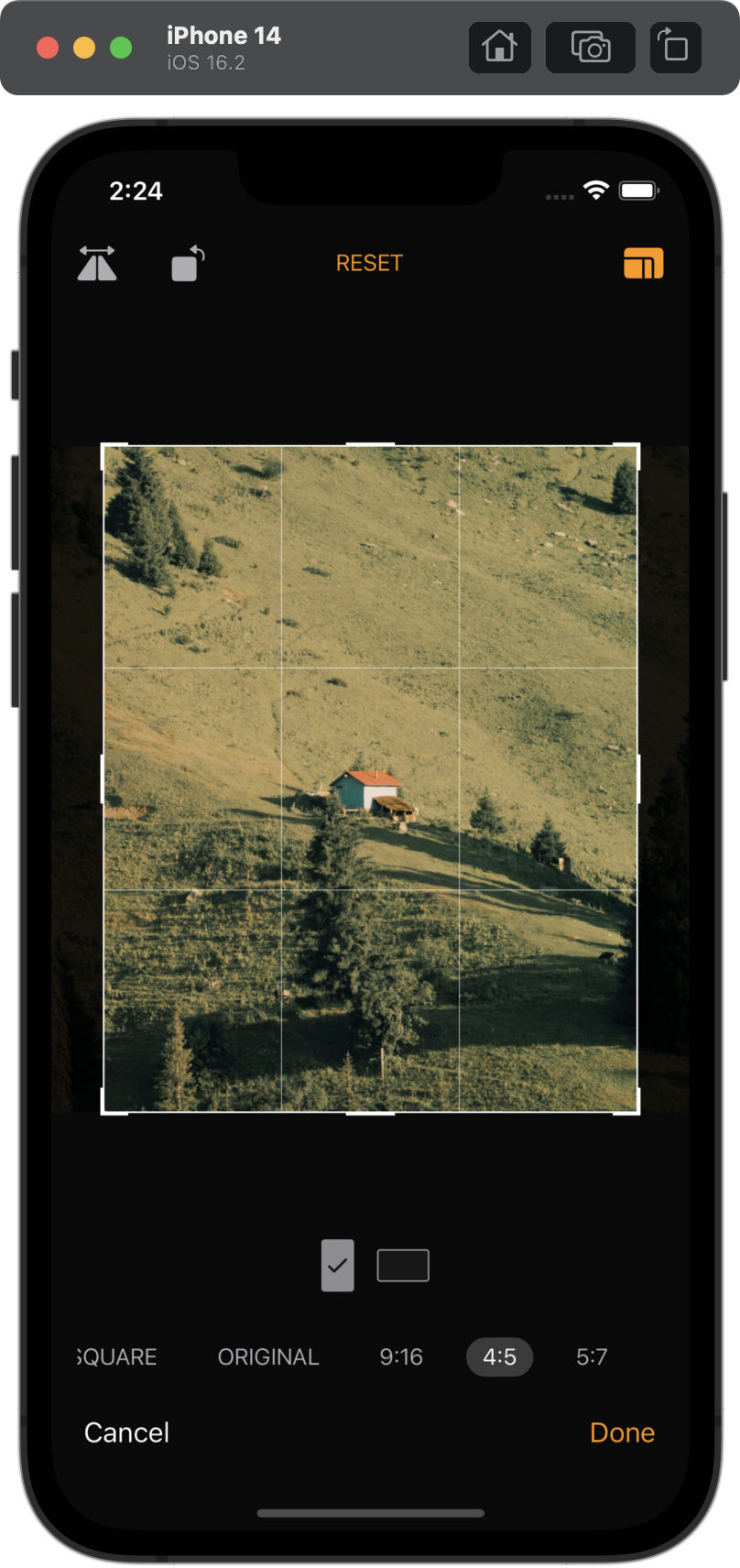
  • iOS Photos app-like image cropper
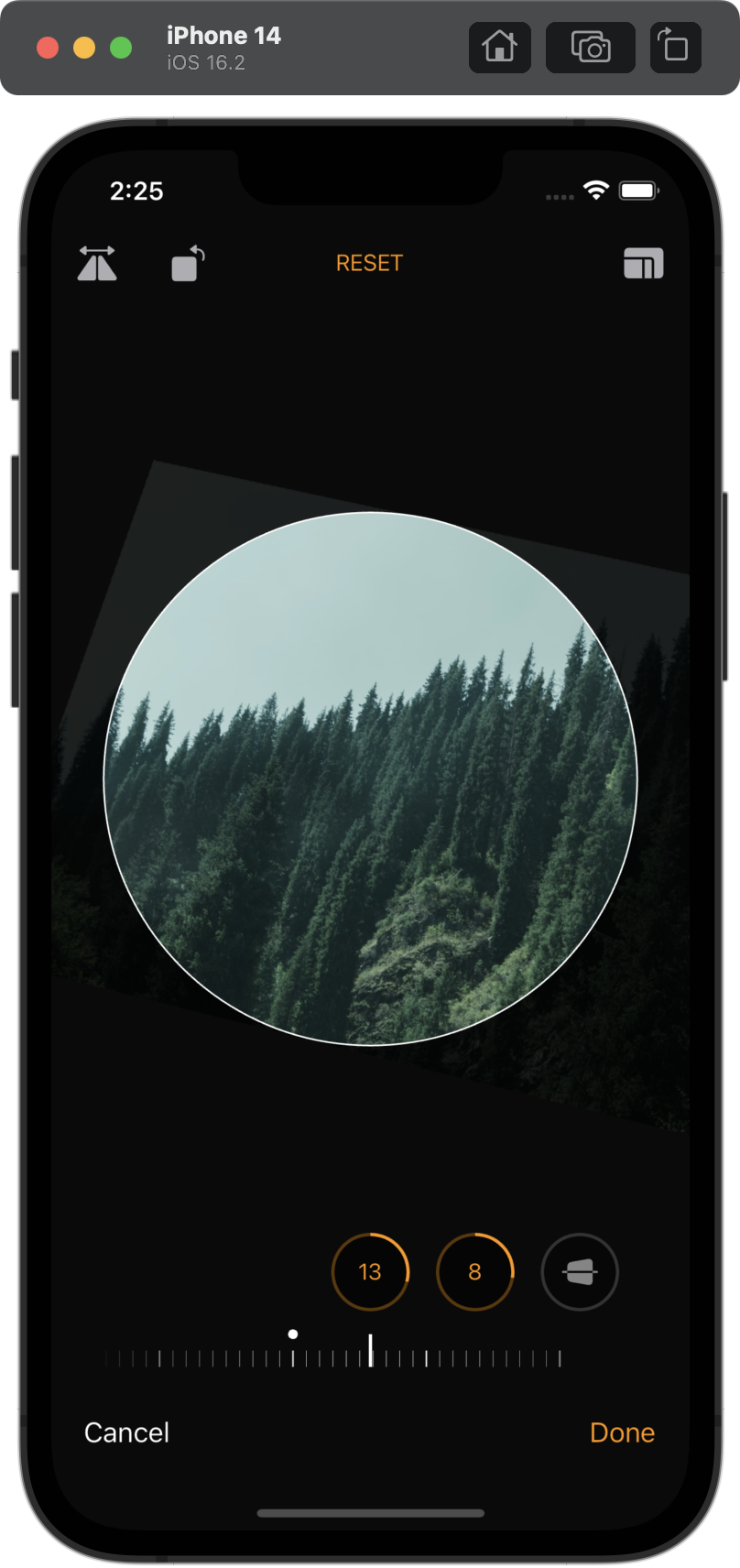
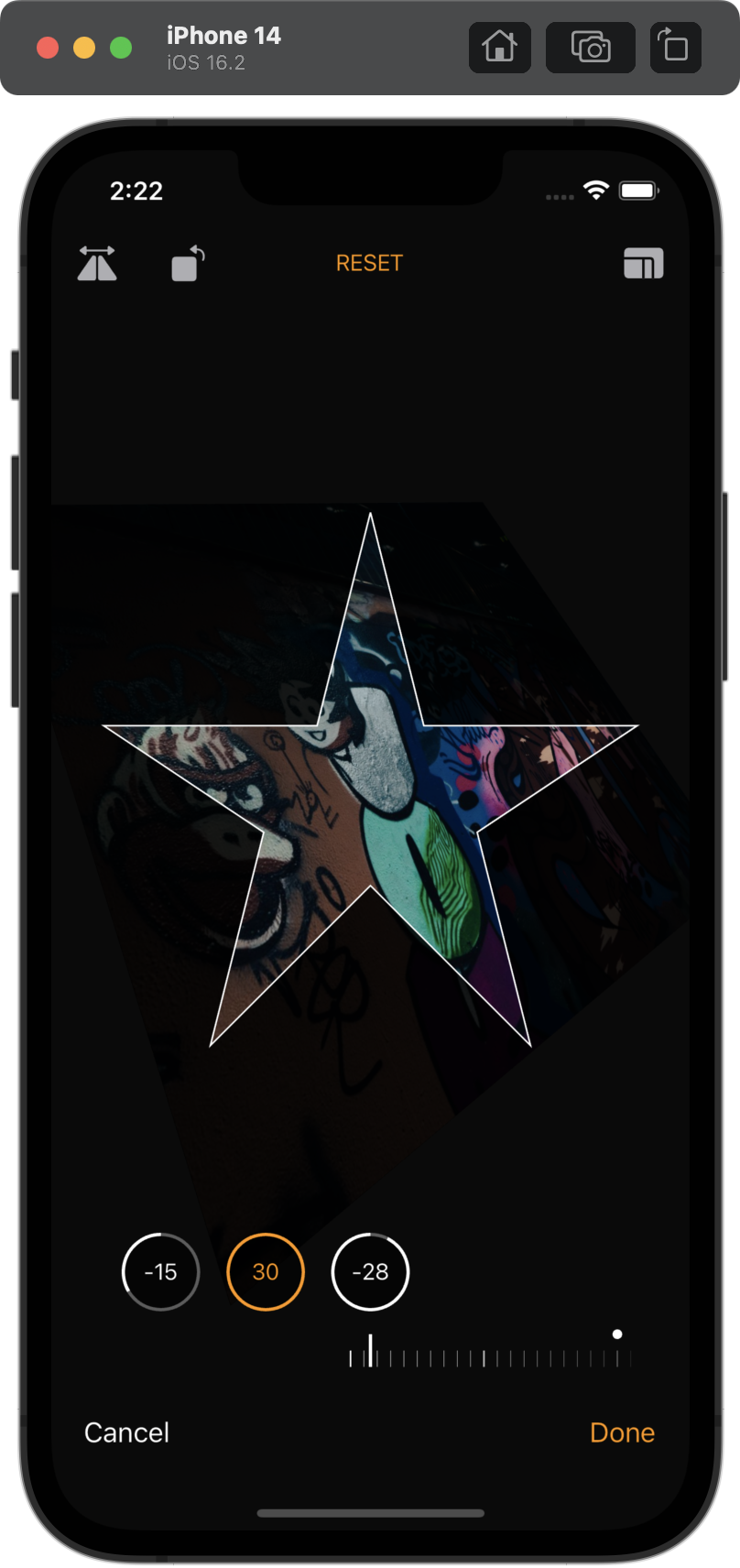
  • Support for any linear transformations on the image: scaling, rotating, skewing, flipping, etc
  • Completely customizable (will create documentation with later releases)
  • Fixed aspect ratios
  • Custom cropping shapes
  • Kickass animations
  • Localization

In progress:

  • Image editing module (?) (brightness, contrast, etc)

Getting started

Install croppy from pub:

dependencies:
  croppy: <latest_version>

Enjoy using it :)

Usage

Currently croppy supports a Material (Google Photos-like) and a Cupertino (iOS Photos-like) image croppers:

final result = await showAdaptiveImageCropper(
    context,
    imageProvider: const NetworkImage('MY_IMAGE_URL'), // Or any other image provider
);

final result = await showMaterialImageCropper(
  context,
  imageProvider: const NetworkImage('MY_IMAGE_URL'), // Or any other image provider
);

final result = await showCupertinoImageCropper(
  context,
  imageProvider: const NetworkImage('MY_IMAGE_URL'), // Or any other image provider
);

Voilà! You can now start cropping images.

For a complete runnable example, see ./example. For the full in-depth documentation, including customization, see the documentation.

Localization

croppy currently supports the following languages:

  • English
  • Kazakh
  • Russian
  • Arabic (thanks @Milad-Akarie)
  • Vietnamese (thanks @ptanhVNU)
  • Portuguese (thanks @JCKodel)
  • Spanish (thanks @Thesergiolg99)
  • Chinese (thanks @yohom and @zhushenwudi)
  • Hebrew (thanks @kfiross)
  • German (thanks @jkoenig134)
  • Persian (thanks @mdpe-ir)
  • Turkish (thanks @BayramYARIM)
  • Polish (thanks @mekkolodziejski)
  • Romanian (thanks @AdrianSima)
  • Kyrgyz (thanks @warioddly)

If there's a language that you would like to add, please see the localization guide.

It's recommended to insert the CroppyLocalizations.delegate in your MaterialApp or CupertinoApp:

MaterialApp(
  localizationsDelegates: [
    CroppyLocalizations.delegate, // <- This here
    GlobalMaterialLocalizations.delegate,
    GlobalWidgetsLocalizations.delegate,
    GlobalCupertinoLocalizations.delegate,
  ],
  ...
)

Additional information

Feel free to report bugs/issues on GitHub.

If you have questions, you can contact me directly at kk.erzhan@gmail.com.

Credits:

  • https://github.com/daniyarzt for the FitAabbInQuadSolver class

所屬分類

依賴

依賴清單 11 項

原始碼儲存庫

使用此套件的專案

暫無相關資料。