搜尋套件、儲存庫與 APP 分類

double_back_to_close 封面
套件詳情v2.0.0

double_back_to_close

用於在關閉應用程式/路由/螢幕之前請求雙擊返回的 Flutter 套件。將任何組件包裝在其中即可使用。

AndroidiOSWebmacOSWindowsLinux
近 30 天下載
585
喜歡數
65
Pub 分數
140

安裝套件

flutter pub add double_back_to_close

套件介紹

根據套件公開資料產生的選型評估,僅供參考。

一個 Flutter 套件,會提示使用者連續按兩次返回鍵才關閉應用程式、路由或畫面。它可包裝任何組件以啟用此行為,有助於防止意外退出。適用於行動與桌面應用,避免無意導航影響使用者體驗。此套件支援所有主要平台,包括 Android、iOS、Web、macOS、Windows 與 Linux,確保跨裝置功能一致。

適用情境

  • 防止意外關閉應用
  • 提升移動應用的使用者體驗
  • 避免意外的路線取消
  • 保護關鍵工作流程
  • 確保有意的導航退出
  • 支援多平台應用程式

主要特色

  • 雙擊返回檢測
  • 跨平台相容性
  • 簡單的 widget 包裝
  • 可自定義的逾時時間
  • 所需設定最少
  • 與路由和螢幕搭配使用

適合對象

  • 行動應用程式開發人員
  • 桌面應用程式創建者
  • 以使用者體驗為導向的專案
  • 具有敏感工作流程的應用程式
  • 尋求簡單退出保護的開發者
  • 跨平台 Flutter 應用

使用建議

  • 可能不適合所有UI模式
  • 需要使用者了解雙擊行為
  • 逾時設定可能需要調整
  • 不適合快速互動
  • 有限的自訂選項
  • 部分使用者可能有潛在的可存取性問題

原始 README

以下為關聯原始碼儲存庫的 README 原文快照,最新內容請造訪原始碼儲存庫。

double_back_to_close

Flutter package for request double back pressed before close app/route/screen.

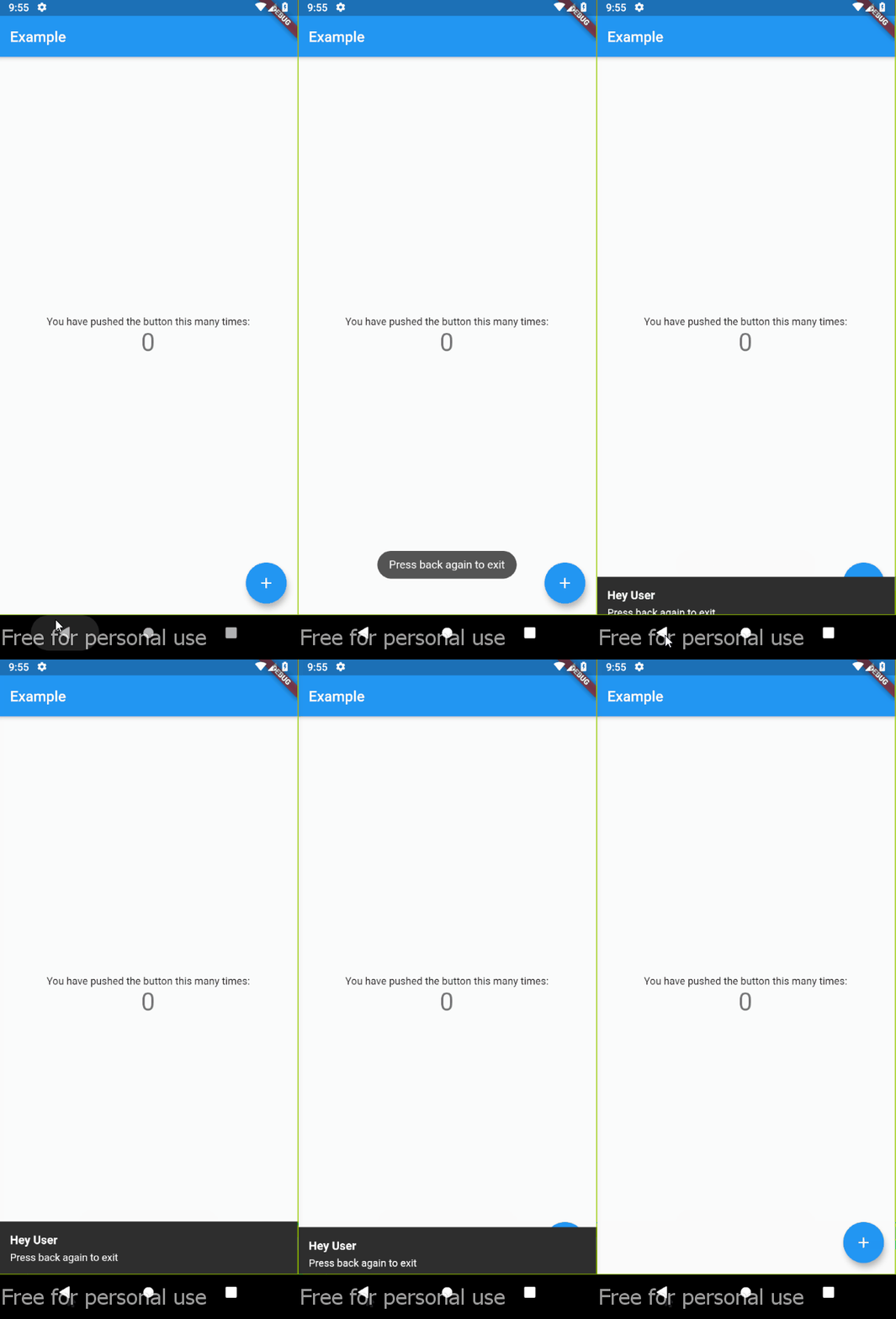
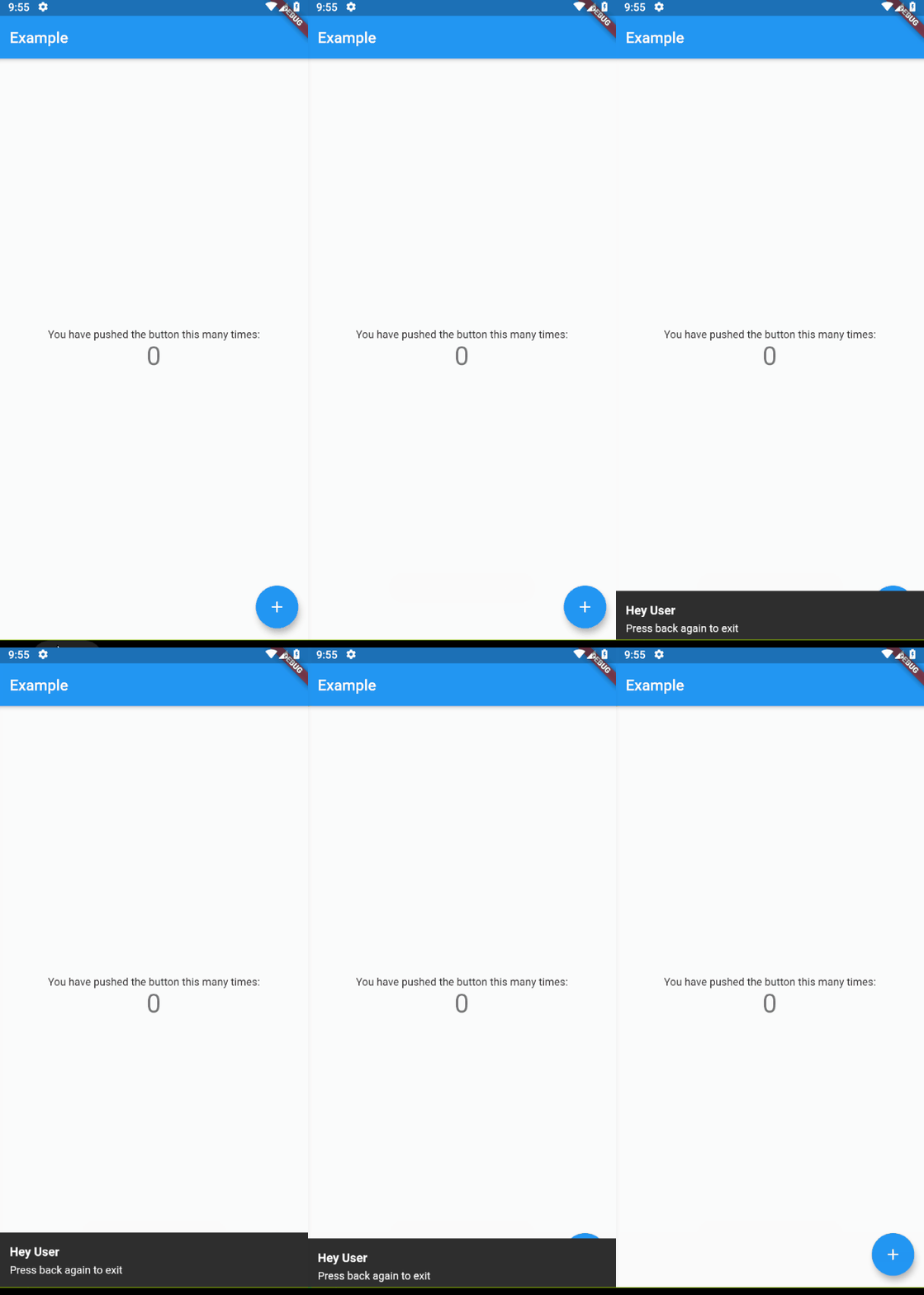
Demo

Usage

Wrapping widget with DoubleBack where you want to use double back to close screen or app:

Default (using TOAST)
class MyApp extends StatelessWidget {
  @override
  Widget build(BuildContext context) {
    return MaterialApp(
      home: DoubleBack(
          message:"Press back again to close",
          child: Home(),
        ),
      ),
  }
}
Default (using TOAST) with optional style
class MyApp extends StatelessWidget {
  @override
  Widget build(BuildContext context) {
    return MaterialApp(
      home: DoubleBack(
          message:"Press back again to close",
          child: Home(),
        ),
      ),
      // optional style
      textStyle: TextStyle(
        fontSize: 13,
        color: Colors.white,
      ),
      background: Colors.red,
      backgroundRadius: 30,
    );
  }
}
Custom ( using snackbar for example)


class MyApp extends StatelessWidget {
  @override
  Widget build(BuildContext context) {
    return MaterialApp(
      home: DoubleBack(
        onFirstBackPress: (context) {

          // you can use your custom here
          // change this with your custom action
          final snackBar = SnackBar(content: Text('Press back again to exit'));
          ScaffoldMessenger.of(context).showSnackBar(snackBar);
          // ---

        },

        child: Home(),
      ),
    );
  }
}
with custom delay
class MyApp extends StatelessWidget {
  @override
  Widget build(BuildContext context) {
    return MaterialApp(
      home: DoubleBack(
          onFirstBackPress: (context) {

            Flushbar(
              title: "Hey User",
              message: "Press back again to exit",
              duration: Duration(seconds: 15), // show 15 second flushbar
            )..show(context);

          },
          child: Home(),
          waitForSecondBackPress: 15, // wait for 15 second for second back pressed
        ),
    );
  }
}
with custom condition

if you want to show message at spesific condition, for example, only show message if pageView at index 0.

class MyApp extends StatelessWidget {
  @override
  Widget build(BuildContext context) {
    return MaterialApp(
      // Imagine that you are using materialbottom and only want to close when tabIndex = 0

      home: DoubleBack(
          condition: tabIndex == 0, // only show message when tabIndex=0
          onConditionFail: (){
            setState((){
                tabIndex = 0; // if not 0, set pageview jumptopage 0
            });
          }
          child: Home(),
        ),
    );
  }
}

所屬分類

原始碼儲存庫

使用此套件的專案

暫無相關資料。