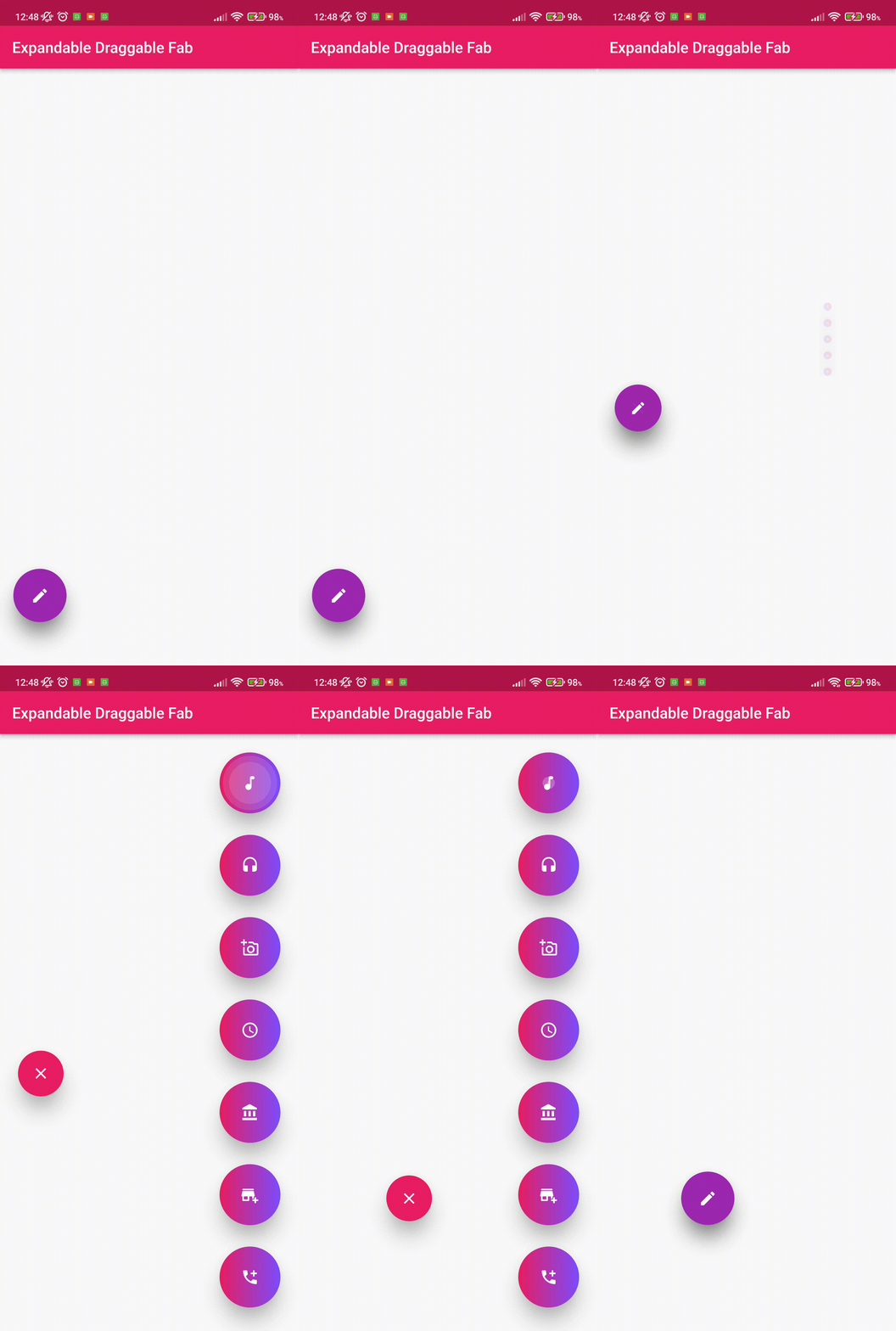
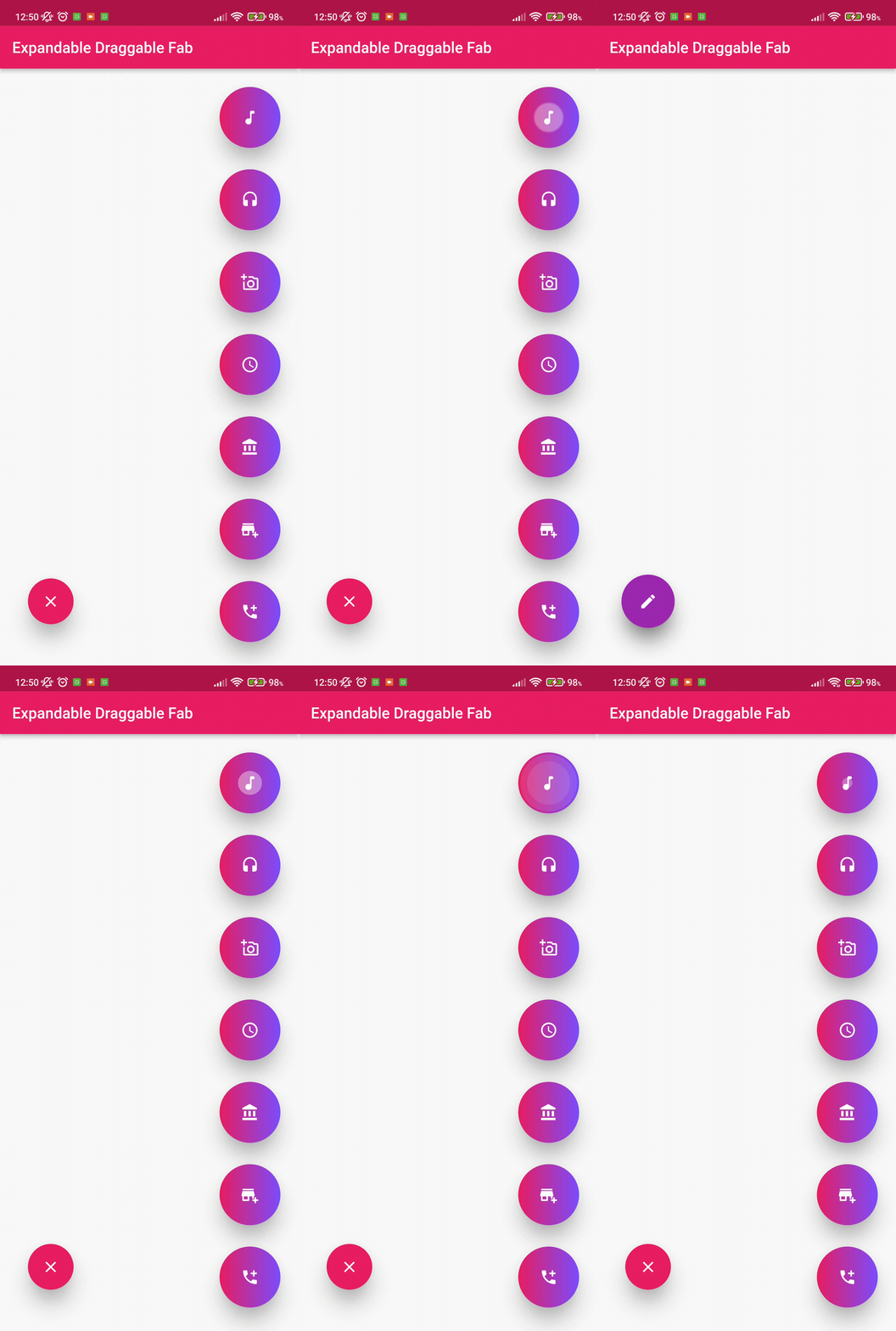
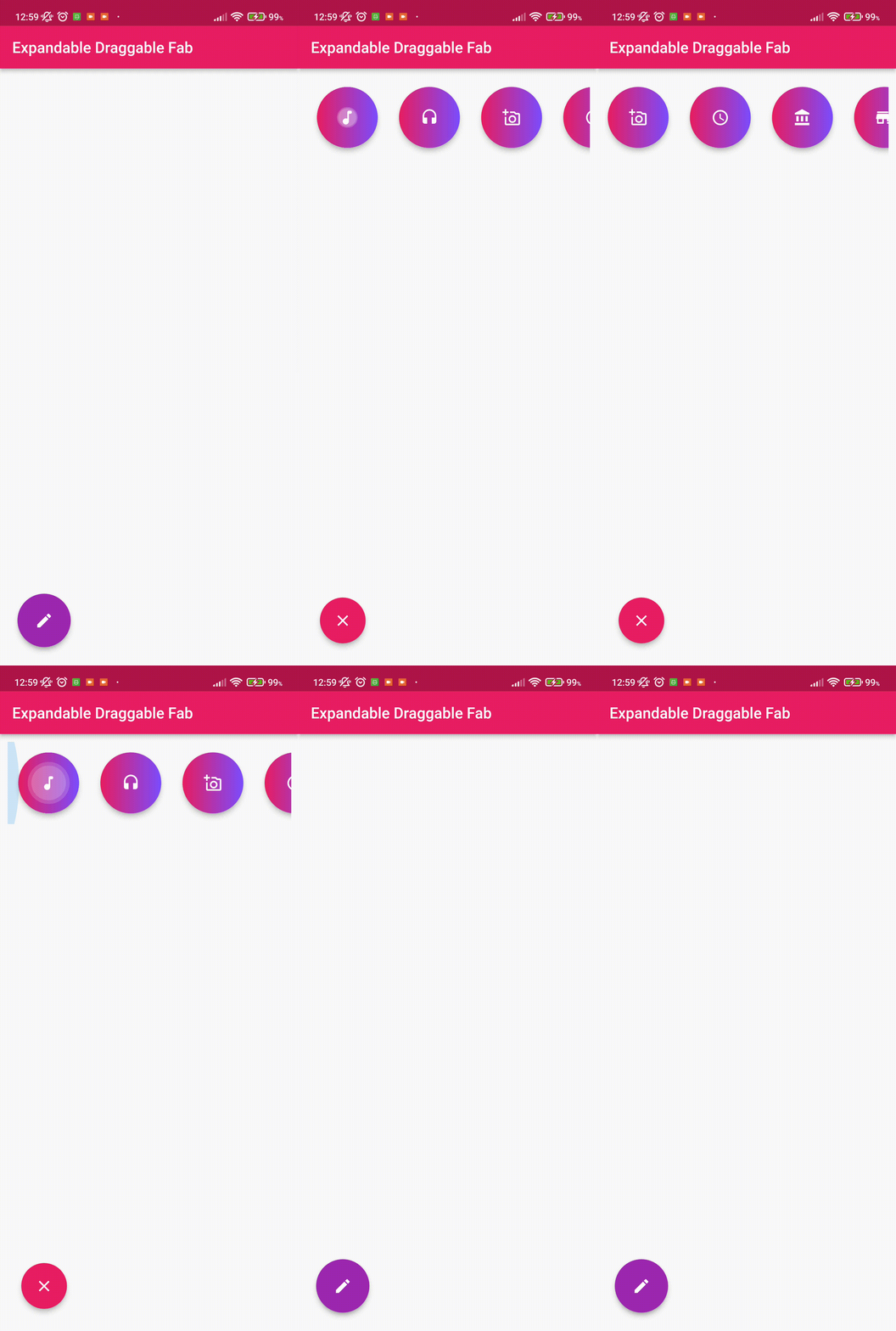
Expandable Draggable Fab
This Flutter package provides a Expandable and Draggable Floating Button with animation.
💻 Installation
In the dependencies: section of your pubspec.yaml, add the following line:
dependencies:
  draggable_expandable_fab: <latest version>
To use the latest changes:
  draggable_expandable_fab:
    git:
      url: https://github.com/Tughra/draggable_expandable_fab.git
      ref: master
❔ Usage
Import this class
import 'package:draggable_expandable_fab/draggable_expandable_fab.dart';
Replace Scaffold's parameters with these to better usage.
      floatingActionButtonAnimator: NoScalingAnimation(),
      floatingActionButtonLocation: ExpandableFloatLocation(),
Simple Implementation
Scaffold(
floatingActionButtonAnimator: NoScalingAnimation(),
floatingActionButtonLocation: ExpandableFloatLocation(),
floatingActionButton: ExpandableDraggableFab(childrenCount: 3,
distance: 100,
children: [
FloatingActionButton(onPressed: (){}),
FloatingActionButton(onPressed: (){}),
FloatingActionButton(onPressed: (){}),
],),
body: Container(),
);
Full Implementation
final Size _size = MediaQuery.of(context).size;
return Scaffold(
floatingActionButtonAnimator: NoScalingAnimation(),
floatingActionButtonLocation: ExpandableFloatLocation(),
floatingActionButton: ExpandableDraggableFab(childrenCount: 3,
onTab: (){
debugPrint("Tab");
},
childrenTransition: ChildrenTransition.fadeTransation,
initialOpen: false,
childrenBoxDecoration: const BoxDecoration(color: Colors.red),
enableChildrenAnimation: true,
curveAnimation: Curves.linear,
reverseAnimation: Curves.linear,
childrenType: ChildrenType.columnChildren,
closeChildrenRotate: false,
childrenAlignment: Alignment.topRight,
initialDraggableOffset: Offset(_size.width-90,_size.height-100),
distance: 100,
children: [
FloatingActionButton(onPressed: (){}),
FloatingActionButton(onPressed: (){}),
FloatingActionButton(onPressed: (){}),
],),
body: Container(),
);