搜尋套件、儲存庫與 APP 分類

easy_admob_ads_flutter 封面
套件詳情v2.0.3

easy_admob_ads_flutter

一個簡單且靈活的 Flutter 套件,用於以最少設定整合 AdMob 廣告格式。

AndroidiOS
近 30 天下載
388
喜歡數
8
Pub 分數
160

安裝套件

flutter pub add easy_admob_ads_flutter

套件介紹

根據套件公開資料產生的選型評估,僅供參考。

EasyAdmobAdsFlutter 是一個輕量級的 Flutter 套件,旨在簡化在行動應用程式中整合 AdMob 廣告格式的過程。透過最少的設定,它讓開發者能夠快速在 Android 與 iOS 平台上實作橫幅廣告、插頁廣告與獎勵廣告。該套件抽象了複雜的設定步驟,提供直覺的 API 進行廣告管理。它支援即時廣告載入,並提供回呼以追蹤使用者互動,非常適合輕鬆實現應用程式收益。

適用情境

  • 透過橫幅廣告 monetizing 移動應用
  • 在應用畫面之間顯示插頁廣告
  • 實施獎勵視頻廣告以激勵使用者
  • 無需深入了解平台特定知識即可整合 AdMob
  • 在開發過程中啟用快速廣告測試

主要特色

  • 簡單的設定,只需幾行程式碼
  • 支援多種 AdMob 廣告類型
  • 跨平台相容性(Android 與 iOS)
  • 內建的廣告互動事件監聽器
  • 所需的最小樣板程式碼

適合對象

  • Flutter 開發者新手 AdMob
  • 需要快速廣告整合的應用程式
  • 開發時程緊張的專案
  • 尋求低維護廣告解決方案的開發者
  • 教育或愛好者應用程式創作者

使用建議

  • 需要有效的 AdMob 帳戶和廣告單元 ID
  • 依賴於 Google 移動廣告 SDK
  • 可能需要為某些廣告類型添加額外權限
  • 不適用於超出基本廣告處理的進階自訂
  • 與官方 SDK 相比,文件有限

原始 README

以下為關聯原始碼儲存庫的 README 原文快照,最新內容請造訪原始碼儲存庫。

Stand With Palestine

Easy AdMob Integration for Flutter

pub package Pub Points Last Commit Pull Requests Code Size License

A simple, configurable Flutter wrapper for Google AdMob. One EasyAdMobAds.instance sets up the SDK, GDPR/UMP consent, and a global on/off switch for ads. All six ad formats are supported with their own controller or widget.

Show some ❤️ by giving the repo a ⭐ and liking 👍 the package on pub.dev!

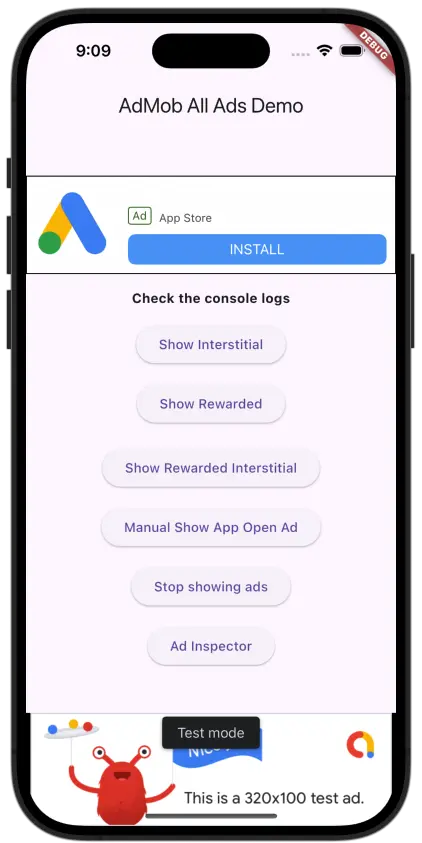
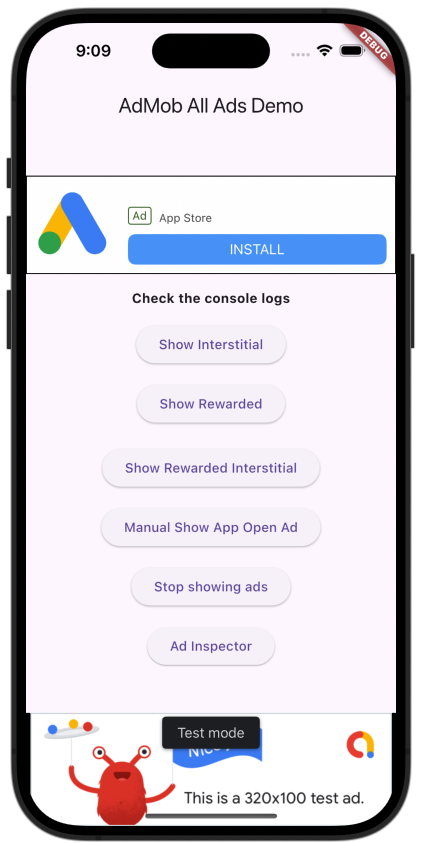
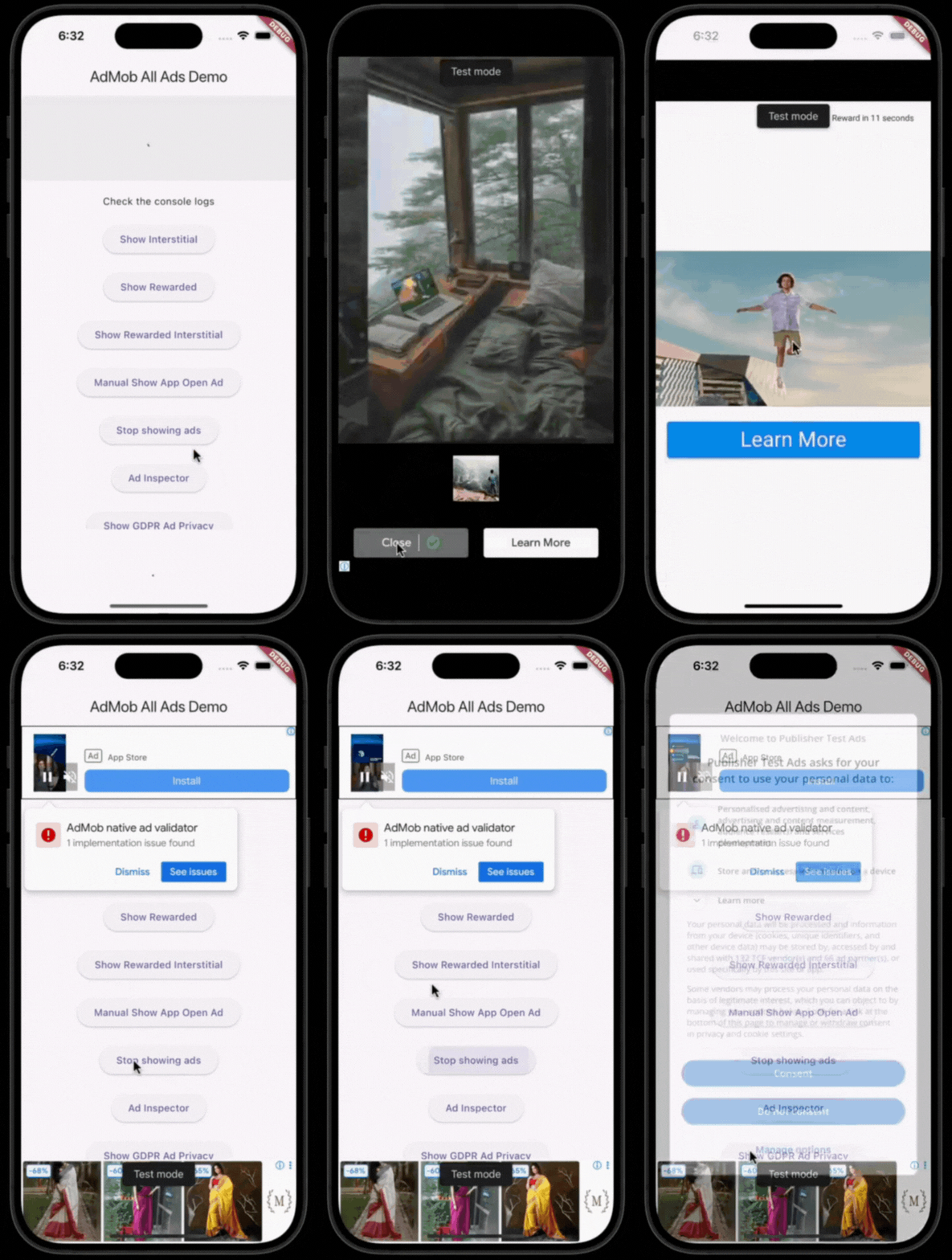
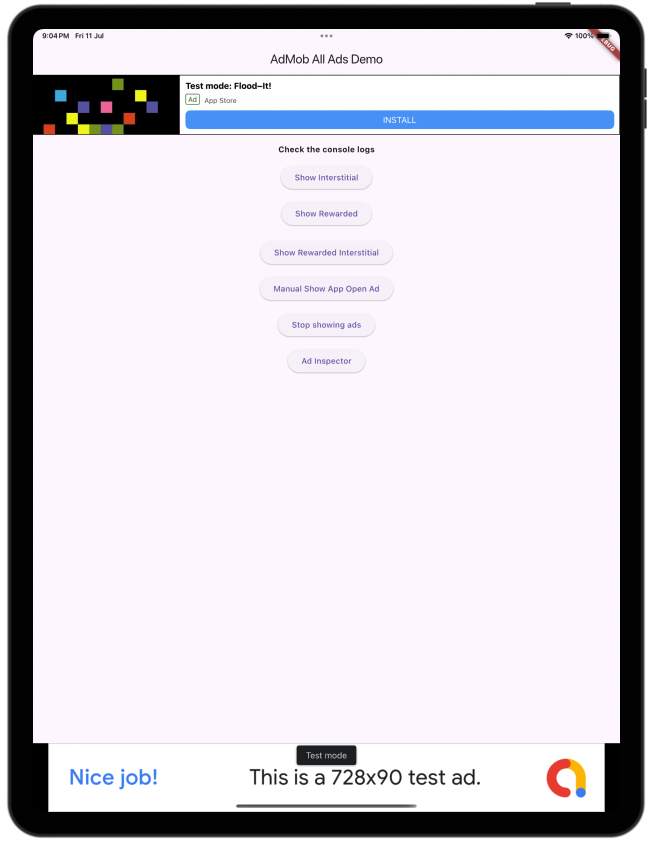
Screenshots

Static AdMob Demo Animated AdMob Demo Static AdMob Demo

Features

  • Banner (adaptive, optionally collapsible)
  • Interstitial
  • Rewarded
  • Rewarded Interstitial
  • App Open (auto-preloaded and shown on app resume)
  • Native (small/medium templates)
  • GDPR/UMP consent flow, including the "privacy options" re-consent form
  • App Tracking Transparency (ATT) consent on iOS 14.5+, requested automatically during initialize()
  • Network connectivity awareness — ad requests pause while offline and resume as soon as connectivity returns

Getting started

1. Install
dependencies:
  easy_admob_ads_flutter: ^<latest_version>
2. Platform setup

Add your AdMob App ID:

Android — android/app/src/main/AndroidManifest.xml:

<meta-data
  android:name="com.google.android.gms.ads.APPLICATION_ID"
  android:value="ca-app-pub-xxxxxxxxxxxxxxxx~yyyyyyyyyy"/>

iOS — ios/Runner/Info.plist:

<key>GADApplicationIdentifier</key>
<string>ca-app-pub-xxxxxxxxxxxxxxxx~yyyyyyyyyy</string>
3. Initialize
void main() async {
  WidgetsFlutterBinding.ensureInitialized();

  await EasyAdMobAds.instance.initialize(
    config: const EasyAdsConfig(
      androidAdUnitIds: {
        AdType.banner: 'ca-app-pub-.../...',
        AdType.interstitial: 'ca-app-pub-.../...',
      },
      iosAdUnitIds: {
        AdType.banner: 'ca-app-pub-.../...',
        AdType.interstitial: 'ca-app-pub-.../...',
      },
      testDeviceIds: ['YOUR_TEST_DEVICE_ID'],
    ),
  );

  runApp(const MyApp());
}

Any AdType you don't configure automatically falls back to a Google test ad unit ID (with a warning logged), so the package works out of the box during development.

Usage

// Banner
const EasyBannerAd(collapsible: true, height: 100)

// Native
EasyNativeAd.medium()

// Interstitial
final interstitialAd = EasyInterstitialAd()..loadAd();
await interstitialAd.showAd();

// Rewarded
final rewardedAd = EasyRewardedAd(onRewardEarned: (reward) {
  // grant the reward
})..loadAd();
await rewardedAd.showAd();

// Rewarded Interstitial
final rewardedInterstitialAd = EasyRewardedInterstitialAd(onRewardEarned: (reward) {
  // grant the reward
})..loadAd();
await rewardedInterstitialAd.showAd();

// App Open — preloaded automatically; show it manually if you want:
await EasyAdMobAds.instance.appOpenAd?.showAdIfAvailable();

// Turn all ads on/off (e.g. after a "remove ads" purchase)
EasyAdMobAds.instance.adsEnabled = false;

// GDPR privacy options
if (EasyAdMobAds.instance.isPrivacyOptionsRequired) {
  EasyAdMobAds.instance.showPrivacyOptionsForm();
}

See the example/ app for a full demo screen with all ad types, the on/off switch, and the consent button wired up.

Author

Huzaib Sayyed

GitHub LinkedIn

所屬分類

依賴

依賴清單 6 項

原始碼儲存庫

使用此套件的專案

暫無相關資料。