搜尋套件、儲存庫與 APP 分類

facebook_audience_network 封面
套件詳情v1.0.1

facebook_audience_network

適用於 Flutter 應用的 Facebook Audience Network 插件。您可透過此外掛程式顯示 Facebook 橫幅廣告、插頁式廣告、獎勵影片廣告以及原生廣告。

AndroidiOS
近 30 天下載
704
喜歡數
318
Pub 分數
140

安裝套件

flutter pub add facebook_audience_network

套件介紹

根據套件公開資料產生的選型評估,僅供參考。

Facebook Audience Network 插件讓 Flutter 開發者能夠在其應用程式中整合原生廣告。此插件支援多種廣告格式,包括橫幅、插頁式、獎勵影片及原生廣告,可於 Android 與 iOS 平台實現收益。該插件提供簡單的介面來載入與顯示廣告,並利用 Facebook 廣告網絡的廣泛資源,提供高品質且精準投放的內容。開發者可透過提供的 Flutter API 輕鬆實作這些功能,設定簡單,無需複雜配置。

適用情境

  • 透過應用內廣告 monetizing 移動應用程式
  • 顯示獎勵視頻廣告以提高使用者參與度
  • 整合原生廣告以實現無縫的使用者介面體驗
  • 在應用介面之間顯示插頁廣告
  • 使用橫幅廣告進行持續收入生成

主要特色

  • 支援橫幅廣告、插頁廣告、獎勵視頻廣告和原生廣告
  • 跨平台相容性(Android 和 iOS)
  • 與 Flutter 的簡單整合
  • 透過 Facebook 網路即時投放廣告
  • 易於使用的 Flutter 廣告管理 API

適合對象

  • 尋求廣告變現的Flutter開發者
  • 面向全球受眾的應用
  • 需要多種廣告格式的項目
  • 使用 Facebook 廣告生態系統的開發者
  • 旨在通過獎勵內容提高參與度的移動應用

使用建議

  • 需要 Facebook 開發者帳戶和應用設定
  • 廣告表現取決於地區和受眾
  • 如果使用過度,可能會影響使用者體驗
  • 遵守 Facebook 廣告政策的要求
  • 與原生 SDK 相比,自訂功能有限

原始 README

以下為關聯原始碼儲存庫的 README 原文快照,最新內容請造訪原始碼儲存庫。

facebook_audience_network

Pub GitHub Awesome Flutter

Facebook Audience Network plugin for Flutter applications (Android & iOS).

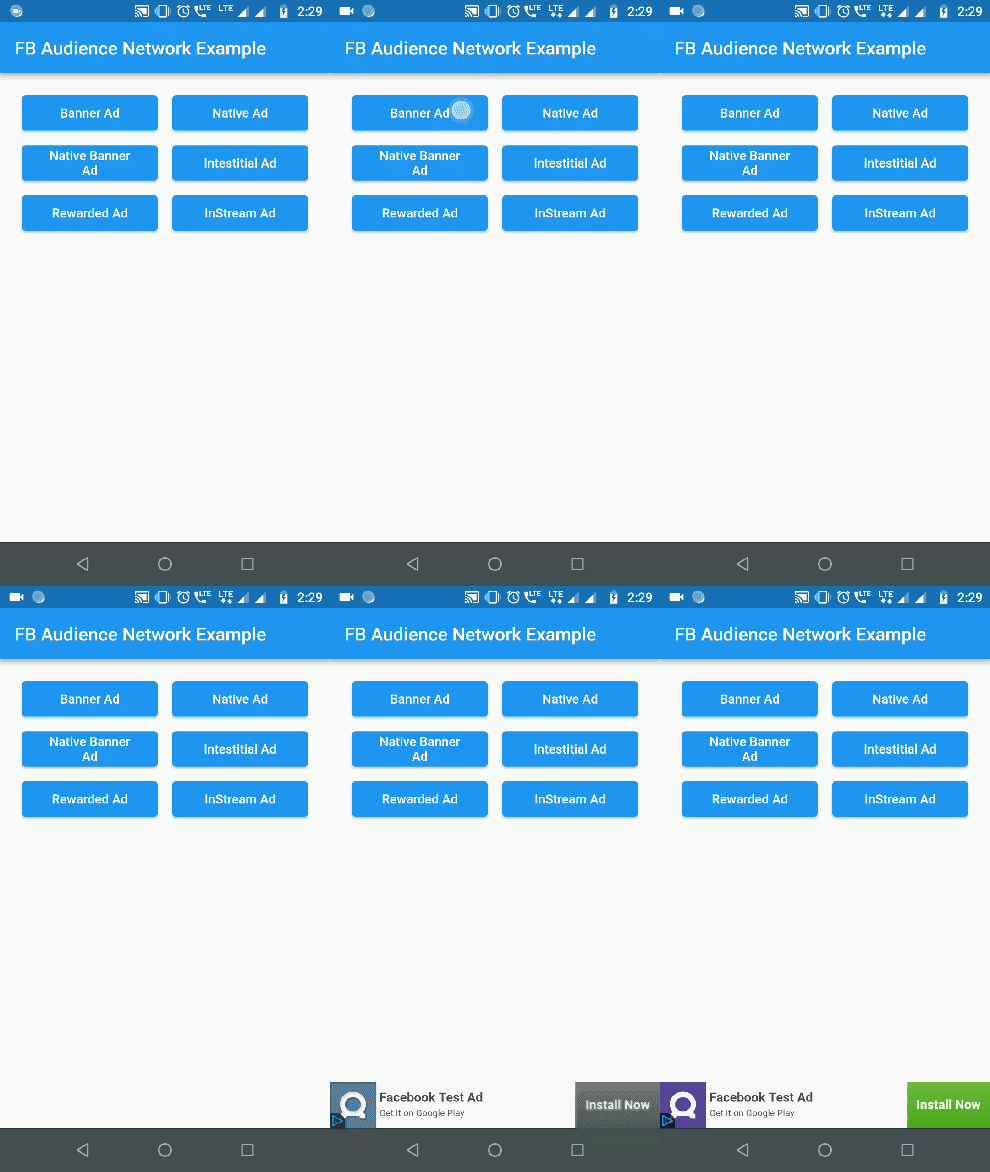
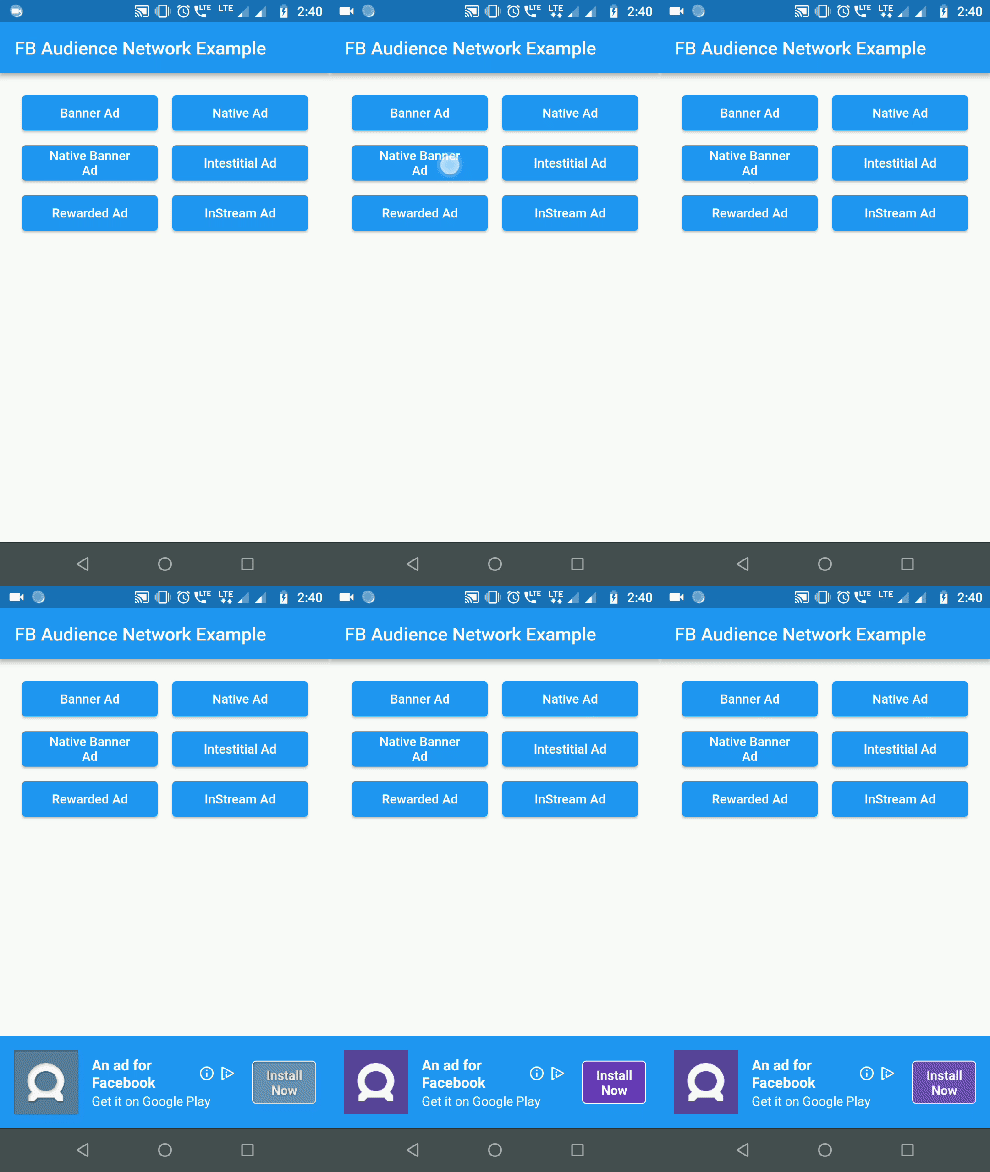
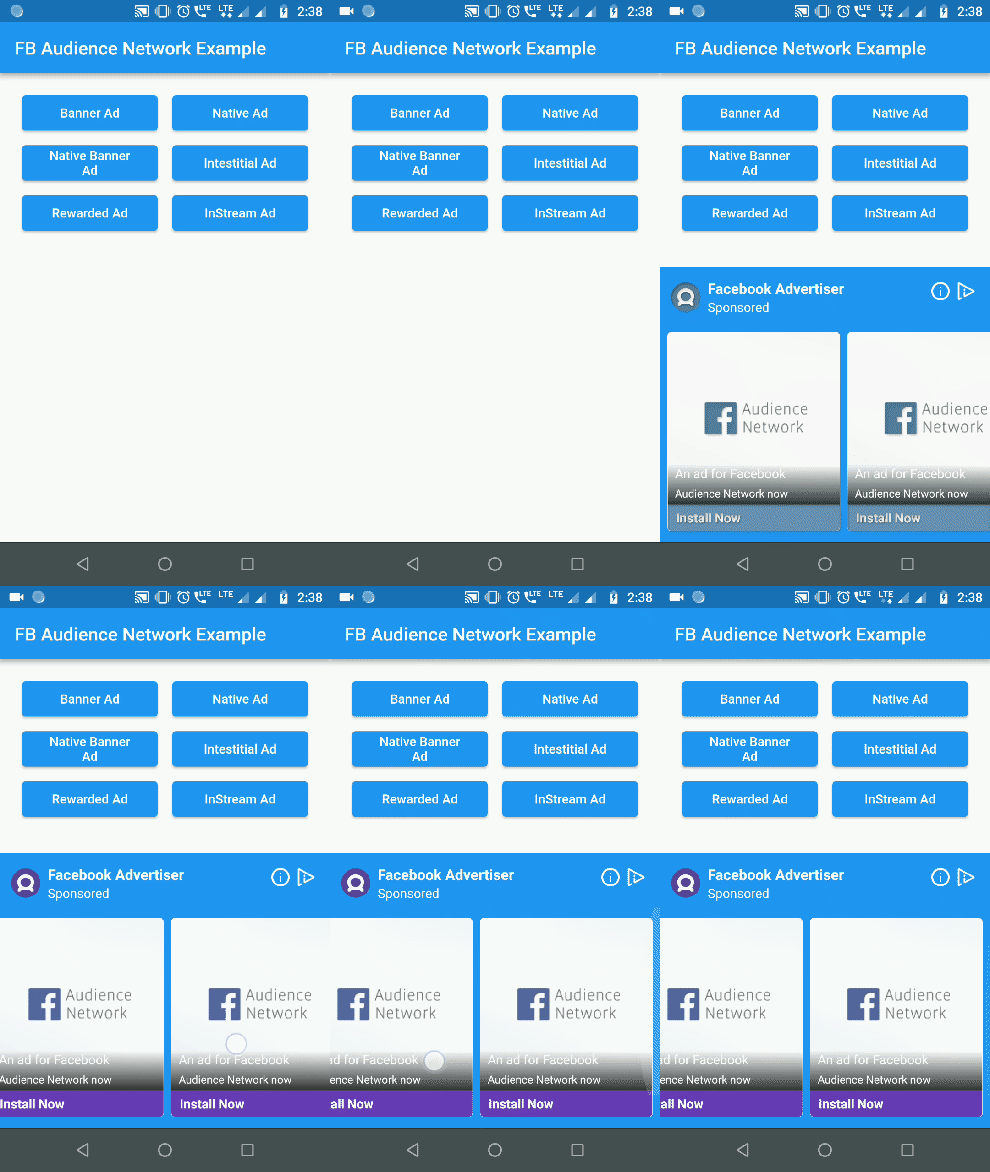
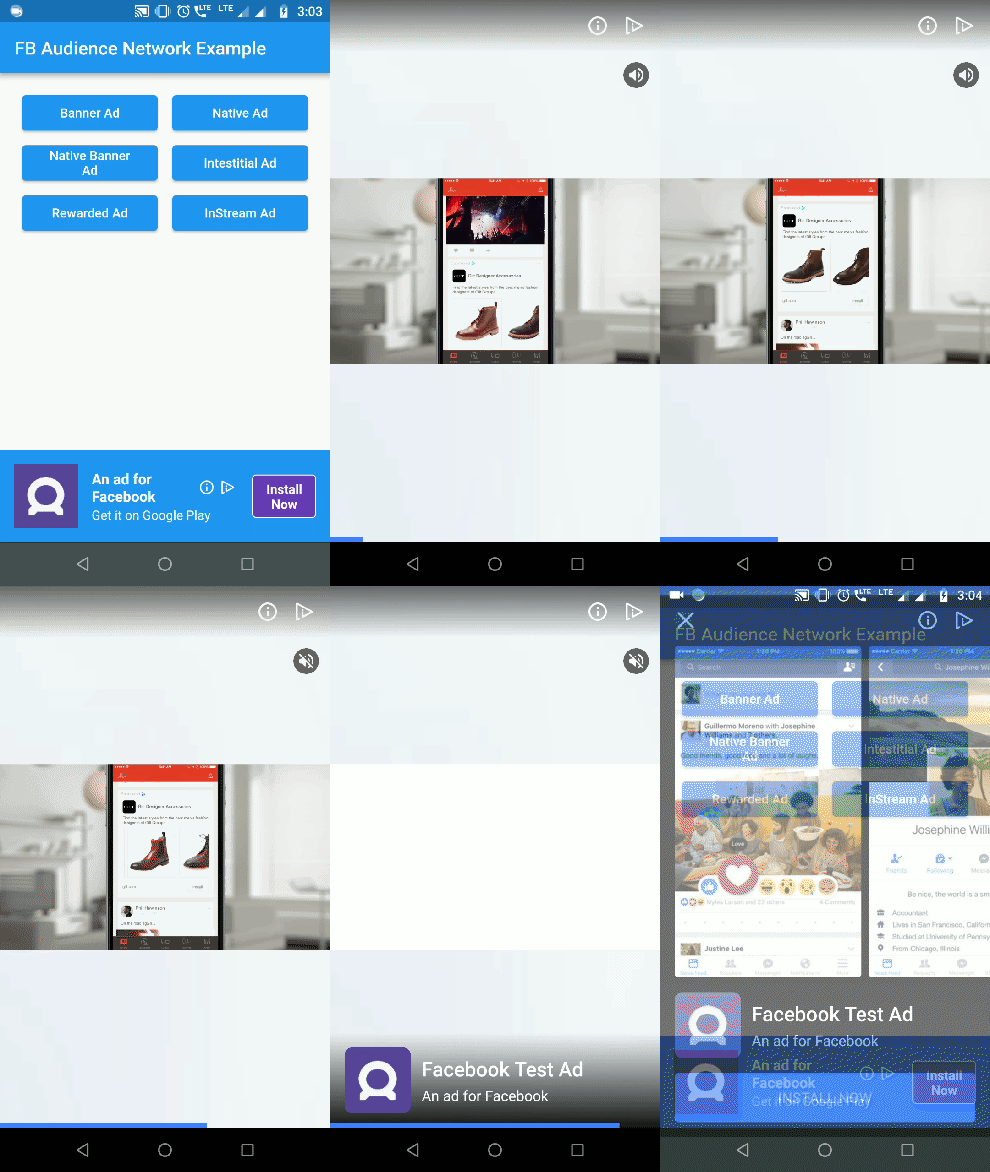
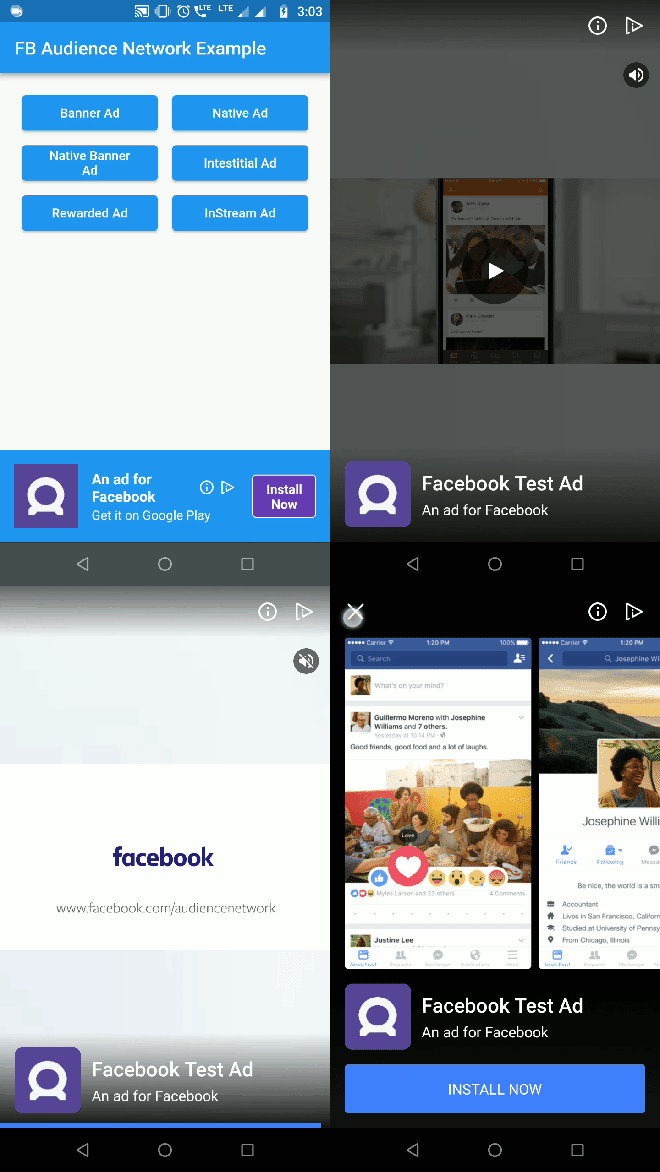
Banner Ad Native Banner Ad Native Ad
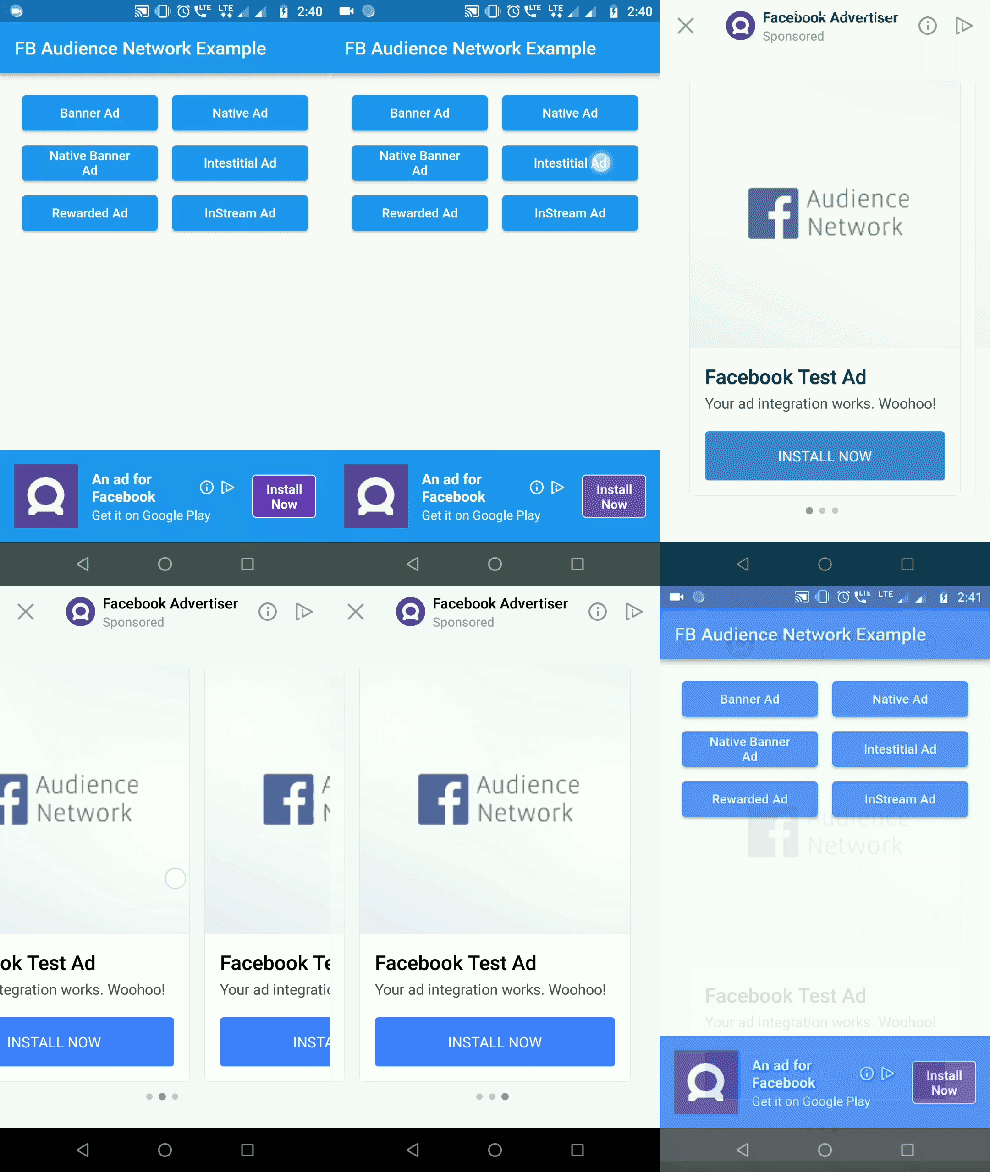
Interstitial Ad Rewarded Video Ad
Interstitial Ad Rewarded Ad

Getting Started

1. Initialization:

For testing purposes you need to obtain the hashed ID of your testing device. To obtain the hashed ID:

  1. Call FacebookAudienceNetwork.init() during app initialization.
  2. Place the FacebookBannerAd widget in your app.
  3. Run the app.

The hased id will be in printed to the logcat. Paste that onto the testingId parameter.

FacebookAudienceNetwork.init(
  testingId: "37b1da9d-b48c-4103-a393-2e095e734bd6", //optional
  iOSAdvertiserTrackingEnabled: true //default false
);
IOS Setup

In Pod file, set the IOS deployment target version to 9.0

IN iOS, Banner, Interstital and Native Ads are supported


2. Show Banner Ad:
Container(
  alignment: Alignment(0.5, 1),
  child: FacebookBannerAd(
    placementId: Platform.isAndroid ? "YOUR_ANDROID_PLACEMENT_ID" : "YOUR_IOS_PLACEMENT_ID",
    bannerSize: BannerSize.STANDARD,
    listener: (result, value) {
      switch (result) {
        case BannerAdResult.ERROR:
          print("Error: $value");
          break;
        case BannerAdResult.LOADED:
          print("Loaded: $value");
          break;
        case BannerAdResult.CLICKED:
          print("Clicked: $value");
          break;
        case BannerAdResult.LOGGING_IMPRESSION:
          print("Logging Impression: $value");
          break;
      }
    },
  ),
)

3. Show Interstitial Ad:
FacebookInterstitialAd.loadInterstitialAd(
  placementId: "YOUR_PLACEMENT_ID",
  listener: (result, value) {
    if (result == InterstitialAdResult.LOADED)
      FacebookInterstitialAd.showInterstitialAd(delay: 5000);
  },
);

4. Show Rewarded Video Ad:

(Android Only)

FacebookRewardedVideoAd.loadRewardedVideoAd(
  placementId: "YOUR_PLACEMENT_ID",
  listener: (result, value) {
    if(result == RewardedVideoResult.LOADED)
      FacebookRewardedVideoAd.showRewardedVideoAd();
    if(result == RewardedVideoResult.VIDEO_COMPLETE)
      print("Video completed");
  },
);

5. Show Native Ad:
  • NativeAdType NATIVE_AD_HORIZONTAL & NATIVE_AD_VERTICAL ad types are supported only in iOS. In Android use NATIVE_AD.
FacebookNativeAd(
  placementId: "YOUR_PLACEMENT_ID",
  adType: NativeAdType.NATIVE_AD,
  width: double.infinity,
  height: 300,
  backgroundColor: Colors.blue,
  titleColor: Colors.white,
  descriptionColor: Colors.white,
  buttonColor: Colors.deepPurple,
  buttonTitleColor: Colors.white,
  buttonBorderColor: Colors.white,
  keepAlive: true, //set true if you do not want adview to refresh on widget rebuild
  keepExpandedWhileLoading: false, // set false if you want to collapse the native ad view when the ad is loading 
  expandAnimationDuraion: 300, //in milliseconds. Expands the adview with animation when ad is loaded
  listener: (result, value) {
    print("Native Ad: $result --> $value");
  },
),

6. Show Native Banner Ad:

Use NativeBannerAdSize to choose the height for Native banner ads. height property is ignored for native banner ads.

FacebookNativeAd(
  placementId: "YOUR_PLACEMENT_ID",
  adType: NativeAdType.NATIVE_BANNER_AD,
  bannerAdSize: NativeBannerAdSize.HEIGHT_100,
  width: double.infinity,
  backgroundColor: Colors.blue,
  titleColor: Colors.white,
  descriptionColor: Colors.white,
  buttonColor: Colors.deepPurple,
  buttonTitleColor: Colors.white,
  buttonBorderColor: Colors.white,
  listener: (result, value) {
    print("Native Ad: $result --> $value");
  },
),

Check out the example for complete implementation.

iOS wrapper code contribution by lolqplay team from birdgang

Note: Instream video ad has been removed by Facebook. Read more here

Future Work

Implement Rewarded video for iOS platform.

所屬分類

依賴

依賴清單 2 項

原始碼儲存庫

使用此套件的專案