搜尋套件、儲存庫與 APP 分類

flip_panel_plus 封面
套件詳情v2.0.0

flip_panel_plus

一個用於翻轉面板項目(如圖片、倒數計時或時鐘)的套件,內建動畫效果。

AndroidiOSWebmacOSWindowsLinux
近 30 天下載
297
喜歡數
37
Pub 分數
160

安裝套件

flutter pub add flip_panel_plus

套件介紹

根據套件公開資料產生的選型評估,僅供參考。

FlipPanelPlus 是一個 Flutter 套件,可為顯示圖片、倒數計時或時鐘等內容的翻轉面板小部件提供動畫效果。它具備平滑的內建動畫,可模擬實體面板的翻轉效果,非常適合用於計時器、計分板或動態資料顯示。該套件支援 Android、iOS、Web、macOS、Windows 和 Linux 等多個平台,適用於跨平台應用。透過 pub add 簡單整合,可提升使用者體驗,帶來吸引人的視覺反饋。

適用情境

  • 倒數計時器
  • 數位時鐘
  • 分數顯示
  • 圖像翻轉過渡
  • 互動式儀表板
  • 遊戲分數追蹤器

主要特色

  • 內建翻轉動畫
  • 對多種內容類型的支援
  • 跨平台相容性
  • 輕鬆整合
  • 可自訂外觀
  • 流暢的效能

適合對象

  • 基於計時器的應用
  • 遊戲化功能
  • 儀表板小部件
  • 教育工具
  • 即時資料視覺化
  • 互動式 UI 組件

使用建議

  • 可能影響低階裝置的效能
  • 超出基本樣式之外的有限自訂
  • 在狀態上下文中需要小心處理
  • 不適合複雜的動畫
  • 最佳搭配靜態或可預測的內容使用
  • 依賴於一致的資料更新

原始 README

以下為關聯原始碼儲存庫的 README 原文快照,最新內容請造訪原始碼儲存庫。

Flip Panel Plus

3D flip-panel widgets for Flutter: a countdown timer, a flip clock, and flipping digits you can drive from any value.

FlipCountdown

Why this package

A countdown is easy to get wrong. Most implementations subtract a second on every tick, which quietly drifts when a frame is slow, and jumps to the wrong value after the app has been in the background.

FlipCountdown derives the time left from how much time has actually passed, and reads two clocks to do it (a monotonic one and the wall clock), taking whichever has advanced further:

  • Late or dropped ticks cannot cause drift; the value is recomputed, not decremented.
  • Backgrounding or device sleep is handled: the wall clock catches the countdown back up.
  • Moving the device clock backwards cannot rewind the countdown.
  • Server-driven deadlines are supported directly: pass referenceTime and the device's own clock is never used to decide how long is left.

Install

dependencies:
  flip_panel_plus: ^2.0.0
import 'package:flip_panel_plus/flip_panel_plus.dart';

Countdown

Count down to a moment:

FlipCountdown(
  targetDate: saleEndsAt,
  referenceTime: serverNow, // optional; keeps the device clock out of it
  onDone: () => setState(() => _finished = true),
)

Or for a fixed length:

FlipCountdown(
  duration: const Duration(hours: 1, minutes: 30),
  showLabels: true,
  onTick: (remaining) => debugPrint('$remaining'),
)

Segments are chosen automatically. Days only appear when the countdown is a day or more, hours only when it is an hour or more. Override with showDays, showHours, showMinutes and showSeconds.

flip_countdown_controller

Controlling it

Pass a FlipCountdownController when you need to drive the countdown from elsewhere. A controller you create is yours to dispose.

final controller = FlipCountdownController(
  duration: const Duration(minutes: 10),
  autoStart: false,
);

FlipCountdown(controller: controller);

controller.start();
controller.pause();
controller.resume();
controller.addTime(const Duration(minutes: 5));
controller.reset(autoStart: true);

controller.remaining; // Duration
controller.progress;  // 0.0 -> 1.0
controller.status;    // idle | running | paused | completed

Styling

Appearance lives in one object, [FlipDigitStyle], so a look can be defined once and reused across every widget in the package.

Styles
FlipCountdown(
  duration: d,
  style: FlipDigitStyle.card(seed: Colors.indigo),
)

Four presets to start from, each adjustable with copyWith:

Preset Look
FlipDigitStyle.dark() the classic split-flap board
FlipDigitStyle.light() inverted, with a hairline border
FlipDigitStyle.card() tinted and raised, with a shadow
FlipDigitStyle.minimal() no box at all, for overlaying artwork

Gradients, borders and shadows are supported directly:

const FlipDigitStyle(
  fontSize: 26,
  borderRadius: BorderRadius.all(Radius.circular(10)),
  gradient: LinearGradient(colors: [Color(0xFFFF7A18), Color(0xFFE1231C)]),
)
Removing the split line

A flip panel is drawn as two halves, and the gap between them is what gives a split-flap its seam. Set panelSpacing: 0 for a seamless digit:

FlipCountdown(duration: d, panelSpacing: 0)
Labels, separators and segments
FlipCountdown(
  duration: d,
  showLabels: true,
  labelPosition: FlipLabelPosition.above,   // or below
  labels: const FlipCountdownLabels.short(), // D / H / M / S
  separator: const SizedBox(width: 10),      // or SizedBox.shrink() to remove
  showSeconds: false,                        // hide any segment
  curve: Curves.easeOutBack,                 // easing on the fold
)
More looks, by composition

FlipCountdown is an ordinary widget, so looks that are not a digit style come from wrapping it. Two common ones:

Ruled and compact strip

Ruled, with rules above and below and no boxes:

Column(
  mainAxisSize: MainAxisSize.min,
  children: [
    Container(height: 1.5, color: Colors.white24),
    const Padding(
      padding: EdgeInsets.symmetric(vertical: 8),
      child: FlipCountdown(
        duration: d,
        panelSpacing: 0,
        separator: SizedBox(width: 8),
        style: FlipDigitStyle.minimal(fontSize: 30),
      ),
    ),
    Container(height: 1.5, color: Colors.white24),
  ],
)

Compact strip, with an icon, a caption and the time on one line:

Container(
  padding: const EdgeInsets.symmetric(horizontal: 14, vertical: 10),
  decoration: BoxDecoration(
    color: const Color(0xFF1F6F4A),
    borderRadius: BorderRadius.circular(10),
  ),
  child: const Row(
    mainAxisSize: MainAxisSize.min,
    children: [
      Icon(Icons.timer_outlined, color: Colors.white, size: 18),
      SizedBox(width: 6),
      Text('ENDS IN', style: TextStyle(color: Colors.white, fontSize: 12)),
      SizedBox(width: 12),
      FlipCountdown(
        duration: d,
        panelSpacing: 0,
        style: FlipDigitStyle.minimal(fontSize: 18, width: 15, height: 26),
      ),
    ],
  ),
)

Tip on flip speed. flipDuration defaults to 450ms. Against a one-second tick that means the digit is mid-fold for nearly half of every second, which is fine behind a solid panel but reads as a broken glyph on the box-less styles above. Shorten it (240 to 300ms) whenever the digits have no panel to fold against.

Languages and RTL

Labels are ordinary strings, so pass whatever language you need:

FlipCountdown(
  duration: d,
  showLabels: true,
  labels: const FlipCountdownLabels(
    days: 'أيام',
    hours: 'ساعات',
    minutes: 'دقائق',
    seconds: 'ثوانٍ',
  ),
)

Digits can use another numeral system through digitFormatter:

style: const FlipDigitStyle.dark()
    .copyWith(digitFormatter: FlipDigitStyle.easternArabicNumerals), // ١٢:٣٤

In an RTL app the countdown still reads left to right. A clock is not mirrored in Arabic or Hebrew: the hours stay on the left, and 12 stays 12 rather than becoming 21. The package pins the layout direction for you, so dropping it inside an RTL Directionality needs no extra work. If you do want the segments mirrored, ask for it explicitly:

FlipCountdown(duration: d, textDirection: TextDirection.rtl)
When it finishes
FlipCountdown(
  duration: d,
  completedBuilder: (context) => const Text('EXPIRED'),
)
Complete control

digitBuilder replaces the digit rendering entirely:

FlipCountdown(
  duration: d,
  digitBuilder: (context, digit) => MyOwnDigit(digit),
)

And [FlipCountdownBuilder] gives you the timing engine with no UI at all, so the countdown can drive anything: a progress ring, a sentence, a chart.

FlipCountdownBuilder(
  targetDate: saleEndsAt,
  builder: (context, remaining, status) =>
      Text('${remaining.inMinutes} min left'),
)

Flip digits

FlipDigit and FlipNumber flip whenever their value changes, with no stream to set up. Only the digits that actually change will flip.

FlipDigit(value: 7)

FlipNumber(value: score, minDigits: 4) // 0042

Flip clock

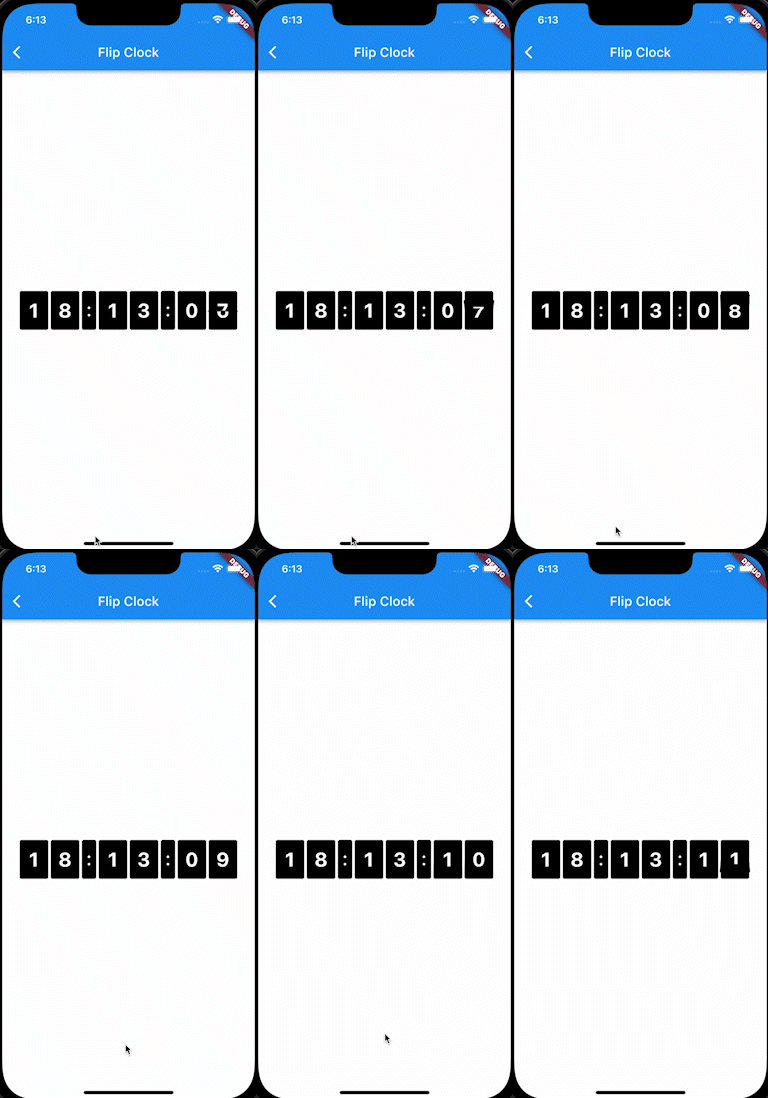
FlipClockPlus.simple(
  startTime: DateTime.now(),
  digitColor: Colors.white,
  backgroundColor: Colors.black,
  digitSize: 30.0,
  borderRadius: const BorderRadius.all(Radius.circular(3.0)),
)

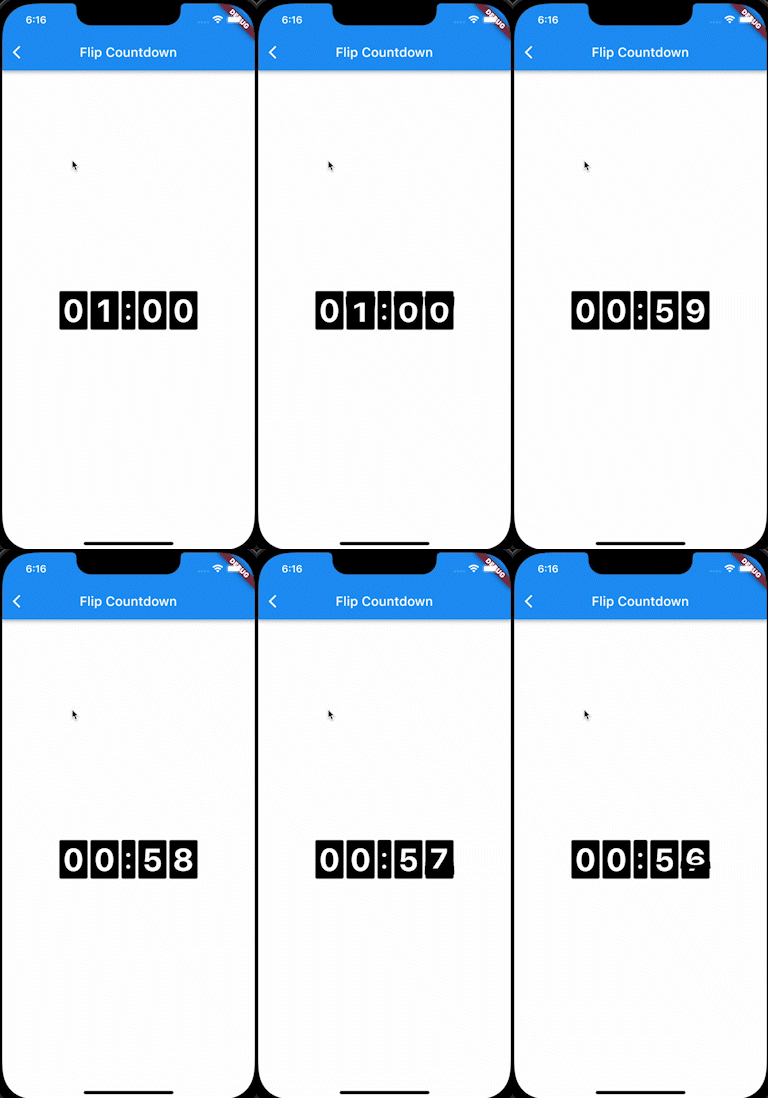
A countdown in the same style:

FlipClockPlus.countdown(
  duration: const Duration(hours: 1),
  digitColor: Colors.white,
  backgroundColor: Colors.black,
  digitSize: 48.0,
  borderRadius: const BorderRadius.all(Radius.circular(3.0)),
  onDone: () => debugPrint('done'),
)

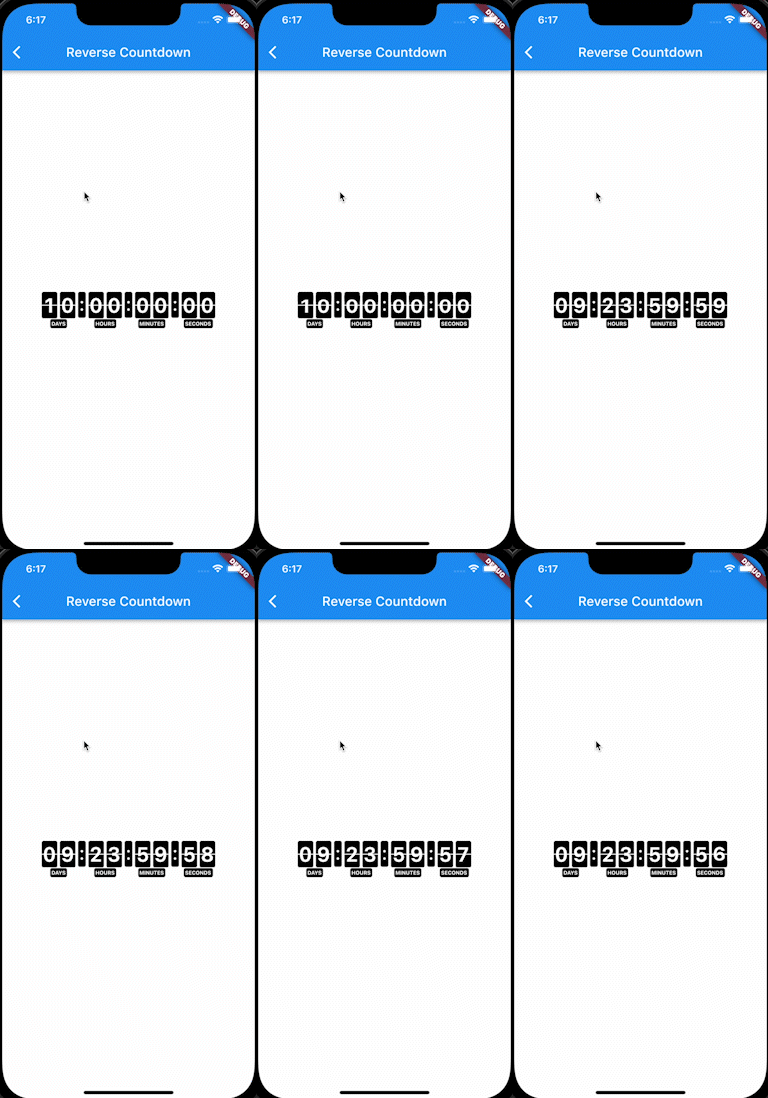
With days and captions:

FlipClockPlus.reverseCountdown(
  duration: const Duration(days: 10),
  digitColor: Colors.white,
  backgroundColor: Colors.black,
  digitSize: 30.0,
  borderRadius: const BorderRadius.all(Radius.circular(3.0)),
  onDone: () => debugPrint('done'),
)

Flipping any widget

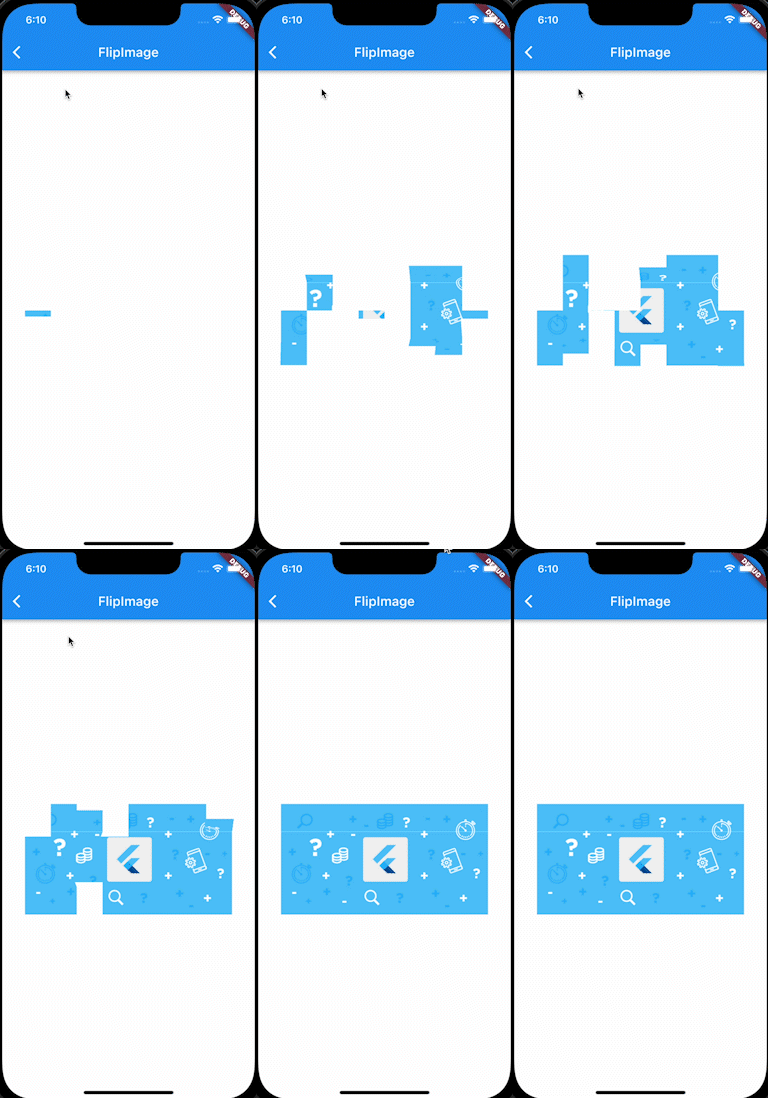
FlipPanelPlus is the animation underneath, and works with any widget.

From a list:

final digits = [0, 1, 2, 3, 4, 5, 6, 7, 8, 9];

FlipPanelPlus.builder(
  itemBuilder: (context, index) => Container(
    color: Colors.black,
    padding: const EdgeInsets.symmetric(horizontal: 6.0),
    child: Text(
      '${digits[index]}',
      style: const TextStyle(
        fontWeight: FontWeight.bold,
        fontSize: 50.0,
        color: Colors.white,
      ),
    ),
  ),
  itemsCount: digits.length,
  period: const Duration(milliseconds: 1000),
  loop: -1, // forever
)

From a stream:

FlipPanelPlus<int>.stream(
  itemStream: myStream,
  itemBuilder: (context, value) => Text('$value'),
  initValue: 0,
)

period must be at least twice duration, otherwise the animation has no time to settle between flips.

Testing

Time is read through package:clock, so countdowns can be driven deterministically in tests with withClock, and they advance normally under testWidgets and fakeAsync.

Credits

Based on flip_panel, which is no longer maintained.

License

MIT. See LICENSE.

所屬分類

依賴

依賴清單 1 項

原始碼儲存庫

使用此套件的專案

暫無相關資料。