flutter_annual_task
flutter_annual_task
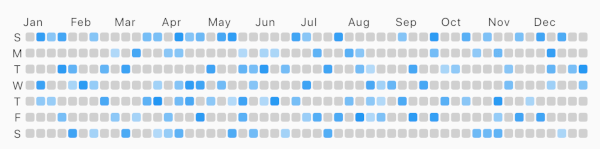
Flutter package for displaying grid view of daily task like Github-Contributions .
Example
Usage
Make sure to check out example project .
AnnualTaskView (
taskItem
),
Installation
Add to pubspec.yaml:
dependencies:
  flutter_annual_task: ^0.1.3
Then import it to your project:
import 'package:flutter_annual_task/flutter_annual_task.dart' ;
And finally add AnnualTaskView widget in your project.
AnnualTaskView (
taskItem
),
AnnualTaskItem
AnnualTaskItem
class AnnualTaskItem final DateTime date;
final double proceeding;
AnnualTaskItem (this .date, [this .proceeding = 1.0 ]);
...
}
The value of proceeding affects the opacity on the each cell of daily task.
AnnualTaskColorItem
If you want to specify color for each daily task, you can use AnnualTaskColorItem.
class AnnualTaskColorItem extends AnnualTaskItem final Color color;
AnnualTaskColorItem (
DateTime date, {
double proceeding = 1.0 ,
this .color,
}) : super (date, proceeding);
...
}
You should generate list of AnnualTaskItem (List<AnnualTaskItem>) to use this package.list of AnnualTaskItem .
<your_item_list>.map (
(item) => AnnualTaskItem (
item.date,
0.5 ,
),
)
.toList ();
<your_item_list>.map (
(item) => AnnualTaskColorItem (
item.date,
color: <color_for_each_item>
),
)
.toList ();
Examples
Cell Shape
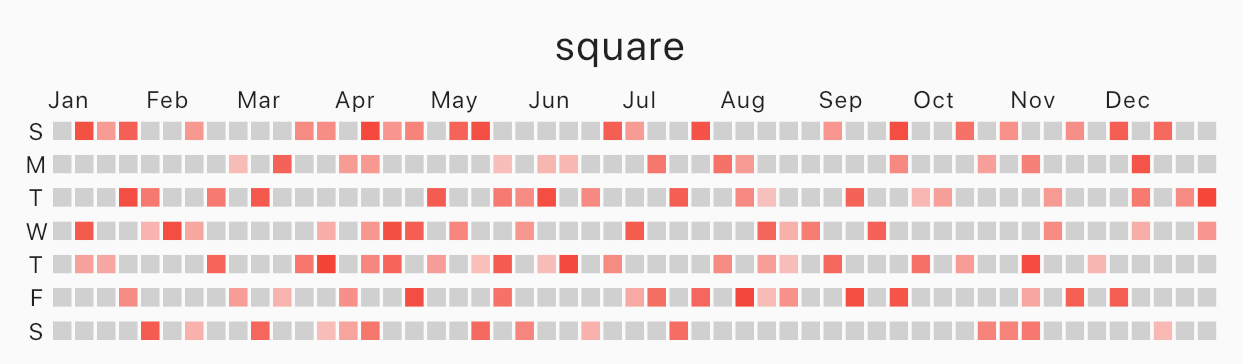
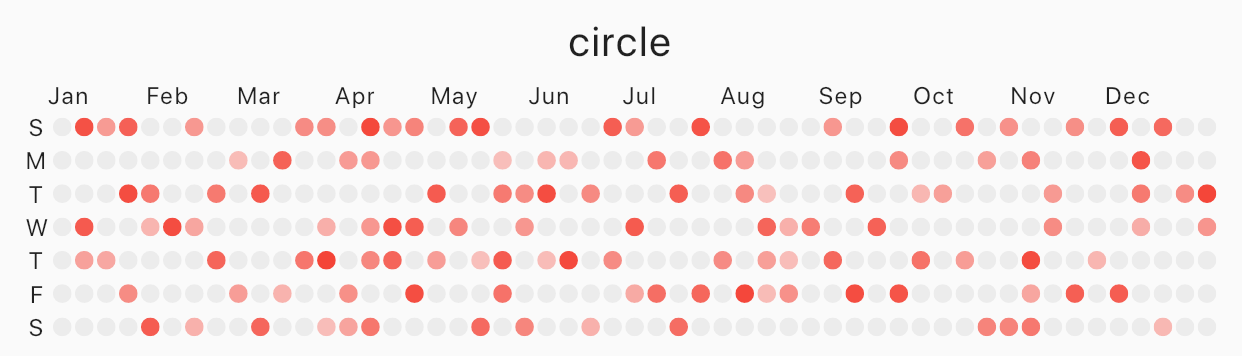
Specify cellShape with AnnualTaskCellShape with AnnualTaskCellShape.ROUNDED_SQUARE(default), AnnualTaskCellShape.SQUARE or AnnualTaskCellShape.CIRCLE.
Square
square
AnnualTaskView (
taskItem,
cellShape: AnnualTaskCellShape .SQUARE,
)
Circle
circle
AnnualTaskView (
taskItem,
cellShape: AnnualTaskCellShape .CIRCLE,
)
AnnualTaskColorItem
circle
AnnualTaskView (
taskItemWithColor,
)
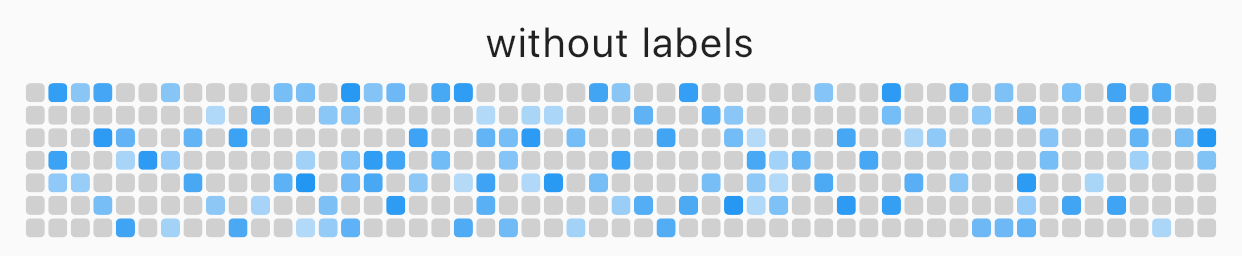
Labels
You can edit the labels of week or the labels of month .
AnnualTaskView (
taskItem,
showMonthLabel: false ,
showWeekDayLabel: false ,
)
without labels
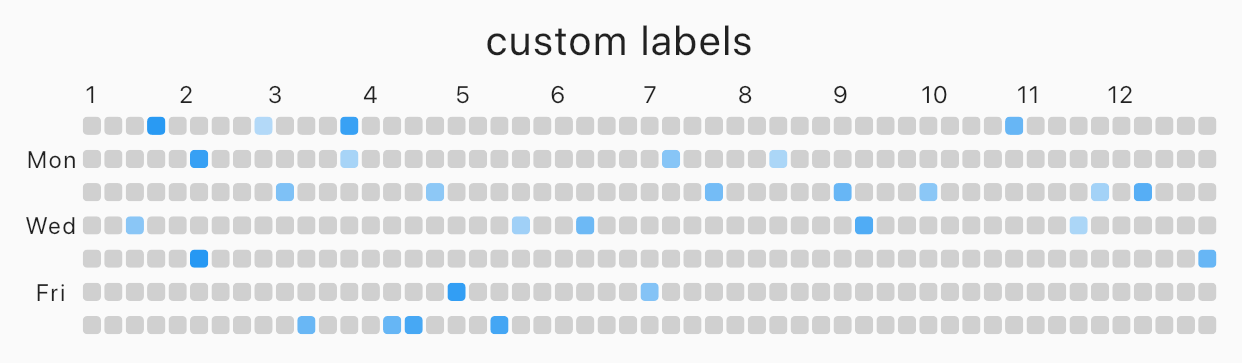
Custom label
custom labels
AnnualTaskView (
taskItem,
weekDayLabels: ['' , 'Mon' , '' , 'Wed' , '' , 'Fri' , '' ],
monthLabels: ['1' ,'2' ,'3' ,'4' ,'5' ,'6' ,'7' ,'8' ,'9' ,'10' ,'11' ,'12' ],
)
The type of weekDayLabels and monthLabels is List<String>.
weekDayLabels starts from Sunday.default value of `weekDayLabels' is ['S', 'M', 'T', 'W', 'T', 'F', 'S'].
default value of monthLabels' is ['Jan', 'Feb', 'Mar', 'Apr', 'May', 'Jun', 'Jul', 'Aug', 'Sep', 'Oct', 'Nov', 'Dec']`.
You can also hide the label of each items with empty String(''). But, weekDayLabels should be length of 7 and, monthLabels should be length of 12 .
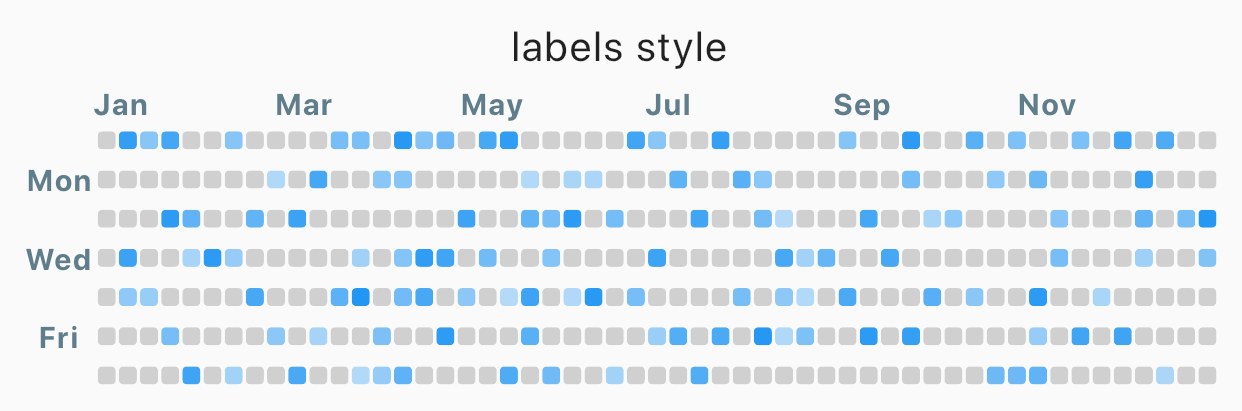
Styled label
Styled label
AnnualTaskView (
taskItem,
labelStyle: TextStyle (
color: Colors .blueGrey,
fontSize: 10 ,
fontWeight: FontWeight .bold,
),
)
Props
props
type
desc
items
List<AnnualTaskItem>List of AnnualTaskItem
year
intdefault : DateTime.now().year
activateColor
Colordefault : Theme.of(context).primaryColor
emptyColor
ColorColor of cell with proceeding 0.0 or the day which items doesn't contain. Color(0xFFD0D0D0)
showWeekDayLabel
boolShow the labels of week, if true.true
cellShape
AnnualTaskCellShapeShape of cell. One of AnnualTaskCellShape.ROUNDED_SQUARE, AnnualTaskCellShape.SQUARE or AnnualTaskCellShape.CIRCLE.AnnualTaskCellShape.ROUNDED_SQUARE
showMonthLabel
boolShow the labels of month, if true.true
monthLabels
List<String>Labels of month.['Jan', 'Feb', 'Mar', 'Apr', 'May', 'Jun', 'Jul', 'Aug', 'Sep', 'Oct', 'Nov', 'Dec']
weekDayLabels
List<String>Labels of week.['S', 'M', 'T', 'W', 'T', 'F', 'S']
labelStyle
TextStyleTextStyle of labels.TextStyle(fontSize: 8)