Flutter Headset Detector Plugin
A Flutter plugin to get a headset event.
This is a clone of headset_connection_event, but seperated wired and wireless event.
Current Status
| Platform |
Physical Headset |
Bluetooth |
| iOS |
✅ |
✅ |
| Android |
✅ |
✅ |
Usage
To use this plugin, add flutter_headset_detector as a dependency in your pubspec.yaml file.
Example
import 'package:flutter_headset_detector/flutter_headset_detector.dart';
final headsetDetector = HeadsetDetector();
Map<HeadsetType, HeadsetState> headsetState = {
HeadsetType.WIRED: HeadsetState.DISCONNECTED,
HeadsetType.WIRELESS: HeadsetState.DISCONNECTED,
};
headsetDetector.getCurrentState.then((_val){
headsetState = _val;
setState(() {
});
});
headsetDetector.setListener((_val) {
switch (_val) {
case HeadsetChangedEvent.WIRED_CONNECTED:
headsetState[HeadsetType.WIRED] = HeadsetState.CONNECTED;
break;
case HeadsetChangedEvent.WIRED_DISCONNECTED:
headsetState[HeadsetType.WIRED] = HeadsetState.DISCONNECTED;
break;
case HeadsetChangedEvent.WIRELESS_CONNECTED:
headsetState[HeadsetType.WIRELESS] = HeadsetState.CONNECTED;
break;
case HeadsetChangedEvent.WIRELESS_DISCONNECTED:
headsetState[HeadsetType.WIRELESS] = HeadsetState.DISCONNECTED;
break;
}
setState(() {
});
});
headsetDetector.removeListener();
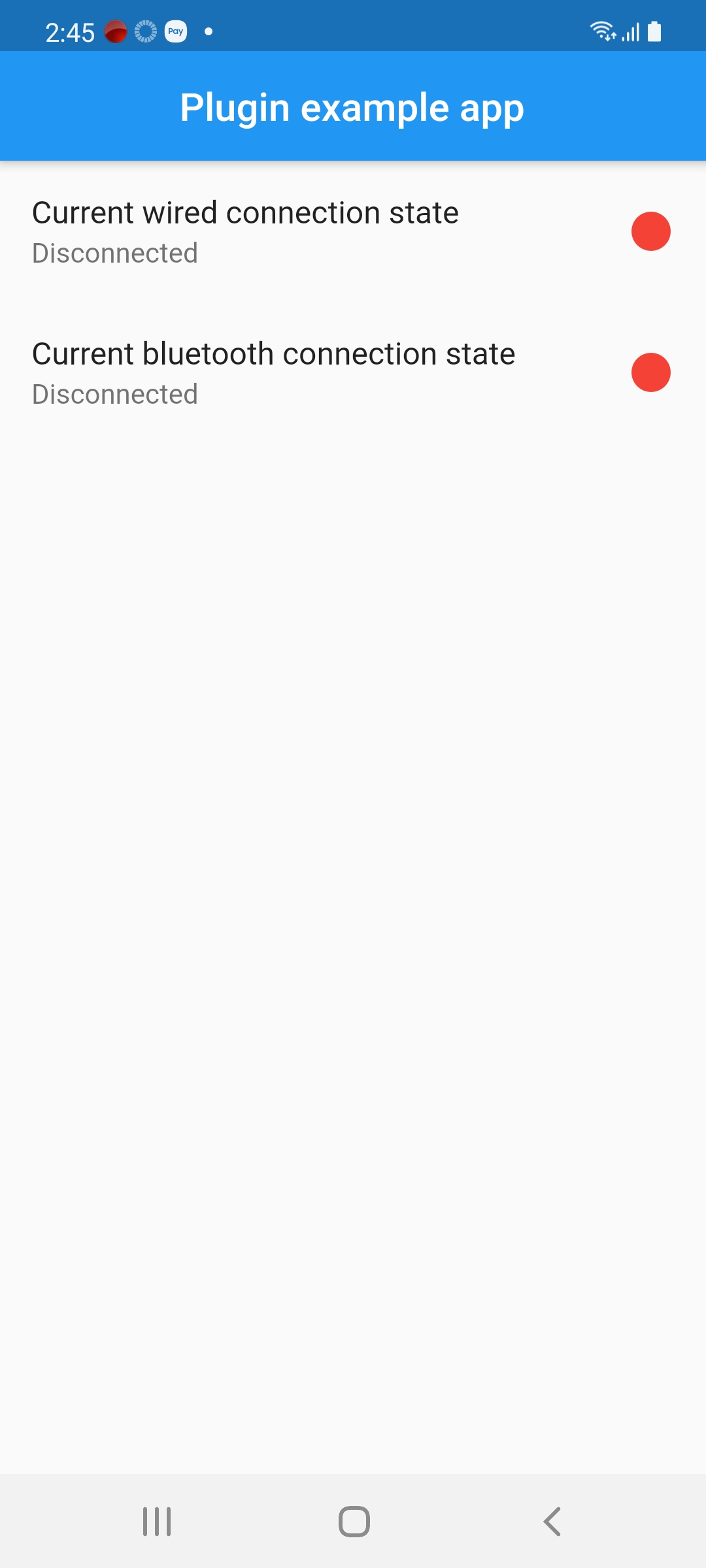
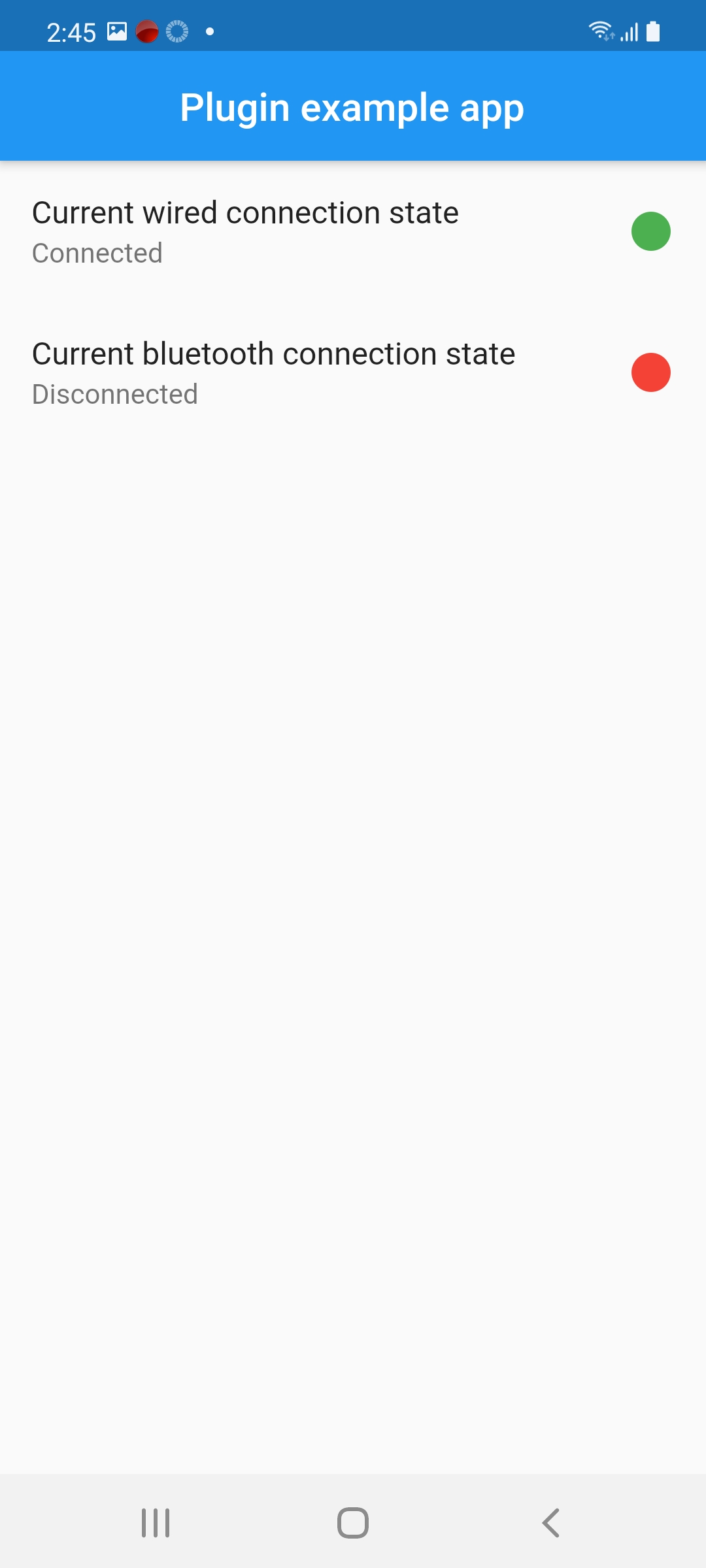
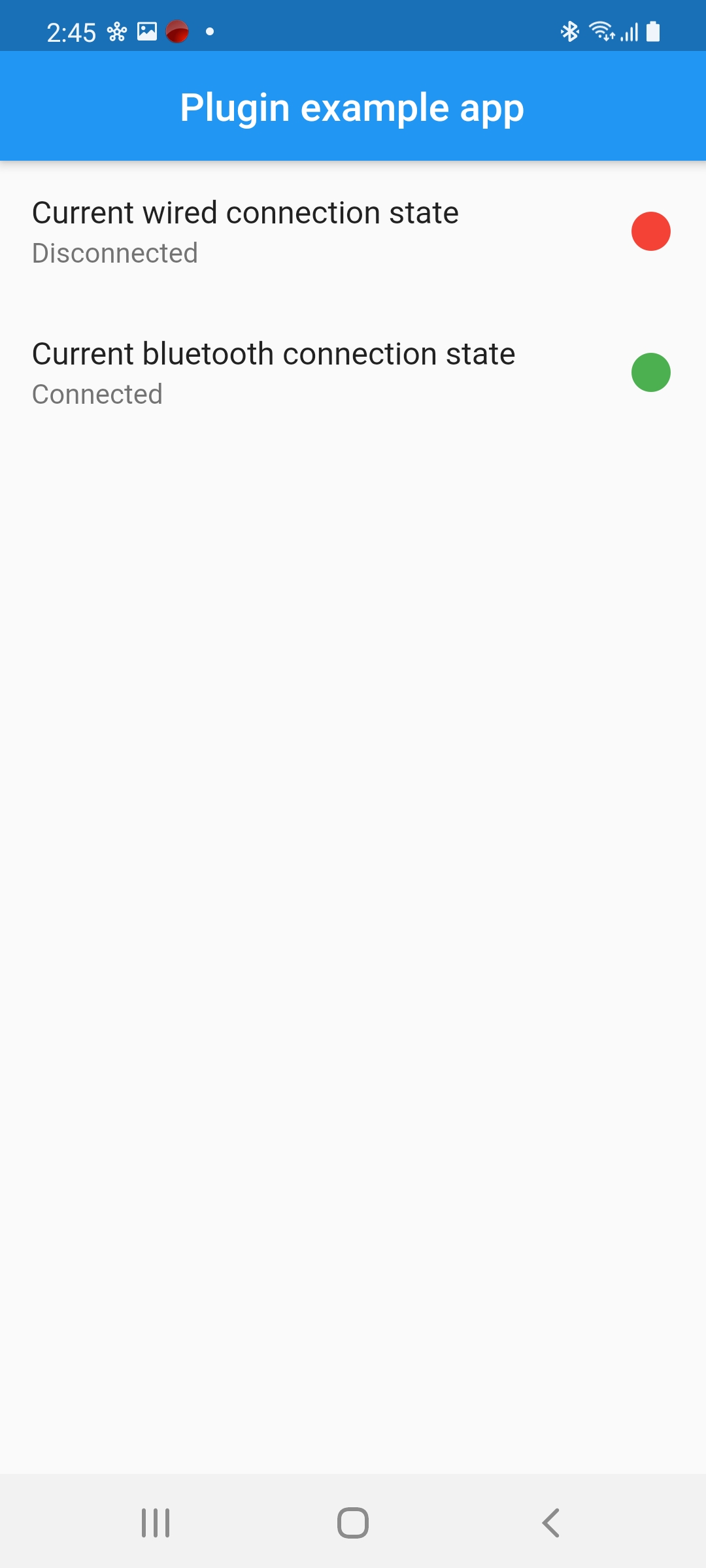
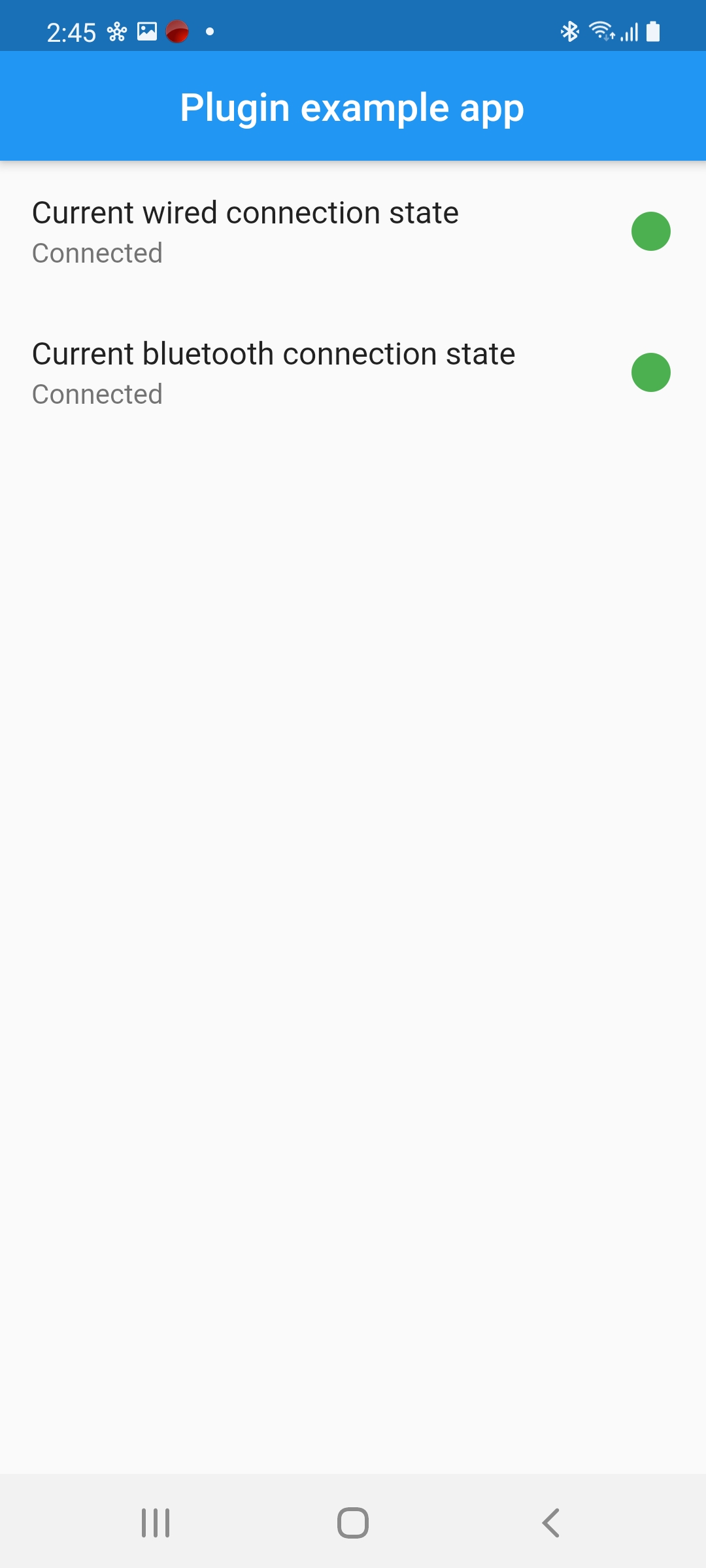
Screenshot