flutter_json_widget
A Json viewer widget for flutter.
Using the library
The /example/ folder in the GitHub repo
contains a full Flutter app with demo examples.
Use this package as a library on Dart dev
1. Depend on it
Add this to your package's pubspec.yaml file:
dependencies:
  flutter_json_widget: ^1.0.3
2. Install it
You can install packages from the command line:
with Flutter:
$ flutter pub get
Alternatively, your editor might support flutter pub get. Check the docs for your editor to learn more.
3. Import it
Now in your Dart code, you can use:
import 'package:flutter_json_widget/flutter_json_widget.dart';
4. Show it
@override
Widget build(BuildContext context) {
    var testString = '''{
        "I": "How are you?",
        "You": "Excellent!"}
        ''';
    Map<String, dynamic> jsonObj = jsonDecode(testString);
    return SafeArea(
        child: SingleChildScrollView(
            child: JsonViewerWidget(jsonObj)
        ),
    );
}
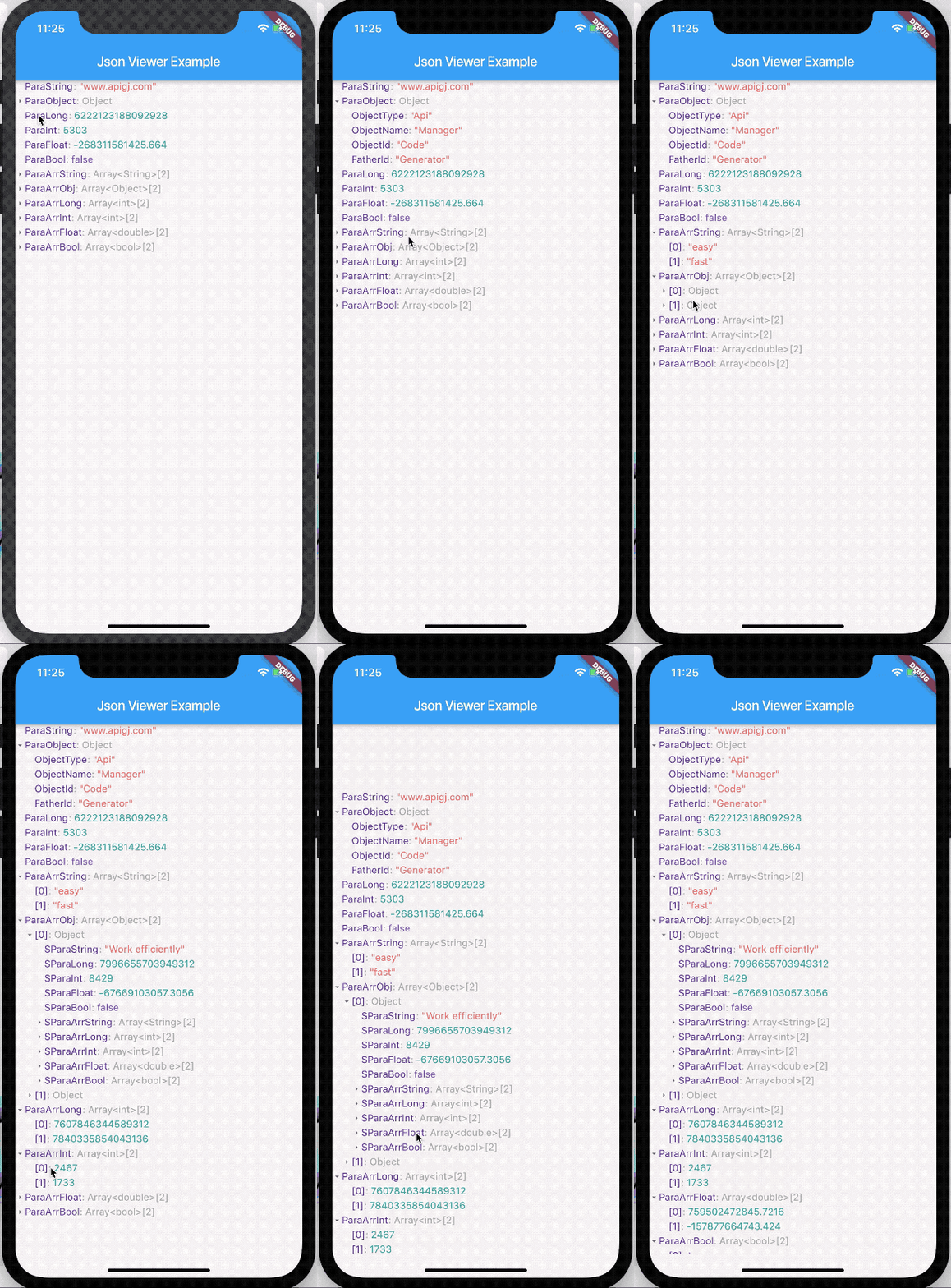
Demo