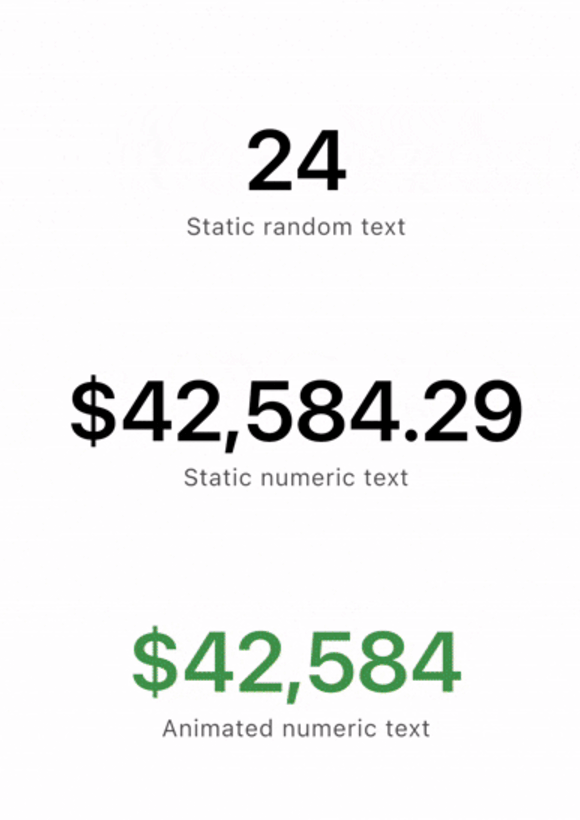
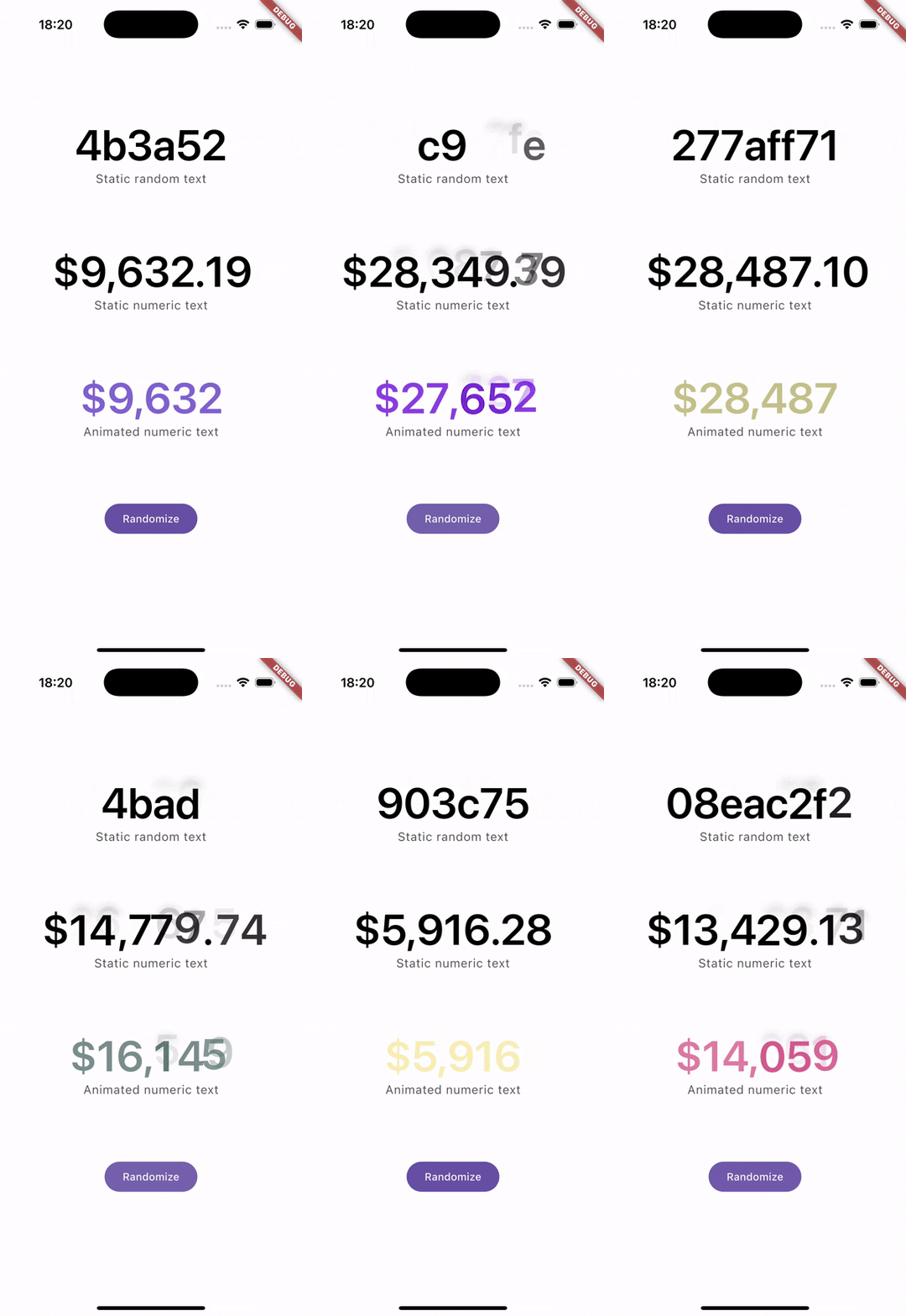
This widget allows you to animate any text. The animation is reminiscent of the text animation in SwiftUI's .numericText(value:). The widget is easy to use and allows you to seamlessly replace Text(data) with NumericText(data).
Features
Automatic text animation
Minimal configuration required to get started
Supports almost all parameters of the Text() widget
No external dependencies required
Usage
import'package:flutter_numeric_text/flutter_numeric_text.dart';
classMyWidgetextendsStatelessWidget{
constMyWidget({super.key});
@overrideWidgetbuild(BuildContext context) {
// Simply add the widget, and when its value changes,// it will automatically trigger the animation.// To use the widget, you only need to provide// a data value, other fields are optional.NumericText(
"12345 or text",
duration: constDuration(milliseconds: 300),
style: constTextStyle(fontSize: 24, color: Colors.black),
textAlign: TextAlign.center,
textDirection: TextDirection.ltr,
locale: constLocale("en", "US"),
softWrap: true,
overflow: TextOverflow.ellipsis,
maxLines: 1,
semanticsLabel: "Numeric value",
);
}
}
With GoogleFonts
...
NumericText(
"12345 or text",
duration: constDuration(milliseconds: 300),
style: GoogleFonts.<your_font>(
fontSize: 24,
color: Colors.black,
// Just a friendly reminder to add the [textStyle] field.// It'll make sure everything calculates correctly.
textStyle: Theme.of(context).textTheme.bodyMedium,
),
);
...
Installation
To use this package, add it to your pubspec.yaml file:
dependencies:flutter_numeric_text:^1.0.0# Replace with the latest version
Contributing
Contributions are welcome! If you have suggestions for improvements or find bugs, please open an issue or submit a pull request.
License
This project is licensed under the MIT License. See the LICENSE file for details.