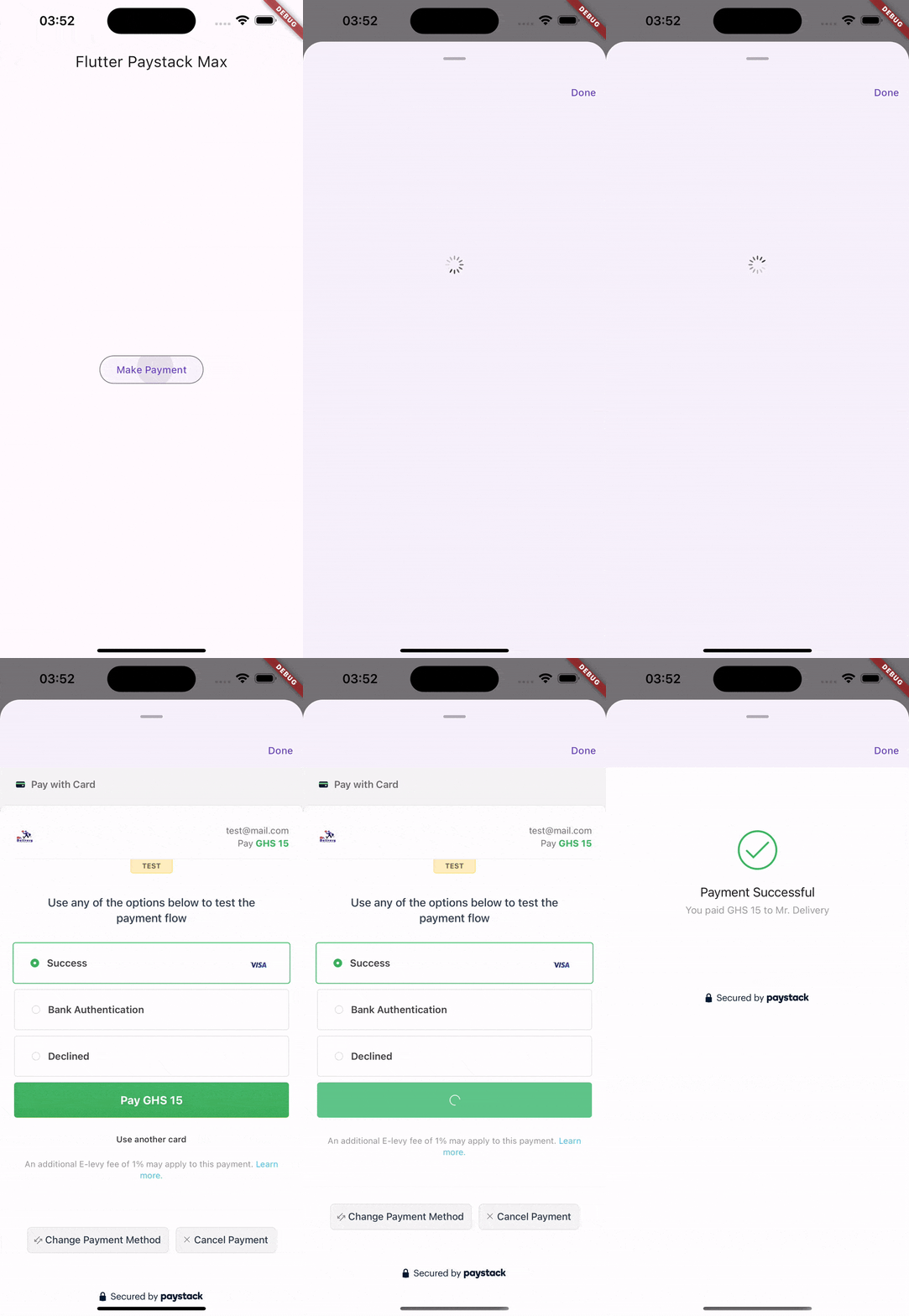
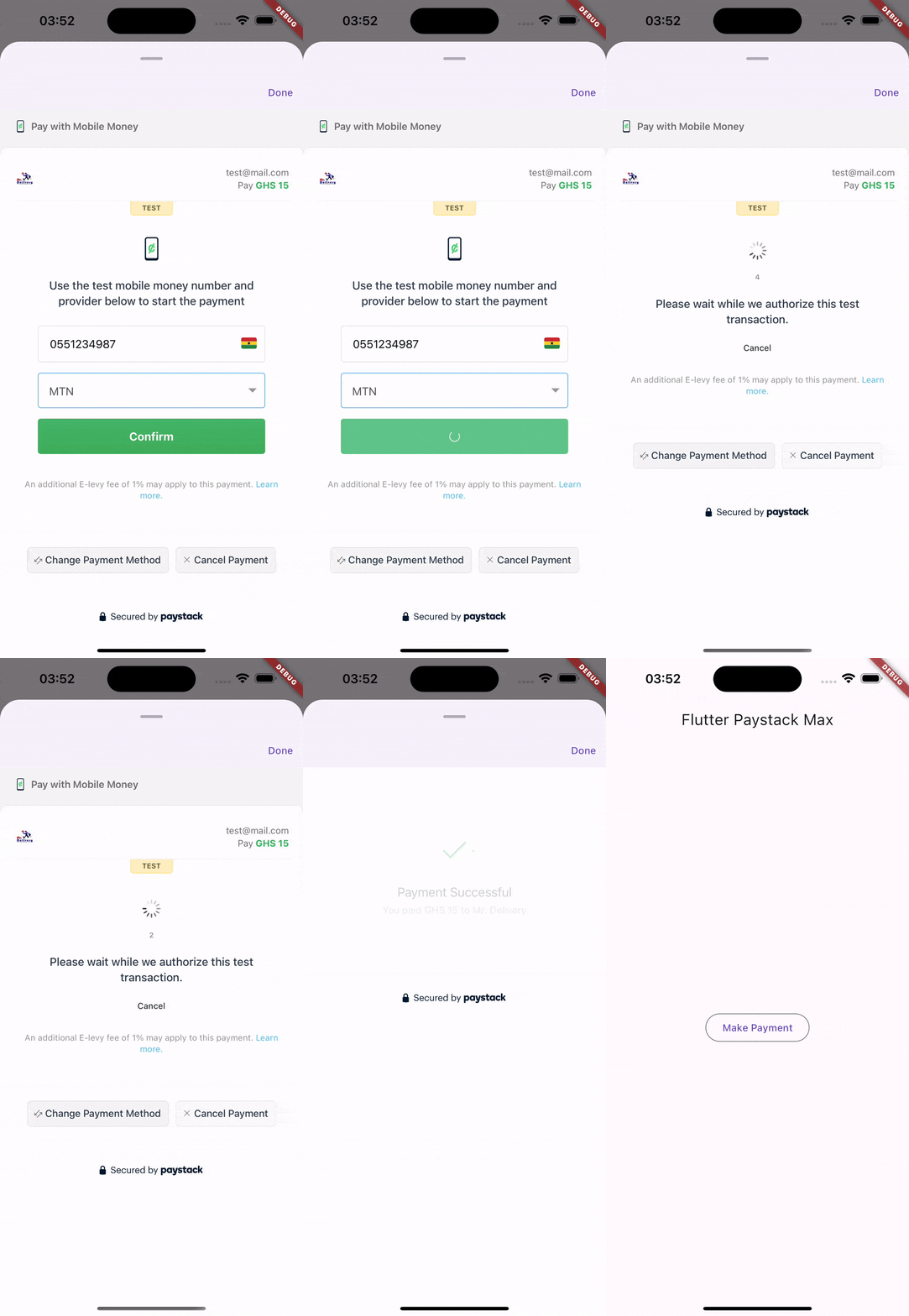
Initialize the transaction with the above transaction request.
final initializedTransaction = awaitPaymentService.initializeTransaction(request);
if (!initializedTransaction.status) {
ScaffoldMessenger.of(context).showSnackBar(SnackBar(
backgroundColor: Colors.red,
content: Text(initializedTransaction.message),
));
return;
}
Open the payment modal to accept payment
final response = awaitPaymentService.showPaymentModal(
context,
transaction: initializedTransaction,
// Callback URL must match the one specified on your paystack dashboard,
callbackUrl: '...'
).then((_) async {
returnawaitPaymentService.verifyTransaction(
paystackSecretKey: '...',
initializedTransaction.data?.reference ?? request.reference,
);
});
print(response); // Result of the confirmed payment
Additional information
Visit the paystack documentation for more information https://paystack.com/docs/api/transaction
:pencil: Contributing, :disappointed: Issues and :bug: Bug Reports
This project is open to contributions.
Please feel very free to help improve the payment experience on Flutter.
Experienced an issue or want to report a bug? Please, report it here.