搜尋套件、儲存庫與 APP 分類

flutter_sequence_animation 封面
套件詳情v4.0.0

flutter_sequence_animation

使用這個強大且易用的套件,將任何動畫組合在一起。

AndroidiOSWebmacOSWindowsLinux
近 30 天下載
1.4萬
喜歡數
248
Pub 分數
140

安裝套件

flutter pub add flutter_sequence_animation

套件介紹

根據套件公開資料產生的選型評估,僅供參考。

Flutter Sequence Animation 是一個強大且直覺的套件,讓開發者能透過串接單一動畫序列來組合複雜的動畫。它簡化了跨小部件建立同步、定時或條件動畫的過程,非常適合用於互動式 UI、引導流程與動態轉場。憑藉乾淨的 API 與對所有主要平台的強大支援,它在不增加複雜性的前提下,提升動畫工作流程。

適用情境

  • 導入畫面動畫
  • 互動式使用者介面轉換
  • 複雜的小部件編排
  • 載入序列效應
  • 動畫表單驗證
  • 遊戲化介面操作

主要特色

  • 易於使用的序列組合
  • 支援平行與序列動畫
  • 內建的定時與延遲控制
  • 跨平台相容性
  • 與現有動畫的簡單整合
  • 可擴充的動畫建構模組

適合對象

  • 開發人員建立動畫引導流程
  • 建構豐富互動式介面的團隊
  • 需要精確動畫控制的應用程式設計師
  • 需要多步驟視覺反饋的專案
  • 初學者學習Flutter動畫

使用建議

  • 可能需要了解基本的動畫概念
  • 長序列的效能影響
  • 除了核心範例外,文件有限
  • 未針對高頻率即時動畫進行優化
  • 最適合宣告式、預定義的動畫路徑

原始 README

以下為關聯原始碼儲存庫的 README 原文快照,最新內容請造訪原始碼儲存庫。

flutter_sequence_animation

Features
  • No need to use intervals and calculate percentages for your total animation time.
  • Animate the same variable with multiple animatables!
  • You only need one AnimationController
  • Intuitive and easy to use interface

Installation

dependencies:
  flutter_sequence_animation: "^4.0.0"

then

$ flutter packages get

then

import 'package:flutter_sequence_animation/flutter_sequence_animation.dart';

Demo

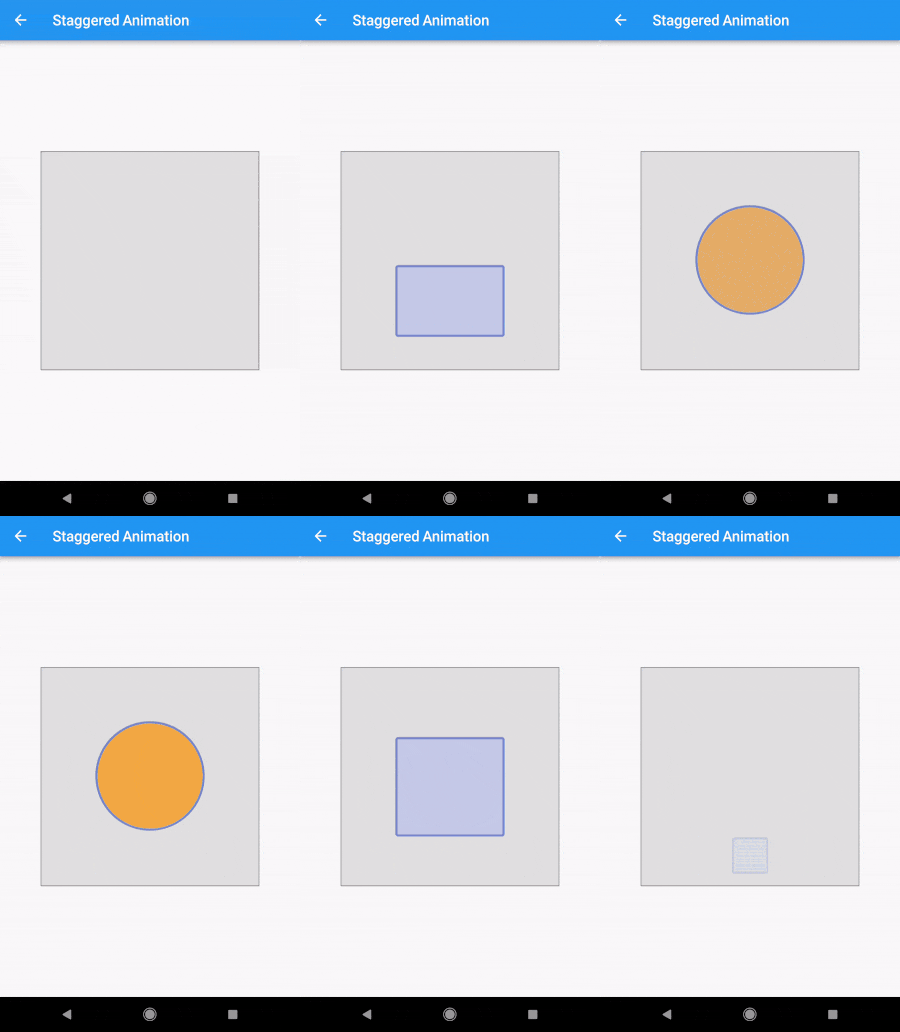
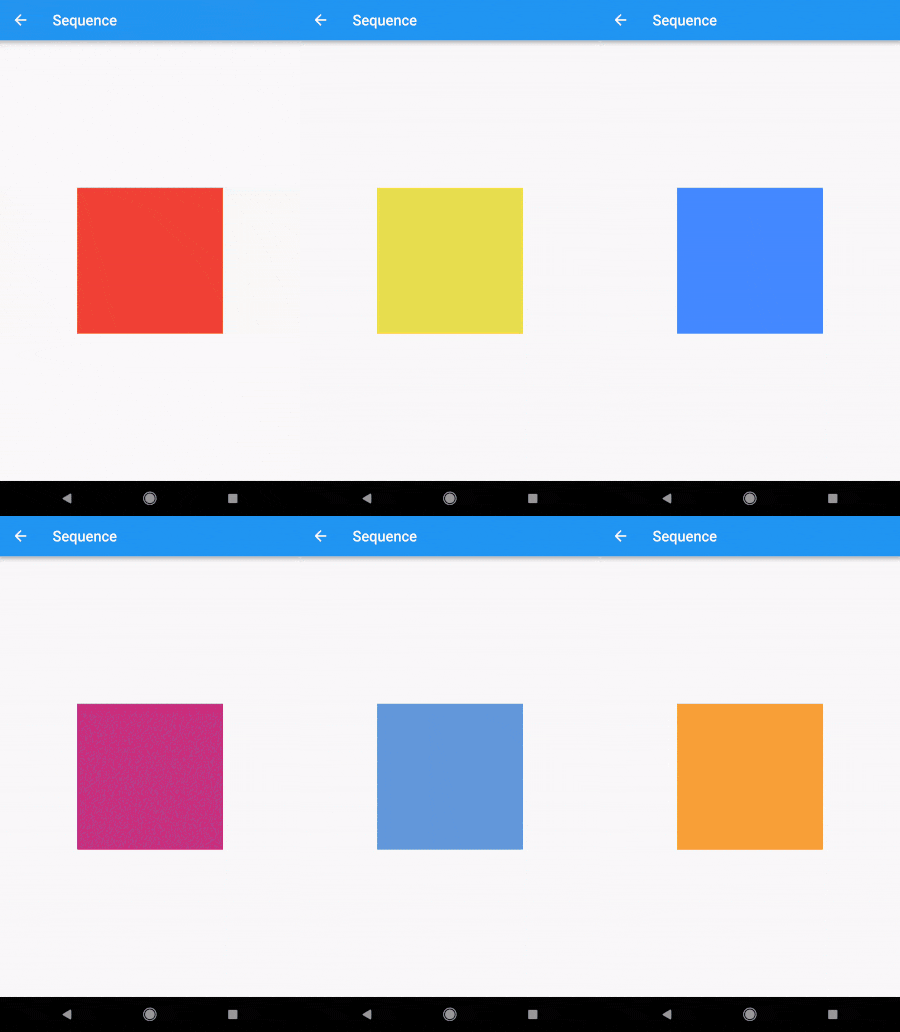
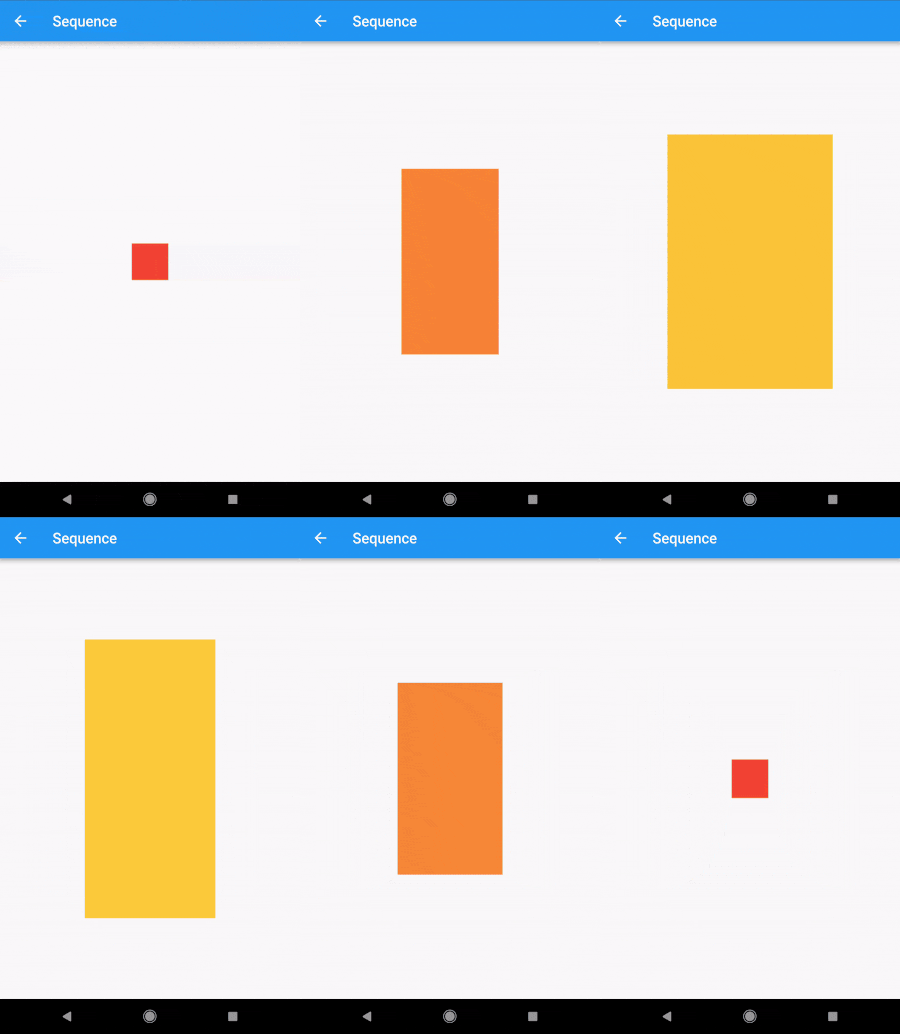
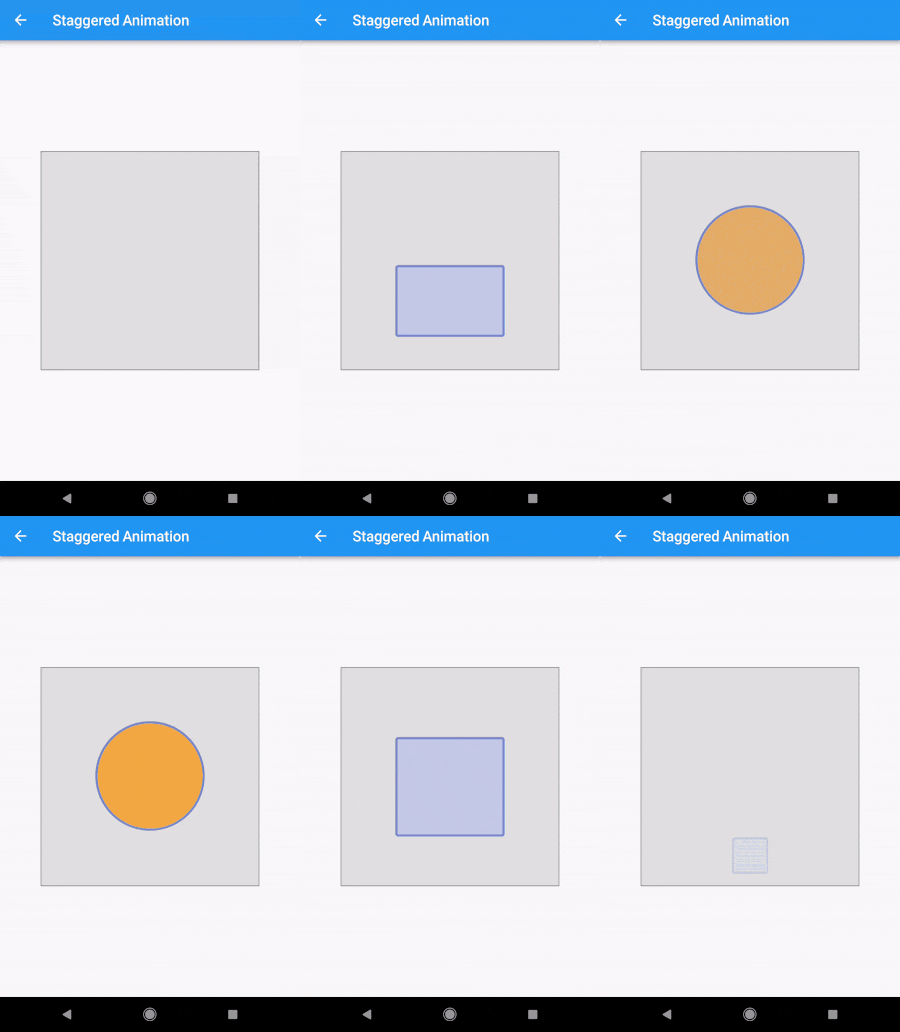
alt-text-1 alt-text-1alt-text-1

Code

The Staggered Animation example from here is 207 lines of code . The same animation with this package is 128 lines of code. It is also much easier to read and edit.

You specify a sequence of animatables like this:
    sequenceAnimation = new SequenceAnimationBuilder()
      .addAnimatable(
          animatable: new ColorTween(begin: Colors.red, end: Colors.yellow),
          from:  const Duration(seconds: 0),
          to: const Duration(seconds: 2),
          tag: "color"
        ).addAnimatable(
          animatable: new ColorTween(begin: Colors.yellow, end: Colors.blueAccent),
          from:  const Duration(seconds: 2),
          to: const Duration(seconds: 4),
          tag: "color",
          curve: Curves.easeOut
        ).addAnimatable(
          animatable: new ColorTween(begin: Colors.blueAccent, end: Colors.pink),
          //  animatable: new Tween<double>(begin: 200.0, end: 40.0),
          from:  const Duration(seconds: 5),
          to: const Duration(seconds: 6),
          tag: "color",
          curve: Curves.fastOutSlowIn
        ).animate(controller);

In this case only the color is animated but you can add as many different properties to the sequence as you'd like to. The only restriction is that animations with the same tag can not overlap and need to be ordered.

Now you can access the resulting animation from anywhere in your code with
sequenceAnimation["color"]

This animation is a composition of all animatables you passed in with the same tag.

Example usage of this example:
new AnimatedBuilder(
          builder: (context, child) {
            return new Center(
              child: new Container(
                color: sequenceAnimation["color"].value,
                height: 200.0,
                width: 200.0,
              ),
            );
          },
          animation: controller,
        ),
The animation duration is set automatically (don't change the duration of the controller yourself).
Sepcial thanks to Simon Lightfoot for the help!

Getting Started

For help getting started with Flutter, view our online documentation.

For help on editing package code, view the documentation.

所屬分類

依賴

依賴清單 1 項

原始碼儲存庫

使用此套件的專案