搜尋套件、儲存庫與 APP 分類

套件詳情v0.1.0

flutter_showcase

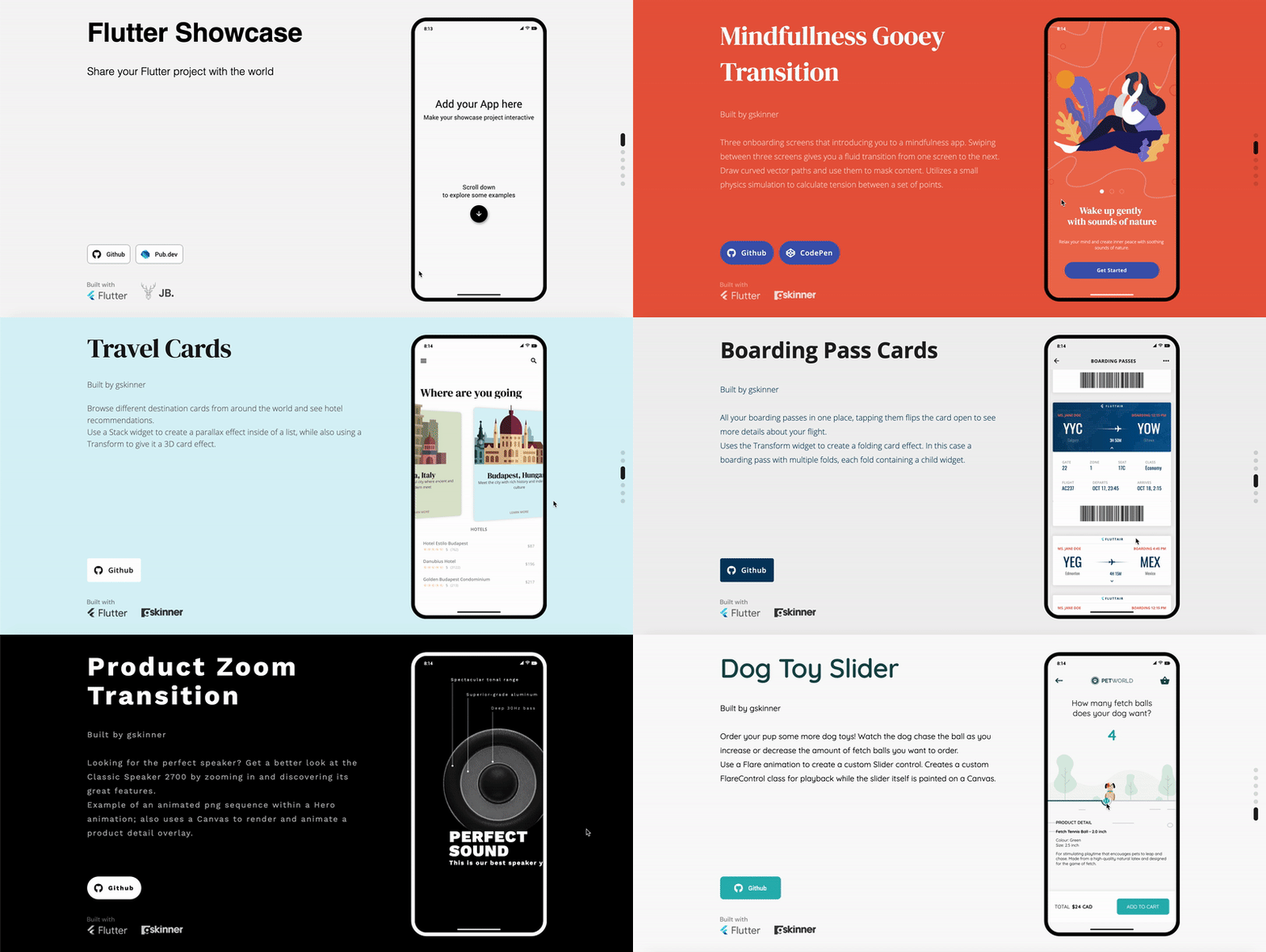
一種快速、簡單又酷炫的方式,將你的 Flutter 專案分享給全世界。

近 30 天下載
73
喜歡數
65
Pub 分數
35

安裝套件

flutter pub add flutter_showcase

套件介紹

根據套件公開資料產生的選型評估,僅供參考。

Flutter Showcase 是一個輕量級套件,旨在快速且輕鬆地與他人分享 Flutter 專案。它讓開發者能夠產生可互動、可嵌入的應用程式預覽,讓使用者無需克隆或建構專案即可簡單示範功能。非常適合用於網站、作品集或文件中展示,支援即時互動與視覺回饋。此套件可順暢整合至現有的 Flutter 工作流程中,並強調速度與簡潔性。

適用情境

  • 線上分享應用示範
  • 展示作品集中的專案
  • 在文件中展示UI/UX
  • 在簡報中展示應用程式
  • 快速生成互動式預覽

主要特色

  • 與 Flutter 的輕鬆整合
  • 互動式應用預覽
  • 快速設定與部署
  • 可嵌入的網頁檢視
  • 所需設定最少

適合對象

  • 開發者分享專案
  • UI/UX 設計師
  • 開源貢獻者
  • 教育工作者展示應用程式
  • 投資組合建構器

使用建議

  • 僅限基於網頁的預覽
  • 無離線模式
  • 需要網路存取權限以進行即時示範
  • 不適用於生產應用
  • 可能需要額外的樣式來實現自訂展示

原始 README

以下為關聯原始碼儲存庫的 README 原文快照,最新內容請造訪原始碼儲存庫。

Flutter Showcase

A simple, fast and easy way to share you flutter project or mockups with the world. Demo

Intro

Flutter Showcase is a project that helps you share flutter your project online. While building your project as a website is enough, this package aims to empower your demo. You can can have different appareances, actionable links and social metadata.

Flutter Showcase is only displayed when building the web project. When compiling to other platforms your project will still look as before.

Right now there is only SimpleTemplate but the goal is to provide multiple options to share your project so you can choose the one that fits for you.

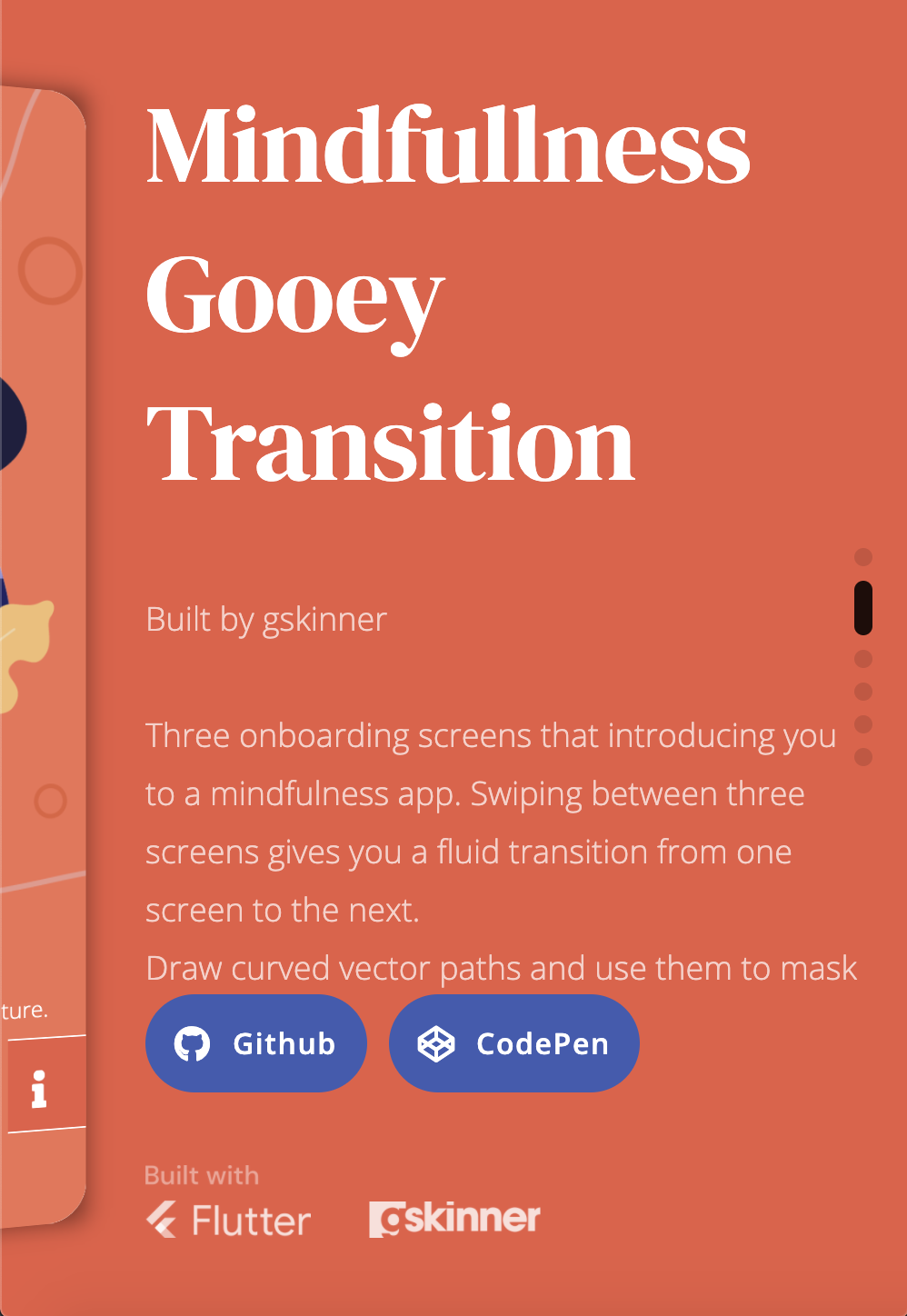
Check the web demo with the awesome vignettes from @gskinnerTeam

Getting Started

  1. Install package Check last version

  2. Wrap your app around a Showcase widget

runApp(Showcase(
  title: 'My Awesome Project',
  description: 'Hello World! Welcome to my awesome Flutter Project',
  app: MyApp()
))
  1. Add the frame builder inside Material App
MaterialApp(
  ....
  builder: Frame.builder,
  ....
)

Why is this needed? This builder is used to set new MediaQuery params with mobile size

  1. Run Flutter build web

  2. Publish the web project: See this cool articles on how to publish your app

That easy? Yess!!!

Keep reading for more detailed features

Customize my showcase

  1. Choose the template you perfer from the class Templates.

  2. Add actianable links

Showcase(
  // Add LinkData.github, LinkData.pub or create your custom LinkData()
  links: [
    LinkData.github(
      'https://github.com/jamesblasco/flutter_showcase'),
    LinkData.pub(
    'https://github.com/jamesblasco/flutter_showcase')
  ],
  //Add your brand logo next to the Flutter logo
  logoLink: LinkData(
      icon: Image.asset('assets/jaime_logo.png',
          fit: BoxFit.fitHeight),
      url: 'https://github.com/jamesblasco')
)      
  1. Create your custom theme
Showcase(
  theme : TemplateThemeData(
    brightness: Brightness.dark,
    backgroundColor: Colors.black,
    titleTextStyle: TextStyle(
      fontFamily: 'WorkSans',
      fontWeight: FontWeight.bold,
      color: Colors.white,
      height: 1.1,
      letterSpacing: 5),
    descriptionTextStyle: TextStyle(
        fontFamily: 'WorkSans',
        color: Colors.white70,
        fontWeight: FontWeight.w400,
        letterSpacing: 2),  
    flutterLogoColor: FlutterLogoColor.white,
    frameTheme: FrameThemeData(
      frameColor: Colors.white,
      statusBarBrightness: Brightness.dark,
    ),    
    buttonTheme: ButtonThemeData(
      buttonColor: Colors.white,
      shape:
          RoundedRectangleBorder(borderRadius: BorderRadius.circular(50)),
      textTheme: ButtonTextTheme.accent,
      padding: EdgeInsets.all(16),
    ),
    buttonTextStyle: TextStyle(
        fontFamily: 'WorkSans',
        color: Colors.black,
        fontWeight: FontWeight.bold,
        letterSpacing: 2),
    buttonIconTheme: IconThemeData(color: Colors.black) 
  ),
)  

Current package problems

  • Flutter web is still limited, some features are not available and performance can be a bit low sometimes
  • While most of the ui packages work on web, there are some packages that won't work or will not allow to compile the app
  • Creating a mobile frame inside a Flutter web app makes the global positions from gestures to be a reference for the whole screen and not the framed app, this might cause problems if you are using globalPosition in any GestureDetector or more advanced Widgets

Autogenerate social media tags - Experimental

CAUTION! This feature is still experimental; It generates a new index.html, if you add your own js scrips (as Firebase) it won't work for now.

This projects aims to generate social media tags title, description, url and image for your Flutter project so you don't have to do it.

  1. A WebDriver is needed for making a screenshot of the project For the experimental version I am using ChromeDriver.

Github Actions have ChromeDriver installed by default 🎉 Local instalation:

  • Mac users with Homebrew installed: brew tap homebrew/cask && brew cask install chromedriver
  • Debian based Linux distros: sudo apt-get install chromium-chromedriver
  • Windows users with Chocolatey installed: choco install chromedriver

See here for installing manually

  1. Add this at the bottom of your pubspec.yaml
showcase:
  title: Your project name
  description: This is the description of your project
  url: https://showcase-custom-web.com
  1. Instead of flutter build web we will use flutter pub run flutter_showcase build that will generate the web project in the folder in build/web_showcase

所屬分類

依賴

依賴清單 9 項

原始碼儲存庫

使用此套件的專案

暫無相關資料。