搜尋套件、儲存庫與 APP 分類

flutter_sliding_toast 封面
套件詳情v1.8.0

flutter_sliding_toast

一個用於顯示具有自訂樣式和動畫行為訊息的 Flutter 套件。

AndroidiOSWebmacOSWindowsLinux
近 30 天下載
1030
喜歡數
51
Pub 分數
160

安裝套件

flutter pub add flutter_sliding_toast

套件介紹

根據套件公開資料產生的選型評估,僅供參考。

一個 Flutter 套件,可在多個平台顯示可自訂的訊息提示,並具有平滑的滑動動畫。支援客製化樣式,包含顏色、字型與定位,並允許開發者定義自訂動畫行為,以提供精緻的使用者體驗。非常適合在不干擾應用流程的情況下提供簡短回饋或通知。此套件輕量且能順暢整合至現有的 Flutter 專案中。

適用情境

  • 在操作後顯示使用者反饋
  • 顯示成功或錯誤訊息
  • 在應用中提供臨時警告
  • 透過動畫通知增強使用者介面
  • 自定義訊息外觀和行為

主要特色

  • 滑動動畫效果
  • 可自訂的樣式選項
  • 跨平台相容性
  • 與 Flutter 的輕鬆整合
  • 支援多種訊息類型
  • 可設定的動畫持續時間與方向

適合對象

  • 行動與Web應用程式
  • 需要細微通知的應用程式
  • 尋求動畫反饋的開發者
  • 以使用者介面為導向的 Flutter 項目
  • 希望輕量級提示解決方案的團隊

使用建議

  • 僅限基本的吐司功能
  • 無內建的複雜佈局支援
  • 動畫自定義需要程式碼知識
  • 可能需要額外的樣式以支援深色模式
  • 不適用於持續通知

原始 README

以下為關聯原始碼儲存庫的 README 原文快照,最新內容請造訪原始碼儲存庫。

Flutter Sliding Toast

pub license: MIT

Enhance your app's UI with customizable, interactive toasts! This package offers both sliding & popup styles, with features like animation control, tap actions, and multiple dismiss options.

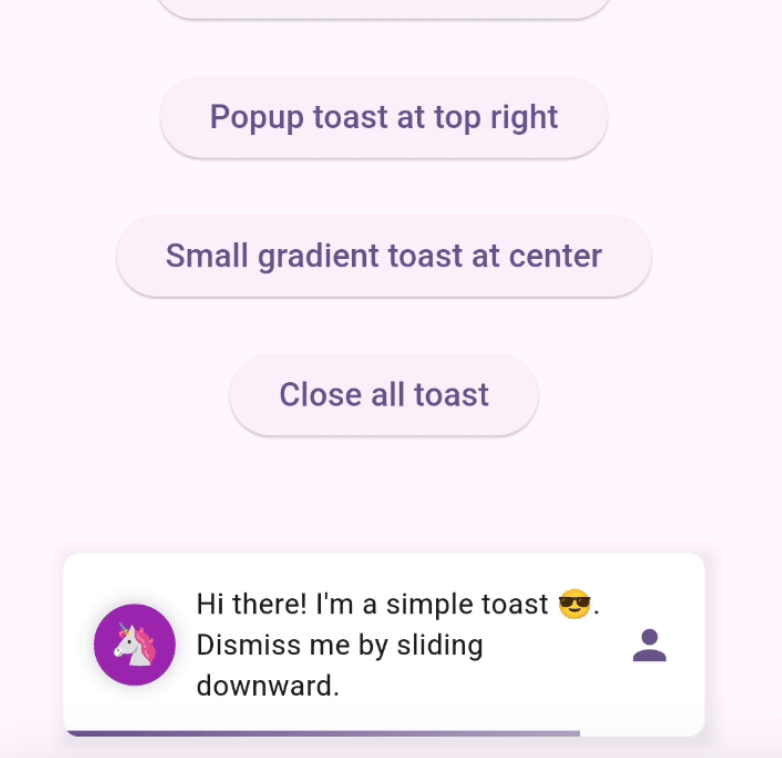
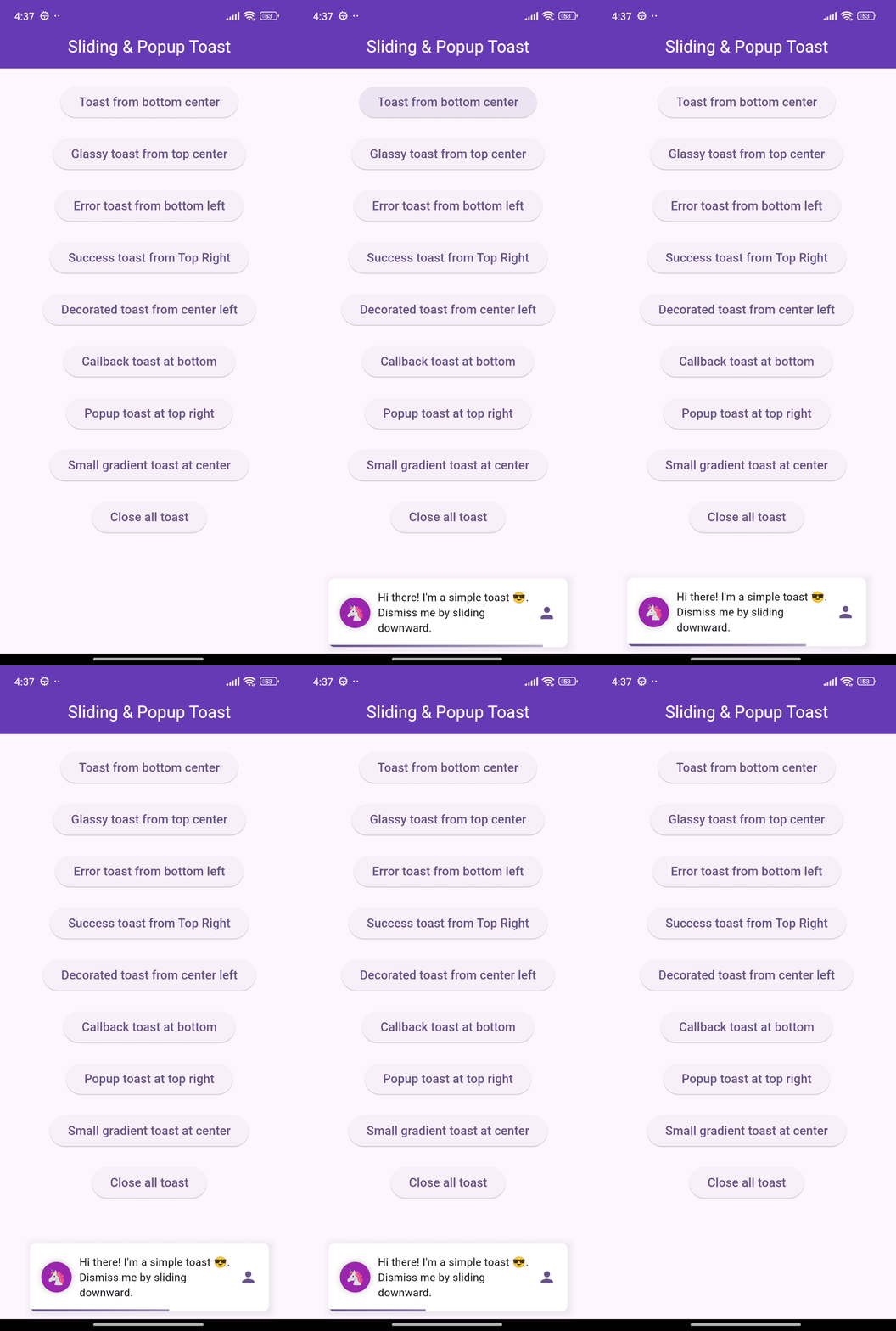
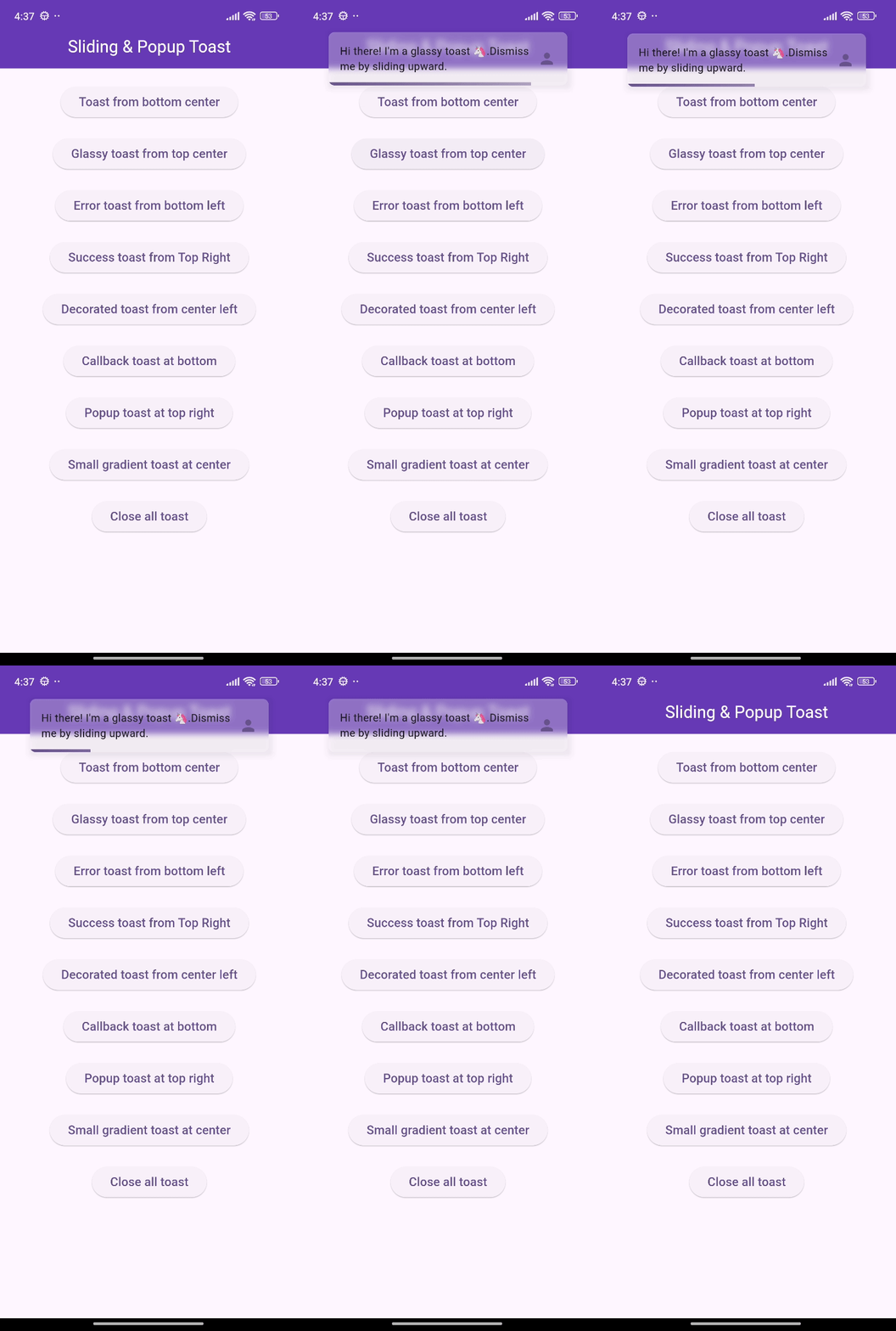
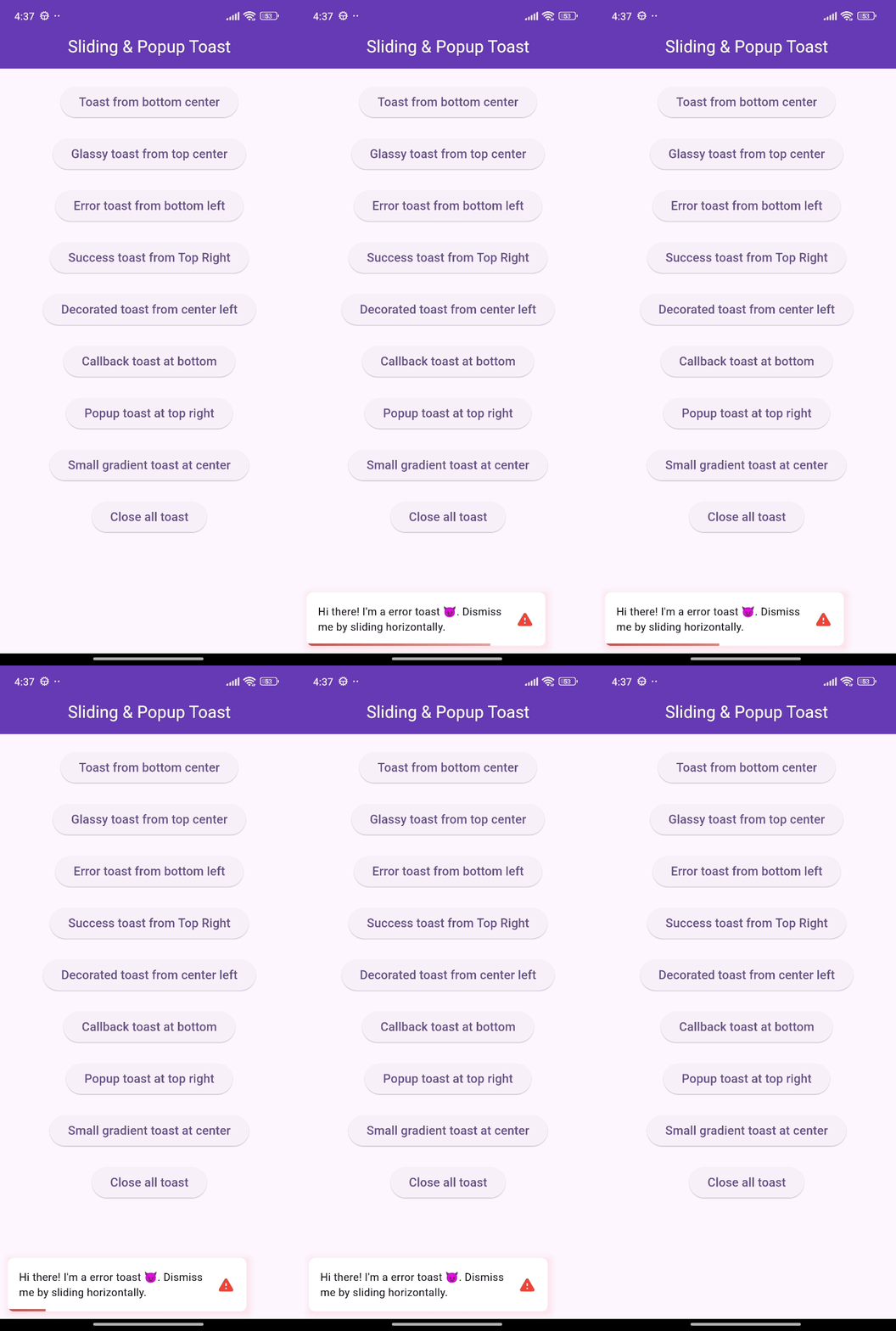
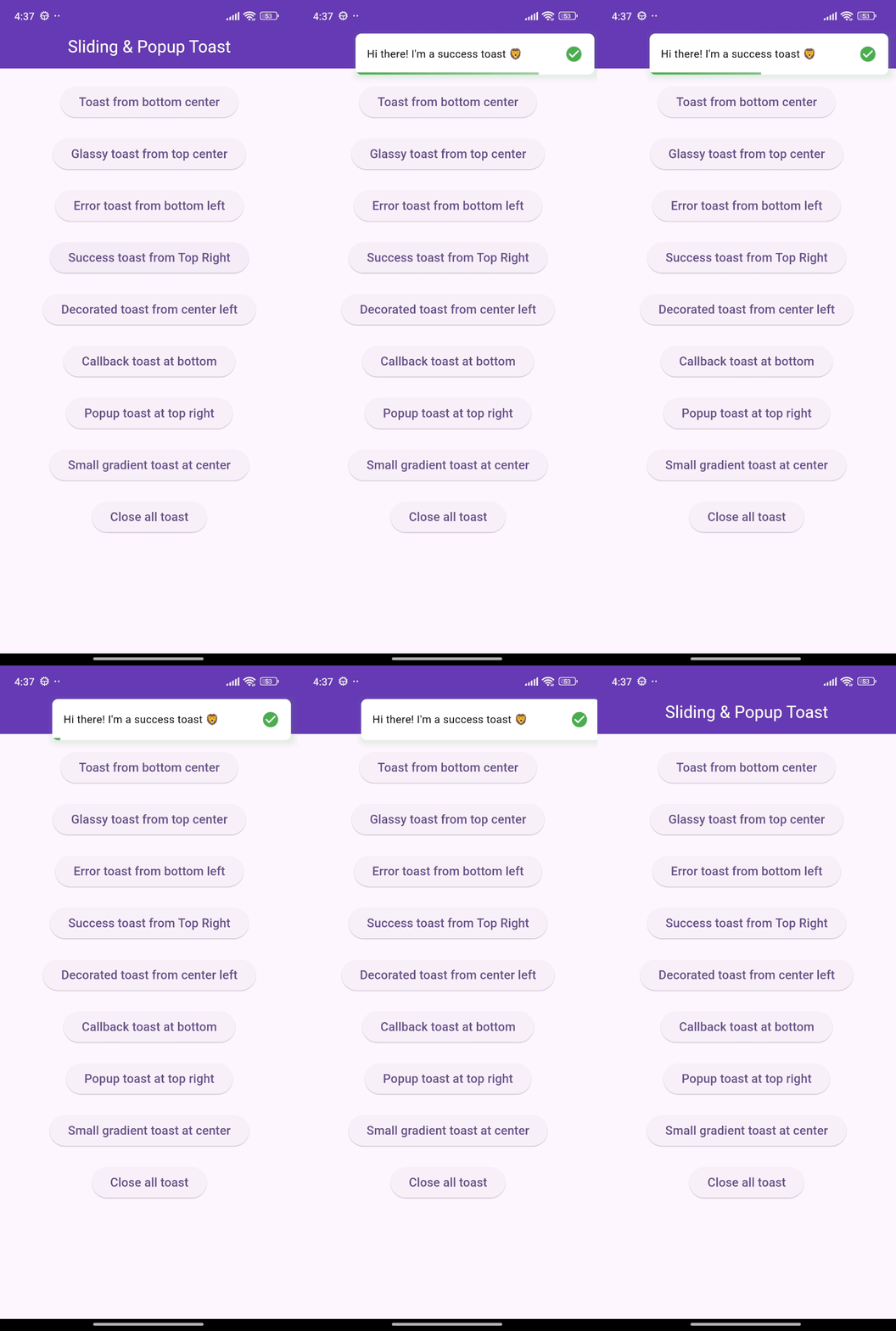
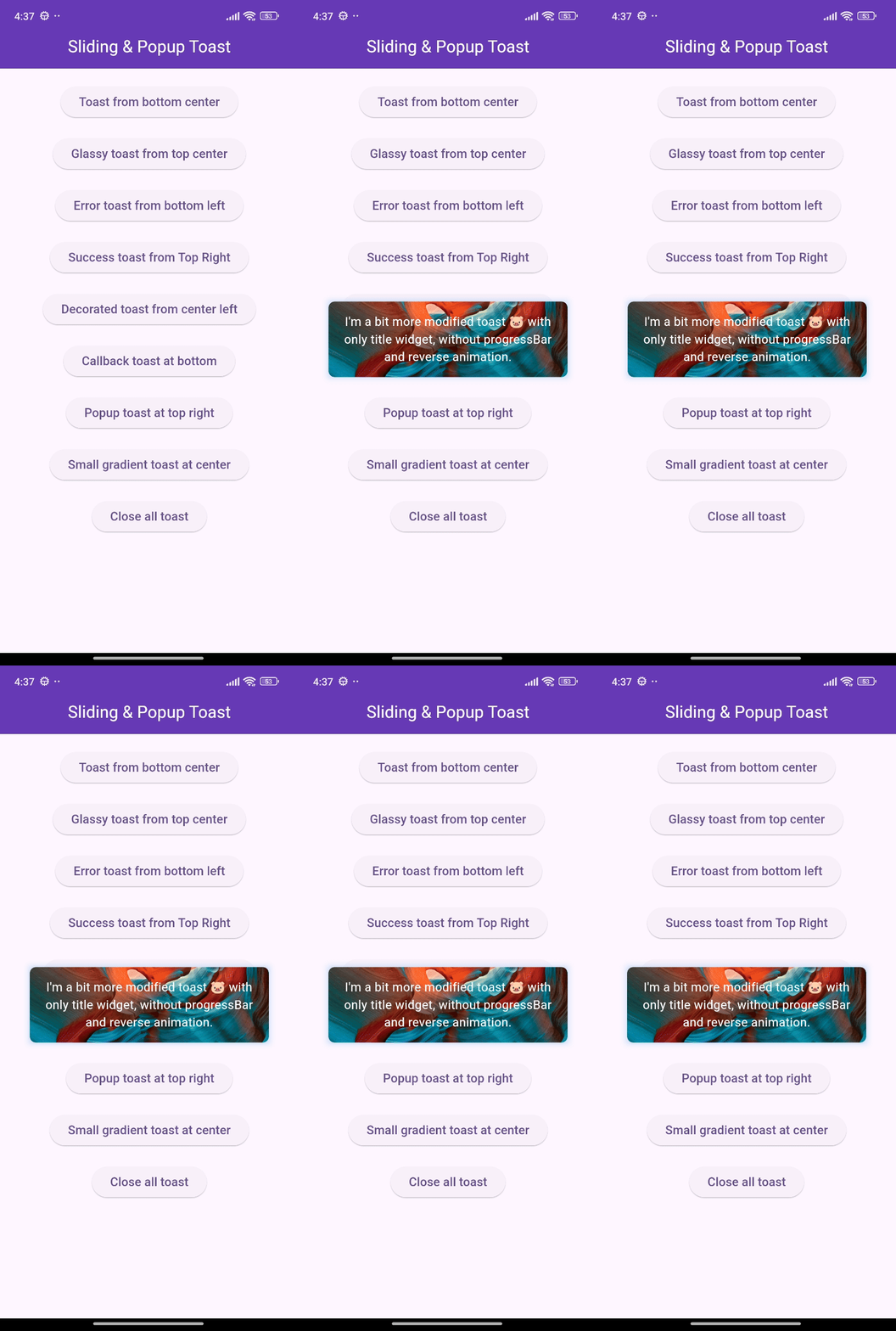
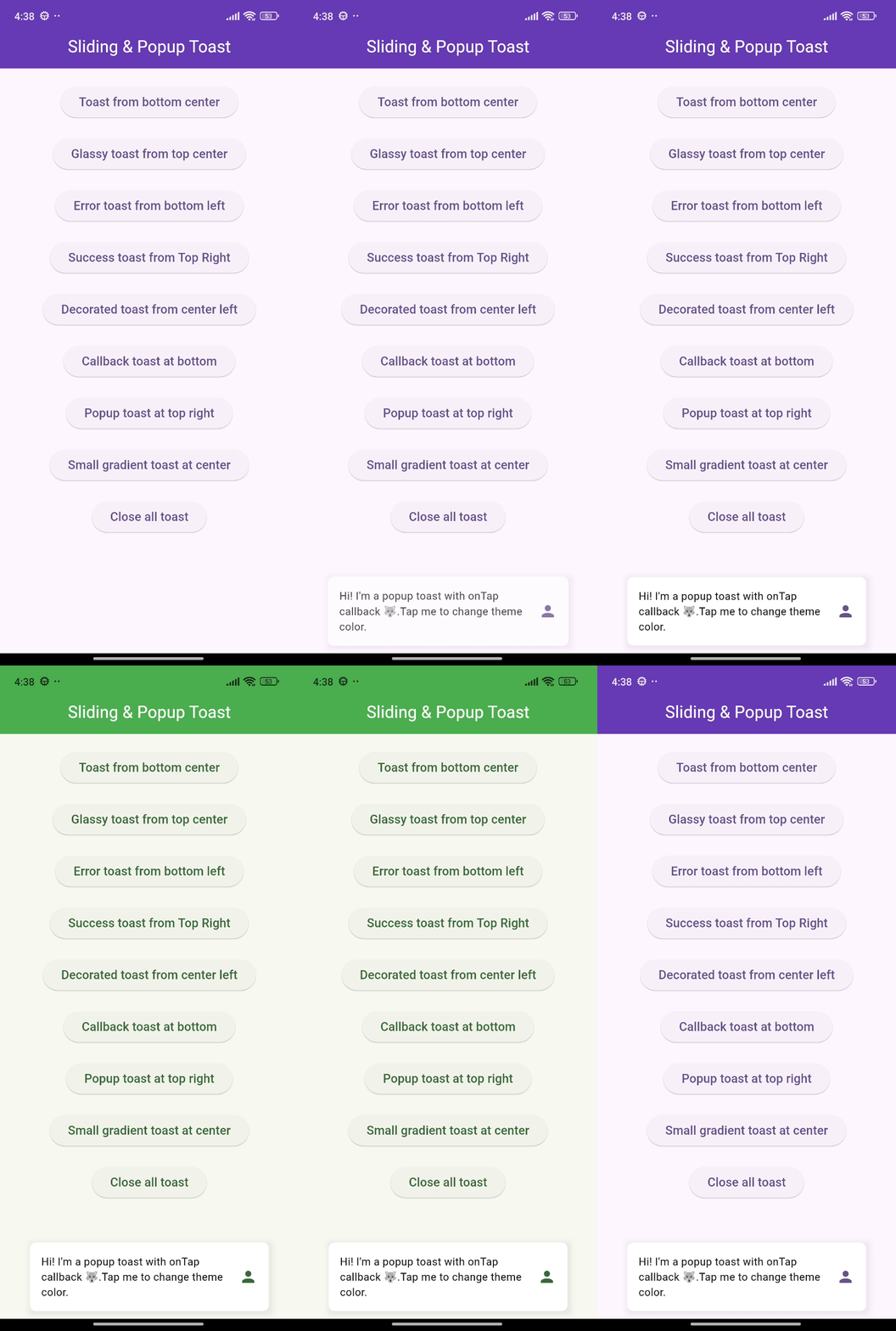
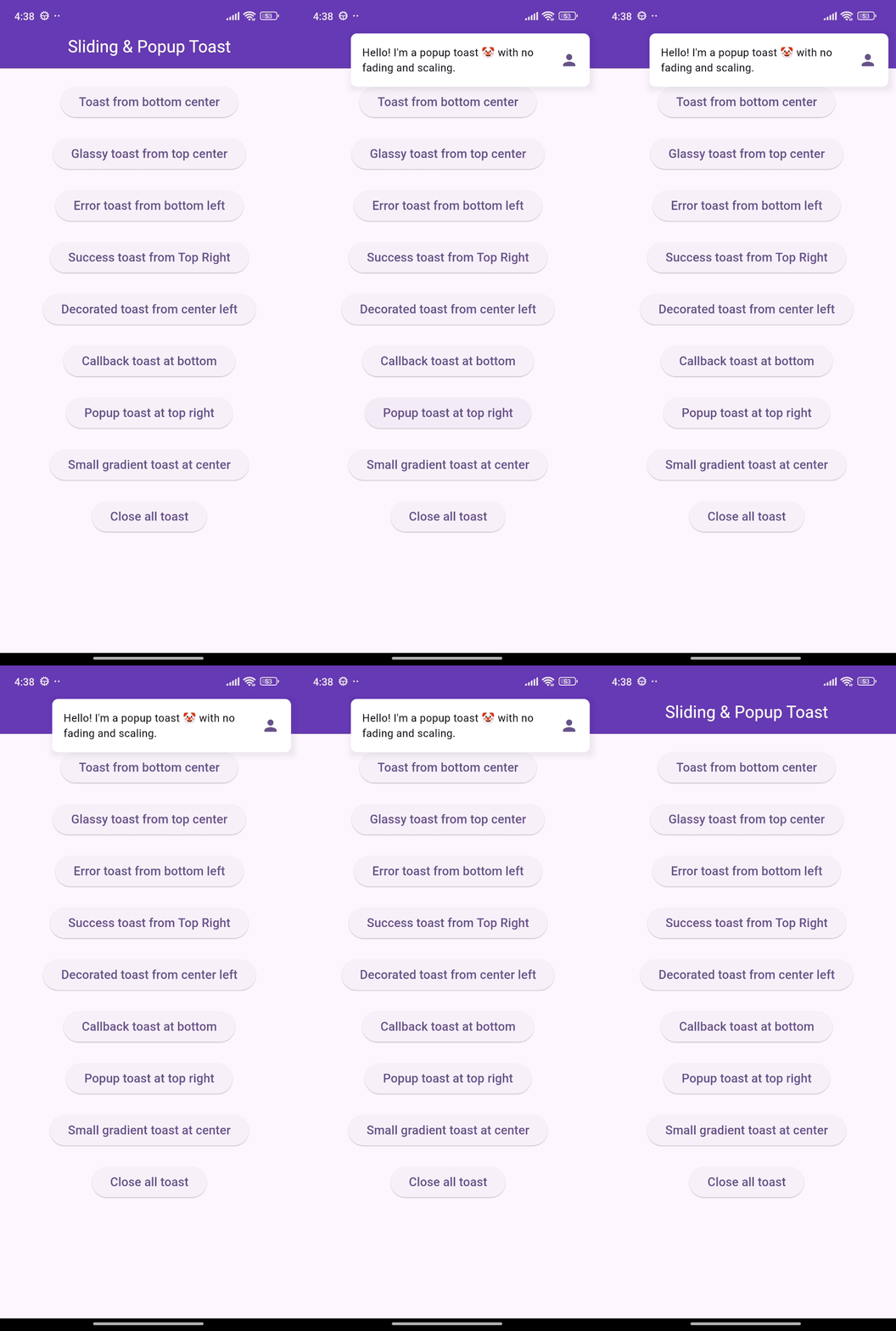
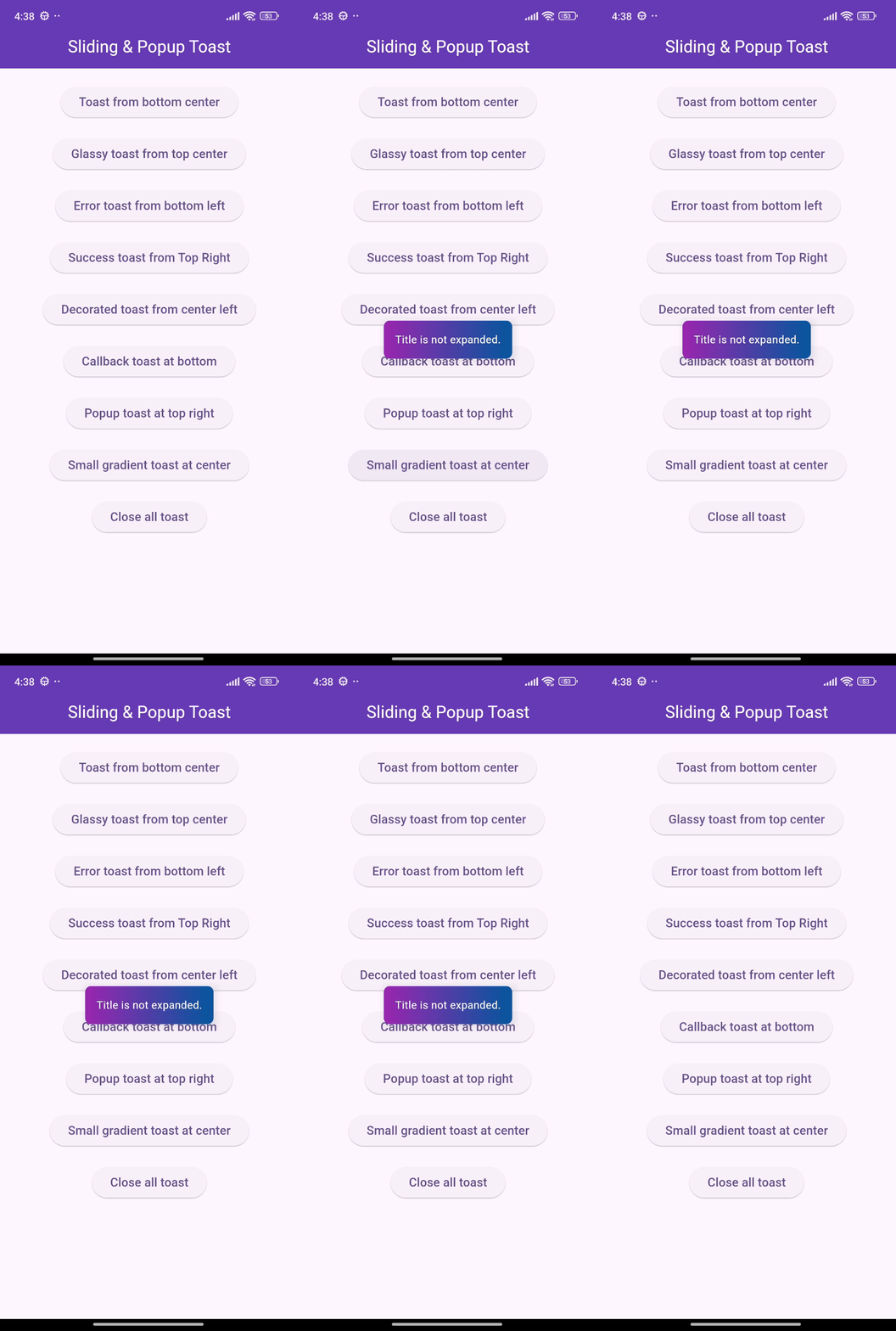
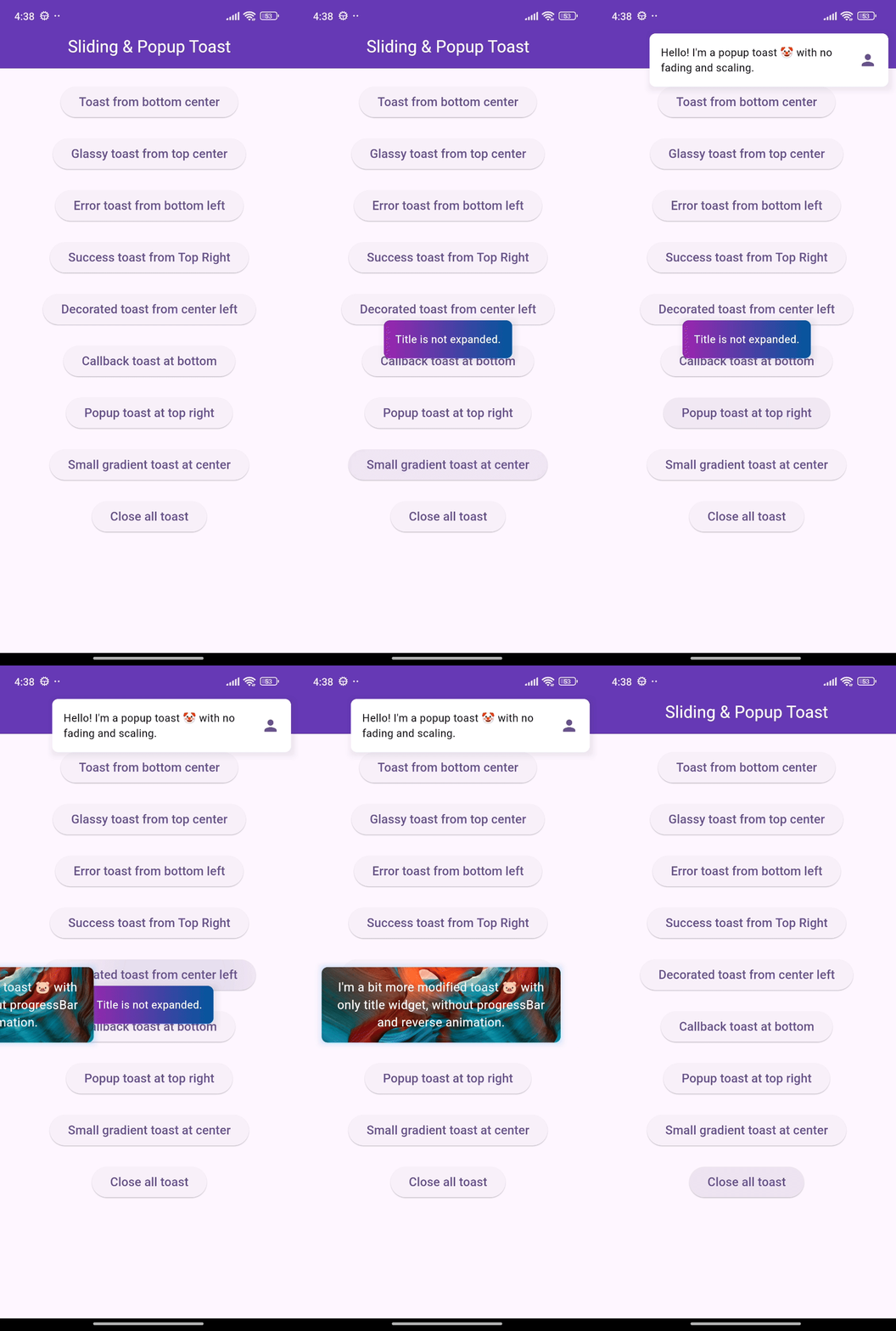
🎨 Screenshots

🎯 Features

  • Show sliding toasts, modify sliding behaviors
  • Show popup toasts, disable or modify fading and scaling behaviors
  • Change toast's alignment positions and sliding toast's sliding directions
  • Define animation and display duration, max height and width, padding
  • Set title, leading, trailing widgets and make title width dynamic or expanded
  • Disable the progressbar in sliding toast if needed
  • Use glassmorphism/gradient/decorated background or default success and error toast
  • Slide any direction to dismiss sliding toast and vertically for popup toast
  • Dismiss an individual or all toasts programmatically
  • Pause the animation with long press and release it to continue
  • Execute a function after the toast is tapped or disposed
  • Disable Multiple tapping to execute 'onTap' callback only one time
  • Initialize context or overlay state early for persistent toast availability

⚙️ Getting Started

Requires Flutter 3.47.0 or newer.

Add the following line to pubspec.yaml:

dependencies:
  flutter_sliding_toast: ^1.6.0

🚀 Usage

class MyHomePage extends StatelessWidget {
  const MyHomePage({super.key});

  @override
  Widget build(BuildContext context) {
    return Scaffold(
      appBar: AppBar(
        iconTheme: const IconThemeData(color: Colors.white),
        title: const Text('Sliding & Popup Toast'),
        centerTitle: true,
      ),
      body: SafeArea(
        child: Column(
          mainAxisAlignment: MainAxisAlignment.center,
          children: [
            const SizedBox(width: double.maxFinite),
            ElevatedButton(
              onPressed: () {
                InteractiveToast.slide(
                  context: context,
                  leading: _leadingWidget(),
                  title: const Text(
                    "Hi there! I'm a sliding toast 😎. "
                    'Dismiss me by sliding upward.',
                  ),
                  trailing: _trailingWidget(),
                  toastStyle: const ToastStyle(titleLeadingGap: 10),
                  toastSetting: const SlidingToastSetting(
                    displayDuration: Duration(seconds: 2),
                    toastStartPosition: ToastPosition.top,
                    toastAlignment: Alignment.topCenter,
                  ),
                );
              },
              child: _textWidget('Sliding toast from top center'),
            ),
            const SizedBox(height: 30),
            ElevatedButton(
              onPressed: () {
                final overlayState = Overlay.of(context);
                InteractiveToast.pop(
                  overlayState: overlayState,
                  title: const Text(
                    "Hi! I'm a popup toast 🐺. "
                    'I have fading and scaling effect.',
                  ),
                  trailing: _trailingWidget(),
                  toastSetting: const PopupToastSetting(
                    animationDuration: Duration(seconds: 1),
                    displayDuration: Duration(seconds: 3),
                  ),
                );
              },
              child: _textWidget('Popup toast at bottom center'),
            ),
          ],
        ),
      ),
    );
  }

  Text _textWidget(String text) =>
      Text(text, style: const TextStyle(fontSize: 16));

  Icon _trailingWidget() => const Icon(Icons.person, color: Colors.deepPurple);

  Container _leadingWidget() {
    return Container(
      width: 40,
      height: 40,
      decoration: BoxDecoration(
        shape: BoxShape.circle,
        color: Colors.purple,
        boxShadow: [
          BoxShadow(
            color: Colors.black.withAlpha(25),
            spreadRadius: 3,
            blurRadius: 4,
          ),
        ],
      ),
      alignment: Alignment.center,
      child: const Text('🦄', style: TextStyle(fontSize: 20)),
    );
  }
}

❤️ Additional information

Pull requests are welcomed!

If you encounter any problems or you have any ideas, feel free to open an issue:

所屬分類

依賴

依賴清單 1 項

原始碼儲存庫

使用此套件的專案

暫無相關資料。