搜尋套件、儲存庫與 APP 分類

flutter_splash_screen 封面
套件詳情v4.0.0

flutter_splash_screen

適用於 Flutter 的啟動畫面 API,可程式化地隱藏和顯示啟動畫面。支援 Android 和 iOS。

AndroidiOS
近 30 天下載
193
喜歡數
70
Pub 分數
140

安裝套件

flutter pub add flutter_splash_screen

套件介紹

根據套件公開資料產生的選型評估,僅供參考。

一個 Flutter 套件,提供用於在 Android 和 iOS 上控制啟動畫面的程式化 API。它允許開發者在應用程式啟動期間動態顯示和隱藏啟動畫面,實現順暢的過渡和自訂啟動畫面邏輯。此套件與原生平台無縫整合,支援 iOS 和 Android,且不需要額外設定。非常適合需要延遲啟動畫面顯示或根據應用狀態進行條件性啟動畫面處理的應用。

適用情境

  • 動態啟動畫面控制
  • 應用初始化延遲
  • 條件式 splash 顯示
  • 入職整合
  • 自定啟動畫面過渡
  • 登入後啟動畫面管理

主要特色

  • 程式化顯示/隱藏
  • Android 和 iOS 支持
  • 最小設定
  • 原生平台整合
  • 無需額外設定
  • 平滑過渡處理

適合對象

  • 帶有入門流程的應用程式
  • 需要延遲啟動畫面的應用
  • 開發人員管理啟動畫面顯示時間
  • 跨平台啟動畫面需要
  • 具有複雜啟動邏輯的應用程式

使用建議

  • 需要原生平台設定才能實現完整功能
  • 僅限啟動畫面
  • 不適合複雜的UI疊加
  • 可能需要額外的樣式來支援自定義設計
  • 依賴於正確的初始化順序

原始 README

以下為關聯原始碼儲存庫的 README 原文快照,最新內容請造訪原始碼儲存庫。

flutter_splash_screen

Download PRs Welcome flutter_splash_screen release License MIT RN

A splash screen API for flutter which can programatically hide and show the splash screen. Works on Android and iOS.

Content

Changes

Examples

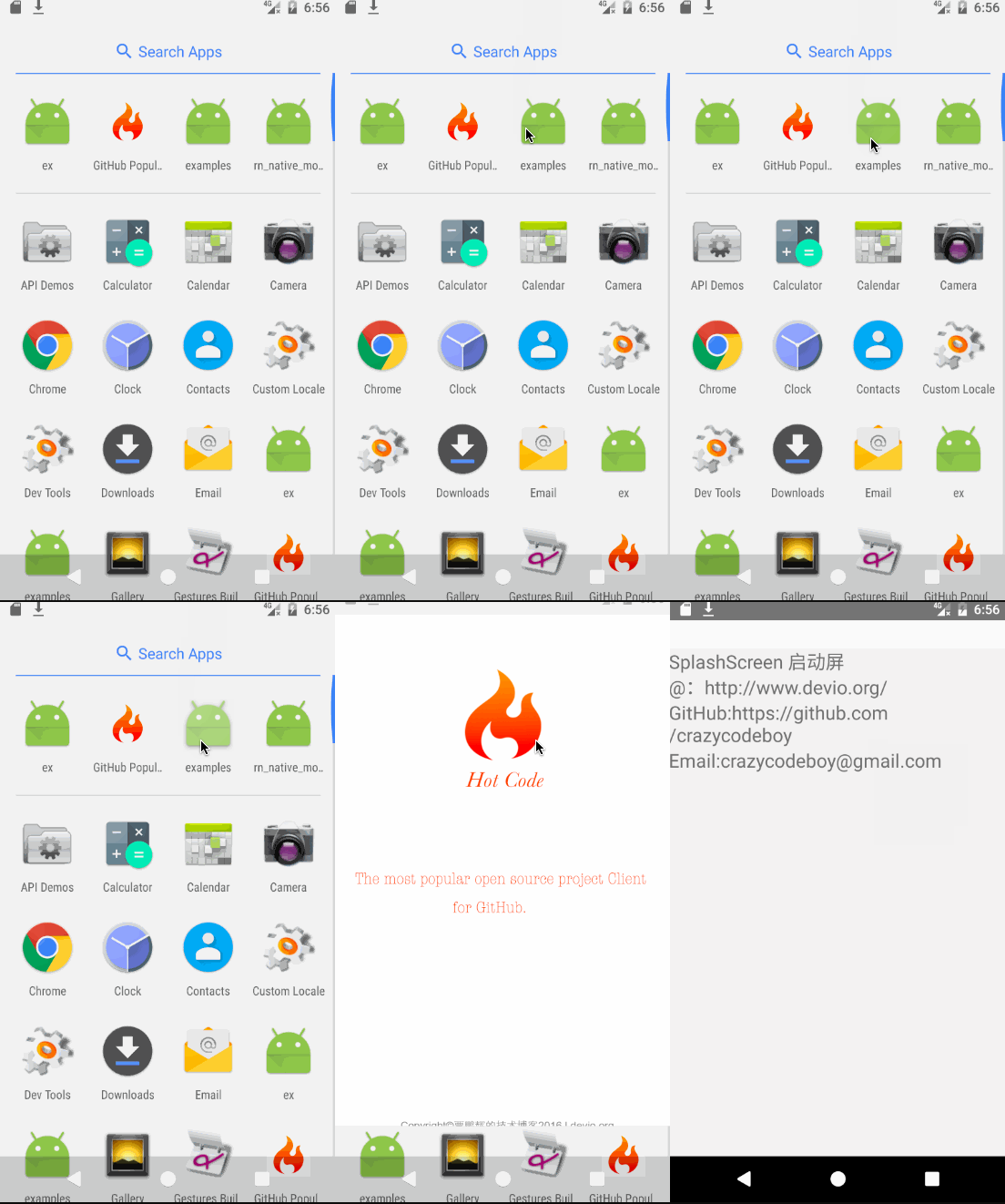
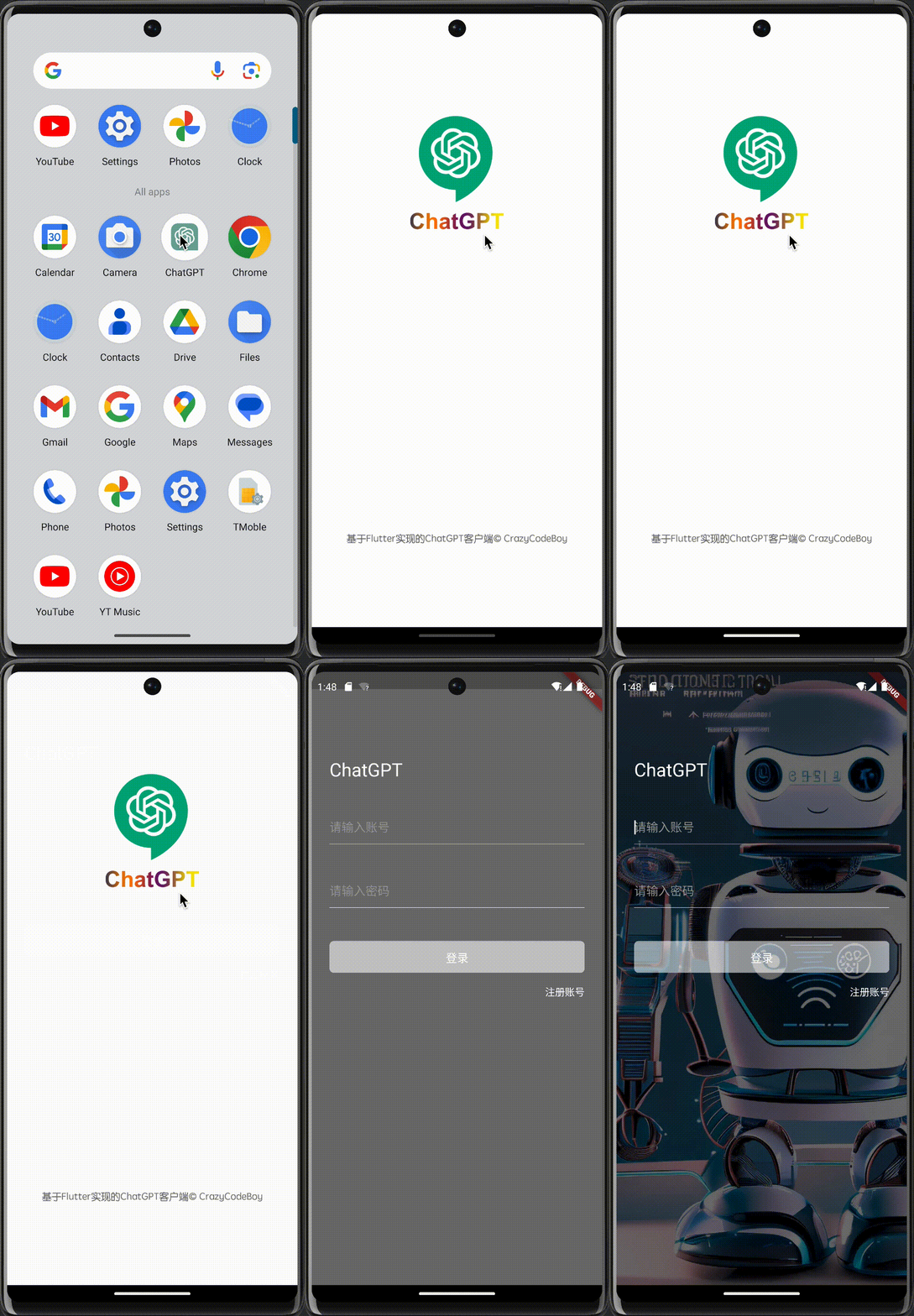
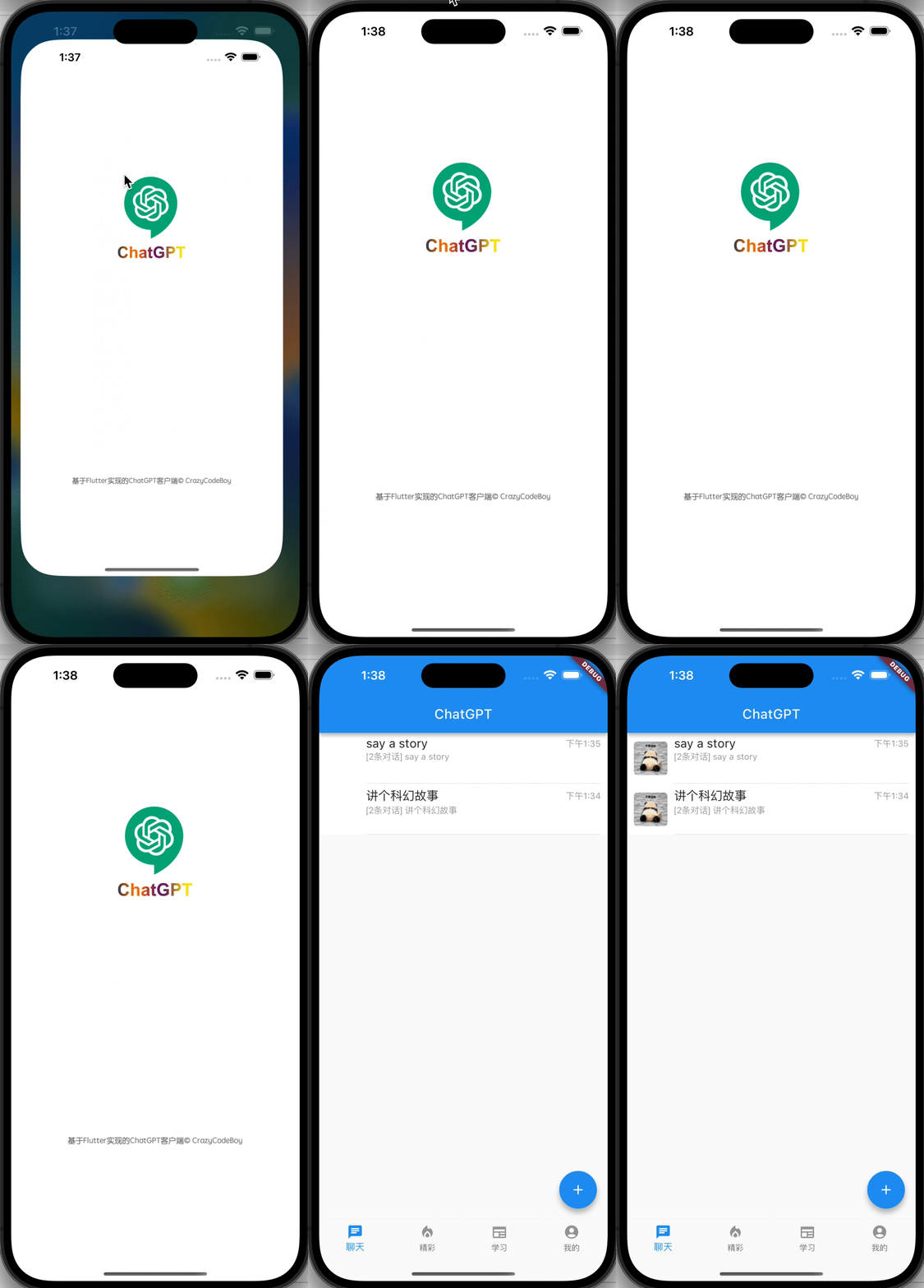
Screenshots Screenshots
flutter_splash_screen-Android flutter_splash_screen-iOS

1. Installation

Depend on it

Run this command:

flutter pub add flutter_splash_screen

2. Plugin Configuration

Android
Update the MainActivity.kt

Update the MainActivity.kt to use flutter_splash_screen via the following changes:

package org.devio.flutter.splashscreen.example

import android.os.Bundle
import io.flutter.embedding.android.FlutterActivity

import org.devio.flutter.splashscreen.SplashScreen // add

class MainActivity : FlutterActivity() {
    override fun onCreate(savedInstanceState: Bundle?) {
        // SplashScreen.show(this) 
        // or enable full screen
        SplashScreen.show(this, true)
        super.onCreate(savedInstanceState)
    }
}
Create launch_screen.xml file

Create a file called launch_screen.xml in app/src/main/res/layout (create the layout-folder if it doesn't exist). The contents of the file should be the following:

<?xml version="1.0" encoding="utf-8"?>
<FrameLayout xmlns:android="http://schemas.android.com/apk/res/android"
    android:layout_width="match_parent" android:layout_height="match_parent"
    android:background="@android:color/white">

    <ImageView android:layout_width="match_parent" android:layout_height="match_parent"
        android:layout_gravity="center|top" android:scaleType="centerCrop"
        android:src="@mipmap/launch_screen" />
</FrameLayout>

Customize your launch screen by creating a launch_screen.png-file and placing it in an appropriate mipmap-folder. Android automatically scales drawable, so you do not necessarily need to provide images for all phone densities. You can create splash screens in the following folders:

  • mipmap-ldpi
  • mipmap-mdpi
  • mipmap-hdpi
  • mipmap-xhdpi
  • mipmap-xxhdpi
  • mipmap-xxxhdpi

Add a color called primary_dark in app/src/main/res/values/colors.xml

<?xml version="1.0" encoding="utf-8"?>
<resources>
    <color name="primary_dark">#000000</color>
</resources>

Optional steps:

If you want the splash screen to be transparent, follow these steps.

Open android/app/src/main/res/values/styles.xml and add <item name="android:windowIsTranslucent">true</item> to the file. It should look like this:


<resources>
    <!-- Base application theme. -->
    <style name="AppTheme" parent="Theme.AppCompat.Light.NoActionBar">
        <!-- Customize your theme here. -->
        <!--设置透明背景-->
        <item name="android:windowIsTranslucent">true</item>
    </style>
</resources>

To learn more see examples

If you want to customize the color of the status bar when the splash screen is displayed:

Create android/app/src/main/res/values/colors.xml and add

<?xml version="1.0" encoding="utf-8"?>
<resources>
    <color name="status_bar_color"><!-- Colour of your status bar here --></color>
</resources>

Create a style definition for this in android/app/src/main/res/values/styles.xml:

<?xml version="1.0" encoding="utf-8"?>
<resources>
    <style name="SplashScreenTheme" parent="SplashScreen_SplashTheme">
        <item name="colorPrimaryDark">@color/status_bar_color</item>
    </style>
</resources>

Change your show method to include your custom style:

SplashScreen.show(this,R.style.SplashScreenTheme);
iOS

Customize your splash screen via LaunchScreen.storyboard,

Learn more to see examples

Usage

Use like so:

import 'dart:async';

import 'package:flutter/material.dart';
import 'package:flutter_splash_screen/flutter_splash_screen.dart';

void main() => runApp(MyApp());

class MyApp extends StatefulWidget {
  @override
  _MyAppState createState() => _MyAppState();
}

class _MyAppState extends State<MyApp> {
  @override
  void initState() {
    super.initState();
    hideScreen();
  }

  ///hide your splash screen
  Future<void> hideScreen() async {
    Future.delayed(Duration(milliseconds: 1800), () {
      FlutterSplashScreen.hide();
    });
  }

  ...

API

Method Type Optional Description
show() function false Open splash screen (Native Method )
hide() function false Close splash screen

Testing

Contribution

Issues are welcome. Please add a screenshot of you bug and a code snippet. Quickest way to solve issue is to reproduce it in one of the examples.

Pull requests are welcome. If you want to change the API or do something big it is best to create an issue and discuss it first.


MIT Licensed

所屬分類

原始碼儲存庫

使用此套件的專案