搜尋套件、儲存庫與 APP 分類

flutter_split_view 封面
套件詳情v0.1.2

flutter_split_view

根據可用空間自動將螢幕拆分為兩個視圖的 Flutter 小部件。此功能基於 Navigator 2.0。

AndroidiOSWebmacOSWindowsLinux
近 30 天下載
77
喜歡數
30
Pub 分數
150

安裝套件

flutter pub add flutter_split_view

套件介紹

根據套件公開資料產生的選型評估,僅供參考。

Flutter Split View 是一個響應式佈局組件,能根據可用空間自動將螢幕劃分為兩個可調整的檢視,並利用 Navigator 2.0 進行導航與狀態管理。非常適合建立跨裝置與平台無縫運作的自適應 UI。此組件會根據螢幕大小與方向動態調整其佈局,適用於雙面板介面(例如主從細節模式)。支援所有主要的 Flutter 平台,包含 Android、iOS、Web、macOS、Windows 與 Linux。

適用情境

  • 主-細節佈局
  • 雙面板導航
  • 響應式儀表板設計
  • 跨平台平板電腦使用者介面
  • 自適應移動和桌面介面

主要特色

  • 基於螢幕空間的自動佈局
  • Navigator 2.0 結合
  • 支援所有 Flutter 平台
  • 動態視圖調整大小
  • 內建的響應式行為
  • 易於與現有路線整合

適合對象

  • 開發響應式應用的開發者
  • 針對多個平台的團隊
  • 需要分屏功能的應用
  • 專注於自適應版面的UI設計師
  • 使用現代導航模式的專案

使用建議

  • 需要了解 Navigator 2.0
  • 可能需要自訂樣式來處理複雜佈局
  • 最適合較大的螢幕或平板電腦
  • 對非標準拆分的自訂有限
  • 不適合簡單的單視圖應用

原始 README

以下為關聯原始碼儲存庫的 README 原文快照,最新內容請造訪原始碼儲存庫。

flutter_split_view

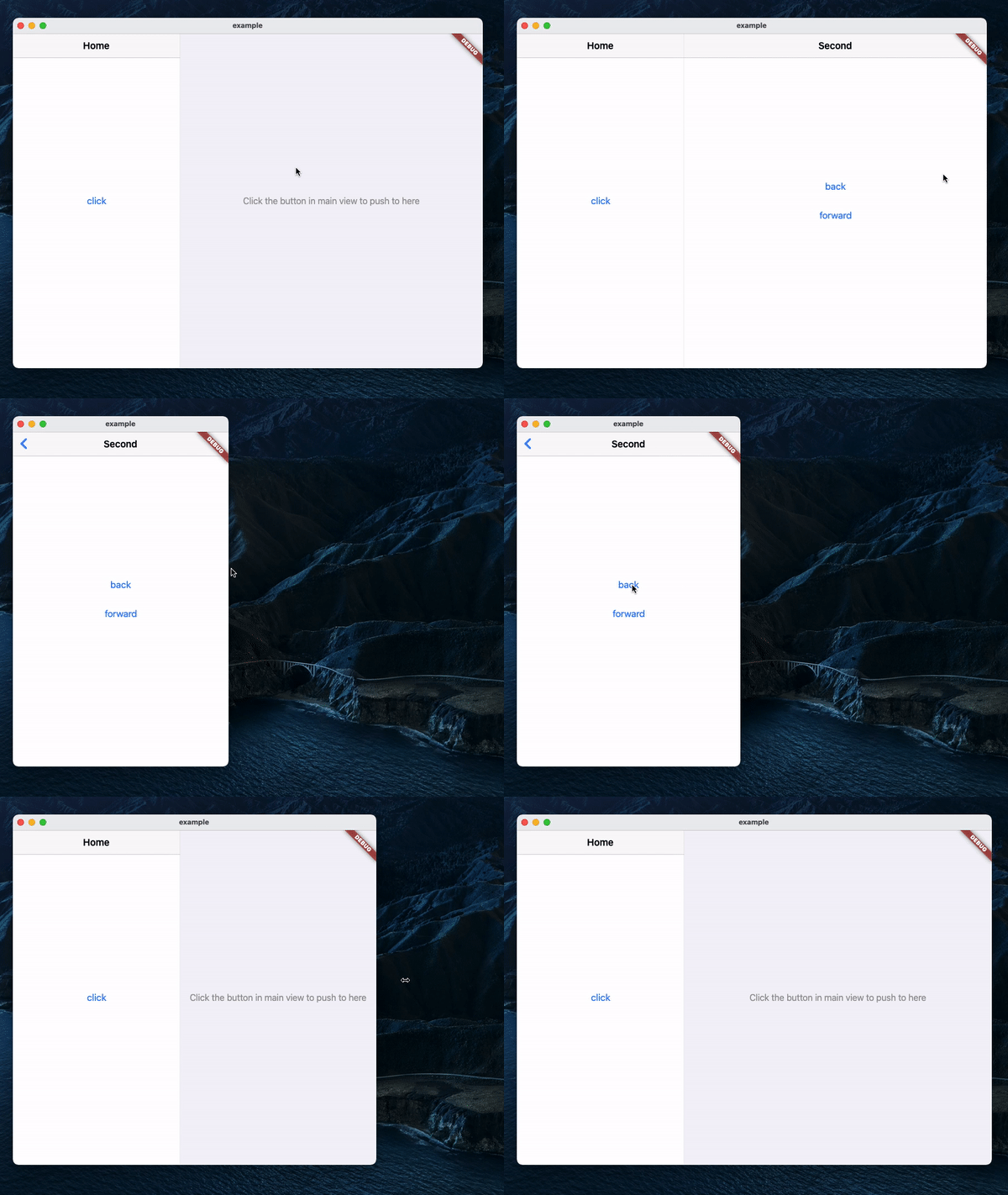
A Navigator 2.0 based Flutter widget that automatically splits the screen into two views based on available space.

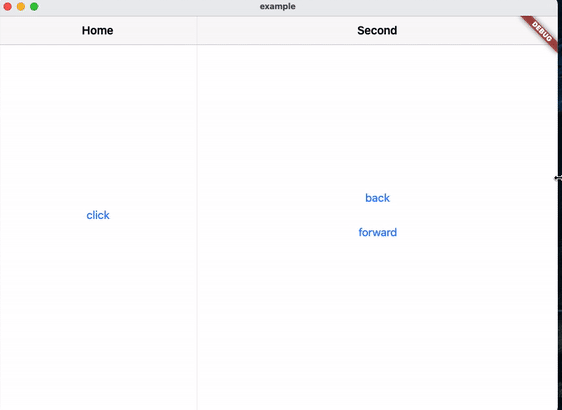
Demo

Usage
MaterialApp(
    title: 'SplitView Demo',
    home: SplitView.material(
        child: MainPage(),
    ),
);

Cupertino:

CupertinoApp(
    title: 'SplitView Demo',
    home: SplitView.cupertino(
        child: MainPage(),
    ),
);
Navigating
Push
SplitView.of(context).push(SecondPage());

Push with an optional title, which will be used as the back button's title in Cupertino:

SplitView.of(context).push(
    SecondPage(),
    title: 'Second',
);
Pop
SplitView.of(context).pop();

Pop until the n-th page:

SplitView.of(context).popUntil(1);
Set the page displayed in the secondary view
SplitView.of(context).setSecondary(SecondPage());

This will clear the stack and push the new page, making it the second page in the stack.

Get whether the secondary view is visible
SplitView.of(context).isSecondaryVisible;
Example

所屬分類

原始碼儲存庫

使用此套件的專案

暫無相關資料。