搜尋套件、儲存庫與 APP 分類

glowy_borders 封面
套件詳情v1.0.2

glowy_borders

一個讓您的邊框發光的套件

AndroidiOSWebmacOSWindowsLinux
近 30 天下載
7250
喜歡數
84
Pub 分數
130

安裝套件

flutter pub add glowy_borders

套件介紹

根據套件公開資料產生的選型評估,僅供參考。

Glowy Borders 是一個 Flutter 套件,透過為組件邊框添加鮮豔、動態的光暈效果來增強 UI 設計。它讓開發者能以最少的程式碼輕鬆為任何組件套用平滑且可自訂的光暈效果。適用於現代應用程式介面,支援 Android、iOS、Web、macOS、Windows 及 Linux 多個平台。此套件利用 Flutter 的渲染能力,提供流暢的動畫與視覺深度。非常適合需要動態效果的按鈕、卡片或互動元件。

適用情境

  • 建立動畫按鈕邊框
  • 透過發光效果增強卡片 UI
  • 設計互動式 UI 組件
  • 為使用者互動新增視覺反饋
  • 建構現代、優雅的應用程式介面

主要特色

  • 可自訂的光暈顏色與強度
  • 平滑的動畫過渡
  • 支援多個平台
  • 與現有組件的輕鬆整合
  • 可設定的光暈半徑與模糊

適合對象

  • 尋求視覺魅力的UI設計師
  • 開發現代 Flutter 應用的開發者
  • 需要動畫邊框效果的專案
  • 針對跨平台一致性的應用
  • 創意或遊戲風格的介面

使用建議

  • 可能影響低階裝置的效能
  • 需要仔細調整以獲得最佳視覺平衡
  • 除了發光屬性外,自訂選項有限
  • 不適合極簡設計風格
  • 建議謹慎使用,以避免視覺雜亂

原始 README

以下為關聯原始碼儲存庫的 README 原文快照,最新內容請造訪原始碼儲存庫。

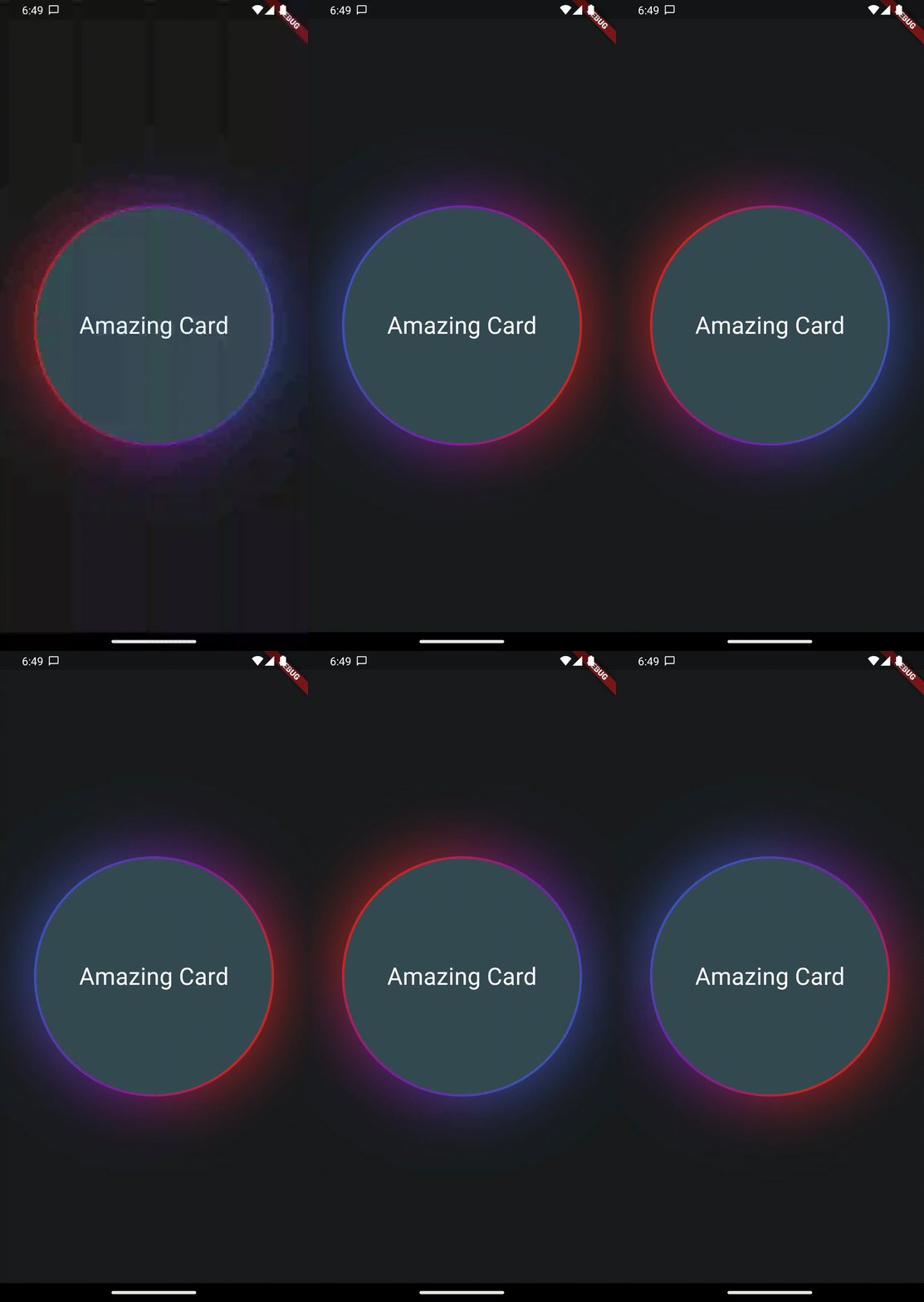
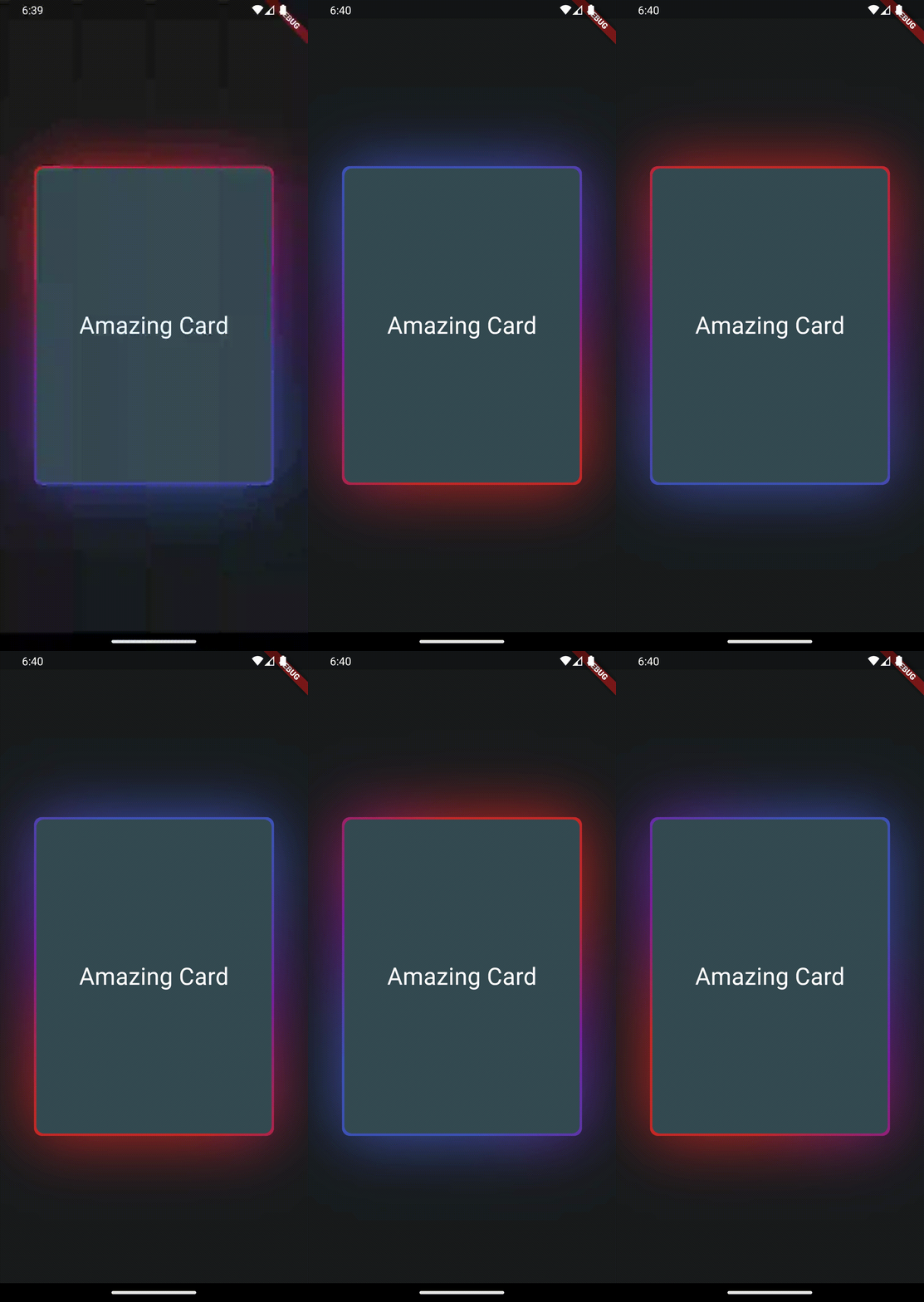
This package provides a wrapper widget to animate borders around your widgets. You can choose to provide current Animation Progress externally or use an indefinitely animation.

| |

Features

AnimatedGradientBorder Widget
  • Wrapper to Animate widgets border with gradients and glow
  • Set animation progress manually or loop indefinitely
  • control size of glow, border and colors to achieve stunning effects

Getting started

Create your flutter app, import this package and use AnimatedGradientBorder to wrap some element.

Usage

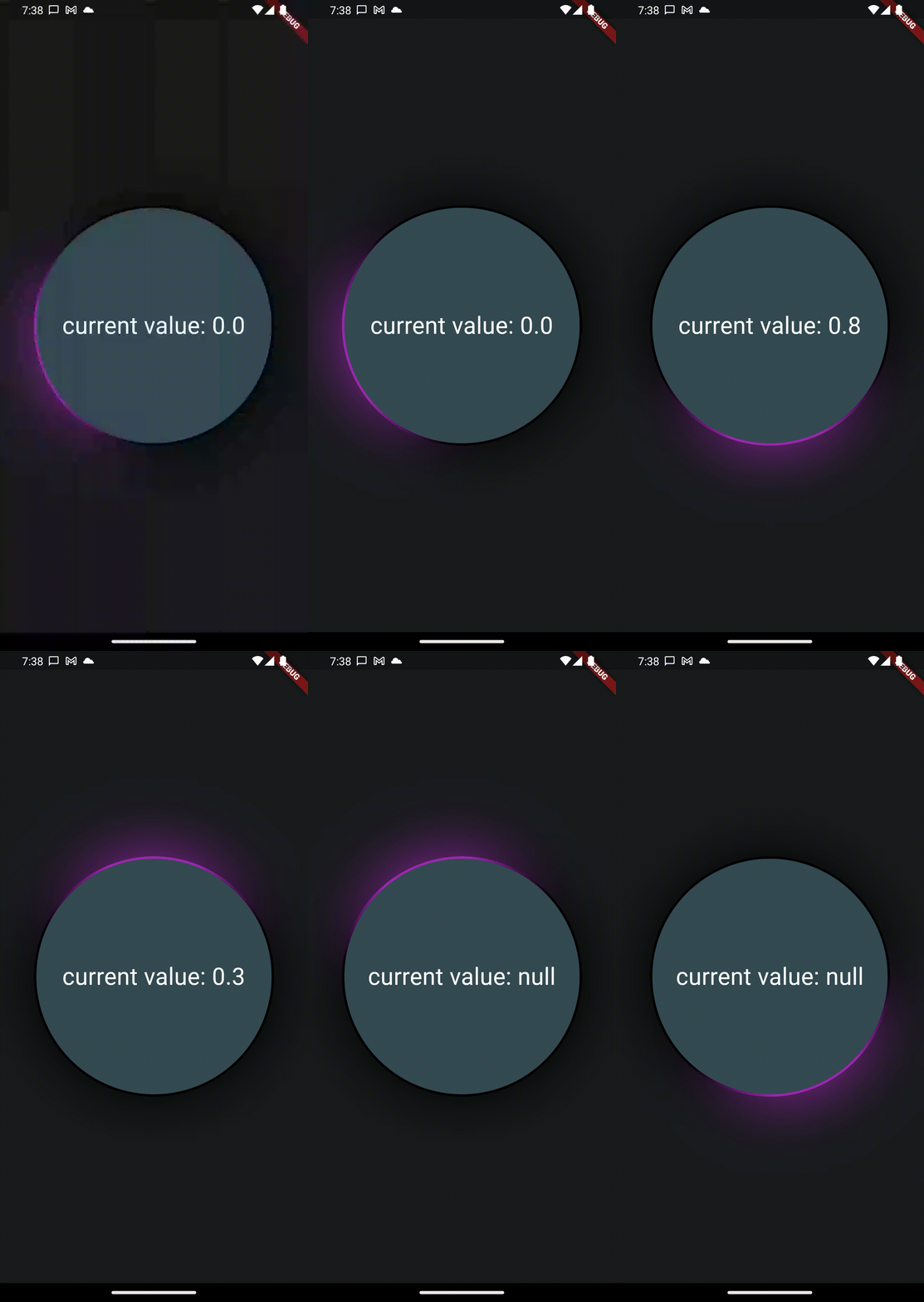
In this example you only need to wrap the widget with a full size Column in your app to see the results. Also note the currentProgress variable which is used to set animation state. If you remove it or set it to null, the animation will play indefinitely.

Please Note that you will need to set the same border radius for the wrapper as well as the child to make it look like a true border.

Also note, that this widget will not work in stretched alignments if you don't provide the parameter stretchAlongAxis and specify which axis you want to stretch along


final widget = Scaffold(
  extendBody: true,
  body: SafeArea(
    child: Center(
      child: Column(
        mainAxisAlignment: MainAxisAlignment.center,
        crossAxisAlignment: CrossAxisAlignment.center,
        children: [
          const Column(
            children: [Text('Hallo Welt')],
          ),
          AnimatedGradientBorder(
            borderSize: 2,
            glowSize: 10,
            gradientColors: [
              Colors.transparent,
              Colors.transparent,
              Colors.transparent,
              Colors.purple.shade50
            ],
            animationProgress: currentProgress,
            borderRadius: BorderRadius.all(Radius.circular(999)),
            child: SizedBox(
              width: 300,
              height: 300,
              child: Container(
                decoration: BoxDecoration(
                    borderRadius: BorderRadius.all(Radius.circular(999)),
                    color: Theme
                        .of(context)
                        .colorScheme
                        .secondaryContainer),
                child: Column(
                  mainAxisAlignment: MainAxisAlignment.center,
                  children: [
                    Text("current value: $currentProgress",
                        style: TextStyle(color: Colors.white, fontSize: 30.0)),
                  ],
                ),
              ),
            ),
          ),
        ],
      ),
    ),
  ),
);

Additional information

This feature uses Backdrop Filter under the hood which can cause performance issues if used extensively. Keep that in mind.

所屬分類

原始碼儲存庫

使用此套件的專案

暫無相關資料。