Flutter Image Picker Plugin
Android
iOS
Support SDK 21+
11.0+
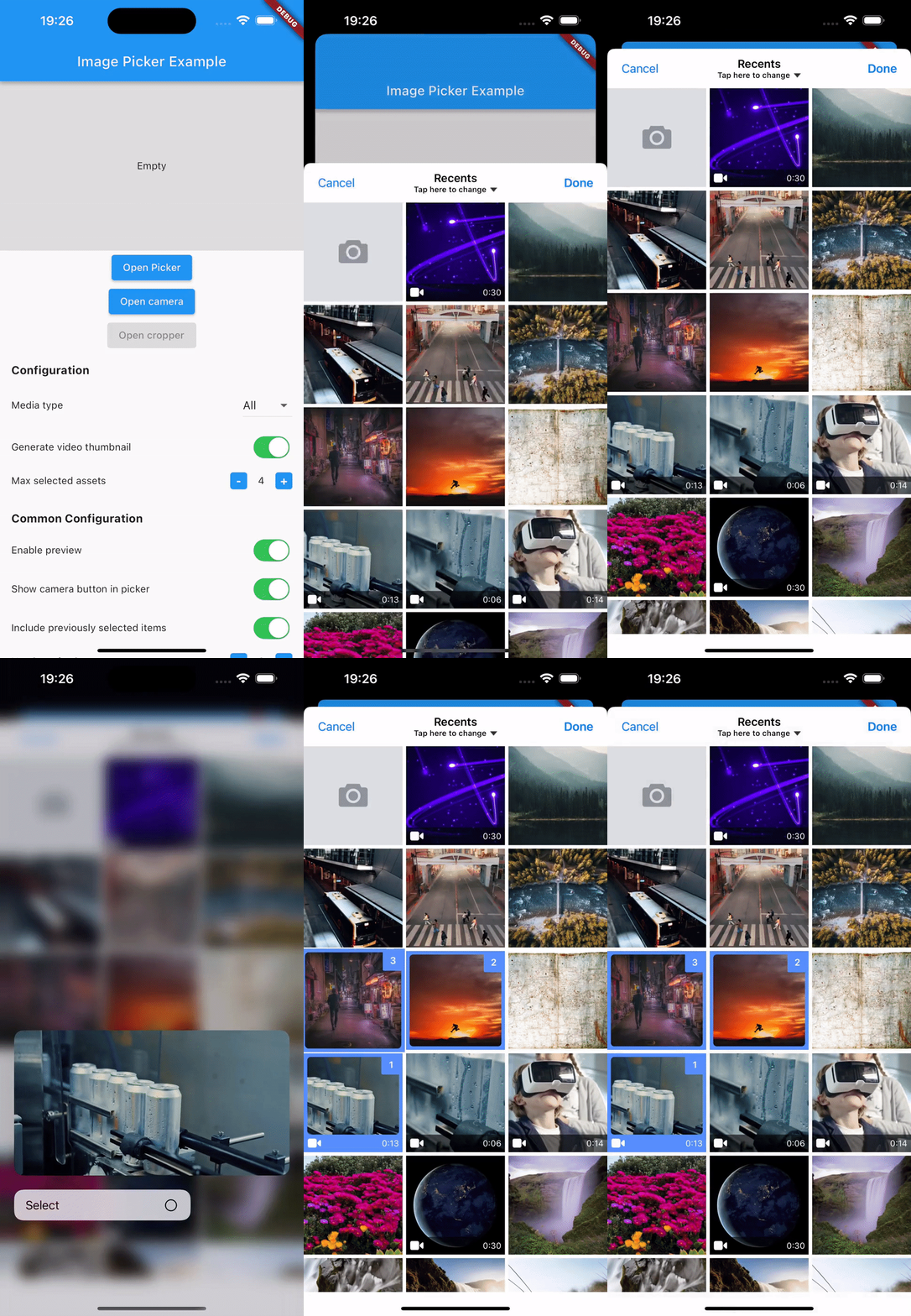
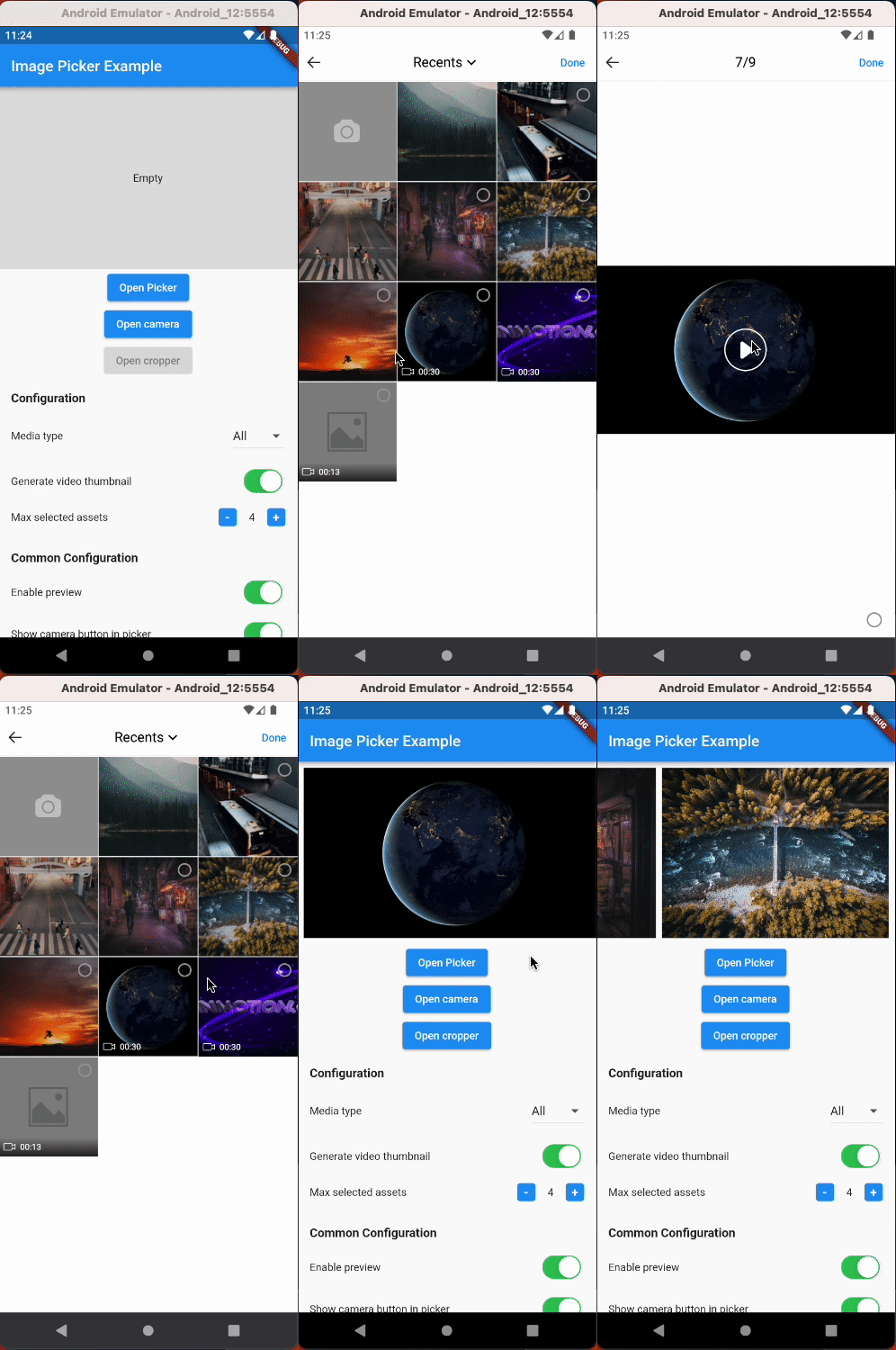
Simplify media selection, cropping, and camera functionality in your Flutter app. Choose images/videos from the library, crop images, and capture new photos/videos with ease.
Features:
Select images/videos from the library
Take a photo or record a video
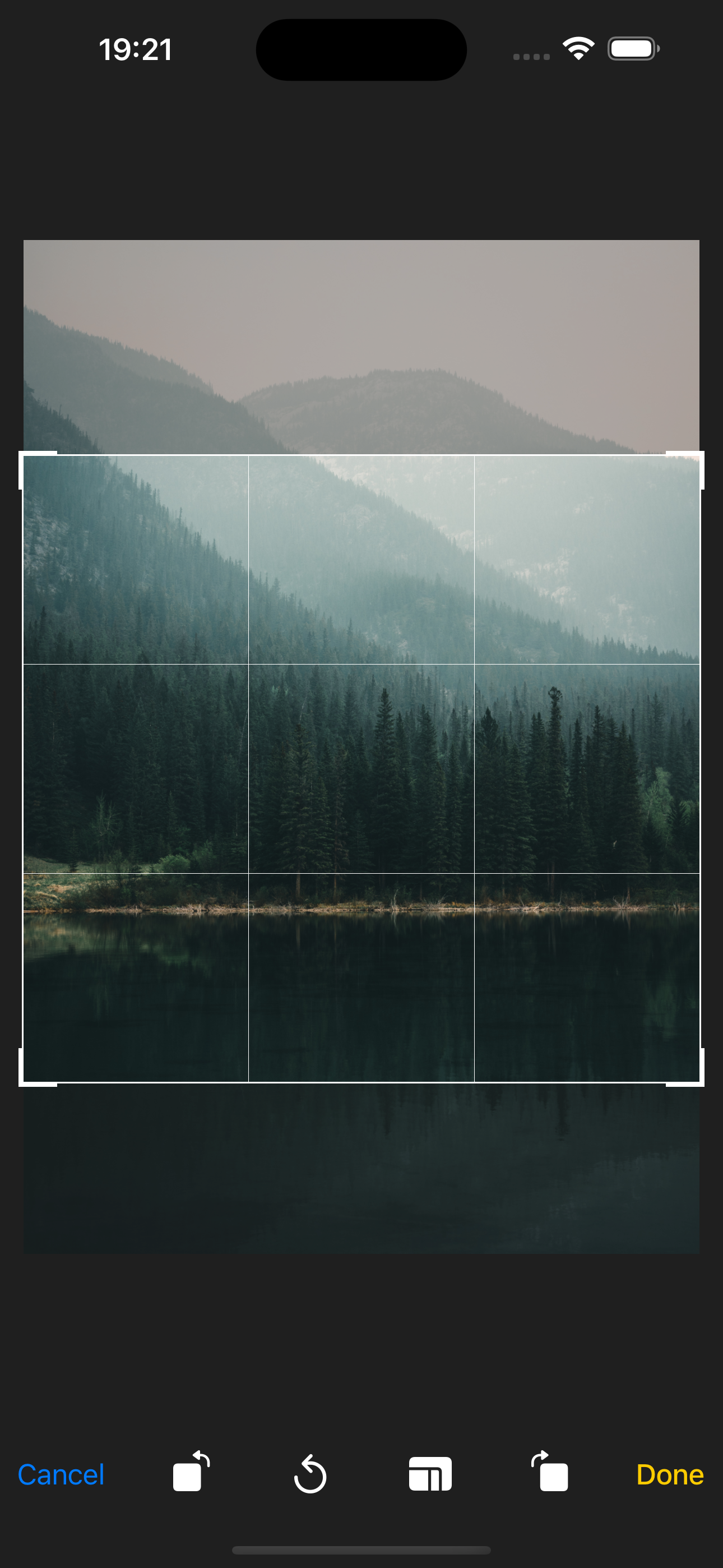
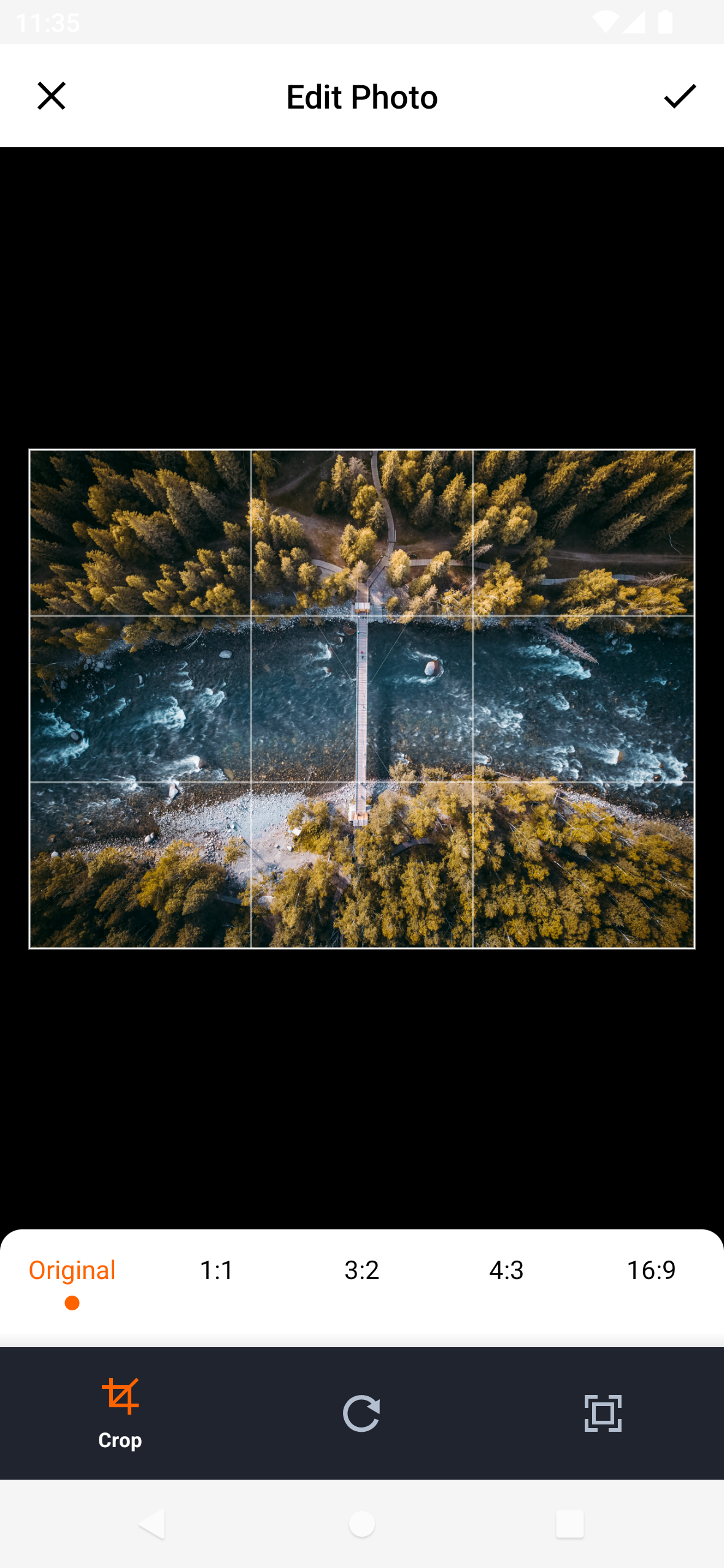
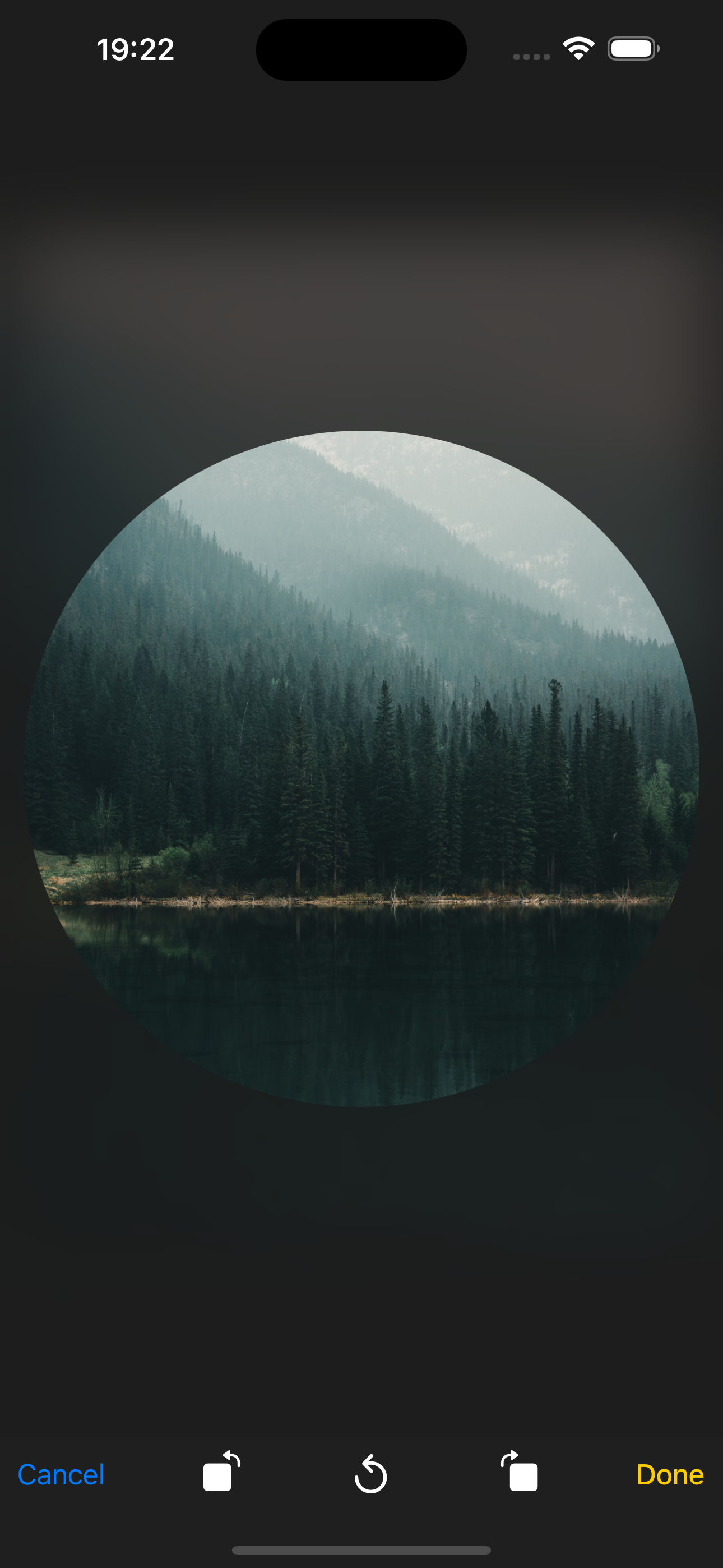
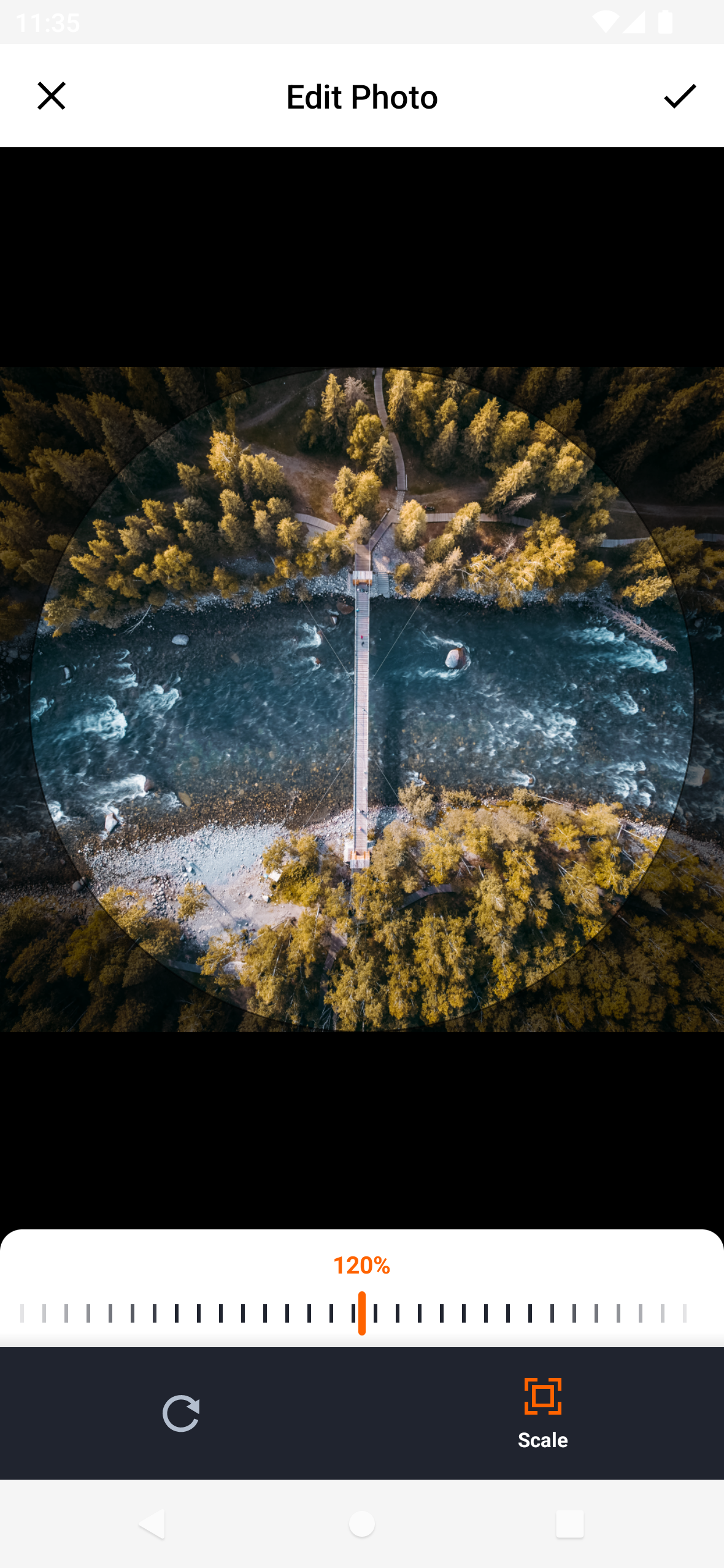
Open image cropper
Support crop multiple images
Support quality compression for selected images
Support gif selection
Installation
$ flutter pub add hl_image_picker
Note: If you are developing an application exclusively for either Android or iOS, you don't need to install hl_image_picker. Instead, you can choose one of the following packages based on your target platform:
Setup
To use the plugin, you need to perform the following setup steps:
iOS
Add Privacy Description to your ios/Runner/Info.plist file.
<key>NSPhotoLibraryUsageDescription</key>
<string>This app requires access to the photo library</string>

<key>NSCameraUsageDescription</key>
<string>This app requires access to the camera</string>

<!-- Include this description only if your plugin requires recording videos and needs access to the device's microphone. -->
<key>NSMicrophoneUsageDescription</key>
<string>This app requires access to the microphone</string>
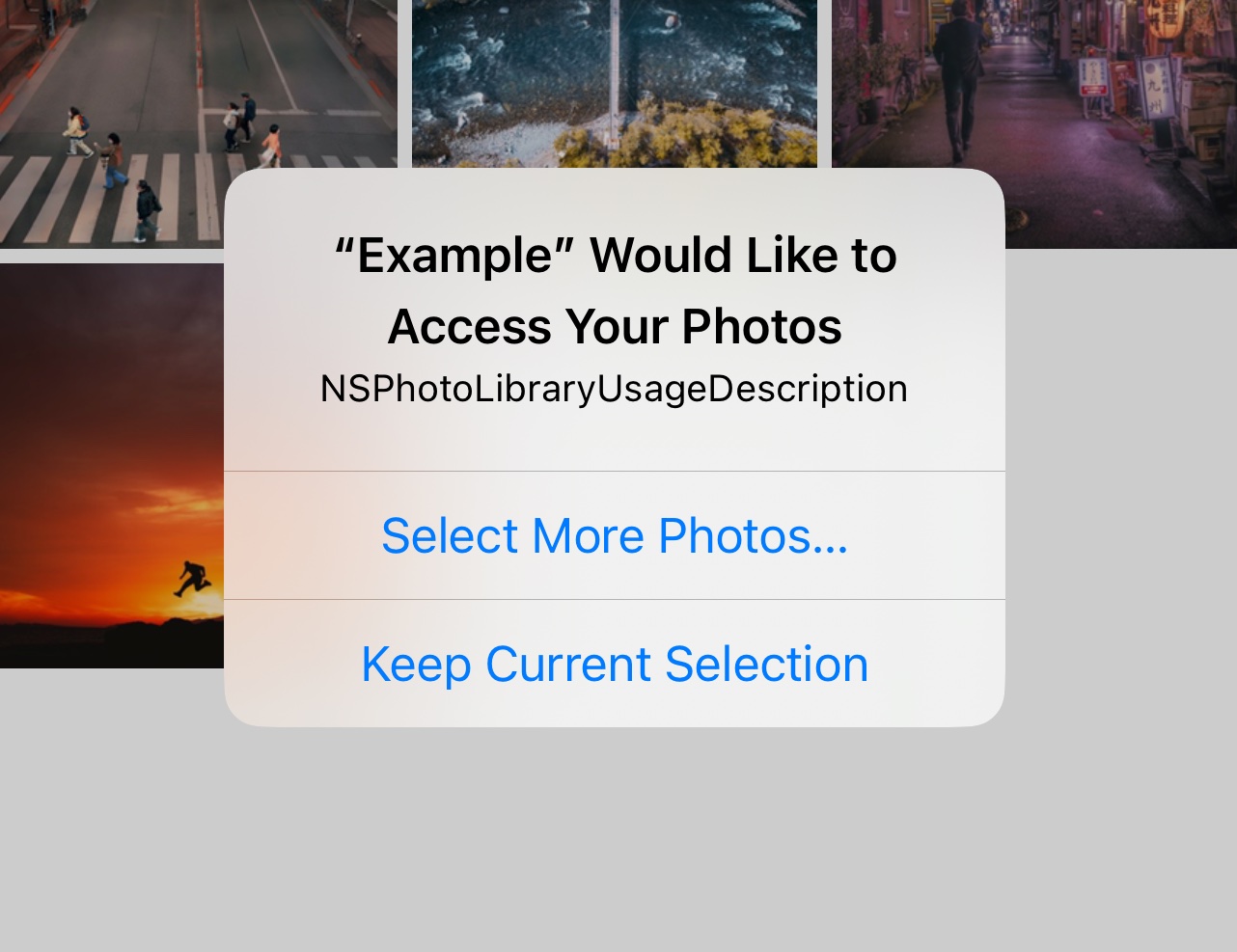
iOS 14 You can suppress the automatic prompting from the system by setting PHPhotoLibraryPreventAutomaticLimitedAccessAlert to yes in Info.plist
<key>PHPhotoLibraryPreventAutomaticLimitedAccessAlert</key>
<true />
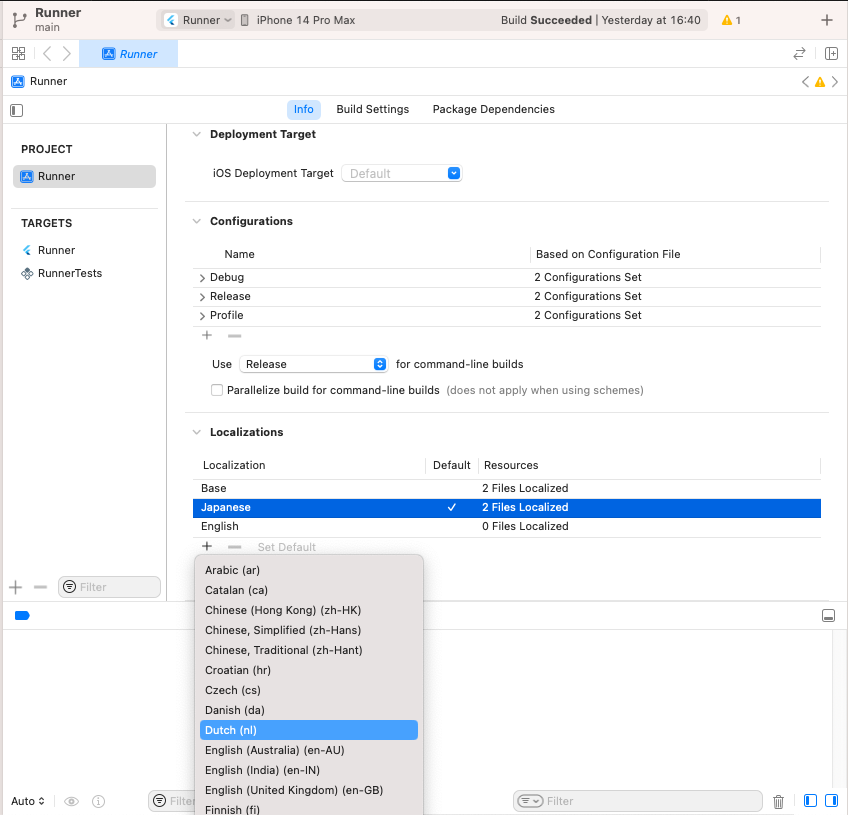
(Optional) If you want to localize the camera, open Xcode, go to the Info tab, and add the missing localizations for the camera.
Android
Make sure you set the minSdkVersion in your android/app/build.gradle file from version 21 or later:
android {
    ...
    defaultConfig {
        minSdkVersion 21
        ...
    }
}
Add permissions to your AndroidManifest.xml file.
<uses-permission android:name ="android.permission.READ_EXTERNAL_STORAGE" />
<uses-permission android:name ="android.permission.WRITE_EXTERNAL_STORAGE" />
<uses-permission android:name ="android.permission.READ_MEDIA_IMAGES" />
<uses-permission android:name ="android.permission.READ_MEDIA_VIDEO" />
<uses-feature android:name ="android.hardware.camera" android:required ="false" />
<uses-permission android:name ="android.permission.CAMERA" />
<uses-permission android:name ="android.permission.RECORD_AUDIO" />
Usage
Select images/videos from library
import 'package:hl_image_picker/hl_image_picker.dart' ;
final _picker = HLImagePicker ();
List <HLPickerItem > _selectedImages = [];
_openPicker () async {
final images = await _picker.openPicker (
);
setState (() {
_selectedImages = images;
});
}
Properties
Property
Description
Type
selectedIds
A list of string IDs representing the initially selected images or videos from the library. This allows users to pre-select items before opening the picker.
[String]
pickerOptions
Additional options for the picker
HLPickerOptions
cropping
Indicating whether or not cropping is enabled. Just work when mediaType = MediaType.image
bool
cropOptions
Configuration options for the cropping functionality
HLCropOptions
localized
Custom text displayed for the plugin
LocalizedImagePicker
Take a photo or record a video
import 'package:hl_image_picker/hl_image_picker.dart' ;
final _picker = HLImagePicker ();
HLPickerItem ? _selectedImage;
_openCamera () async {
final image = await _picker.openCamera (
);
setState (() {
_selectedImage = image;
});
}
Properties
Property
Description
Type
cameraOptions
Additional options for the camera functionality
HLCameraOptions
cropping
Indicating whether or not cropping is enabled
bool
cropOptions
Configuration options for the cropping functionality
HLCropOptions
localized
Custom text displayed for the plugin
LocalizedImageCropper
Open image cropper
import 'package:hl_image_picker/hl_image_picker.dart' ;
final _picker = HLImagePicker ();
HLPickerItem ? _selectedImage;
_openCropper_ () async {
final image = await _picker.openCropper ("image_path_to_crop" ,
);
setState (() {
_selectedImage = image;
});
}
Properties
Property
Description
Type
imagePath
Path of the image that needs to be cropped
String
cropping
Indicating whether or not cropping is enabled
bool
cropOptions
Configuration options for the cropping functionality
HLCropOptions
localized
Custom text displayed for the plugin
LocalizedImageCropper
Normal style
Circular style
HLPickerOptions
Property
Description
Default
mediaType
Type of media you want to select: MediaType.image, MediaType.video,MediaType.all.
MediaType.all
maxSelectedAssets
The maximum number of items that can be selected.
1
minSelectedAssets
The minimum number of items that must be selected.
maxFileSize
The maximum allowed file size (in KB) for selected items.
minFileSize
The minimum allowed file size (in KB) for selected items.
enablePreview
Enables or disables the preview feature. (Press on Android and Long Press on iOS)
false
convertHeicToJPG
Converts HEIC format images to JPEG format when selected. (iOS Only)
false
convertLivePhotosToJPG
Converts Live Photos to JPEG format when selected. (iOS Only)
true
isExportThumbnail
Determines whether to export thumbnail for selected videos.
false
thumbnailCompressQuality
The compression quality (0.1-1) for exported thumbnails.
0.9
thumbnailCompressFormat
The image format for exported thumbnails: CompressFormat.jpg, CompressFormat.png.
CompressFormat.jpg
maxDuration
The maximum duration (in seconds) for selected videos.
minDuration
The minimum duration (in seconds) for selected videos.
numberOfColumn
The number of items displayed per row in the picker list.
3
usedCameraButton
Determines whether to show the camera button in the picker list.
true
isGif
Enable gif selection
false
compressQuality
Compress images with custom quality
compressFormat
The image format for compressed images
CompressFormat.jpg
maxSizeOutput
Sets the maximum width and maximum height for selected images.
HLCropOptions
Property
Description
Default
aspectRatio
Specifies the desired aspect ratio for cropping.
aspectRatioPresets
Provides a set of predefined aspect ratio options for cropping.
compressQuality
Determines the compression quality (0.1-1) for the exported image.
0.9
compressFormat
Specifies the image format for the exported image: CompressFormat.jpg, CompressFormat.png.
CompressFormat.jpg
croppingStyle
Cropping style: CroppingStyle.normal, CroppingStyle.circular.
CroppingStyle.normal
maxSizeOutput
Sets the maximum width and maximum height for the exported image.
HLCameraOptions
Property
Description
Default
cameraType
Specifies the type of camera to be used: CameraType.video, CameraType.image
CameraType.image
recordVideoMaxSecond
The maximum duration (in seconds) for recorded video.
isExportThumbnail
Determines whether to export thumbnail for recorded video.
false
thumbnailCompressQuality
The compression quality (0.1-1) for exported thumbnail.
0.9
thumbnailCompressFormat
The image format for exported thumbnail: CompressFormat.jpg, CompressFormat.png.
CompressFormat.jpg
compressQuality
Compress images with custom quality
compressFormat
The image format for compressed images
CompressFormat.jpg
maxSizeOutput
Sets the maximum width and maximum height for selected images.
HLPickerItem (Response)
Property
Description
Type
path
The path of the item.
String
id
The unique identifier of the item.
String
name
The filename of the item.
String
mimeType
The MIME type of the item.
String
size
The size of the item in bytes.
int
width
The width of the item
int
height
The height of the item
int
type
Indicates whether the item is an image or video.
String
duration
The duration of the video
double?
thumbnail
The path of the video thumbnail
String?
LocalizedImagePicker
Property
Description
Default
maxDurationErrorText
The error message displayed when the selected video exceeds the maximum duration.
Exceeded maximum duration of the video
minDurationErrorText
The error message displayed when the selected video is below the minimum duration.
The video is too short
maxFileSizeErrorText
The error message displayed when the selected file exceeds the maximum file size.
Exceeded maximum file size
minFileSizeErrorText
The error message displayed when the selected file is below the minimum file size.
The file size is too small
noAlbumPermissionText
The error message displayed when the app doesn't have permission to access the album.
No permission to access album
noCameraPermissionText
The error message displayed when the app doesn't have permission to access the camera.
No permission to access camera
maxSelectedAssetsErrorText
The error message displayed when the maximum number of items is exceeded.
Exceeded maximum number of selected items
minSelectedAssetsErrorText
The error message displayed when the minimum number of items is not met.
Need to select at least {minSelectedAssets}
noRecordAudioPermissionText
The error message displayed when the app doesn't have permission to record audio.
No permission to record audio
gifErrorText
The error message displayed when the selected file is gif and isGif=false (iOS Only)
File type is not supported
doneText
The text displayed on the "Done" button.
Done
cancelText
The text displayed on the "Cancel" button.
Cancel
loadingText
The text displayed when the picker is in a loading state.
Loading
defaultAlbumName
The name for default album.
Recents
tapHereToChangeText
The text displayed below defaultAlbumName. (iOS Only)
Tap here to change
okText
The text displayed on the "OK" button.
OK
emptyMediaText
The text displayed when no media is available. (iOS Only)
No media available
cropDoneText
The text displayed on the "Done" button. (iOS Only)
Done
cropCancelText
The text displayed on the "Cancel" button. (iOS Only)
Cancel
cropTitleText
The title displayed in the crop image screen.
LocalizedImageCropper
Property
Description
Default
cropDoneText
The text displayed on the "Done" button. (iOS Only)
Done
cropCancelText
The text displayed on the "Cancel" button. (iOS Only)
Cancel
cropTitleText
The title displayed in the crop image screen.
ProGuard
-keep class com .luck .picture .lib .** class com .yalantis .ucrop ** interface com .yalantis .ucrop ** Open-source library
iOS: TLPhotoPicker and TOCropViewController
Android: PictureSelector