image_painter


A flutter implementation of painting over image.
Overview
Features
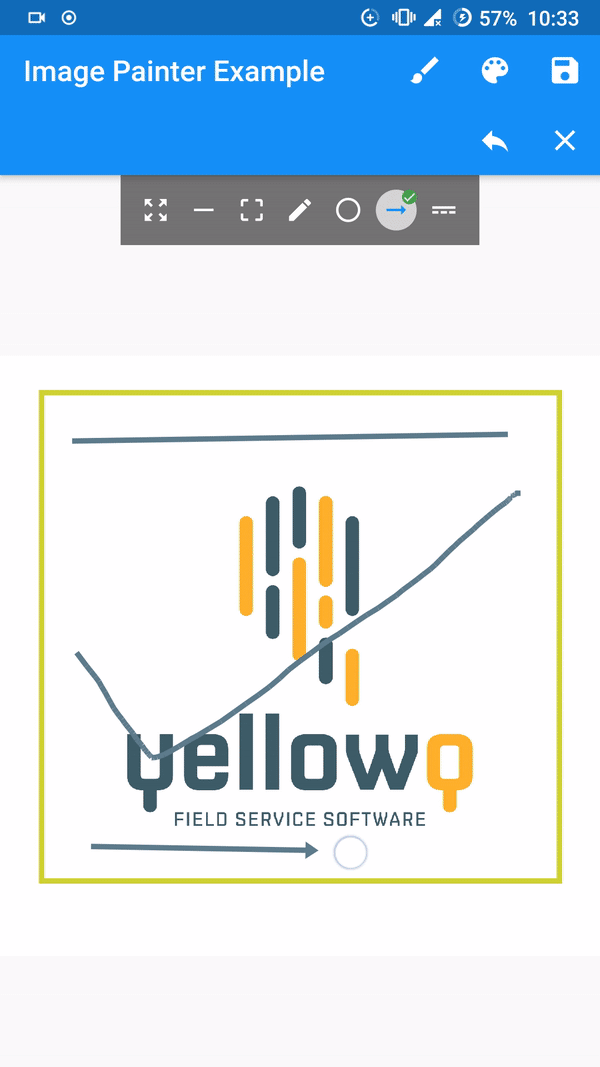
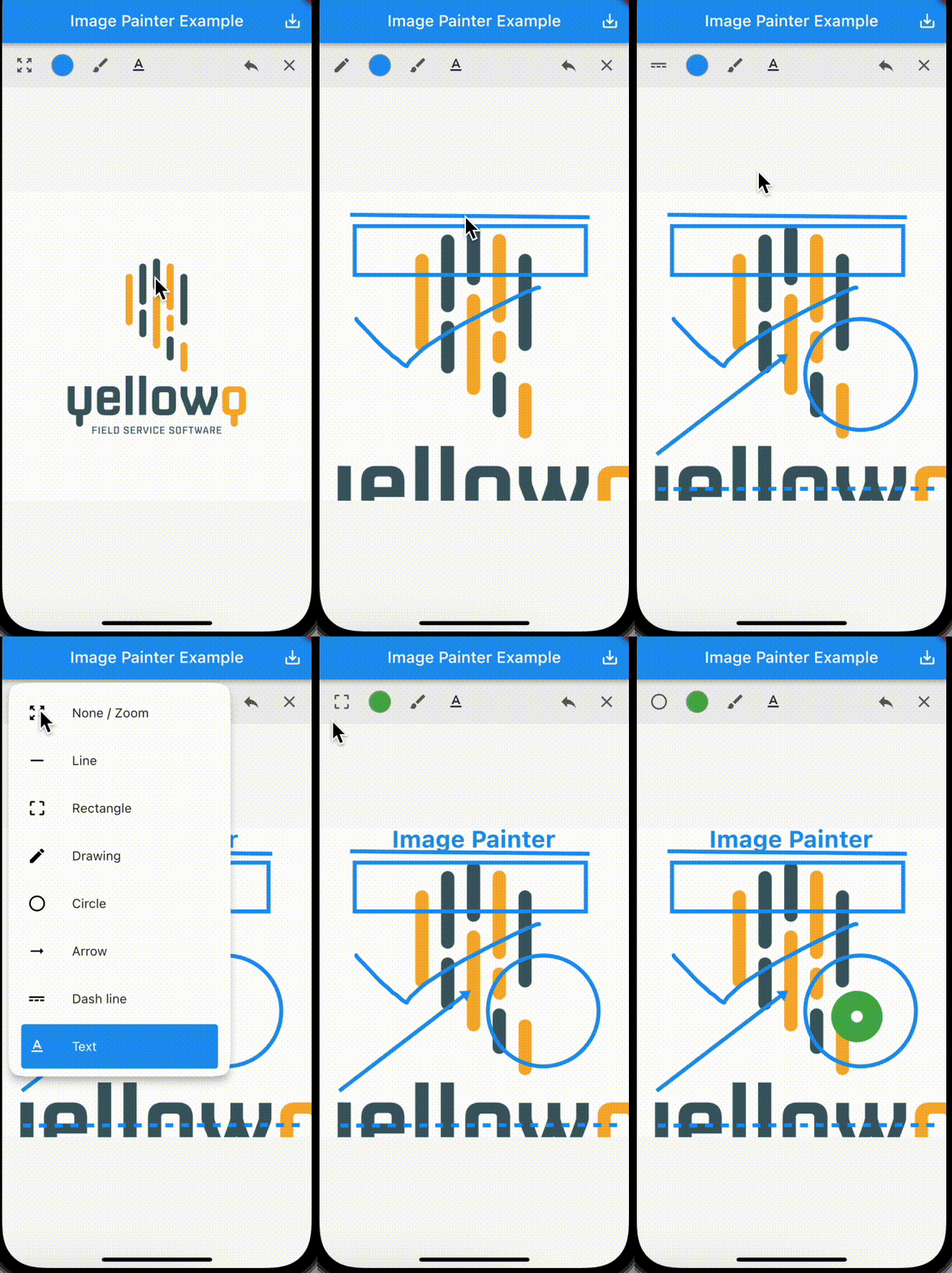
- Seven available paint modes. Line, Box/Rectangle, Circle, Freestyle/Signature, Dotted Line, Arrow and Text.
- Four constructors for adding image from Network Url, Asset Image, Image from file and from memory.
- Export image as memory bytes which can be converted to image. Implementation provided on example
- Ability to undo and clear drawings.
- Built in control bar.
[Note]
Tested and working only on flutter stable channel. Please make sure you are on stable channel of flutter before using the package.
Getting started
In the pubspec.yaml of your flutter project, add the following dependency:
dependencies:
  ...
  image_painter: latest
In your library add the following import:
import 'package:image_painter/image_painter.dart';
For help getting started with Flutter, view the online documentation.
Using the library
Check out the example
Basic usage of the libary:
ImagePainter.network: Painting over image from network url.
final imagePainterController = ImagePainterController();
ImagePainter.network("https://sample_image.png",
controller: imagePainterController,scalable: true),
Uint8List byteArray = await imagePainterController.exportImage();
File imgFile = File('directoryPath/fileName.png');
imgFile.writeAsBytesSync(image);
For more thorough implementation guide, check the example.
Issues and Support.
For any issues or support please visit the Issues.