📜 infinite_scroll_tab_view

A Flutter package for tab view component that can scroll infinitely.
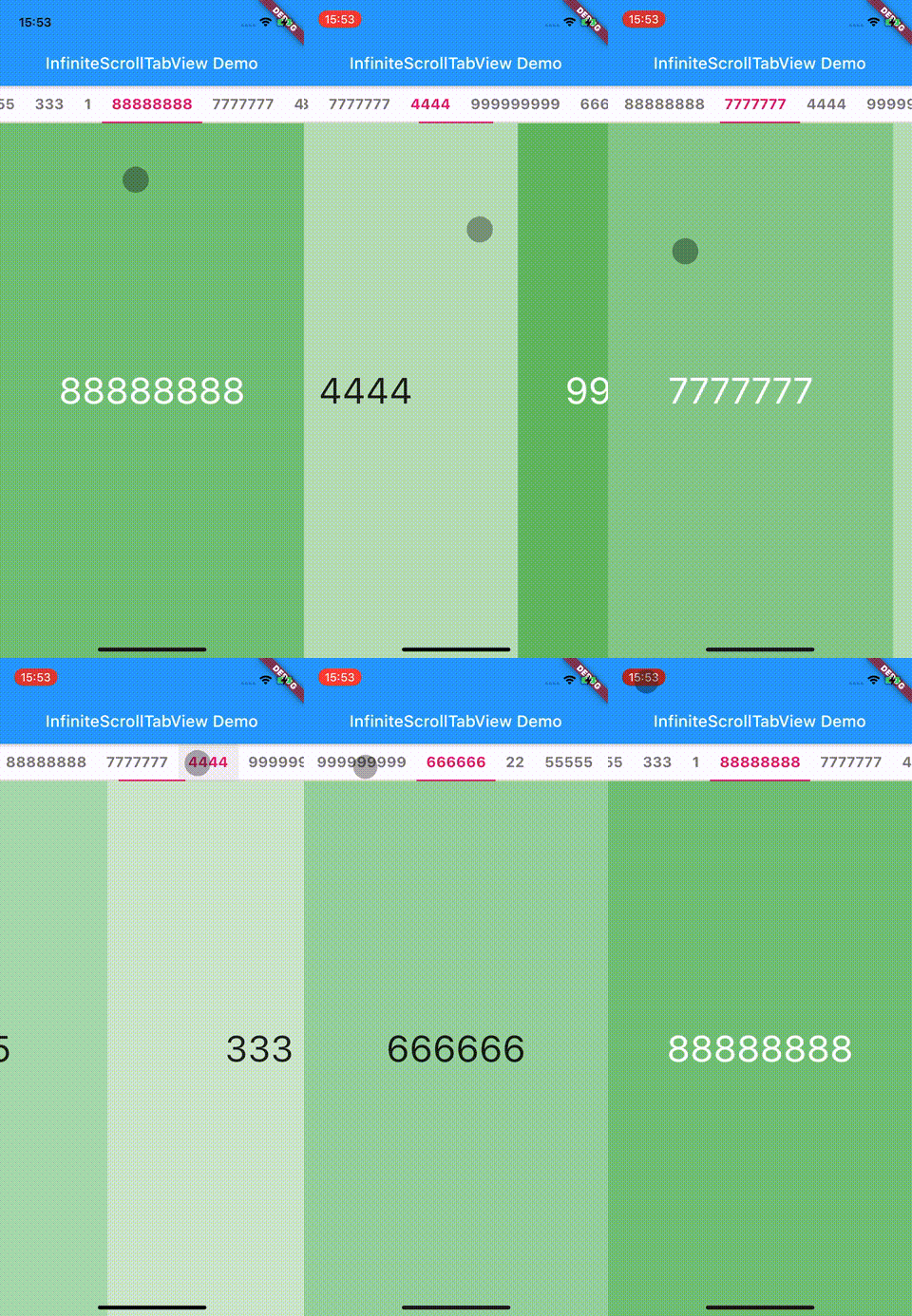
✍️ Usage
-
Import it.
dependencies:
    infinite_scroll_tab_view: <latest-version>
import 'package:infinite_scroll_tab_view/infinite_scroll_tab_view.dart';
-
Place InfiniteScrollTabView Widget into your app.
 return InfiniteScrollTabView(
   contentLength: contents.length,
   onTabTap: (index) {
     print('tapped $index');
   },
   tabBuilder: (index, isSelected) => Text(
     _convertContent(contents[index]),
     style: TextStyle(
       color: isSelected ? Colors.pink : Colors.black54,
       fontWeight: FontWeight.bold,
       fontSize: 18,
     ),
   ),
   separator: BorderSide(color: Colors.black12, width: 1.0),
   onPageChanged: (index) => print('page changed to $index.'),
   indicatorColor: Colors.pink,
   pageBuilder: (context, index, _) {
     return SizedBox.expand(
       child: DecoratedBox(
         decoration: BoxDecoration(
           color: Colors.green.withOpacity(contents[index] / 10),
         ),
         child: Center(
           child: Text(
             _convertContent(contents[index]),
             style: Theme.of(context).textTheme.headline3!.copyWith(
                   color: contents[index] / 10 > 0.6
                       ? Colors.white
                       : Colors.black87,
                 ),
           ),
         ),
       ),
     );
   },
 );
💭 Have a question?
If you have a question or found issue, feel free to create an issue.

