搜尋套件、儲存庫與 APP 分類

invoiceninja 封面
套件詳情v0.0.11

invoiceninja

輕鬆在Flutter應用中建立PDF發票並接受付款

AndroidiOSWebmacOSWindowsLinux
近 30 天下載
54
喜歡數
76
Pub 分數
130

安裝套件

flutter pub add invoiceninja

套件介紹

根據套件公開資料產生的選型評估,僅供參考。

invoiceninja 套件讓 Flutter 開發者能在應用程式內直接產生 PDF 記帳單並處理付款。透過整合 Invoice Ninja API,可簡化跨多個平台的發票建立、自訂與收款流程。開發者可程式化建立帶有品牌識別的專業發票,寄送給客戶,並透過整合的支付網關接受付款。該套件支援 Android、iOS、Web、macOS、Windows 與 Linux,非常適合跨平台商業應用。它能為自由工作者、小型企業與服務提供者簡化財務作業流程。

適用情境

  • 產生客戶發票
  • 處理在線付款
  • 自動化計費工作流程
  • 支援多平台應用
  • 發送品牌PDF
  • 追蹤付款狀態

主要特色

  • PDF發票生成
  • 支付整合
  • 跨平台支援
  • 基於API的設計
  • 可自定義範本
  • 即時支付追蹤

適合對象

  • Freelancers
  • 小型企業應用
  • 基於服務的平台
  • 計費系統
  • 電子商務整合

使用建議

  • 需要 Invoice Ninja 帳戶
  • 依賴外部API
  • 需要互聯網連接
  • 有限的離線功能
  • 可能會應用速率限制
  • 需要設定驗證

原始 README

以下為關聯原始碼儲存庫的 README 原文快照,最新內容請造訪原始碼儲存庫。

Invoice Ninja

Create PDF invoices and accept payments in a Flutter app

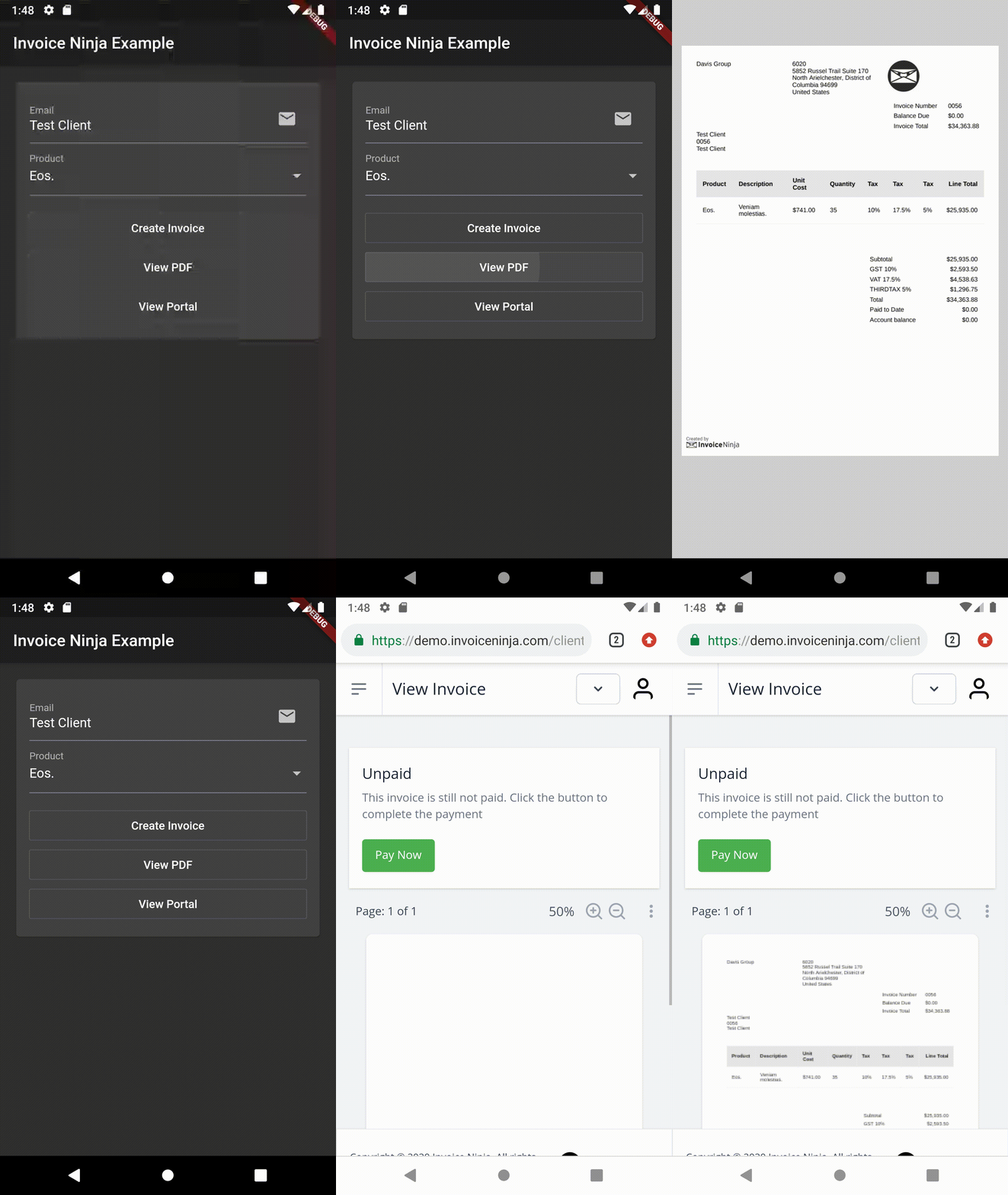
Sample

YouTube Video

YouTube Video

Features

  • Accept online payment in mobile, web and desktop Flutter apps
  • Supports many payment gateways including Stripe, PayPal and more
  • Create professional PDF invoices
  • Includes a self-service client portal
  • Many more features...

Overview

The package provides two main classes:

  • InvoiceNinja: Supports the public 'Storefront' routes which allow reading the list of products and creating/finding clients and invoices. Using this class works with restricted access to the account.
  • InvoiceNinjaAdmin: Supports the REST Admin API which uses token based security. Using this class requires an API token to access the account.

Storefront API

Configure
InvoiceNinja.configure(
  'KEY', // Set your company key or use 'KEY' to test
  url: 'https://demo.invoiceninja.com', // Set your selfhost app URL
  debugEnabled: true,
);
Load the product list
final products = await InvoiceNinja.products.load();
Find the product by key
final product = await InvoiceNinja.products.findByKey('product_key');
Create/persist the client
var client = Client.forContact(email: 'test@example.com');
client = await InvoiceNinja.clients.save(client);
Create/persist the invoice
var invoice = Invoice.forClient(client, products: [product]);
invoice = await InvoiceNinja.invoices.save(invoice);
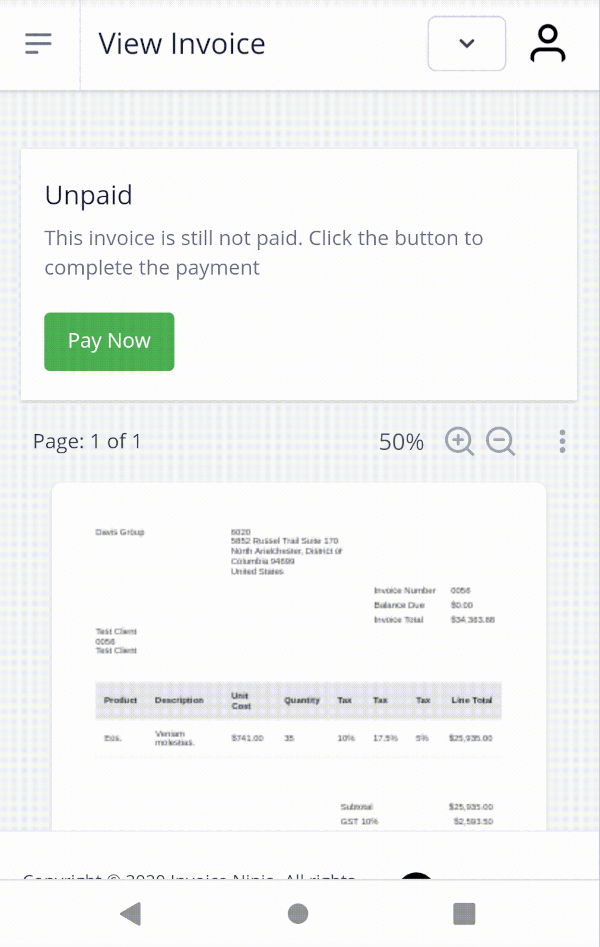
Display the PDF invoice
launch(
  'https://docs.google.com/gview?embedded=true&url=${invoice.pdfUrl}',
  forceWebView: true,
);
Accept the payment
var invoiceKey = invoice.key;
launch(invoice.url);

// ...

final invoice = await InvoiceNinja.invoices.findByKey(invoiceKey);
if (invoice.isPaid) {
  // ...
}

You can use the WidgetsBindingObserver interface to run code when the app is resumed.

Consider giving issue #57536 a thumbs up to make this better in the future.

Admin API

Configure
InvoiceNinjaAdmin.configure(
  'TOKEN', // Set your API token or use 'TOKEN' to test
  url: 'https://demo.invoiceninja.com', // Set your selfhost app URL
  debugEnabled: true,
);
Find a client by email
final client = await InvoiceNinjaAdmin.clients.findByEmail(email);
Load all invoices
final payments = await InvoiceNinjaAdmin.payments.load();
Load the payments list
final payments = await InvoiceNinjaAdmin.payments.load();
Find a payment by id
final payment = await InvoiceNinjaAdmin.payments.findById(id);
Create/persist an invoice and auto-bill it
var invoice = Invoice.forClient(client, products: [product]);
invoice = await InvoiceNinjaAdmin.invoices.save(invoice, action: InvoiceAction.autoBill);

所屬分類

依賴

依賴清單 4 項

原始碼儲存庫

使用此套件的專案

暫無相關資料。