搜尋套件、儲存庫與 APP 分類

likk_picker 封面
套件詳情v1.1.5+1

likk_picker

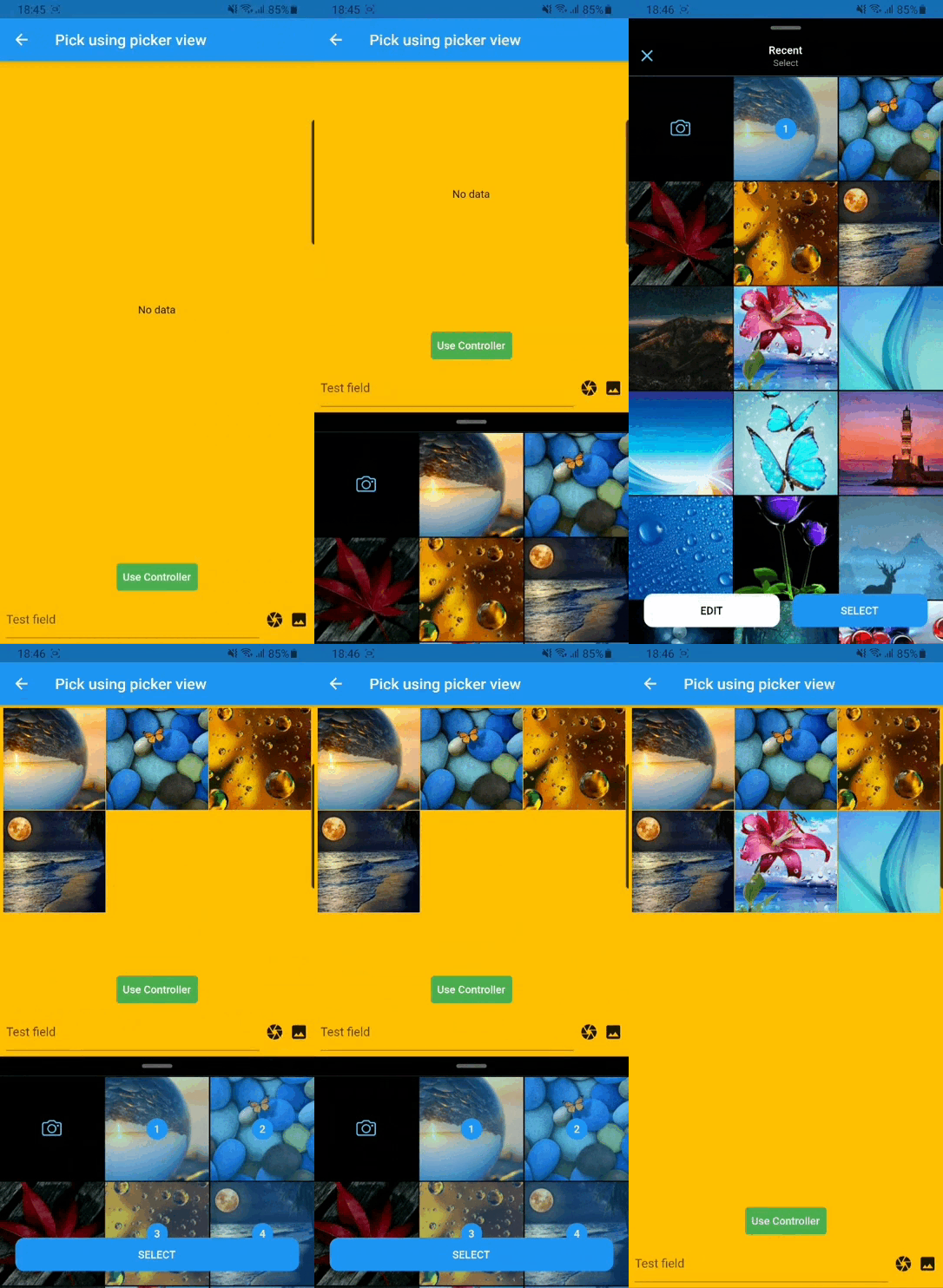
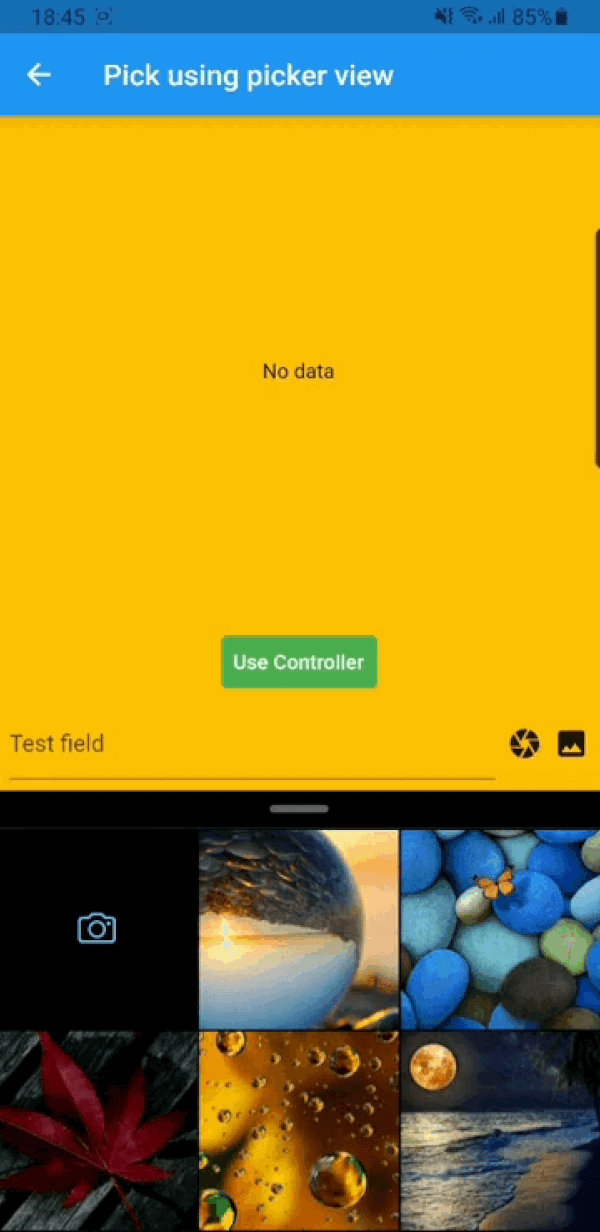
相機和圖庫選擇器,來自 Photo Manager。Facebook Messenger 的自訂檢視。(影像選擇器、相機、圖庫讀取器)

近 30 天下載
70
喜歡數
60
Pub 分數
50

安裝套件

flutter pub add likk_picker

套件介紹

根據套件公開資料產生的選型評估,僅供參考。

likk_picker 是一個 Flutter 套件,提供可自訂的影像選擇器,整合相機與相簿存取功能,靈感來自 Facebook Messenger 的媒體選取介面。基於 Photo Manager 庫建構,讓使用者能從本機儲存空間選擇並管理影像,或直接透過裝置相機拍攝新影像。此套件支援自訂 UI 元件,非常適合需要精緻、類原生媒體選取體驗的應用程式。它簡化資源取得流程,同時保留開發者客製化選擇器外觀與行為的彈性。

適用情境

  • 社群媒體應用程式照片上傳
  • 聊天應用媒體分享
  • 使用者個人檔案圖片選擇
  • 內容創作工具
  • 電子商務產品圖像捕獲
  • 多圖像選擇工作流程

主要特色

  • 相機和相簿整合
  • 可自訂的 UI,類似於 Facebook Messenger
  • 支援多張圖片選擇
  • 基於 Photo Manager 庫建構
  • 輕量且易於整合
  • 跨平台相容性

適合對象

  • 開發聊天介面的開發者
  • 需要直覺式媒體選擇器的應用程式
  • 需要自定義媒體選擇UI的項目
  • 專注於使用者產生內容的行動應用程式
  • 希望有輕量級替代方案的團隊,可替代標準圖像選擇器

使用建議

  • 需要平台特定的相機和儲存權限
  • 僅限影像資源(不支援影片)
  • 依賴外部照片管理器程式庫
  • 可能需要額外的樣式才能完全自訂
  • 無內建影像編輯功能

原始 README

以下為關聯原始碼儲存庫的 README 原文快照,最新內容請造訪原始碼儲存庫。

Likk Picker

Platform Pub Package likes Forks

Buy Me A Coffee

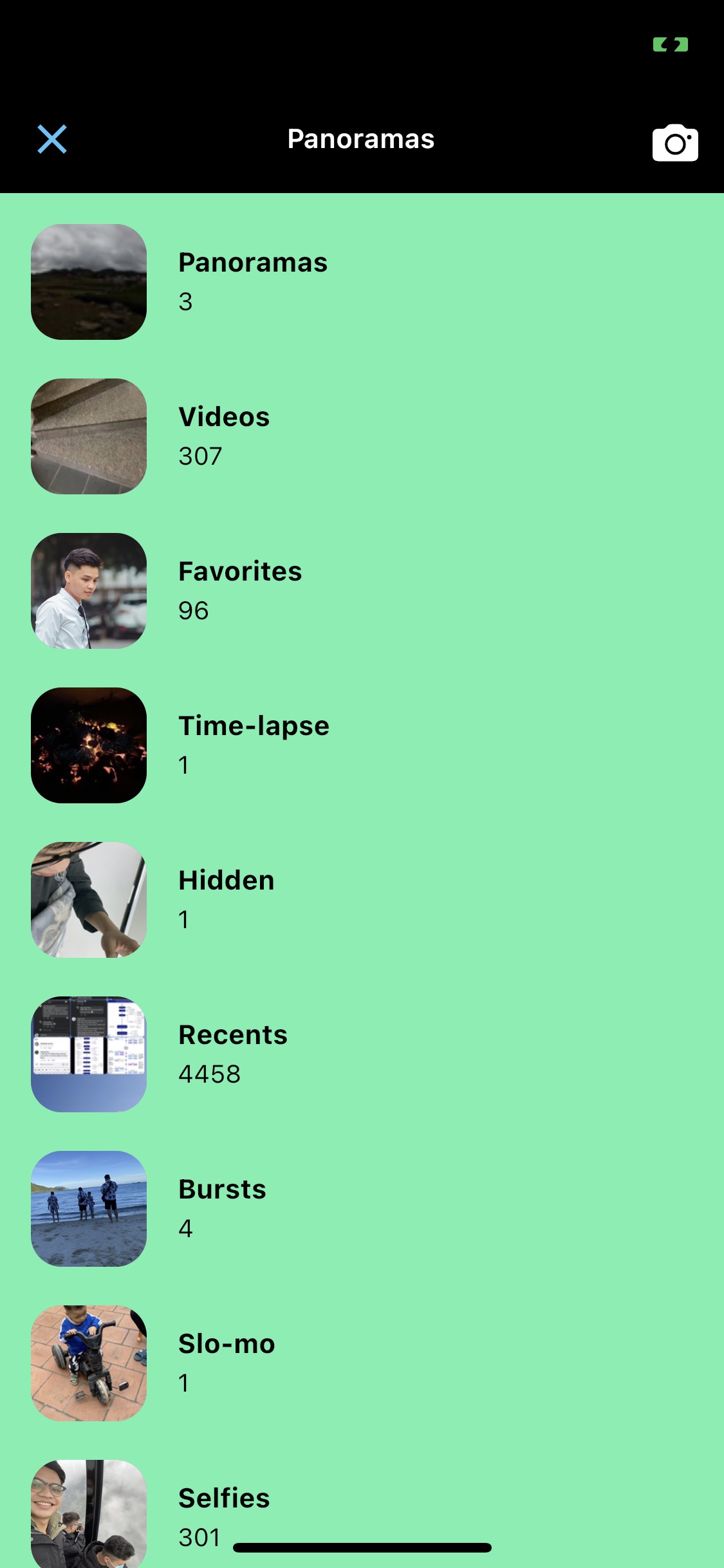
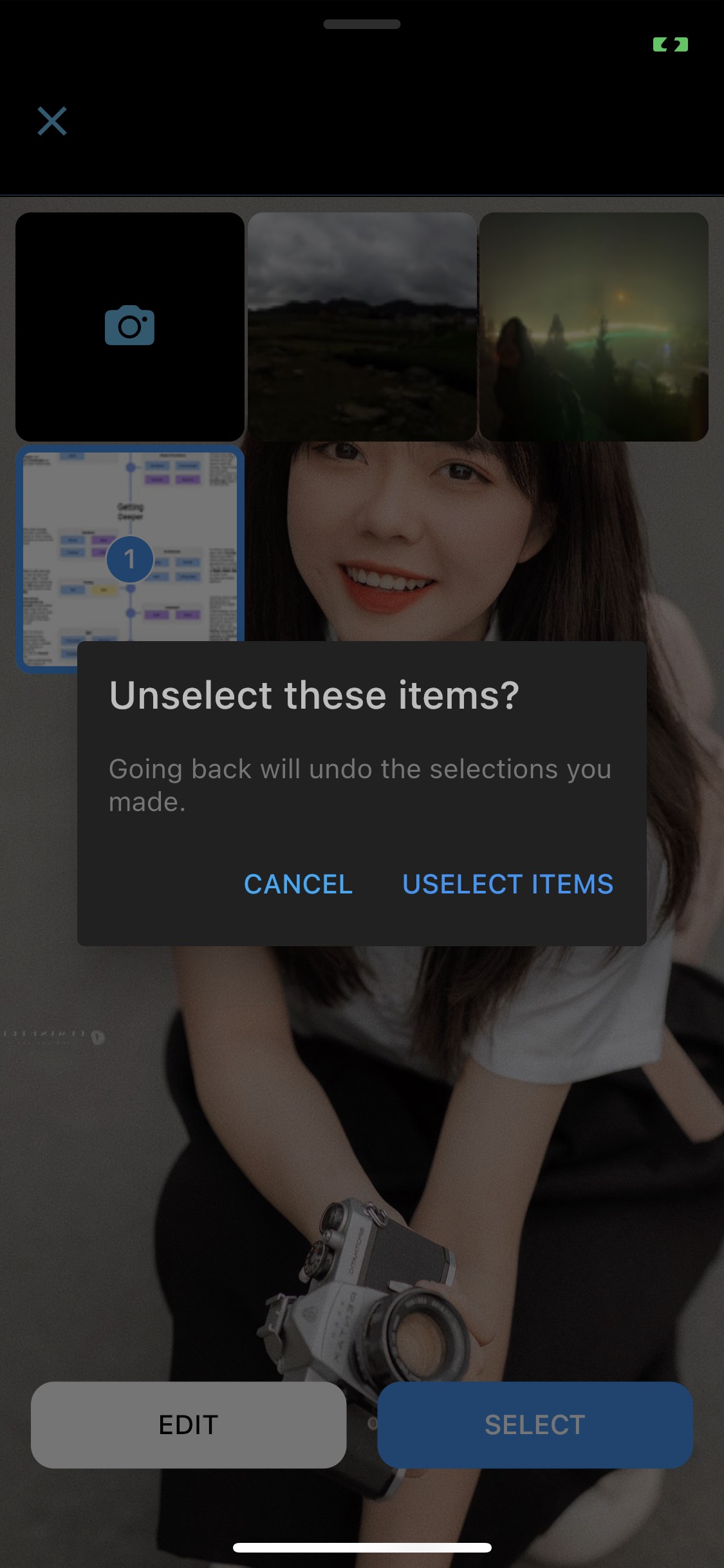
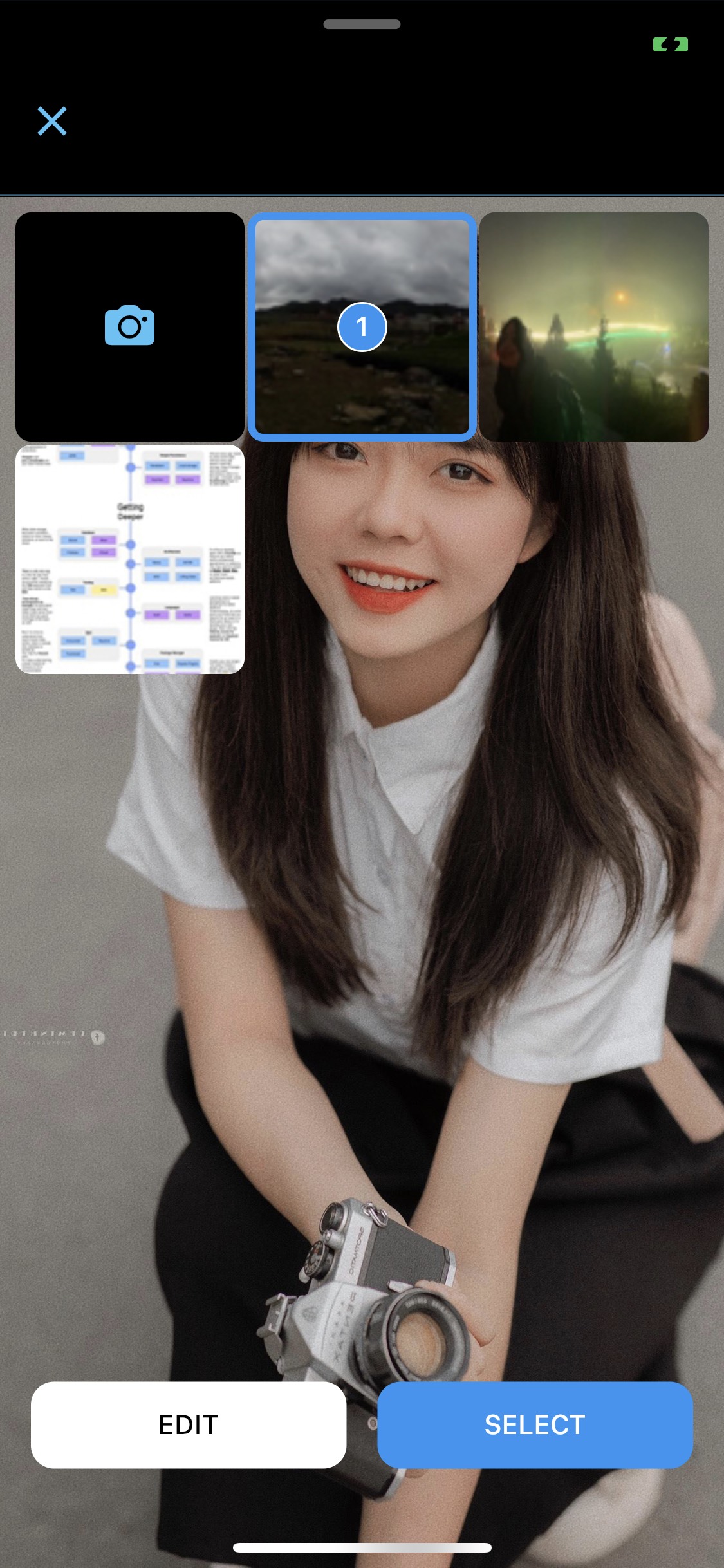
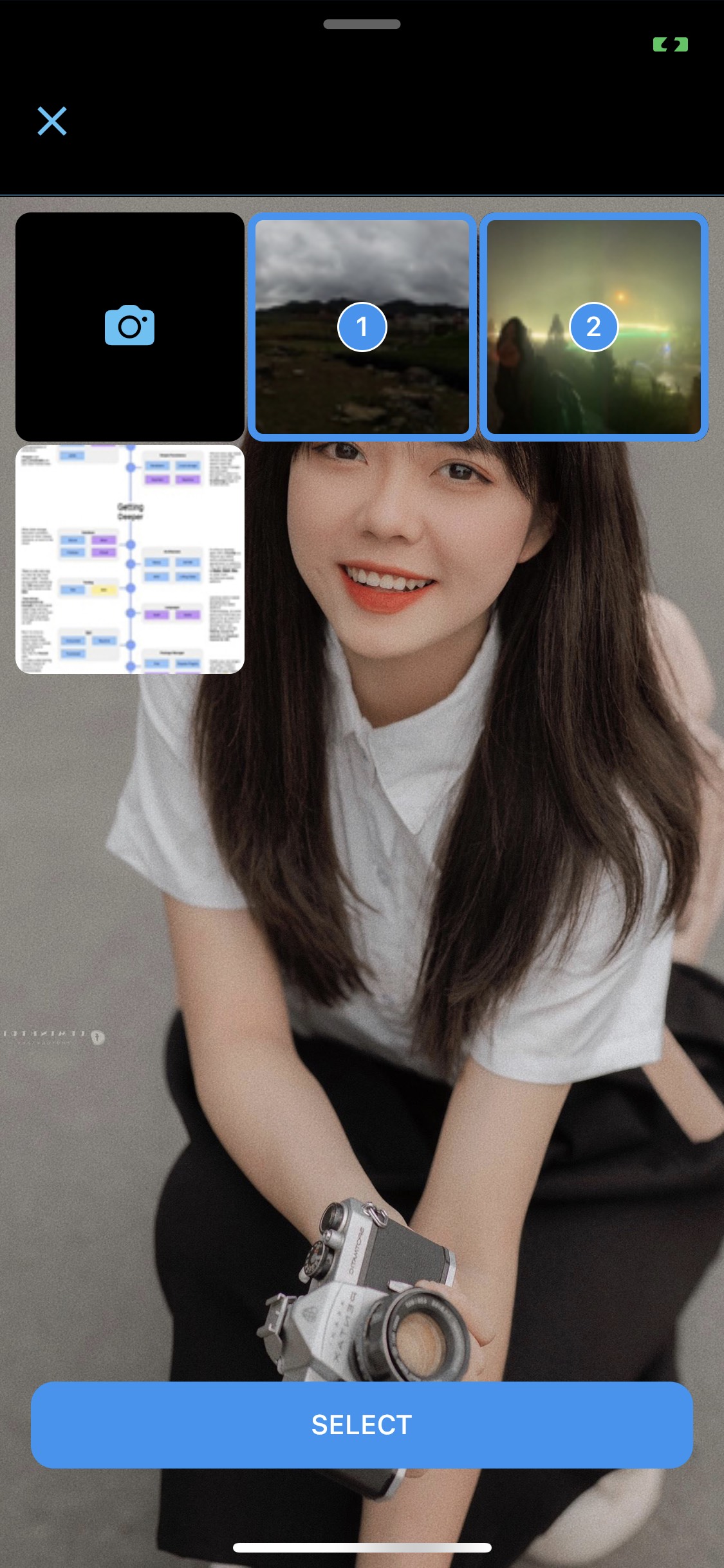
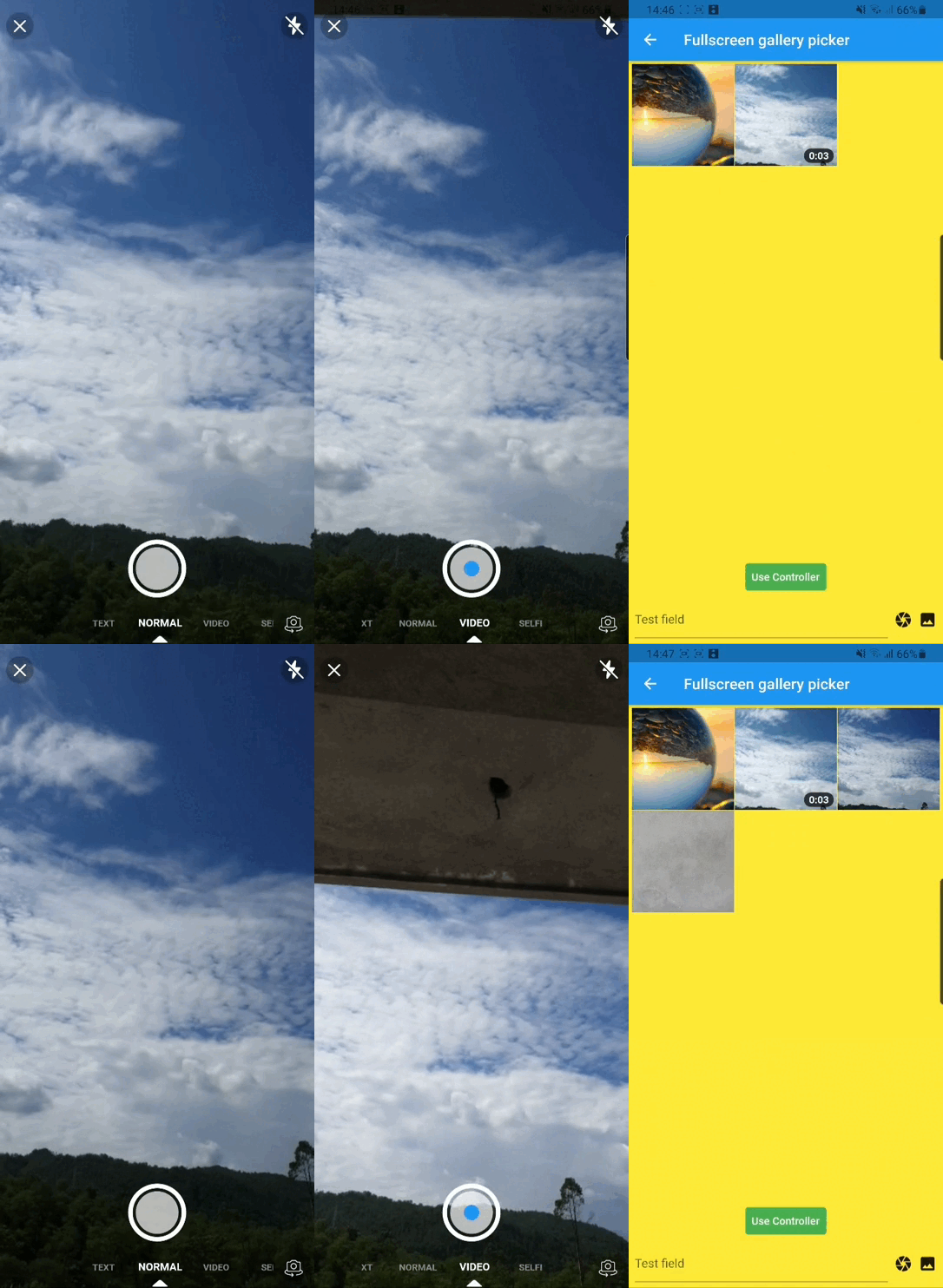
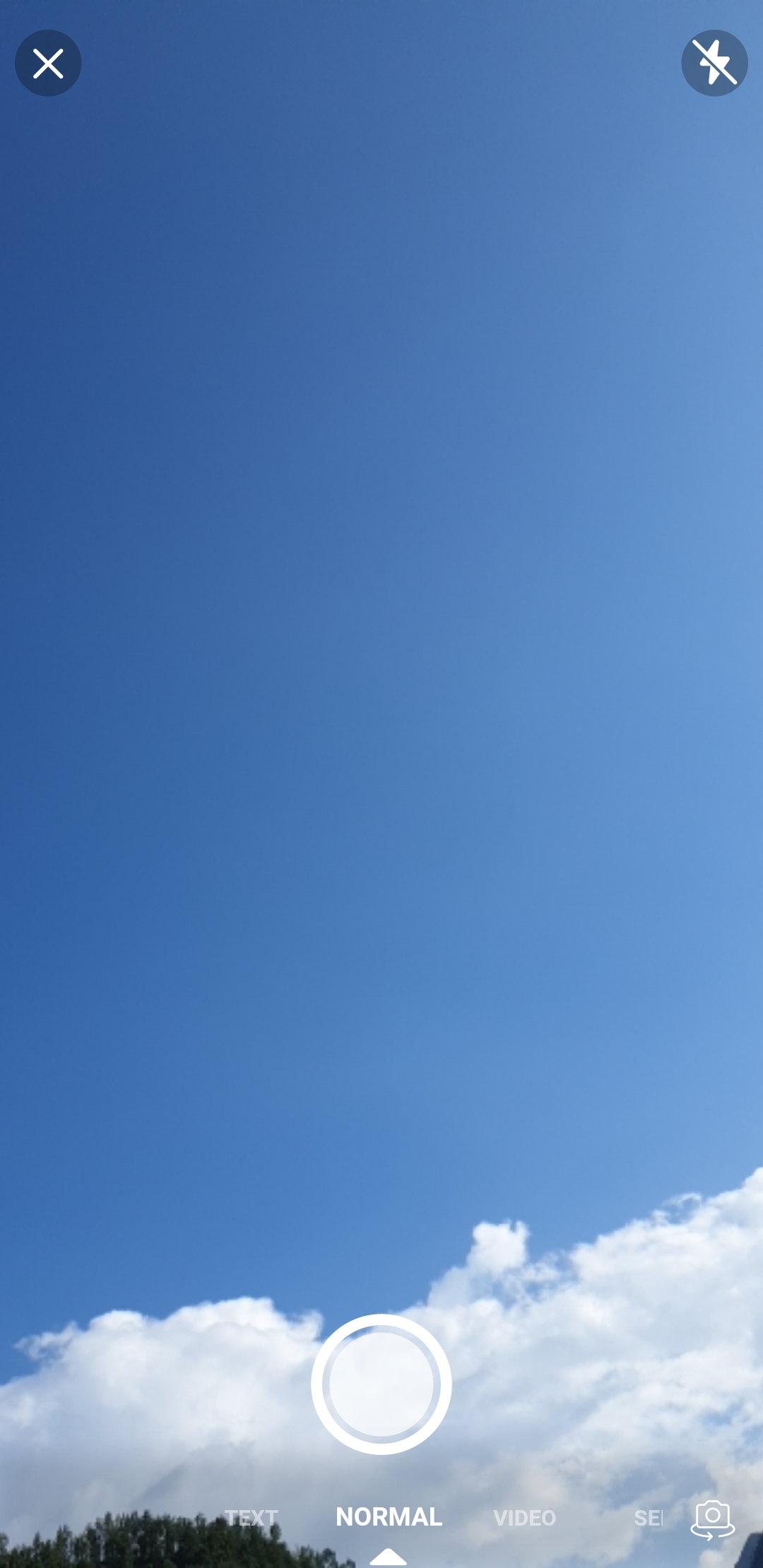
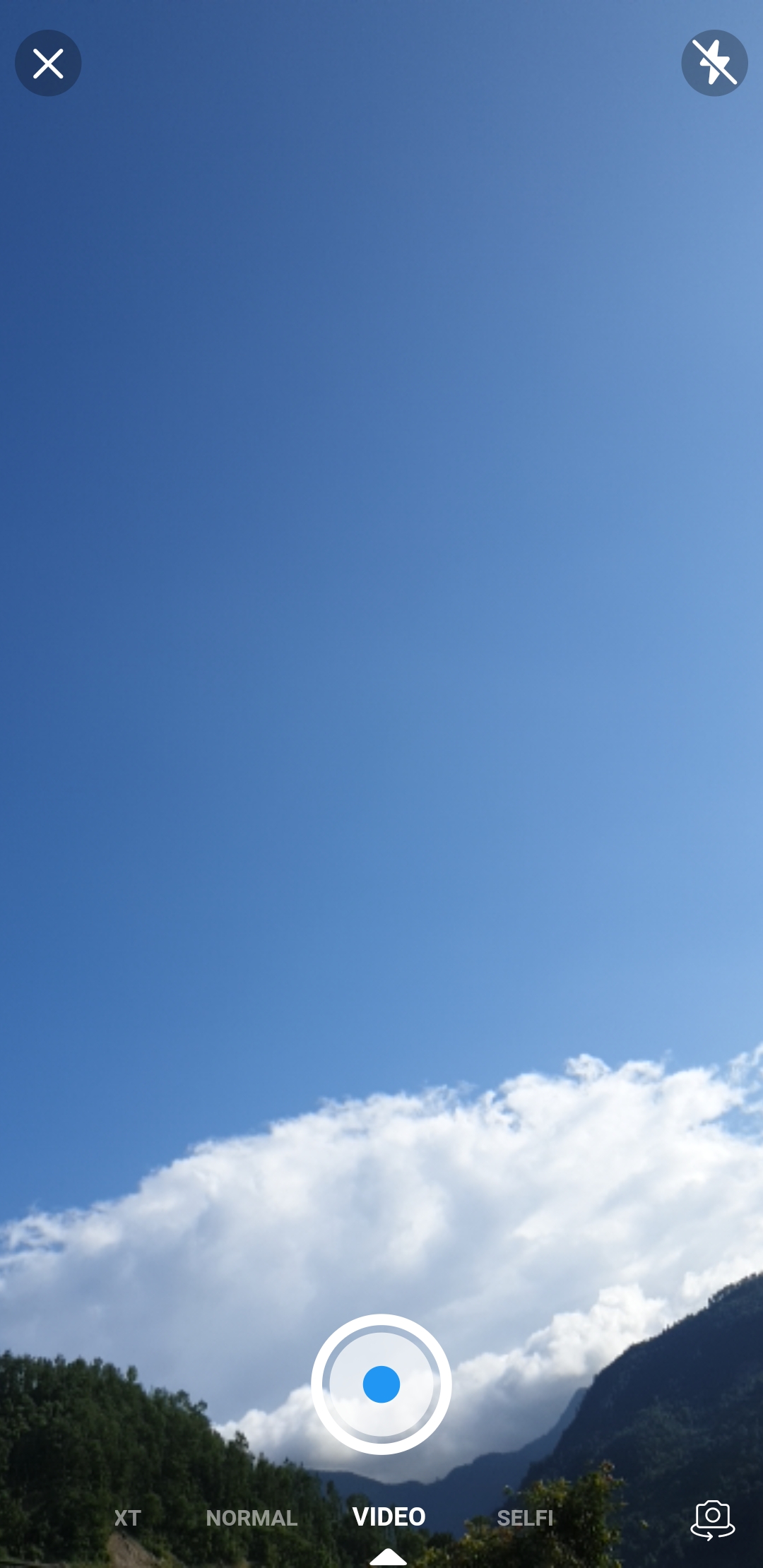
A flutter package which is clone of facebook messenger gallery picker and camera, combined as single component. Gallery view and Camera view can also be use as Flutter widget. Under the hood likk picker used Photo Manager and Camera.


Table of contents


Installing

1. Add dependency

Add this to your package's pubspec.yaml file:

dependencies:
  likk_picker: ^latest_version
2. Install it

You can install packages from the command line:

with pub:

$ pub get

with Flutter:

$ flutter pub get
3. Import it

Now in your Dart code, you can use:

import 'package:likk_picker/likk_picker.dart';

Platform Setup

For more details (if needed) you can go through Photo Manager and Camera readme section as well.

Android

Change the minimum Android sdk version to 21 (or higher) in your android/app/build.gradle file.

minSdkVersion 21

Required permissions: INTERNET, READ_EXTERNAL_STORAGE, WRITE_EXTERNAL_STORAGE, ACCESS_MEDIA_LOCATION. If you don't need the ACCESS_MEDIA_LOCATION permission, see Disable ACCESS_MEDIA_LOCATION permission.

glide

Android native use glide to create image thumb bytes, version is 4.11.0.

If your other android library use the library, and version is not same, then you need edit your android project's build.gradle.

rootProject.allprojects {

    subprojects {
        project.configurations.all {
            resolutionStrategy.eachDependency { details ->
                if (details.requested.group == 'com.github.bumptech.glide'
                        && details.requested.name.contains('glide')) {
                    details.useVersion '4.11.0'
                }
            }
        }
    }
}

And, if you want to use ProGuard, you can see the ProGuard of Glide.

Remove Media Location permission

Android contains ACCESS_MEDIA_LOCATION permission by default.

This permission is introduced in Android Q. If your app doesn't need this permission, you need to add the following node to the Android manifest in your app.

<uses-permission
  android:name="android.permission.ACCESS_MEDIA_LOCATION"
  tools:node="remove"
  />

If you found some warning logs with Glide appearing, then the main project needs an implementation of AppGlideModule. See Generated API.

IOS

Add following content to info.plist.

<key>NSPhotoLibraryUsageDescription</key>
<string>Replace with your permission description..</string>
<key>NSCameraUsageDescription</key>
<string>Replace with your permission description..</string>
<key>NSMicrophoneUsageDescription</key>
<string>Replace with your permission description..</string>

Gallery

  1. Use GalleryViewWrapper to make gallery view collapsible otherwise ignore it.
class PickerDemo extends StatelessWidget {
 late final GalleryController controller;
 
 ...

 @override
 Widget build(BuildContext context) {
   return GalleryViewWrapper(
     controller: controller,
     child: Scaffold(
       body: ...
     ),
   );
 }
}
  1. GalleryController can be used for extra setting and picking media.
  • Using pick() function on controller to pick media.
class PickerDemo extends StatelessWidget {
  late final GalleryController controller;

  @override
  void initState() {
    super.initState();
    controller = GalleryController(
      gallerySetting: const GallerySetting(
        albumSubtitle: 'Collapsable',
        enableCamera: true,
        maximum: 10,
        requestType: RequestType.all,
      ),
      panelSetting: const PanelSetting(topMargin: 24.0),
    );
  }

  ...

  onPressed : () async {
    final entities = await controller.pick();
  }

  ...
}
  1. Using GalleryViewField similarly as flutter TextField to pick media.
  • onChanged – triggered every time user select/unselect media

  • onSubmitted – triggered when user done with selection

GalleryViewField(
  selectedEntities: [],
  onChanged: (entity, isRemoved) {
     ...
  },
  onSubmitted: (list) {
     ...
  }
  child: const Icon(Icons.camera),
),
  1. You can also use GalleryView as a Widget.

Camera

  1. Using pick() function on CameraView to pick media.
  ...
  onPressed : () async {
    final entity = await CameraView.pick();
  }
  ...
  1. Using CameraViewField similarly as flutter TextField to pick media.
  • onCapture – triggered when photo/video capture completed
GalleryViewField(
  onCapture: (entity) {
     ...
  },
  child: const Icon(Icons.camera),
),
  1. You can also use CameraView as a Widget.

Bugs or Requests

If you encounter any problems feel free to open an issue. If you feel the library is missing a feature, please raise a ticket on GitHub and I'll look into it. Pull request are also welcome.


Maintainers

Donate

所屬分類

依賴

依賴清單 5 項

原始碼儲存庫

使用此套件的專案

暫無相關資料。