搜尋套件、儲存庫與 APP 分類

m_toast 封面
套件詳情v0.2.4

m_toast

用於 flutter 的自訂 Toast,只需一行程式碼即可輕鬆建立 Toast。

AndroidiOSWebmacOSWindowsLinux
近 30 天下載
120
喜歡數
40
Pub 分數
140

安裝套件

flutter pub add m_toast

套件介紹

根據套件公開資料產生的選型評估,僅供參考。

m_toast 是一個輕量級的 Flutter 套件,讓開發者能以最少的程式碼顯示可自訂的提示訊息。設計簡單,僅需一行程式碼即可顯示提示,非常適合應用中的快速回饋。支援 Android、iOS、Web、macOS、Windows 與 Linux 多個平台。此套件提供外觀、持續時間與定位的易於自訂功能,提升使用者體驗且不增加複雜度。特別適用於表單提交或按鈕點擊等動作的即時通知。

適用情境

  • 在使用者操作後顯示快速回饋
  • 顯示成功或錯誤訊息
  • 透過細微的通知提升使用者體驗
  • 跨平台簡化吐司實現
  • 提供非侵入式警告

主要特色

  • 一行式 toast 建立
  • 可自訂的外觀與時序
  • 跨平台支援
  • 最小化樣板程式碼
  • 與現有 Flutter 項目輕鬆整合
  • 可設定的位置與動畫

適合對象

  • 初學者 Flutter 開發者
  • 需要簡單通知系統的應用
  • 需要一致吐司樣式的專案
  • 尋求快速實現的開發者
  • 面向使用者介面的應用程式

使用建議

  • 有限的高級自定義選項
  • 可能需要額外的樣式設定以實現複雜設計
  • 不適用於持續通知
  • 依賴外部依賴管理
  • 僅適用於暫時性、簡短的訊息

原始 README

以下為關聯原始碼儲存庫的 README 原文快照,最新內容請造訪原始碼儲存庫。

MToast

pub package pub package

Toast Library for Flutter

Supported Platforms

  • Android
  • IOS
  • Android
  • Linux
  • MacOS
  • Windows

Features

  • Add toast with custom icons, color and message
  • Add toast with custom images, color and message

Getting Started

In order to add m_toast to your project add this line to your pubspec.yaml file

# add this line to your dependencies
m_toast: ^0.2.4
import 'package:m_toast/m_toast.dart';
To call the toast

ShowMToast toast = ShowMToast(context);

toast.successToast(message: "
Hello
"
);
toast.errorToast(message: "
Hello
"
);

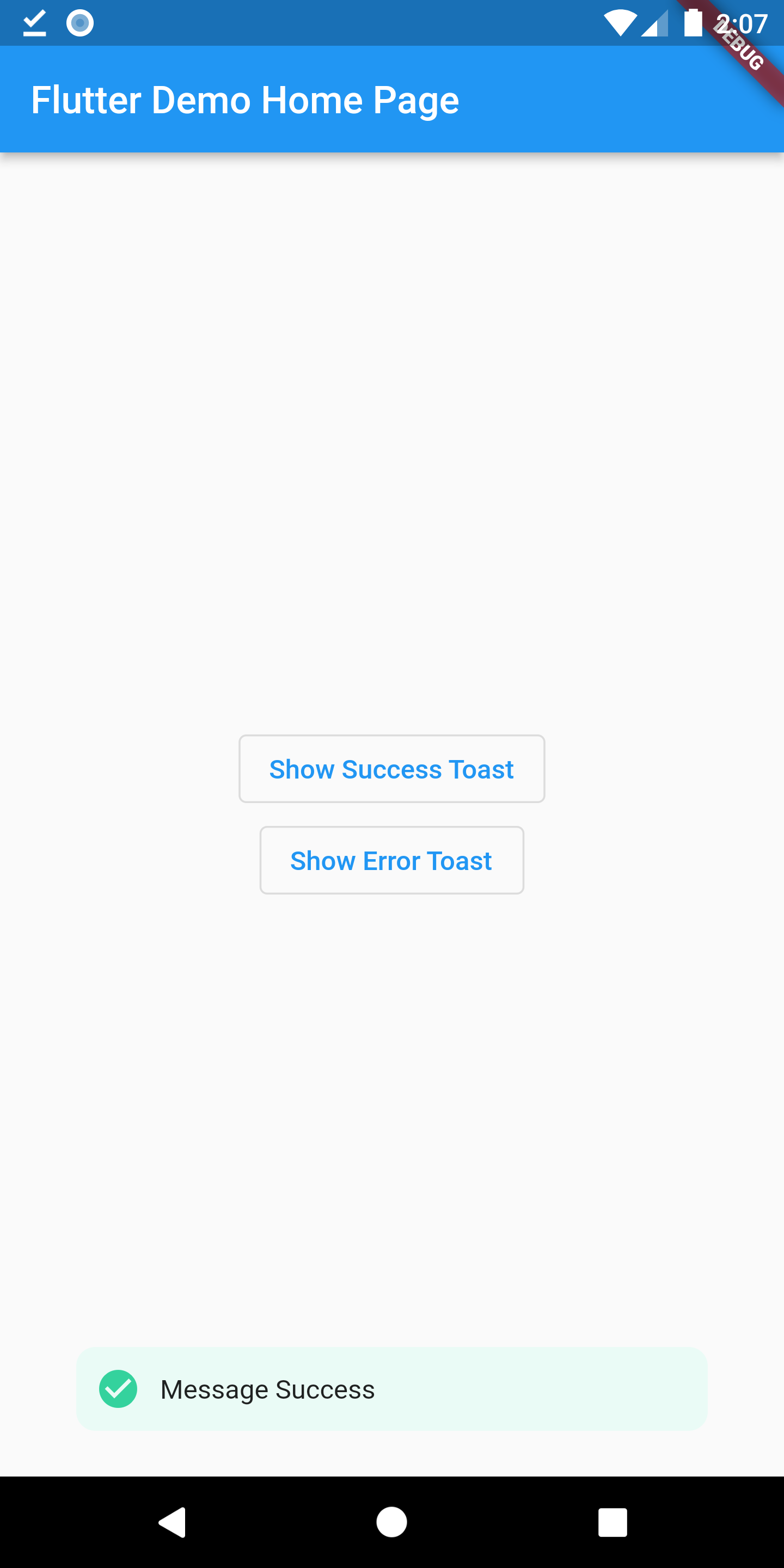
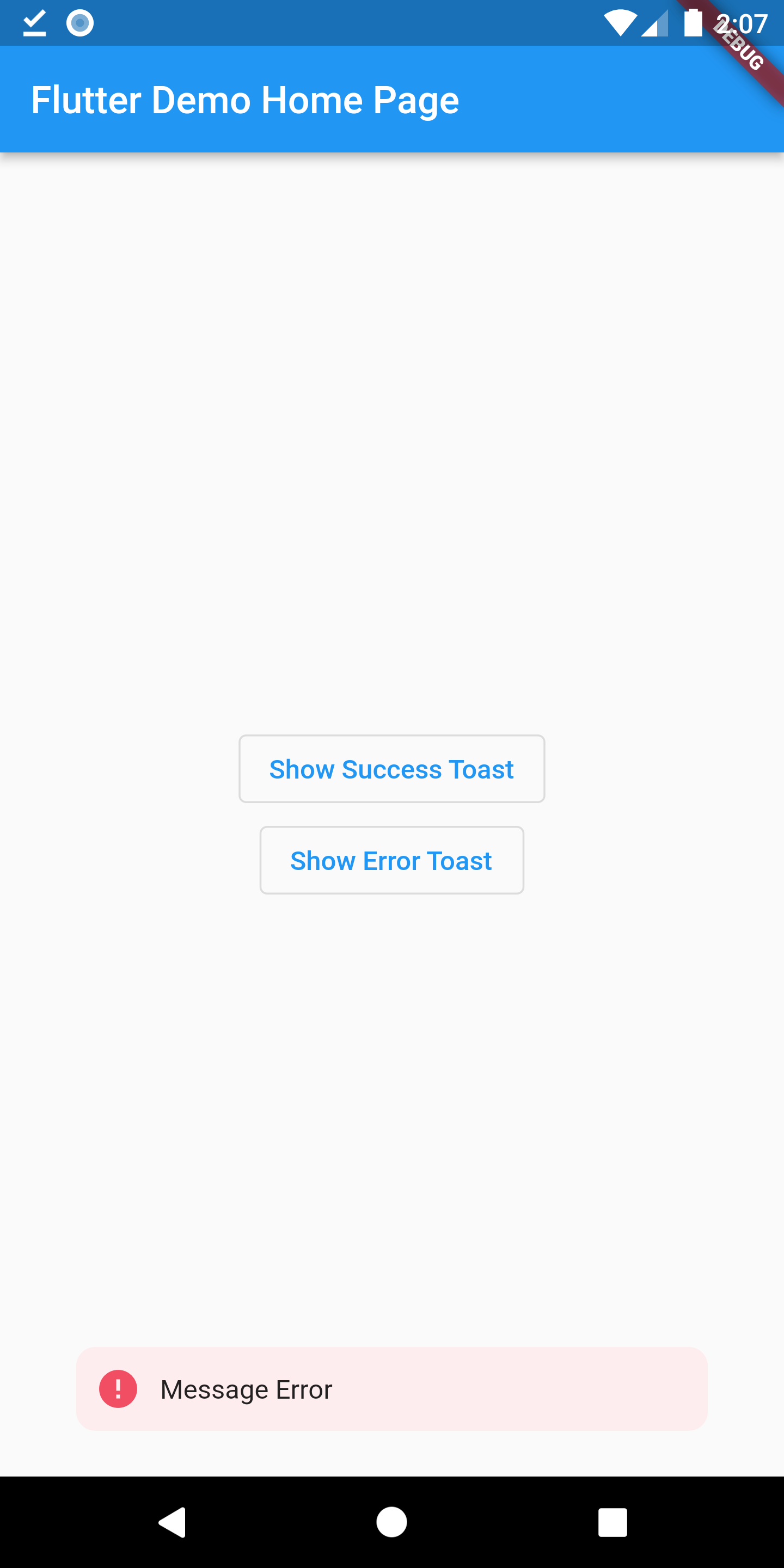
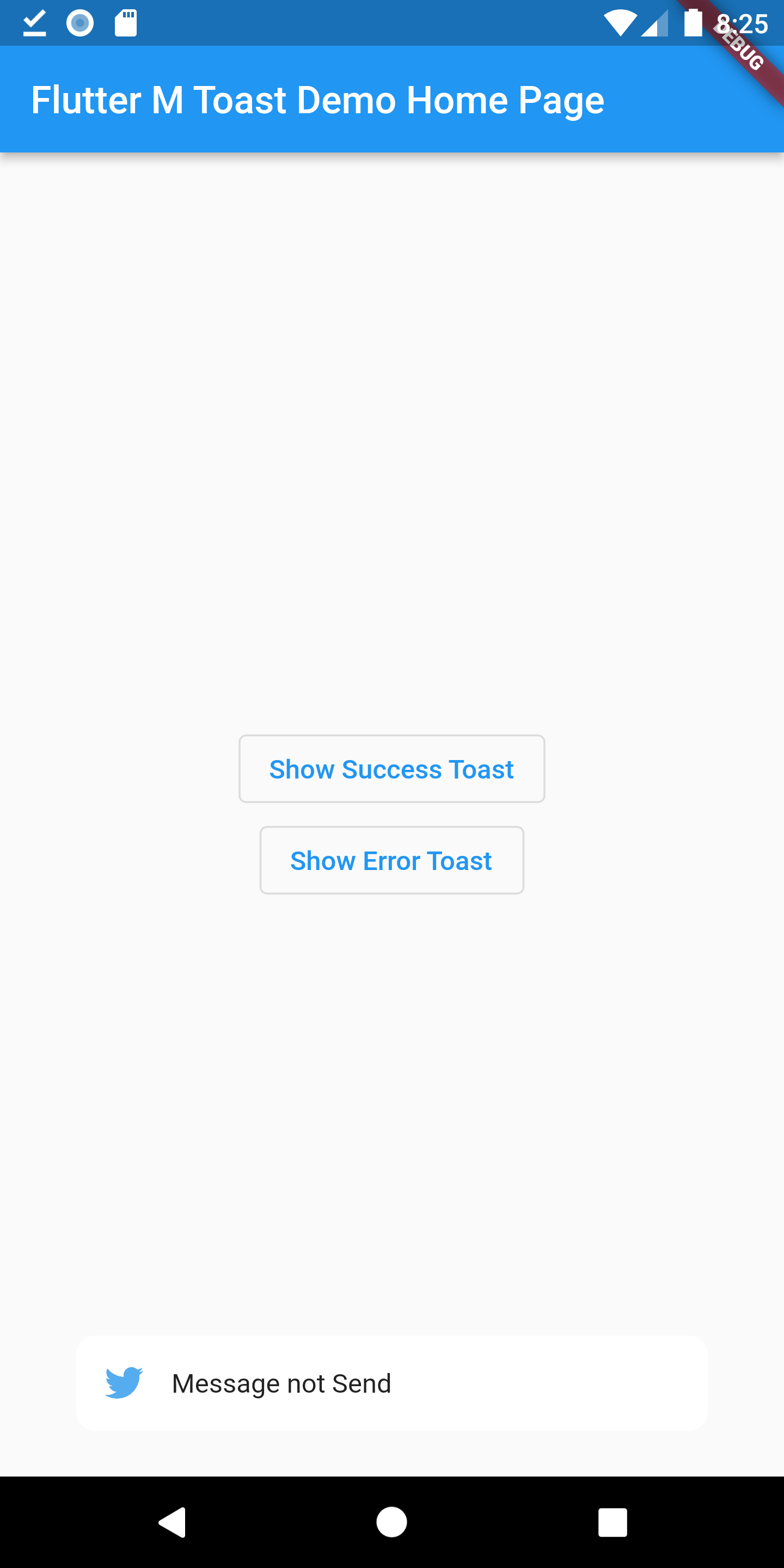
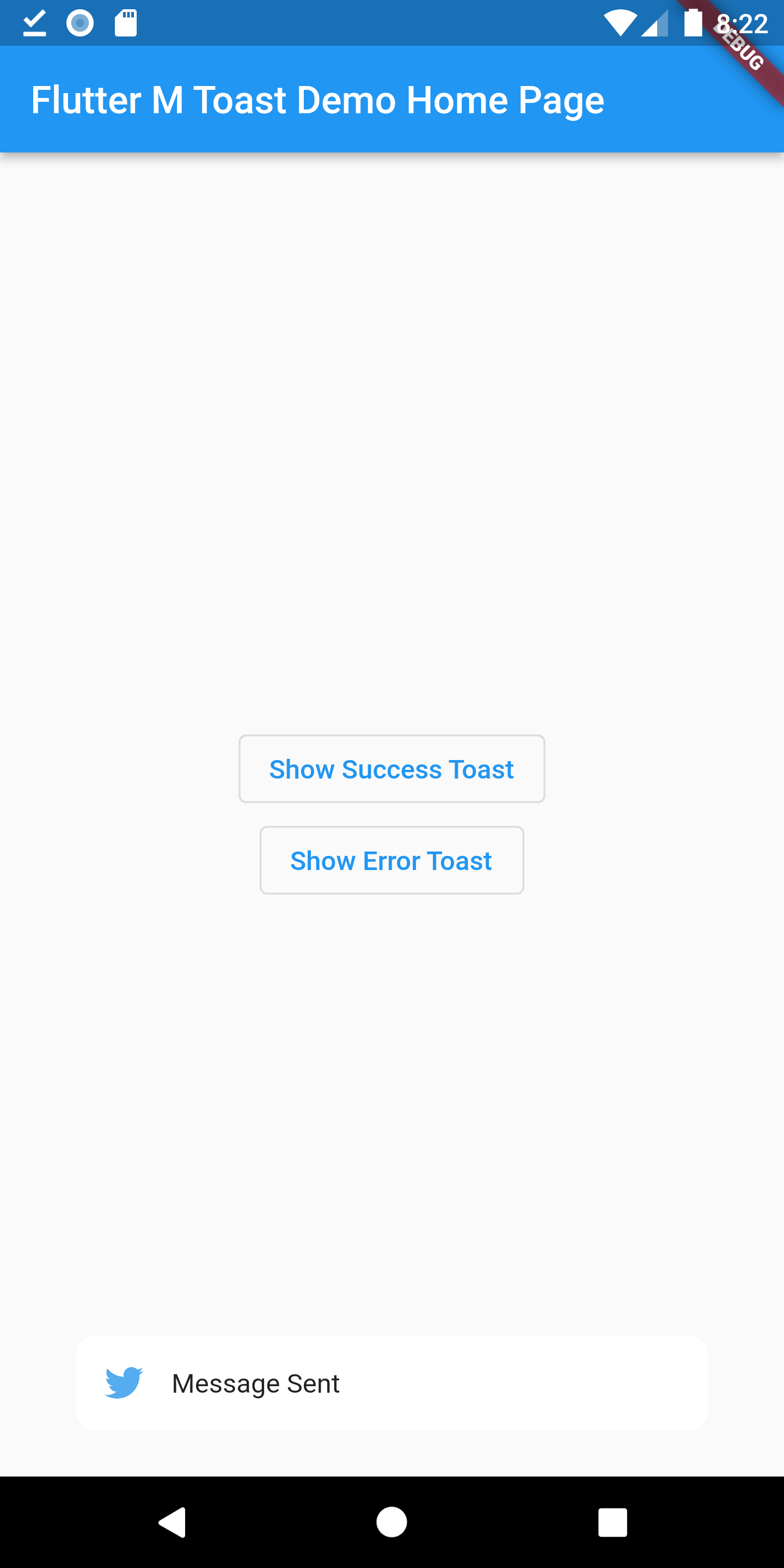
Preview Images

Toast with custom images

MToast have default style, and you also can custom style or other behavior.

name type need desc
message String required Toast message
textColor Color optional Color of text(toast message)
backgroundColor Color optional backgroundColor
alignment ToastPosition required
iconColor Color optional If Color is not given the icon will adapt the default color
icon IconData optional Icon in Toast
image AssetImage optional Image instead of Icon
duration int optional Duration should be given in milliseconds(for eg duration: 1500)
elevation double optional Elevation(0.0)
width double optional width

Contribution

Of course the project is open source, and you can contribute to it repository link

  • If you found a bug, open an issue.
  • If you have a feature request, open an issue.
  • If you want to contribute, submit a pull request.

所屬分類

原始碼儲存庫

使用此套件的專案

暫無相關資料。