maze_game
A simple maze game in Flutter. It also serves as a CustomPainter example.
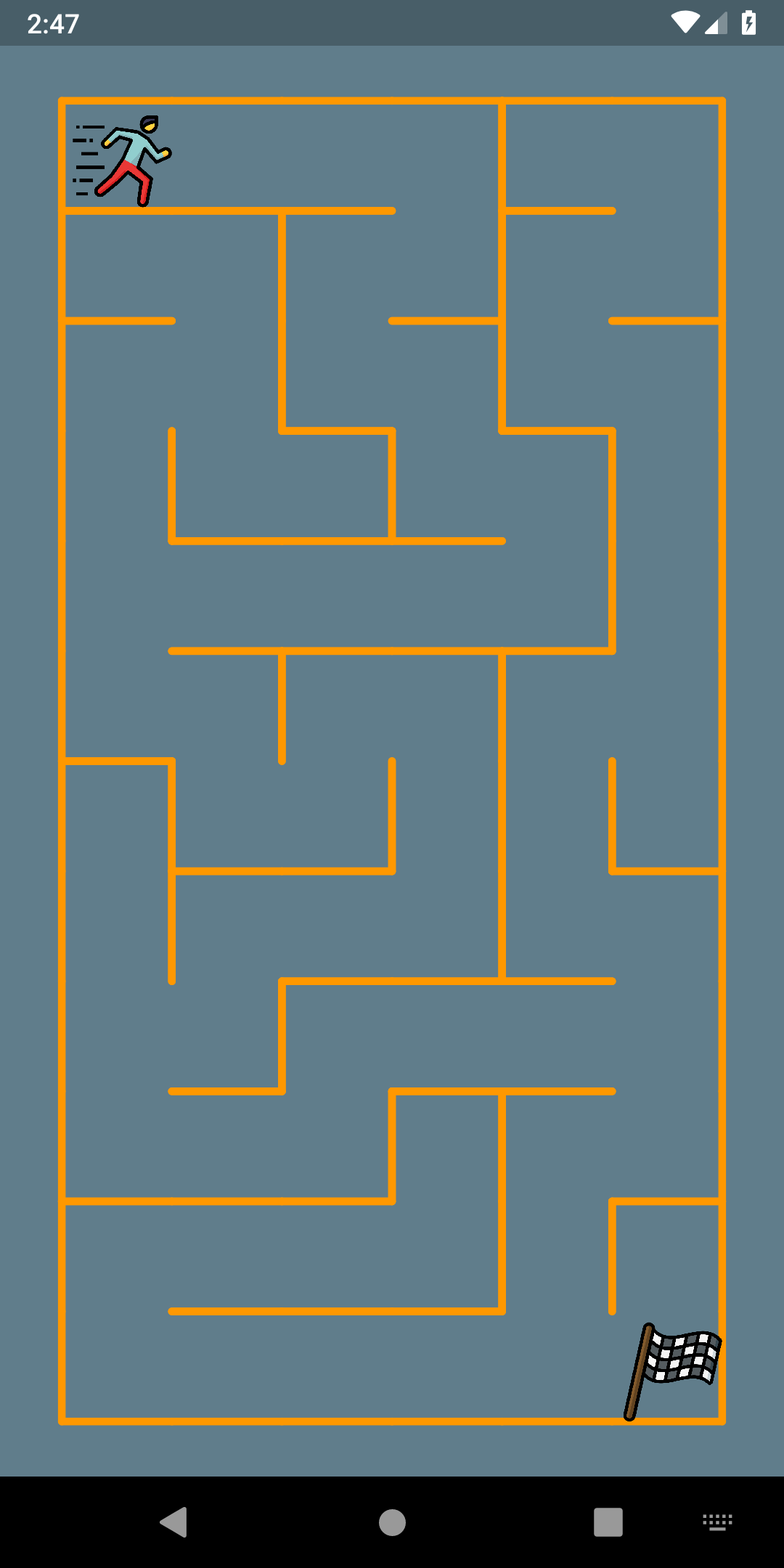
¿Why?
In another project, I needed to create a "simple" maze game that can be used in low-end devices, so game engine was not an option.
Suddenly, I found a way to do it in pure Android.
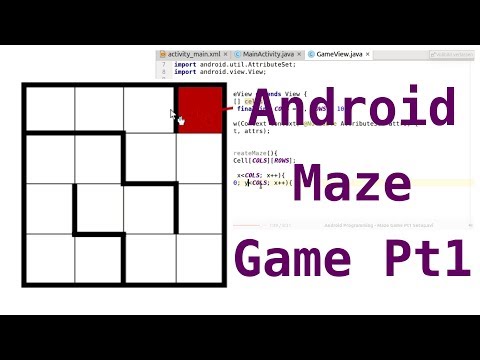
So, this is a "port" of that saviour example.
Maze package


You can use it in your project, you only need to add the dependency:
dependencies:
  flutter:
    sdk: flutter
  maze_game: 3.0.0
Now you can create your Maze:
Maze(
    player: MazeItem(
        'https://image.flaticon.com/icons/png/512/808/808433.png',
        ImageType.network),
    columns: 6,
    rows: 12,
    wallThickness: 4.0,
    wallColor: Theme.of(context).primaryColor,
    finish: MazeItem(
        'https://image.flaticon.com/icons/png/512/1506/1506339.png',
        ImageType.network),
    onFinish: () => print('Hi from finish line!'))

