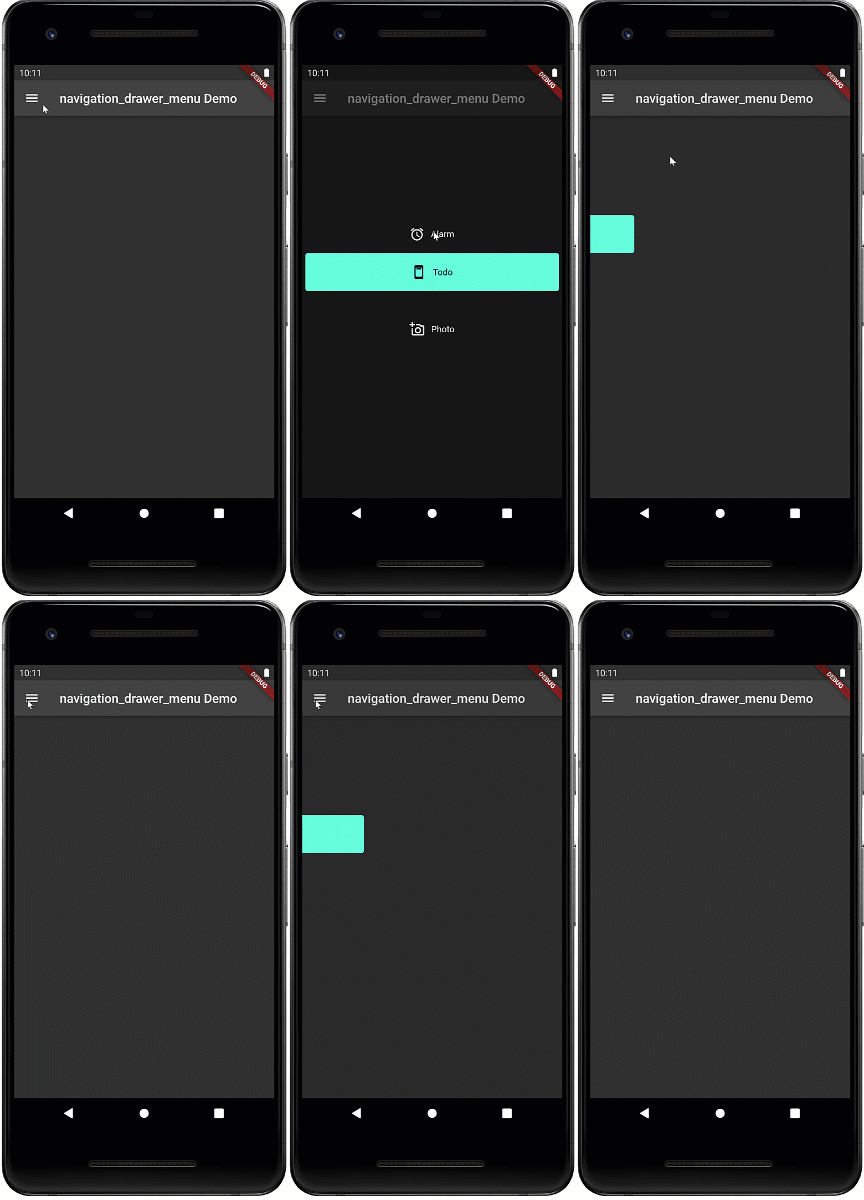
一個 Flutter 套件,提供符合 Material Design 標準的 NavigationDrawerMenu 小工具,功能類似於導航抽屜中的 ListView。它簡化了完整導航抽屜的實作,內建樣式與版面邏輯,符合 Material Design 原則。該套件包含完整範例,展示常見使用情境,讓開發者能輕鬆將直覺性導航整合至應用程式中。專為跨平台的簡潔性與一致性設計。
適用情境
在移動應用中實現側邊導航
使用可摺疊菜單創建響應式佈局
使用層級導航建構管理儀表板
在各個畫面之間添加一致的導航模式
主要特色
符合 Material Design 的使用者介面
抽屜內的 ListView 類行為
內建範例,方便快速整合
菜單項配置的簡單 API
支援動態內容渲染
適合對象
Flutter 初學者學習導航模式
尋求快速抽屜實現的開發者
需要標準 Material Design 导航的應用程式
需要輕量級導航解決方案的項目
使用建議
超出基礎樣式的有限自訂
不支援內嵌導航的內建支援
可能需要額外的邏輯來處理複雜的路由
未針對大型選單項目列表進行優化
原始 README
以下為關聯原始碼儲存庫的 README 原文快照,最新內容請造訪原始碼儲存庫。
navigation_drawer_menu
Flutter Material Design Navigation Drawer Menu
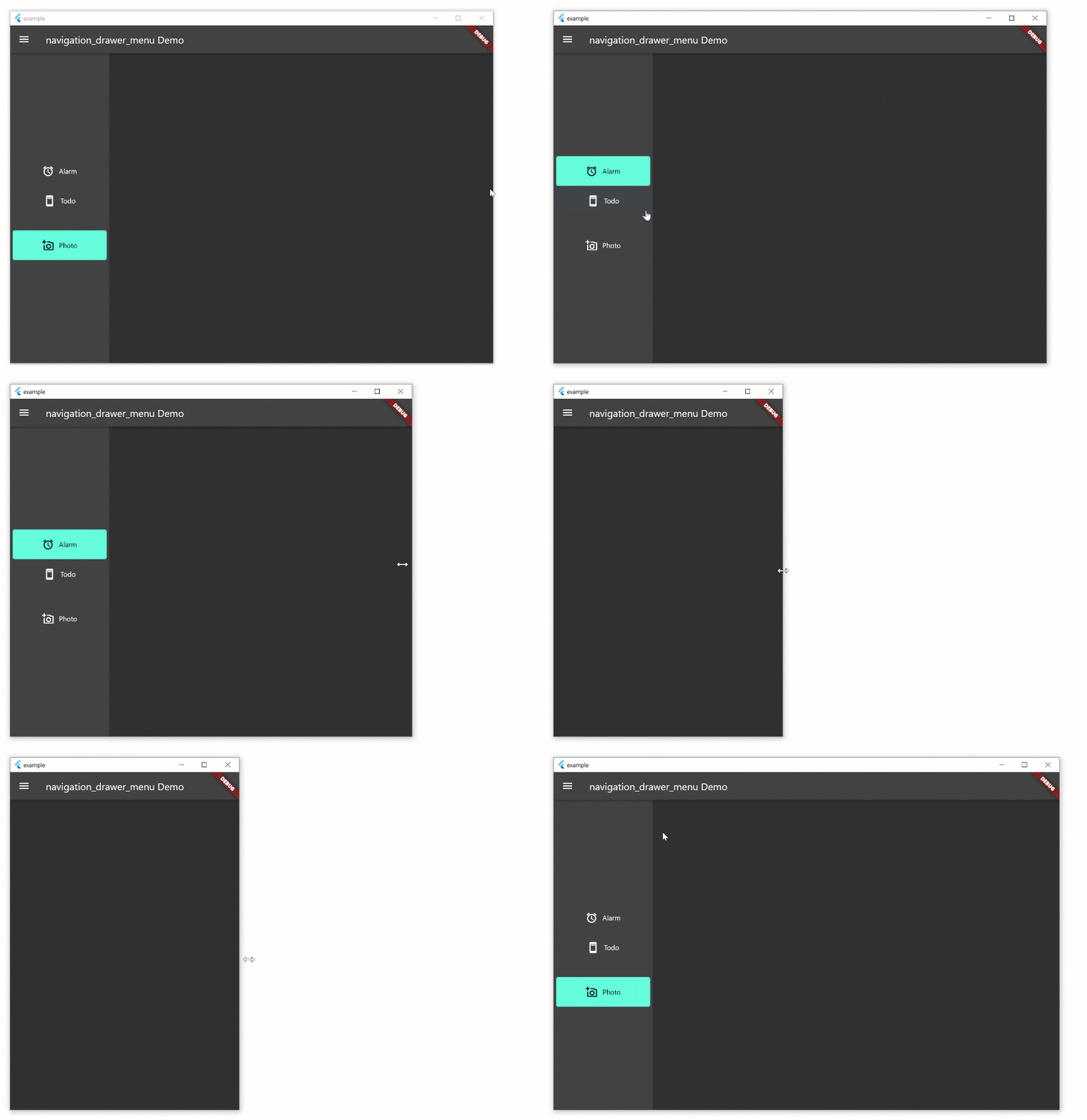
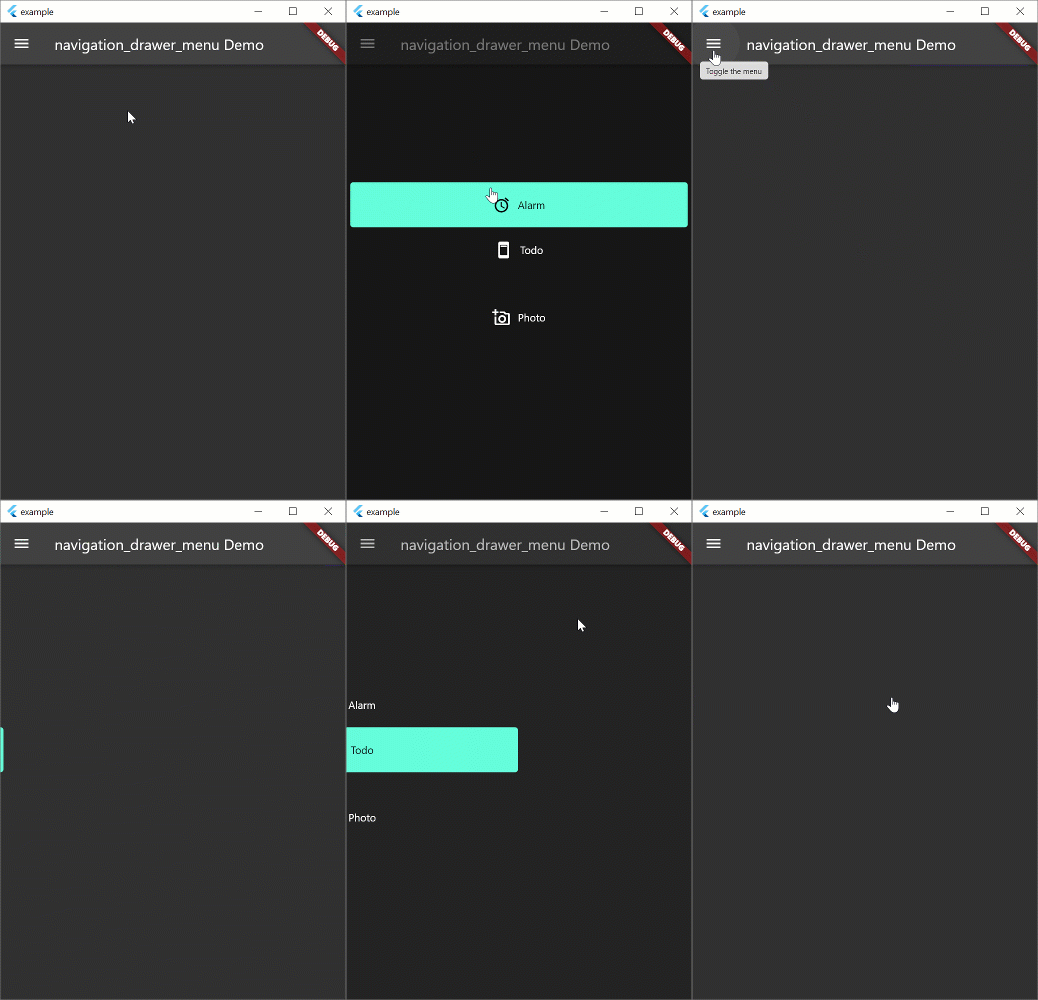
Navigation drawer is a common UI pattern for adaptive menus. The Material Design documentation formalizes the behavior of the menu but this pattern is not peculiar to Material Design. The pattern includes a basic Hamburger menu but isn't limited to small screens. The menu pattern suits all screen sizes. On larger width screens you see the icon and text, smaller screens will display icons only, and on phones, the menu will disappear during normal use and slide in with the hamburger icon.
Beta
This widget is in beta and the public interface is likely to change
Example
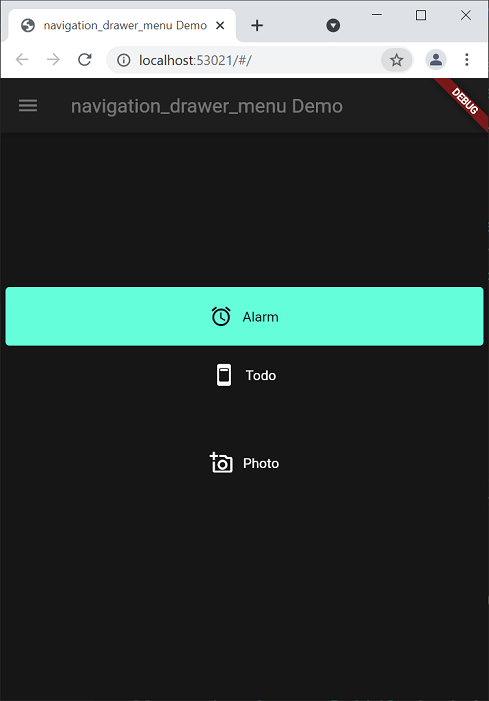
The example aims to implement the Navigation Drawer pattern documented above. This is a work in progress and conformance to the behavior in the Material Design documentation is the long term aim. Pull requests to fix behavior are welcome. The example works on all form factors: desktop and tablet (landscape, portrait), phone, and web. Try resizing the width of the window to see how the behavior changes. Most of the behavior exists in the example. the aim is to create a new widget which will replace Scaffold and allow you to spin up new apps with this functionality very quickly.
Note: if you're just looking for a simple drawer menu that doesn't adapt to the screen, check out this.
Run the Example
Open the root folder in Visual Studio Code
Open a terminal window
Add platforms by running these commands in the root folder (not example folder)
Click Run -> Start Debugging
flutter create example --platforms=windows,macos,linux

flutter create --platforms=web

flutter create --platforms=android
This is a widget that basically functions like a ListView. However, it exists to remove some of the boilerplate code necessary for constructing the menu, and allows you to put arbitrary sized spacers and headings inside the menu. The example uses this set of definitions. If you don't want to use this widget, you can use ListView instead.