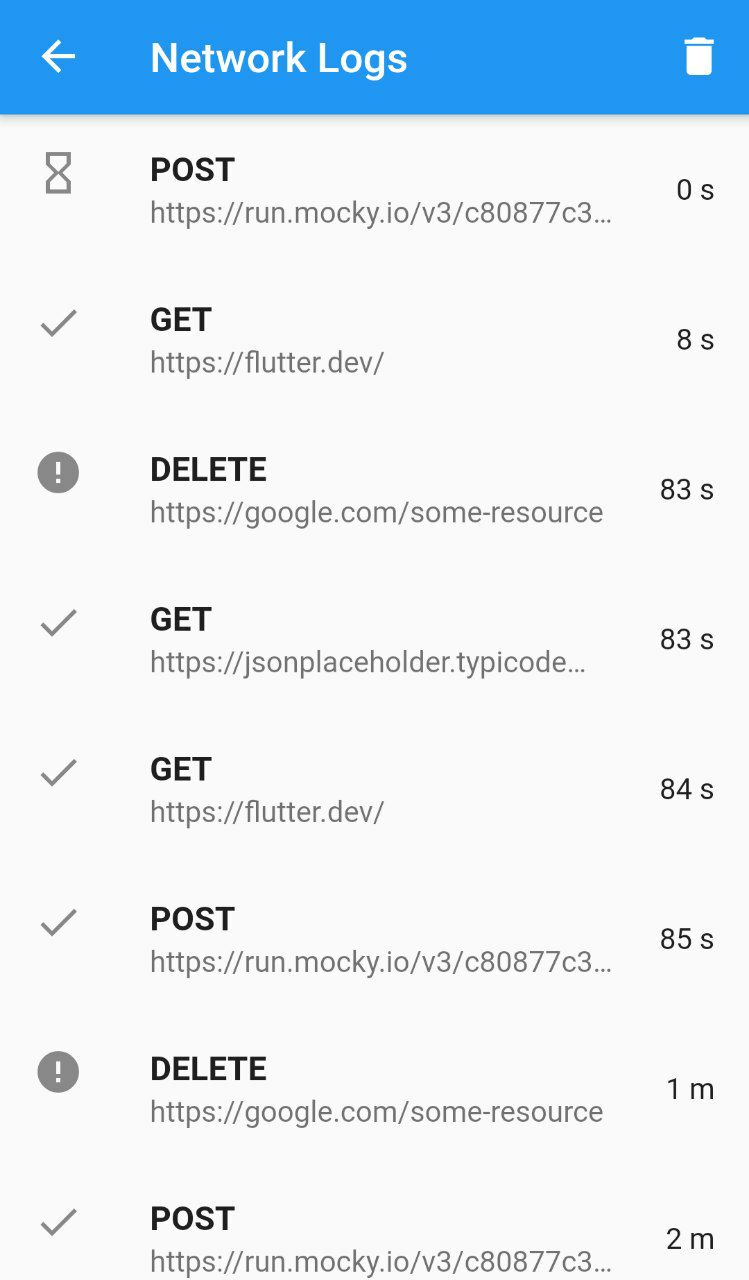
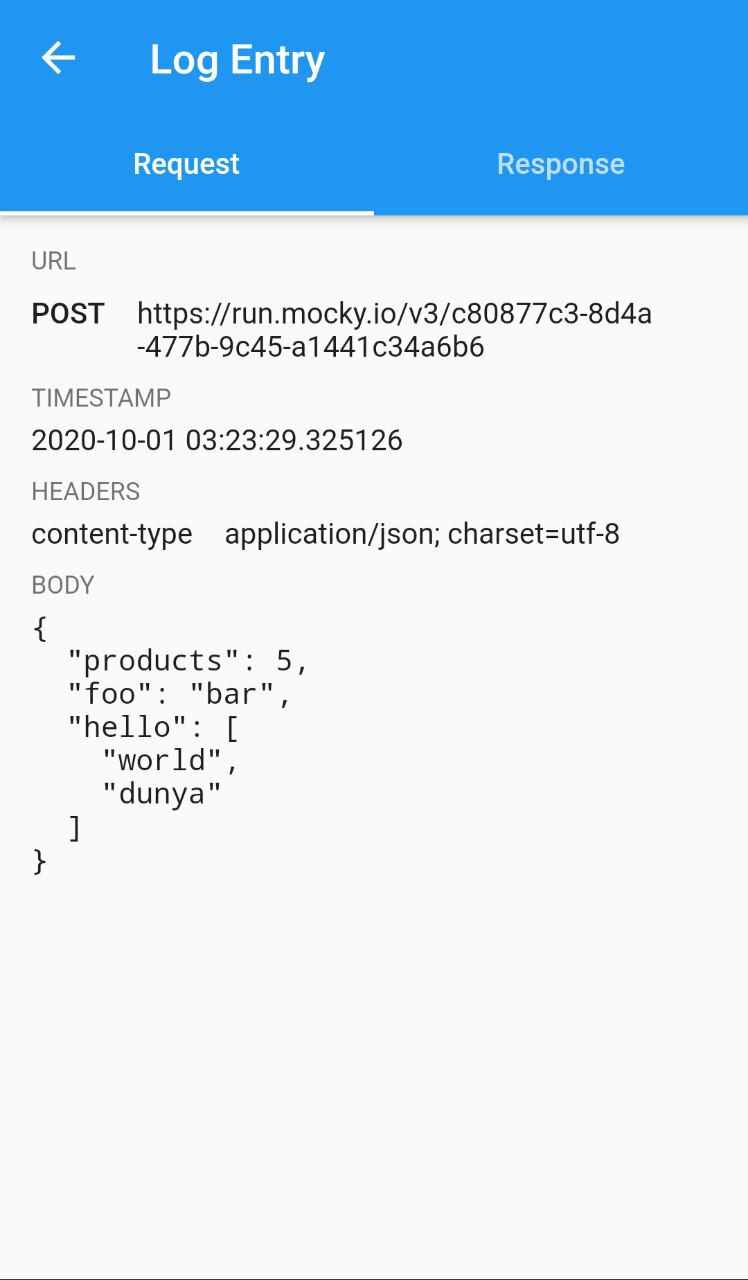
Network Logger 是一個 Flutter 套件,提供乾淨直覺的使用者介面,用於檢視網路流量記錄。作為一個 Dio 拦截器建構,它能無縫整合至 HTTP 工作流程中,即時捕捉並顯示請求與回應。非常適合在開發過程中除錯 API 互動,支援所有主要平台,包含 Android、iOS、Web、macOS、Windows 與 Linux。此套件透過提供標頭、狀態碼與回應內容的詳細資訊,提升開發人員的生產力,且無需額外工具。
適用情境
除錯 API 呼叫
監控 HTTP 請求/回應週期
測試後端整合
即時網路檢查
開發環境故障排除
主要特色
Dio 拦截器整合
跨平台支援
使用者友善的介面
請求/回應日誌
即時數據可視化
適合對象
Flutter 開發者
API 調試
移動和網頁應用測試
開發團隊協作
品質保證工程師
使用建議
不適用於生產使用
可能影響高流量場景下的效能
需要在除錯模式下手動啟用
有限的自定選項
依賴於 Dio HTTP 客戶端
原始 README
以下為關聯原始碼儲存庫的 README 原文快照,最新內容請造訪原始碼儲存庫。
Network Logger
Network logger with well designed user interface to inspect network traffic logs. Included with Dio interceptor. You can start and inspect traffic just by writing 2 lines of code.
📷 Screenshots
Log feed
Log details
🚀 Getting Started!
You are 3 steps ahead from viewing http traffic logs on well designed GUI.
1. Install network_logger.
Check this guide to install network_logger to your flutter project.
2. Add DioNetworkLogger interceptor to dio client.
network_logger comes with Dio interceptor which will intercept traffic from Dio client. Other package implementations coming soon.
var dio = Dio();
dio.interceptors.add(DioNetworkLogger());
3. Attach network logger overlay button to UI.
The easiest way to access Network Logger UI is using NetworkLoggerOverlay which will display floating action button over all screens. You can also implement custom scenarios to open UI with different actions.