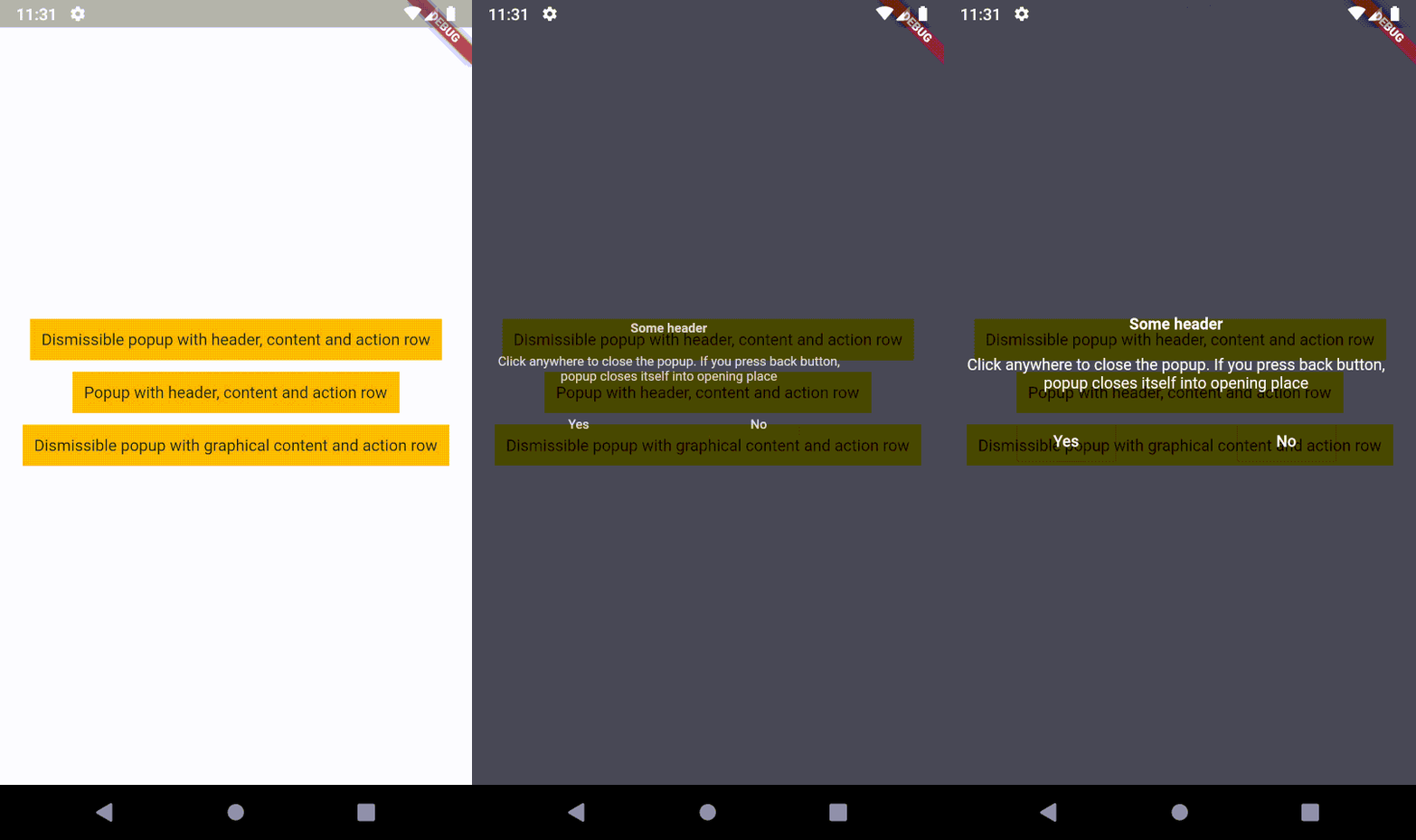
o_popup 是一個 Flutter 套件,提供了一個疊加內容元件,可透過按返回按鈕或回到指標最初觸碰螢幕的位置來關閉。它支援點擊手勢,非常適合對使用者輸入有自然回應的互動式彈出視窗。彈出視窗會順暢地動畫進入並返回原始位置,提升跨平台的使用者體驗。特別適用於上下文選單、工具提示或針對 Android、iOS、Web、macOS、Windows 及 Linux 應用的暫時覆蓋層。
適用情境
上下文操作選單
工具提示和提示
臨時資訊疊加
基於手勢的彈出視窗
無完整模態的類似模態互動
快速設定面板
主要特色
返回時自動關閉
返回觸控點以取消
平滑動畫
跨平台支援
輕觸手勢識別
可自訂的覆蓋內容
適合對象
開發互動式 UI 的開發者
需要輕量級彈窗的應用
跨平台行動與Web應用
以使用者體驗為導向的介面,具備觸控反饋
簡單的模態替代方案
使用建議
可能需要仔細的定位邏輯
不適合複雜的嵌套對話
性能取決於覆蓋層的複雜性
高級佈局的自訂功能有限
最佳搭配簡單、暫時性的內容
原始 README
以下為關聯原始碼儲存庫的 README 原文快照,最新內容請造訪原始碼儲存庫。
Description
An overlaid content, which closes itself into opening place (on back button)
or into the position where the pointer contacted the screen. It means, popup supports tap gesture!
The second step is to create a popup.
I recommend to use OPopupTrigger class
in order to simply create the popup as in the example.
It pushes OPopupOverlay widget
into Navigation stack, thus a user can dismiss the popup by back button
or by tapping anywhere on a screen.
In the OPopupTrigger class you can also set barrierDismissible
to false (to prevent dismissing popup by taping anywhere)
and for example create a button,
which pops the popup from Navigator stack (Navigator.of(context).pop())
in order to close the popup - like buttons in the example.
Customization
If you do not want to use OPopupContent class as a content of a popup triggered by OPopupTrigger
you should skip popupHeader and popupActionRow fields and set your own widget to
popupContent field. It gives you an ability to fully customize the content of the popup:
size, alignment etc.
You can also overwrite OPopupContent (create a class which extends OPopupContent),
customize it inside your own class and set your version of OPopupContent
to OPopupTrigger.popupContent
(also do not set popupHeader and popupActionRow in order to omit original OPopupContent).
If you use this code in commercial project, please donate me via GitHub Sponsors. I do the same for packages which I use, because it ensures stable development for all of us!