parallax_bg
Create beautiful & interactive parallax backgrounds for your apps and games.

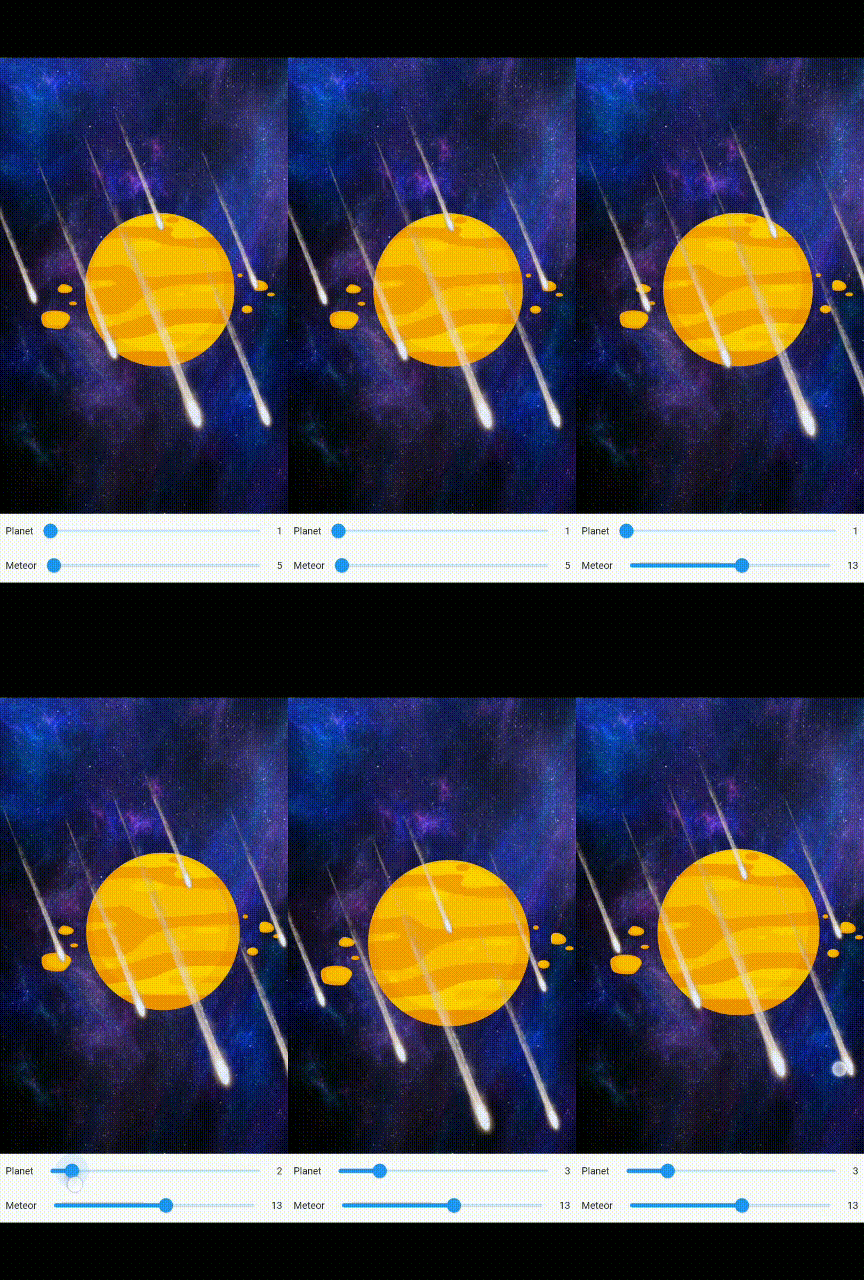
You can find another working example in SlideIT Mobile Game
Usage
Add following command in your pubspec.yaml & install package
parallax_bg:2.0.1
or run
flutter pub add parallax_bg
Import in your dart page
import 'package:parallax_bg/parallax_bg.dart';
Add following to create background wrapper
ParallaxBackground(
backgroundImage: "assets/images/galaxy.jpg",
parallaxType: _parallaxType,
foregroundChilds: [
ParallaxItem(
child: Image.asset("assets/images/planet.png"),
offset: _planetOffset),
    ParallaxItem(
    child: Image.asset("assets/images/meteor.png"),
    offset: _meteorOffset),
],
);
Change/Add/Remove ParallaxItem for foreground items
ParallaxItem(
child: Image.asset("assets/images/meteor.png"),
offset: _meteorOffset),
ParallaxBackground
| PROPERTY |
TYPE |
REQUIRED |
DETAILS |
| backgroundImage |
string |
yes |
Image path from asset folder |
| foregroundChilds |
List |
yes |
Widgets to create foreground layers |
| child |
Widget |
no |
Child widget to draw over all parallax widgets |
| reverse |
boolean |
no |
Move foreground items in reverse direction. Default false |
| fallback |
boolean |
no |
If true render the items normally when there are no sensors available. If false, it will show a error message in visible area. Default false |
ParallaxItem
| PROPERTY |
TYPE |
REQUIRED |
DETAILS |
| child |
Widget |
yes |
Child widget to draw over background as parallax item |
| offset |
boolean |
no |
Offset values to calculate distance to move items when moving device. Need separate value for each item. Default 5 |
LICENSE
MIT LICENSE

