PlutoLayout - v1.0.0

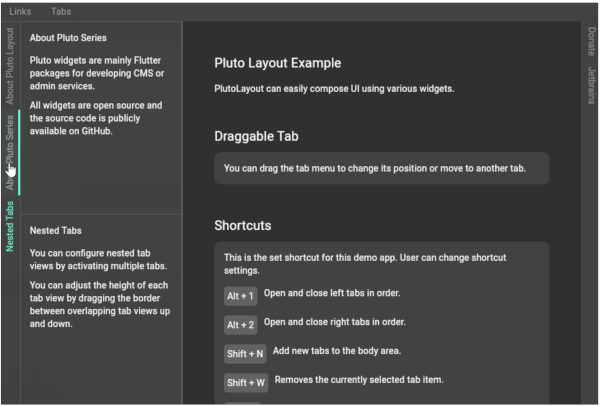
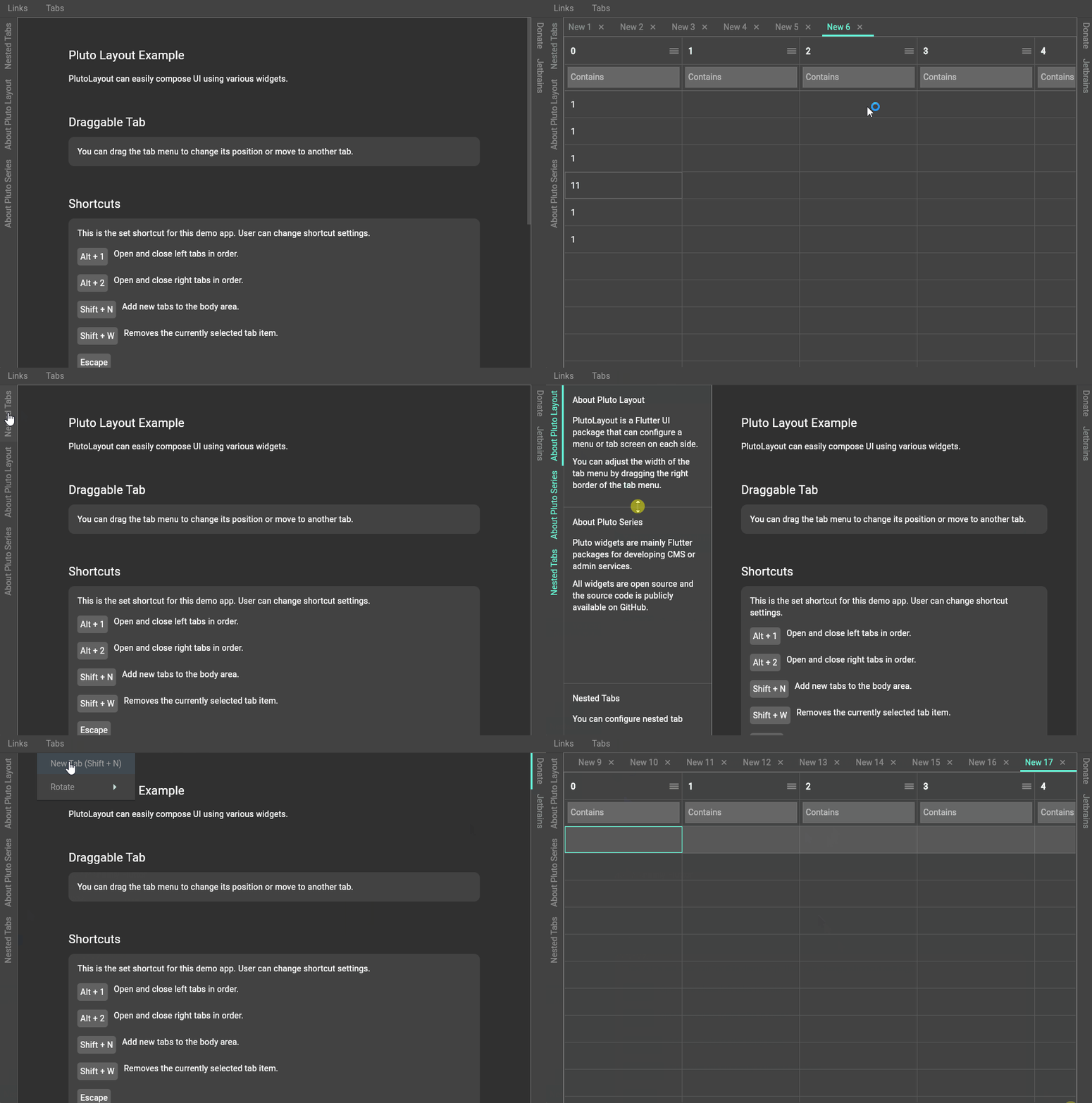
PlutoLayout is a Flutter UI package that can configure a menu or tab screen on each side.
You can adjust the width of the tab menu by dragging the right border of the tab menu.
You can also assign custom shortcut keys to open or close tab views and resize tab views.
Demo
Demo Web
Installation
pub.dev
Screenshot
Usage
import 'package:flutter/material.dart';
import 'package:flutter/services.dart';
import 'package:pluto_layout/pluto_layout.dart';

void main() {
  runApp(const ExampleApp());
}

class ExampleApp extends StatelessWidget {
  const ExampleApp({super.key});

  @override
  Widget build(BuildContext context) {
    return MaterialApp(
      debugShowCheckedModeBanner: false,
      theme: ThemeData.dark(useMaterial3: true),
      home: const ExamplePage(),
    );
  }
}

class ExamplePage extends StatefulWidget {
  const ExamplePage({super.key});

  @override
  State<ExamplePage> createState() => _ExamplePageState();
}

class _ExamplePageState extends State<ExamplePage> {
  @override
  Widget build(BuildContext context) {
    return Scaffold(
      body: PlutoLayout(
        shortcuts: {
          LogicalKeySet(LogicalKeyboardKey.escape):
          PlutoLayoutActions.hideAllTabView(),
          LogicalKeySet(LogicalKeyboardKey.alt, LogicalKeyboardKey.digit1):
          PlutoLayoutActions.rotateTabView(
            PlutoLayoutContainerDirection.left,
          ),
          LogicalKeySet(LogicalKeyboardKey.alt, LogicalKeyboardKey.digit2):
          PlutoLayoutActions.rotateTabView(
            PlutoLayoutContainerDirection.right,
          ),
          LogicalKeySet(LogicalKeyboardKey.alt, LogicalKeyboardKey.arrowUp):
          PlutoLayoutActions.increaseTabView(),
          LogicalKeySet(LogicalKeyboardKey.alt, LogicalKeyboardKey.arrowDown):
          PlutoLayoutActions.decreaseTabView(),
        },
        body: const PlutoLayoutContainer(
          child: Text('Body container'),
        ),
        top: PlutoLayoutContainer(
          child: PlutoLayoutTabs(
            items: [
              PlutoLayoutTabItem(
                id: 'top1',
                title: 'top1',
                tabViewBuilder: (e) => const Text('top1'),
              ),
              PlutoLayoutTabItem(
                id: 'top2',
                title: 'top2',
                tabViewBuilder: (e) => const Text('top2'),
              ),
            ],
          ),
        ),
        left: PlutoLayoutContainer(
          child: PlutoLayoutTabs(
            items: [
              PlutoLayoutTabItem(
                id: 'left1',
                title: 'left1',
                tabViewBuilder: (e) => const Text('left1'),
              ),
              PlutoLayoutTabItem(
                id: 'left2',
                title: 'left2',
                tabViewBuilder: (e) => const Text('left2'),
              ),
            ],
          ),
        ),
        right: PlutoLayoutContainer(
          child: PlutoLayoutTabs(
            items: [
              PlutoLayoutTabItem(
                id: 'right1',
                title: 'right1',
                tabViewBuilder: (e) => const Text('right1'),
              ),
              PlutoLayoutTabItem(
                id: 'right2',
                title: 'right2',
                tabViewBuilder: (e) => const Text('right2'),
              ),
            ],
          ),
        ),
        bottom: PlutoLayoutContainer(
          child: PlutoLayoutTabs(
            items: [
              PlutoLayoutTabItem(
                id: 'bottom1',
                title: 'bottom1',
                tabViewBuilder: (e) => const Text('bottom1'),
              ),
              PlutoLayoutTabItem(
                id: 'bottom2',
                title: 'bottom2',
                tabViewBuilder: (e) => const Text('bottom2'),
              ),
            ],
          ),
        ),
      ),
    );
  }
}
Flutter version compatible
| Flutter |
PlutoLayout |
| 3.7.0 or higher |
1.0.0 or higher |
| Less than 3.3.7 |
0.x |
Related packages
develop packages that make it easy to develop admin pages or CMS with Flutter.
Donate to this project

Jetbrains provides a free license