一個 Flutter 套件,可在行動應用程式中啟用 QR 碼掃描,利用原生掃描庫——Android 使用 ZXing,iOS 使用 MTBBarcodeScanner。它提供簡單、可嵌入的相機檢視,以實時偵測 QR 碼。此套件設計為輕鬆整合,設定簡單,非常適合需要透過 QR 碼快速取得資料的應用程式。支援前後鏡頭模式,並提供可自訂的覆疊指示器。掃描器在各種照明條件與裝置類型下皆能有效運作。
適用情境
店內產品資訊查詢
數位票證或登機牌驗證
透過QR碼進行使用者驗證
設備間的無接觸數據共享
零售應用中的庫存管理
主要特色
Android 和 iOS 上的原生掃描性能
與 Flutter 小部件輕鬆整合
支援多種相機方向
可自定義的掃描疊加層和反饋
即時二維碼檢測
輕量且快速的初始化
適合對象
需要二維碼掃描功能的移動應用
零售和活動管理應用
認證和登入系統
需要非接觸式數據交換的應用程式
尋求跨平台條碼支援的開發者
使用建議
需要在執行時授予相機權限
效能可能在舊裝置上有所差異
僅限QR碼掃描(不支援其他條碼)
可能需要額外的樣式以保持UI一致性
無內建錯誤處理用於失敗的掃描
原始 README
以下為關聯原始碼儲存庫的 README 原文快照,最新內容請造訪原始碼儲存庫。
Project in Maintenance Mode Only
Since the underlying frameworks of this package, zxing for android and MTBBarcodescanner for iOS are both not longer maintaned, this plugin is no longer up to date and in maintenance mode only. Only bug fixes and minor enhancements will be considered.
I am developing a new plugin mobile_scanner that uses the latest version of MLKit for detecting barcodes and QR codes. On Android it also uses the latest version of CameraX, and on iOS the native AVFoundation for best camera performance.
QR Code Scanner
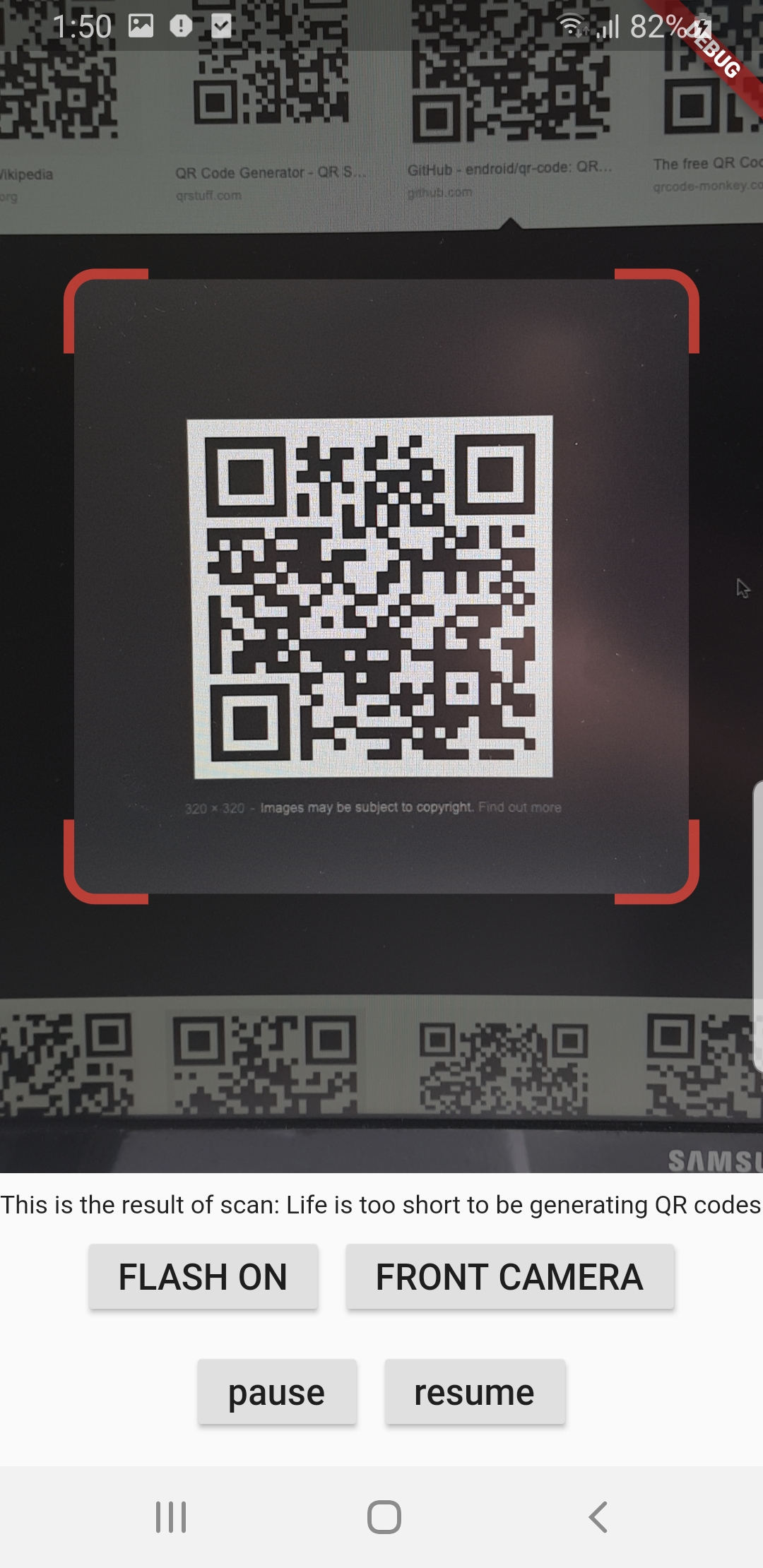
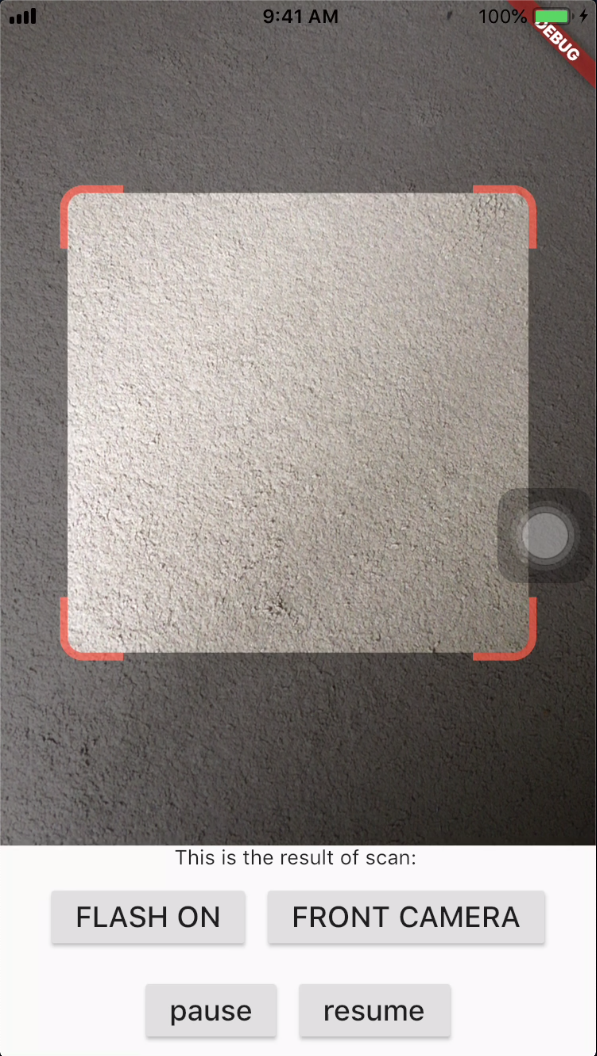
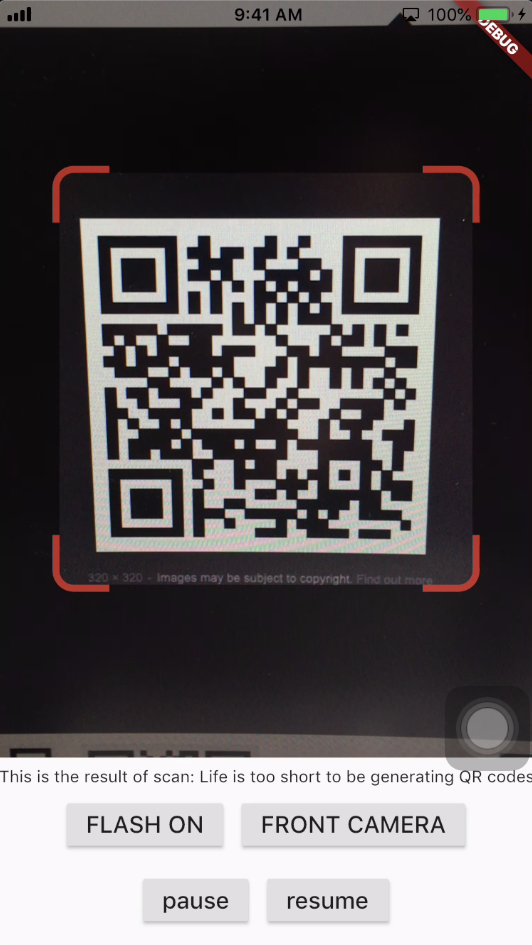
A QR code scanner that works on both iOS and Android by natively embedding the platform view within Flutter. The integration with Flutter is seamless, much better than jumping into a native Activity or a ViewController to perform the scan.
Screenshots
Android
iOS
Get Scanned QR Code
When a QR code is recognized, the text identified will be set in 'result' of type Barcode, which contains the output text as property 'code' of type String and scanned code type as property 'format' which is an enum BarcodeFormat, defined in the library.
class_QRViewExampleStateextendsState<QRViewExample> {
finalGlobalKey qrKey = GlobalKey(debugLabel: 'QR');
Barcode? result;
QRViewController? controller;
// In order to get hot reload to work we need to pause the camera if the platform// is android, or resume the camera if the platform is iOS.@overridevoidreassemble() {
super.reassemble();
if (Platform.isAndroid) {
controller!.pauseCamera();
} elseif (Platform.isIOS) {
controller!.resumeCamera();
}
}
@overrideWidgetbuild(BuildContext context) {
returnScaffold(
body: Column(
children: <Widget>[
Expanded(
flex: 5,
child: QRView(
key: qrKey,
onQRViewCreated: _onQRViewCreated,
),
),
Expanded(
flex: 1,
child: Center(
child: (result != null)
? Text(
'Barcode Type: ${describeEnum(result!.format)} Data: ${result!.code}')
: Text('Scan a code'),
),
)
],
),
);
}
void_onQRViewCreated(QRViewController controller) {
this.controller = controller;
controller.scannedDataStream.listen((scanData) {
setState(() {
result = scanData;
});
});
}
@overridevoiddispose() {
controller?.dispose();
super.dispose();
}
}
Android Integration
In order to use this plugin, please update the Gradle, Kotlin and Kotlin Gradle Plugin:
In android/build.gradle change ext.kotlin_version = '1.3.50' to ext.kotlin_version = '1.5.10'
In android/build.gradle change classpath 'com.android.tools.build:gradle:3.5.0' to classpath 'com.android.tools.build:gradle:4.2.0'
In android/gradle/wrapper/gradle-wrapper.properties change distributionUrl=https\://services.gradle.org/distributions/gradle-5.6.2-all.zip to distributionUrl=https\://services.gradle.org/distributions/gradle-6.9-all.zip
In android/app/build.gradle change
defaultConfig{...minSdkVersion 16} to
defaultConfig{...minSdkVersion 20}
Warning
If you are using Flutter Beta or Dev channel (1.25 or 1.26) you can get the following error:
Please note: on web, only QR codes are supported. Other barcodes and 2D codes cannot be scanned.
Web support is in very early stage. Features such as flash, pause or resume are not implemented. Moreover, the camera
preview does not respect the surrounding constraints. This is not at last due to Flutter's early state of platform views
on web.
Flip Camera (Back/Front)
The default camera is the back camera.
await controller.flipCamera();
Flash (Off/On)
By default, flash is OFF.
await controller.toggleFlash();
Resume/Pause
Pause camera stream and scanner.
await controller.pauseCamera();
Resume camera stream and scanner.
await controller.resumeCamera();
SDK
Requires at least SDK 20.
Requires at least iOS 8.
TODOs
iOS Native embedding is written to match what is supported in the framework as of the date of publication of this package. It needs to be improved as the framework support improves.
In future, options will be provided for default states.
Finally, I welcome PR's to make it better :), thanks