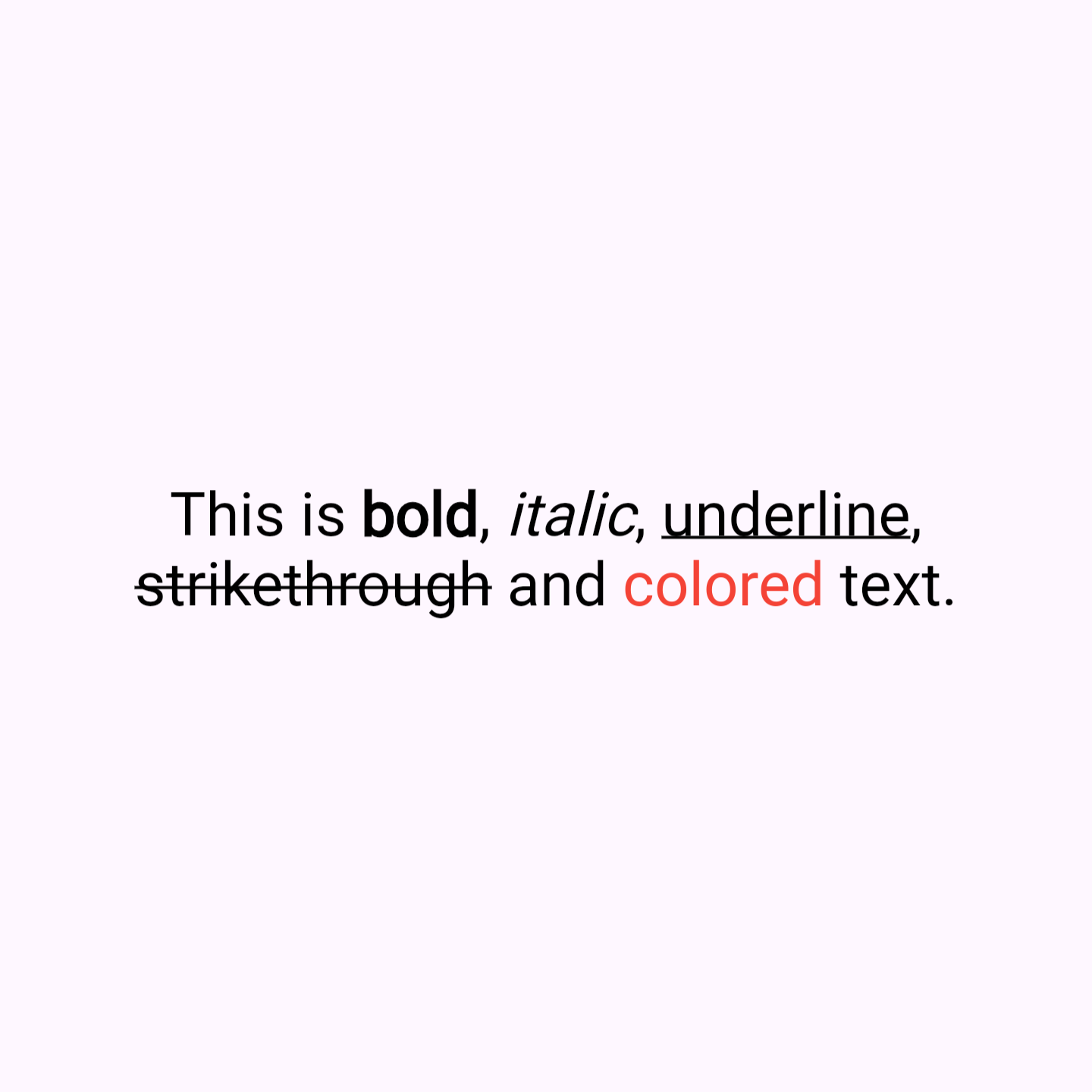
QuickText is a Flutter package that simplifies text formatting with markdown-like syntax. It allow you to easily apply styles like bold, italic, underline, strikethrough color and links directly within a string, without the need to manually construct complex TextSpan trees. Similiar usage like Text widget.
Key Features
Simplified Syntax: Style your text with symbols like **bold**, *italic*, _underline_, ~strikethrough~, [colored](red), [colored](#FF0000) and [link](https://example.com).
Enhanced Readability: Clean and easy-to-read code, reducing the verbosity of RichText and TextSpan.
Customizable Styles: Includes options for text alignment, overflow, max lines, and more, providing the same flexibility as traditional Flutter text widgets.
Built-in Color Support: Apply named colors (like red, blue, etc.) or hex colors (e.g., #FF0000 for red) directly within your text string.
Link Support: Easily add links that open in the browser when tapped.
Why Use QuickText?
Time-Saving: Quickly format text without the hassle of constructing text spans.
User-Friendly: Ideal for developers who want rich text features without the complexity.
Rich Functionality: Despite its simplicity, QuickText supports a wide range of text styling options.
Sample Code
Here's how you can use QuickText in your Flutter app:
// BoldQuickText(
'This is **bold** text.',
),
// ItalicQuickText(
'This is *italic* text.',
),
// UnderlineQuickText(
'This is _underline_ text.',
),
// StrikethroughQuickText(
'This is ~strikethrough~ text.',
),
// Using named colorsQuickText(
'This is [colored](red) text.',
),
// Using hex colorsQuickText(
'This is [colored](#FF0000) text.',
),
// linksQuickText(
'This is [link](https://example.com).',
),