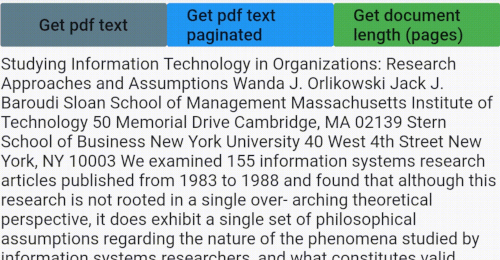
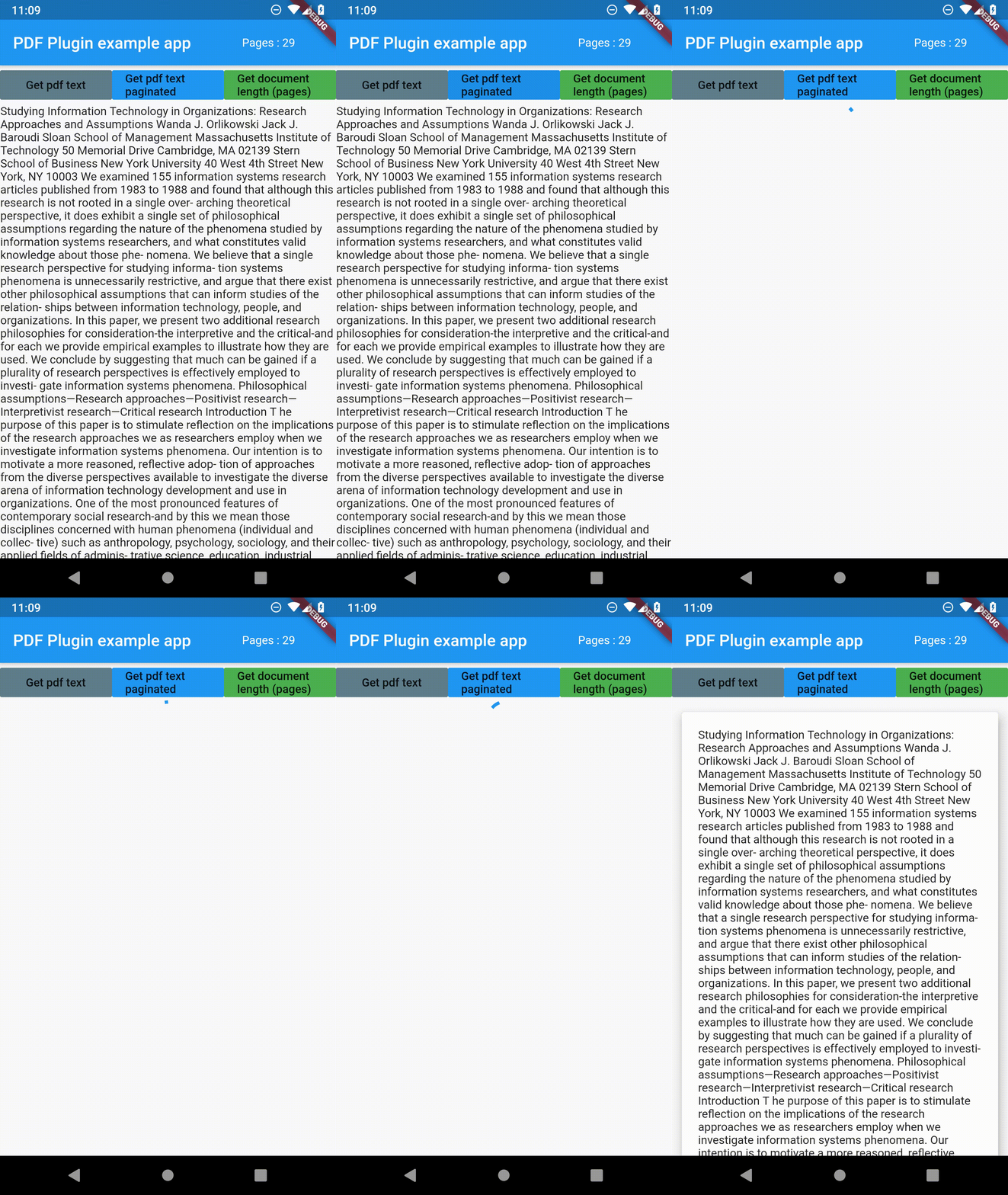
The package only has three functions getPDFtext(path), getPDFtextPaginated(path) and getPDFlength(path).
Path is the file path to the PDF file you want to parse. I used file_picker package in the example to get the path of the PDF file.
Check the example for more details.
Example
getPDFtext(String path)
Returns text from PDF file as a String.
Future<String> getPDFtext(String path) async {
String text = "";
try {
text = awaitReadPdfText.getPDFtext(path);
} onPlatformException {
print('Failed to get PDF text.');
}
return text;
}
getPDFtextPaginated(String path)
Returns text from PDF but in a String list, where each item is a page of the PDF file.
Future<List<String>> getPDFtextPaginated(String path) async {
List<String> textList = List<String>();
try {
textList = awaitReadPdfText.getPDFtextPaginated(path);
} onPlatformException {
print('Failed to get PDF text.');
}
return textList;
}
getPDFlength(String path)
Returns length of the document as an integer.
Future<int> getPDFlength(String path) async {
int length = 0;
try {
length = awaitReadPdfText.getPDFlength(path);
} onPlatformException {
print('Failed to get PDF length';)
}
return length;
}
I wrote an article about developing package for Flutter check it out