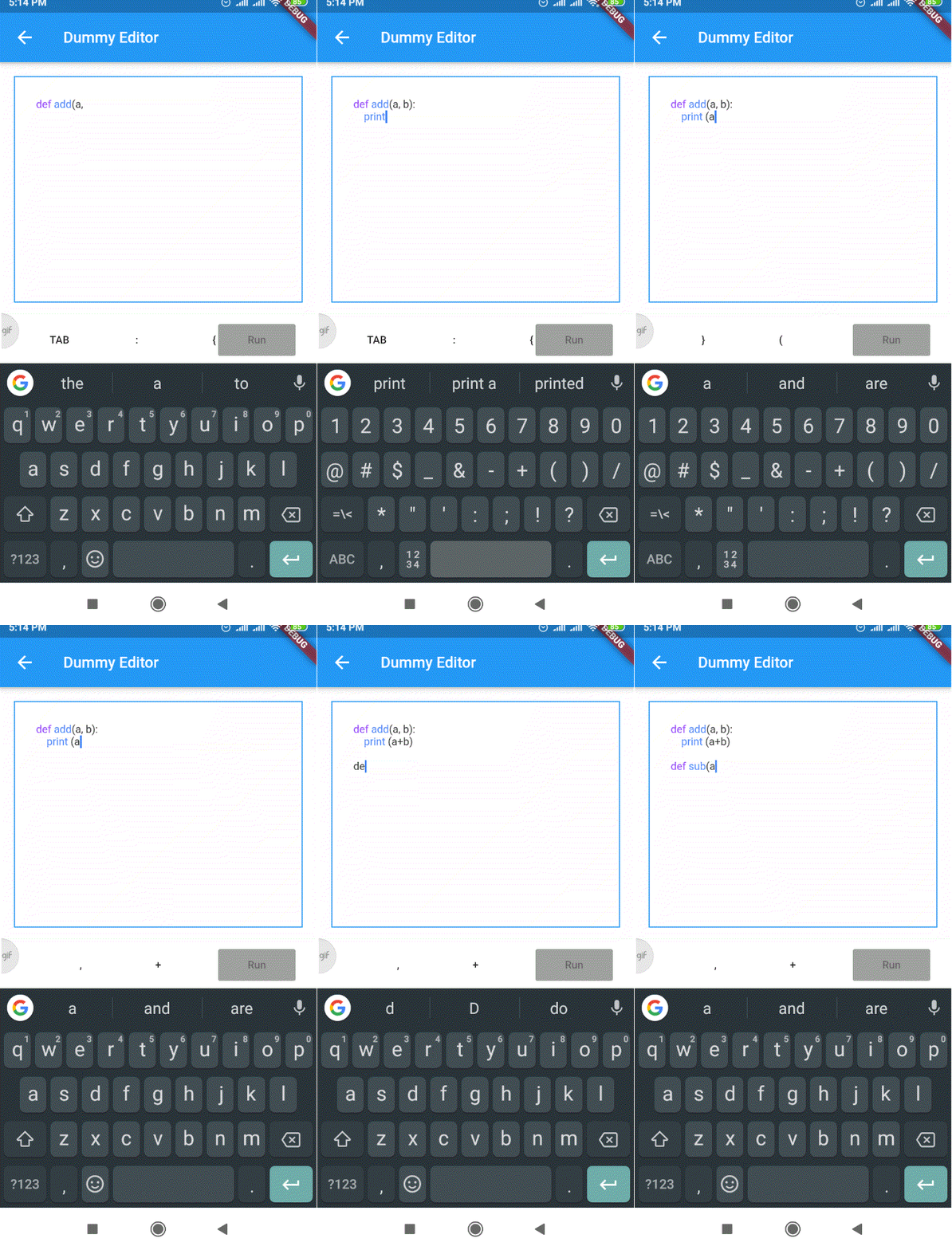
rich_code_editor 套件讓開發者能在 Flutter 應用中建立自訂的、功能豐富的程式碼編輯器,具備內建語法強調功能。它為建立支援多種程式語言的互動式編碼環境提供了一個彈性基礎。此套件專為整合至教育工具、IDE 或開發者儀表板而設計,支援即時程式碼輸入與視覺回饋。該套件輕量且可擴充,非常適合需要程式碼編輯功能卻又不需完整 IDE 複雜度的專案。
適用情境
互動式編碼教程
輕量級整合開發環境
程式碼片段檢視器
即時協作工具
開發者儀表板
主要特色
語法強調
可自訂主題
可擴展的架構
即時輸入處理
對多種語言的支援
適合對象
教育類應用
開發者工具
程式碼分享平台
內部管理介面
原型程式碼編輯器
使用建議
僅限基本編輯功能
無內建自動完成
需要手動設定才能實現進階功能
未針對大檔案優化
無原生移動鍵盤整合
原始 README
以下為關聯原始碼儲存庫的 README 原文快照,最新內容請造訪原始碼儲存庫。
rich_code_editor
A simple package that supports creating code editors in Flutter.
Flutter version supported: Flutter 1.22.5
Getting Started
There are two main components of the rich code editor:
Editor
Syntax Highlighter
The editor is a text area which is identical to Flutter's TextField widget. However, unlike a regular TextField the editor uses an instance of syntax highlighter object to parse and highlight code syntax.
Since the editor itself is independent of the syntax highlighting rules, the same editor can be used for any other programming langugages. Only the syntax highlighter implementation needs to be created separately for each new programming language.
The example demo uses a dummy syntax highlighter implementation DummySyntaxHighlighter.
Get Started by creating your own implementation for SyntaxHighlighterBase class.
The syntax highlight logic part is not much implemented in this package as that will change as per the choice of programming language.