搜尋套件、儲存庫與 APP 分類

roulette 封面
套件詳情v0.3.2

roulette

這是一個提供簡單輪盤組件的程式庫,通常用於抽獎。

AndroidiOSWebmacOSWindowsLinux
近 30 天下載
384
喜歡數
53
Pub 分數
160

安裝套件

flutter pub add roulette

套件介紹

根據套件公開資料產生的選型評估,僅供參考。

輪盤套件提供了一個簡單、可自訂的輪盤小工具,專為抽獎類遊戲與獎勵系統設計。基於 Flutter 建構,支援流暢的旋轉動畫,並可輕鬆整合至應用程式中,用於抽獎、競賽或遊戲化體驗。此元件輕量且可在 Android、iOS、Web、macOS、Windows 與 Linux 等主要平台運作。對於尋求即插即用解決方案以加入互動式旋轉輪盤卻不需複雜實作的開發者而言,這是一個理想的選擇。

適用情境

  • 彩券抽獎
  • 遊戲化使用者獎勵
  • 比賽獎品選擇
  • 互動式應用功能
  • 使用者參與工具

主要特色

  • 平滑旋轉動畫
  • 可自訂的輪盤扇區
  • 跨平台相容性
  • 簡單的 API 結合
  • 可設定的旋轉持續時間

適合對象

  • 應用開發者建構遊戲
  • 創建推廣活動的團隊
  • 具有互動元件的教育應用程式
  • 需要隨機抽獎的應用

使用建議

  • 超出基本樣式之外的有限自訂
  • 無內建音效
  • 需要手動處理結果邏輯
  • 未針對高頻率旋轉進行優化
  • 依賴外部狀態管理來取得結果

原始 README

以下為關聯原始碼儲存庫的 README 原文快照,最新內容請造訪原始碼儲存庫。

Pub Verify & Test License

Project Status: Stable & Open for Contributions

This project has reached its primary goals. The author actively maintains it for compatibility with the latest SDKs and critical bug fixes, but is no longer actively developing new features.

Feature Requests: Suggestions are welcome! Please open an Issue for discussion.

Contributions: If you need a new feature, Pull Requests are highly encouraged and appreciated.

This is a Flutter library that provides a simple wheel widget for lottery usage.

Features

  • Quickly build customizable roulettes
  • Support roulettes with different sized parts based on specified weight
  • Easily control the roll animation and settle position
  • Support text, icons and images for roulette parts

There are various types of roulette provided by this package (text is optional):

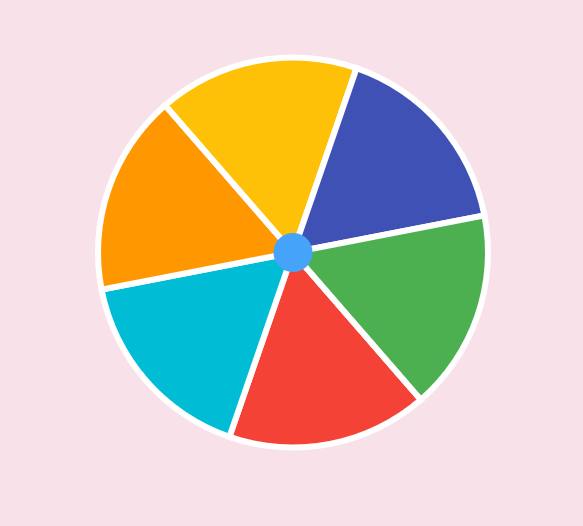
  • Uniformed roulette:

    Uniformed with no text
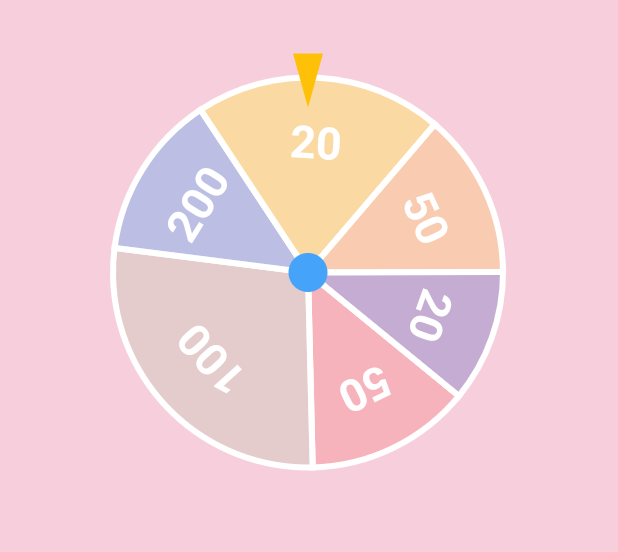
  • Weight-based roulette:

    Weight based with text
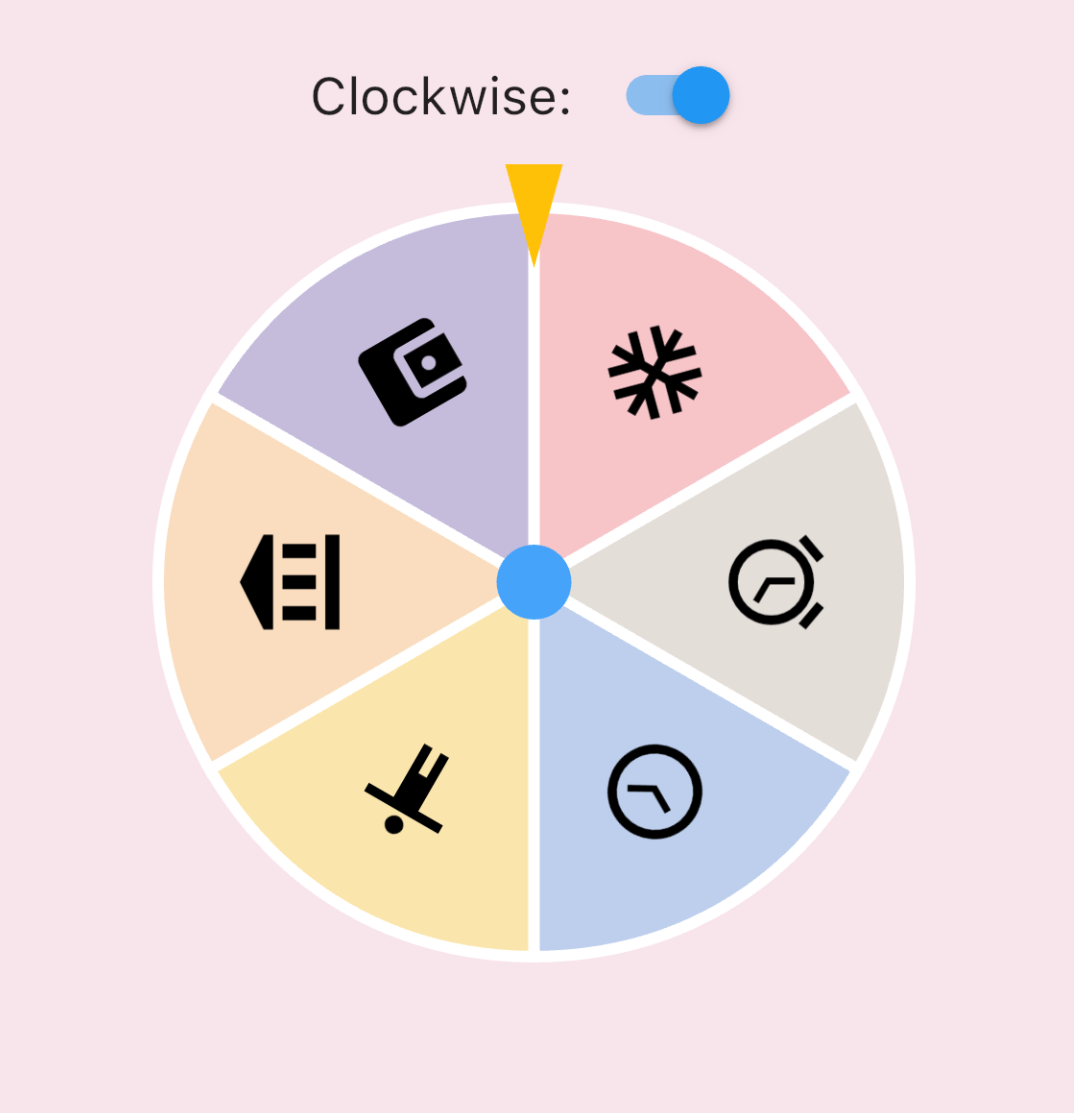
  • IconData roulette (available in 0.1.4):

    Icon roulette
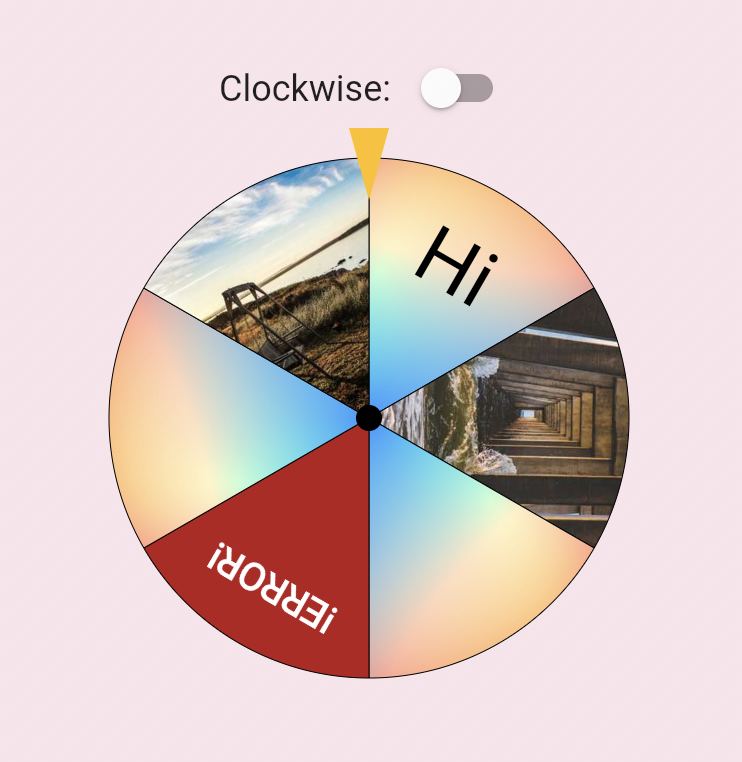
  • Image roulette (available in 0.1.5):

    Icon roulette

Getting started

Add this to your pubspec.yaml file:

dependencies:
  roulette: ^1.0.0-rc.1

Note (v1.0.0-rc.1): The package no longer depends on package:flutter/material.dart. RouletteStyle now requires centerStickerColor and dividerColor — use the deprecated RouletteStyle.material() to keep the previous default look. It's highly recommend to specify the colors explicitly, the material ported version will be removed in future.

Usage

Create a RouletteController

First, create a RouletteController instance:

// Create roulette units
final units = [
  RouletteUnit.noText(color: Colors.red),
  RouletteUnit.noText(color: Colors.green),
  // ...other units
];

// Initialize controller
final controller = RouletteController();

For uniformed roulette from a list, use the builder:

// Source data
final values = <int>[1, 2, 3, 4];

// Build uniformed group
final group = RouletteGroup.uniform(
  values.length,
  colorBuilder: (index) => Colors.blue,
  textBuilder: (index) => values[index].toString(),
  textStyleBuilder: (index) {
    // Customize text style, don't forget to return it
  },
);

// Create controller
controller = RouletteController();
Add Roulette Widget

With the controller, add a Roulette widget:

@override
Widget build(BuildContext context) {
  return Roulette(
    group: group,
    controller: controller,
    style: RouletteStyle(
      centerStickerColor: Colors.white,
      dividerColor: Colors.black38,
      // Customize appearance (e.g. sectionImageLayout for image sections)
    ),
  );
}
Add Tappable Roulette Widget

Available from 0.3.1, you can use TappableRoulette which wraps Roulette to detect which sector is tapped by the user.

@override
Widget build(BuildContext context) {
  return TappableRoulette(
    group: group,
    controller: controller,
    onTap: (index) {
      print('Tapped on $index sector');
    },
    style: RouletteStyle(
      centerStickerColor: Colors.white,
      dividerColor: Colors.black38,
      // Customize appearance
    ),
  );
}
Control the Animation

Use rollTo method to spin the roulette:

ElevatedButton(
  onPressed: () async {
    // Spin to index 2
    await controller.rollTo(2);
    // Do something after settled
  },
  child: Text('Roll!'),
);

rollTo allows options like randomizing stop position:

// Generate random offset
final random = Random();
final offset = random.nextDouble();

// Spin with offset
await controller.rollTo(2, offset: offset);
Animation Configurations

You can customize the roll animation by passing an AnimationConfig to rollTo:

Curve-based animation (default):

await controller.rollTo(
  2,
  animationConfig: CurveAnimationConfig(
    curve: Curves.easeInOut,
    duration: Duration(seconds: 3),
  ),
);

Physics-based animation (available in 0.3.0):

await controller.rollTo(
  2,
  animationConfig: PhysicsAnimationConfig(
    drag: 0.3, // Lower = stronger friction, shorter spin
  ),
);
Roll infinitely before determine the result (available in 0.3.2)

You can also use rollInfinitely to roll infinitely until you call stop or rollTo method:

// Roll infinitely
controller.rollInfinitely();

// Getting the result value somewhere...
try {
  final result = await service.request()
  final index = values.indexOf(result);
  // Stop rolling and settle to index
  controller.rollTo(index, offset: random.nextDouble());
} catch (e, st) {
  // Or stop rolling immediately, stop with this method has no animation
  // controller.stop();
}

Please refer to API documentation for more details.

For more complete examples, please check the example app.

Legal Statement

The creators of this library do not endorse or encourage any illegal gambling activities. Please use this library responsibly and comply with all applicable laws in your local jurisdiction. The authors assume no liability for any misuse of this software.

所屬分類

依賴

依賴清單 1 項

原始碼儲存庫

使用此套件的專案

暫無相關資料。