搜尋套件、儲存庫與 APP 分類

scroll_pos 封面
套件詳情v0.5.0

scroll_pos

為 ScrollController 提供一些額外功能,以定義項目相對於螢幕的位置。

AndroidiOSWebmacOSWindowsLinux
近 30 天下載
19.7萬
喜歡數
75
Pub 分數
160

安裝套件

flutter pub add scroll_pos

套件介紹

根據套件公開資料產生的選型評估,僅供參考。

scroll_pos 套件透過新增實用函數來增強 Flutter 的 ScrollController,以判斷清單項目相對於螢幕的位置。它簡化了偵測項目是否完全可見、部分在視圖中,或接近畫面頂端/底端的任務。非常適合建立互動式清單、無限捲動或根據滾動狀態回應的動態介面。該套件支援所有主要平台,並能與現有的 ScrollController 實作無縫整合。

適用情境

  • 檢測可見清單項目
  • 實現無限滾動邏輯
  • 創建滾動觸發的動畫
  • 構建動態列表佈局
  • 追蹤滾動過程中的項目可見性

主要特色

  • 輕鬆檢測項目位置
  • 擴展 ScrollController 功能
  • 跨平台支援
  • 最小化樣板程式碼
  • 精確的螢幕相對定位

適合對象

  • 開發複雜可捲動介面的開發者
  • 需要即時滾動反饋的應用
  • 無限滾動或懶加載功能
  • 基於列表的互動式 UI

使用建議

  • 需要與 ScrollController 集成
  • 限於可滾動上下文
  • 無內建動畫處理
  • 可能需要額外的狀態管理
  • 不適用於非可捲動元件

原始 README

以下為關聯原始碼儲存庫的 README 原文快照,最新內容請造訪原始碼儲存庫。

Scroll Position

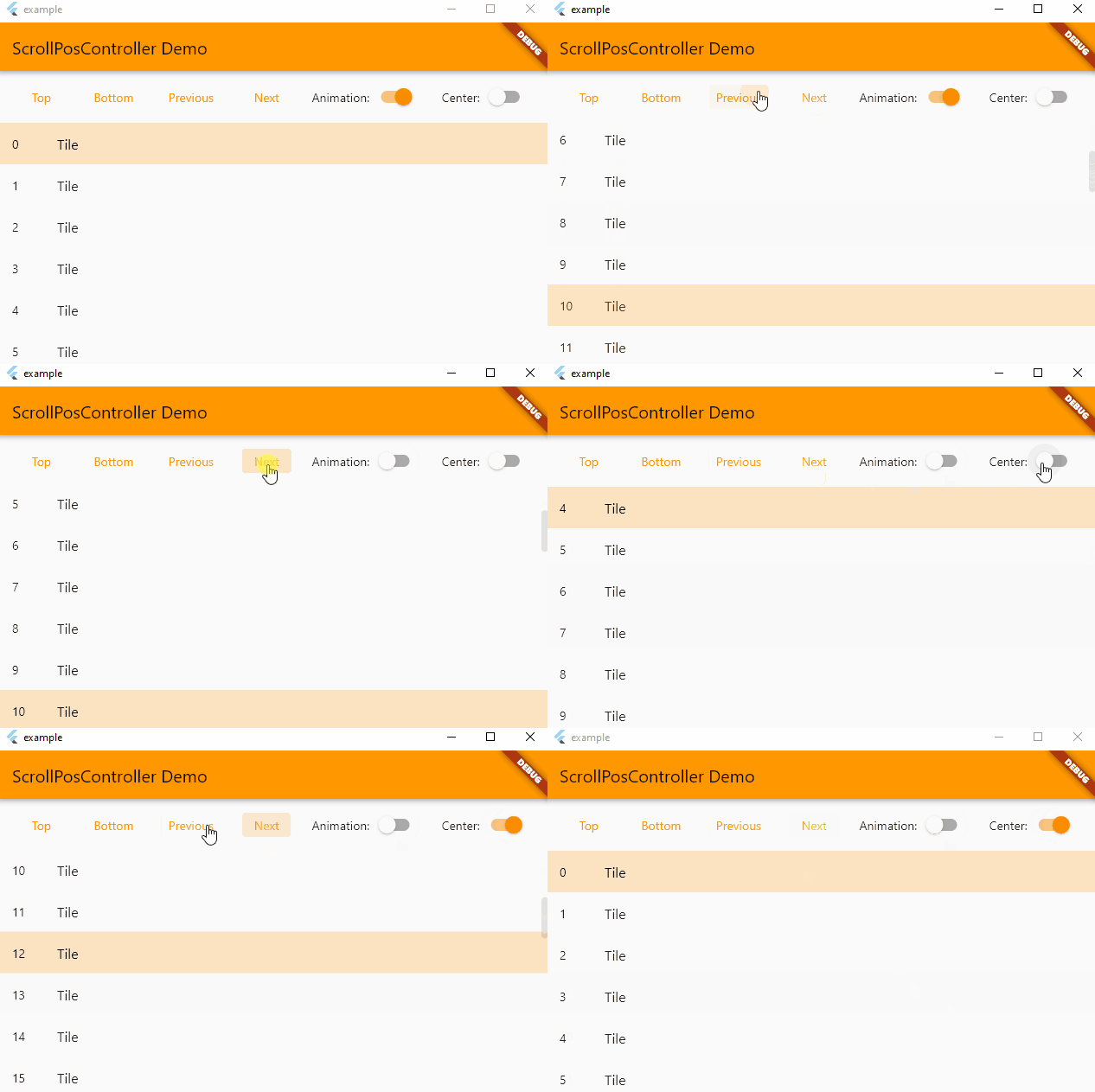
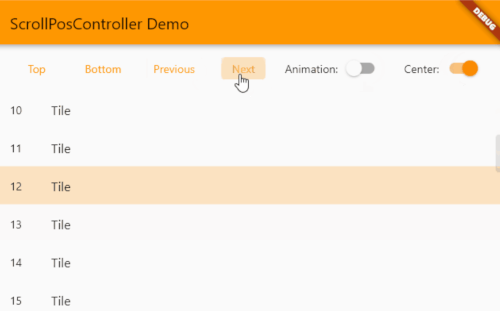
Provides some additional functions to ScrollController to define item position relative to the screen.

A live version is available here.

scrollpos_demo

Note: this works on condition that all items have the same height !

Usage

// Create a ScrollPosController (don't forget to set and update itemCount !)
final controller = ScrollPosController(itemCount: itemCount);

// Assign the controller to a scrollable item (like an ListView)
ListView(
  controller: controller,
  children: [
    ...
  ];
);

// Control the controller
TextButton(
  child: Text('To item'),
  onPressed: () {
    setState(() {
      controller.scrollToItem(index);
    });
  },
);

Main methods

  • void scrollTop({bool? animate}) : Go to the first item
  • void scrollBottom({bool? animate}) : Go to the last item
  • void scrollToItem(int index, {bool? animate, bool center = false}) : Makes the item visible on the screen

所屬分類

原始碼儲存庫

使用此套件的專案