搜尋套件、儲存庫與 APP 分類

套件詳情v0.0.2

serial_communication

一個用於串列通訊的 Android 插件,可讓您透過可用端口讀取和寫入資料

Android
近 30 天下載
61
喜歡數
14
Pub 分數
160

安裝套件

flutter pub add serial_communication

套件介紹

根據套件公開資料產生的選型評估,僅供參考。

serial_communication 套件是一個 Android 插件,可讓 Flutter 應用透過可用的序列埠與外部硬體裝置進行序列通訊。它支援從這些埠讀取和寫入資料,促進與透過 UART/USB 轉序列介面連接的感測器、微控制器或其他周邊裝置的直接互動。此套件專為 Android 設計,為開發者提供簡單的 API,以在應用程式中整合基於硬體的功能。該套件支援即時資料交換,非常適合物聯網應用、工業自動化和嵌入式系統控制。

適用情境

  • 連接到Arduino設備
  • 即時讀取感測器資料
  • 控制工業設備
  • 與USB轉串口適配器整合
  • 構建物聯網監控系統

主要特色

  • 僅支援 Android
  • 啟用串列埠的讀寫作業
  • 硬體整合的簡單API
  • 即時資料傳輸
  • 與 UART 和 USB 轉串列裝置相容

適合對象

  • 物聯網應用開發者
  • 硬體介面專案
  • 基於 Android 的工業應用
  • 嵌入式系統整合工程師
  • 使用微控制器進行原型設計

使用建議

  • 僅限 Android 平台
  • 需要硬體相容性
  • 無 iOS 支援
  • 需要正確的權限和設備設定
  • 某些設備可能需要額外的原生設定

原始 README

以下為關聯原始碼儲存庫的 README 原文快照,最新內容請造訪原始碼儲存庫。

Pub

Serial communication!

An Android Plugin for Serial Communication which allow you to read and write the data through the available ports The supported features are:

  • Listing the available serial ports on the device, including USB to serial adapters
  • Configuring serial ports (baud rate, stop bits, permission, ...)
  • Providing standard InputStream and OutputStream

Description

This PlugIn enables the communication with the USB RS232 RS485 UART

Supported platforms:

  • Android

Video tutorial

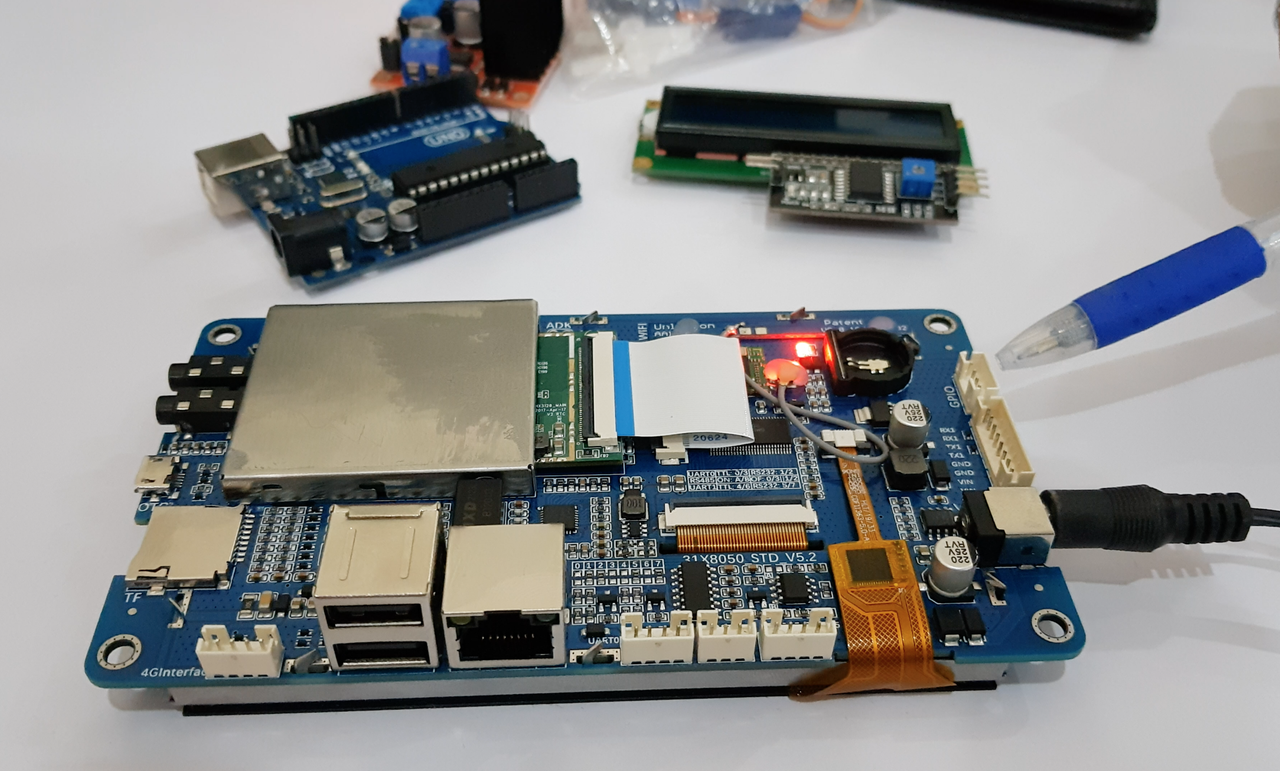
In order to completely understand you can view our sample video in which we are using an android Lcm module. Click the image below to watch the video:

IMAGE ALT TEXT

Getting Started

Add a dependency to your pubspec.yaml

dependencies:
	serial_communication: 0.0.2

include the usbserial package at the top of your dart file.

import  'package:serial_communication/serial_communication.dart';

❓ Usage

If you encounter any issues please refer to the API docs and the sample code in the example directory before opening a request on Github.

Example app

The example directory has a sample application that demonstrates the features of this plugin.


🔧 Android Setup

Initialisation
The first step is to call the startSerial() method and subscribe the StreamSubscription

Start Serial

startSerial method will open the transaction stream

SerialCommunication serialCommunication = SerialCommunication();

  @override
  void initState() {
    super.initState();
   serialCommunication.startSerial().listen(_updateConnectionStatus);
    getSerialList();
  }
  
 void  _updateConnectionStatus(SerialResponse? result) async {
logData = result!.logChannel ?? "";
receivedData = result.readChannel ?? "";
});
}

By calling the startSerial() it will provide you with the SerialResponse in the form of stream data

SerialResponse In Serial Response you will get the following type
1) Log Channel (type:String)
2) Read Channel (type:String)

  1. Log Channel: In the log channel you wll get the repsone when you open any port ,close any port , transmit data (TX).

  2. Read Channel: In the Read channel you wll get the Recived data (RX)

Available Ports

The getAvailablePorts() method will return you all the
available ports on a device

serialList = await  serialCommunication.getAvailablePorts();

Open

openPort method will open the serial communication Its has 3 required parameter { DataFormat dataFormat, String serialPort, int baudRate }

serialCommunication.openPort(
dataFormat: DataFormat.ASCII,
serialPort: serialList.first,
baudRate: serialCommunication.baudRateList.first)

Close

closePort method will close the port if you have opened any port

serialCommunication.closePort();

Send Command

sendCommand method will send your message Its has 1 required parameter {String message}

serialCommunication.sendCommand(message: "message");

Clear

clearLog method will clear the Log channel clearRead method will clear the Read channel

serialCommunication.clearLog();
serialCommunication.clearRead();

Destroy

destroy method will eliminate the resources

@override
void  dispose() {
serialCommunication.destroy();
super.dispose();
}

  • Baud Rate To get the Standard baud rates list call the SerialCommunication().baudRateList it will return the integer list of standard baud rate

  • Data Format The Data format is used to convert the data type To pass the data format in the open() method parameter For ascii format call the DataFormat.ASCII

    For hex_String format call the DataFormat.HEX_STRING

Contribution

Any help from the open-source community is always welcome and needed:

  • Found an issue?

    • Please fill a bug report with details.
  • Wish a feature?

    • Open a feature request with use cases.
  • Are you using and liking the project?

    • Promote the project: create an article, do a post or make a donation.
  • Are you a developer?

    • Fix a bug and send a pull request.
    • Implement a new feature.
    • Improve the Unit Tests.
  • Have you already helped in any way?

    • Many thanks from me, the contributors and everybody that uses this project!

    Maintainers

  • BJS MB Dev

  • Zain Ul Abideen

所屬分類

依賴

依賴清單 1 項

  • plugin_platform_interface^2.0.2

原始碼儲存庫

使用此套件的專案

暫無相關資料。