搜尋套件、儲存庫與 APP 分類

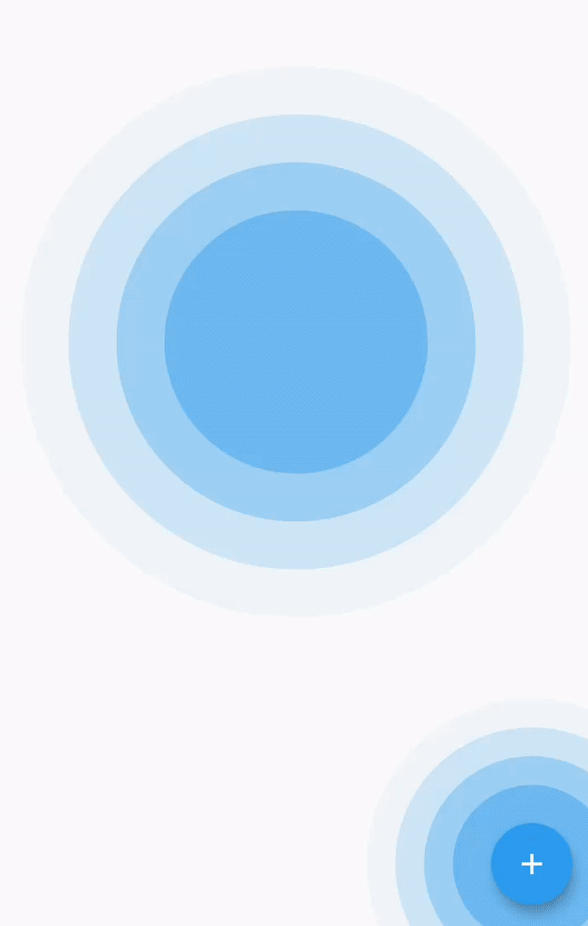
simple_ripple_animation 封面
套件詳情v0.1.1

simple_ripple_animation

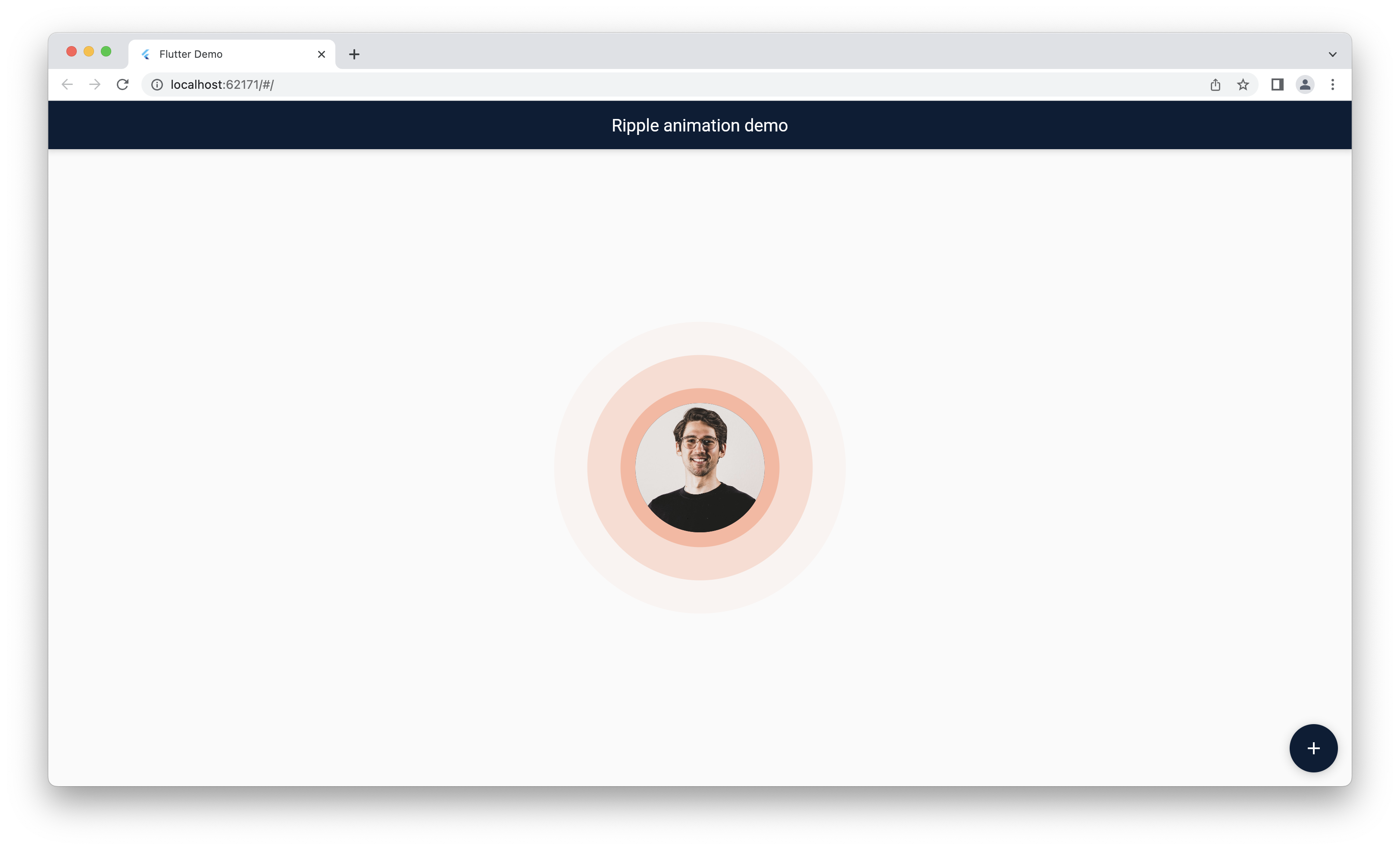
此套件提供了一個容易設定與自訂的波紋動畫小部件,並在您選擇的任何顏色下都看起來非常美觀。

AndroidiOSWebmacOSWindowsLinux
近 30 天下載
7660
喜歡數
153
Pub 分數
160

安裝套件

flutter pub add simple_ripple_animation

套件介紹

根據套件公開資料產生的選型評估,僅供參考。

一個 Flutter 套件,提供簡單且可自訂的波紋動畫小工具。它讓開發者能輕鬆地在按鈕、點擊或任何互動元件上加入視覺上吸引人的波紋效果,適用於多個平台。此動畫流暢,支援自訂顏色、大小與持續時間,非常適合增強應用程式中的使用者回饋。設定簡單,可無縫整合至現有專案。

適用情境

  • 向按鈕添加觸控反饋
  • 透過視覺效果增強使用者介面互動
  • 創建動畫背景
  • 提高行動應用程式中的使用者參與度
  • 設計網頁上的互動元素
  • 自定義波紋外觀以用於品牌識別

主要特色

  • 輕鬆設定,程式碼極少
  • 支援自訂顏色與尺寸
  • 流暢、高效能的動畫
  • 跨平台相容性
  • 可設定的漣漪持續時間與強度
  • 用於自定義的簡單 API

適合對象

  • 尋求視覺精緻的UI/UX設計師
  • 開發互動式應用的開發者
  • 需要細微觸覺反饋的專案
  • 針對多個平台的應用程式
  • 希望快速實現動畫的團隊
  • 具動態反饋的創意介面

使用建議

  • 如果過度使用,可能會影響效能
  • 有限的高級動畫控制
  • 最適合小規模的漣漪效果
  • 不適合複雜的動畫設計
  • 需要仔細選擇顏色以確保可見性
  • 依賴於平台特定的渲染行為

原始 README

以下為關聯原始碼儲存庫的 README 原文快照,最新內容請造訪原始碼儲存庫。

Simple Ripple Animation

style: very good analysis License: MIT

This package provide ripple animation widget that can be customised to meet your needs. It's easy to set up and customize, and it looks beautiful in any color you choose.

Features

This package support following parameter and methods.

Parameter

RippleAnimationwidget provide follwoing parameter to config your ripple animation effect.

Parameter defined for RippleAnimation widget:

Name Type Description
child Widget This child will be placed at center of the animation.
delay Duration This will be delay between two ripple wave.
minRadius double Minimum radius of the ripple wave.
maxRadius double Maximum radius of the ripple wave.
color Color Color of the animation.
ripplesCount int number of rippleCount in the wave.
duration Duration duration of the animation
repeat bool Provide true if you want to repeat animation

Getting started

Installing

  1. Add dependencies to pubspec.yaml

    Get the latest version in the 'Installing' tab on pub.dev

    dependencies:
        simple_ripple_animation: <latest-version>
    
  2. Run pub get.

    flutter pub get
    
  3. Import package.

    import 'package:simple_ripple_animation/simple_ripple_animation.dart';
    

Implementation

  1. Wrap Widget with RippleAnimation and assign needed parameter.

             RippleAnimation(
                child: CircleAvatar(
                  minRadius: 75,
                  maxRadius: 75,
                  backgroundImage: NetworkImage(Constants.avtarUrl),
                ),
                color: Colors.deepOrange,
                delay: const Duration(milliseconds: 300),
                repeat: true,
                minRadius: 75,
                maxRadius: 140,
                ripplesCount: 6,
                duration: const Duration(milliseconds: 6 * 300),
              )
    

Preview

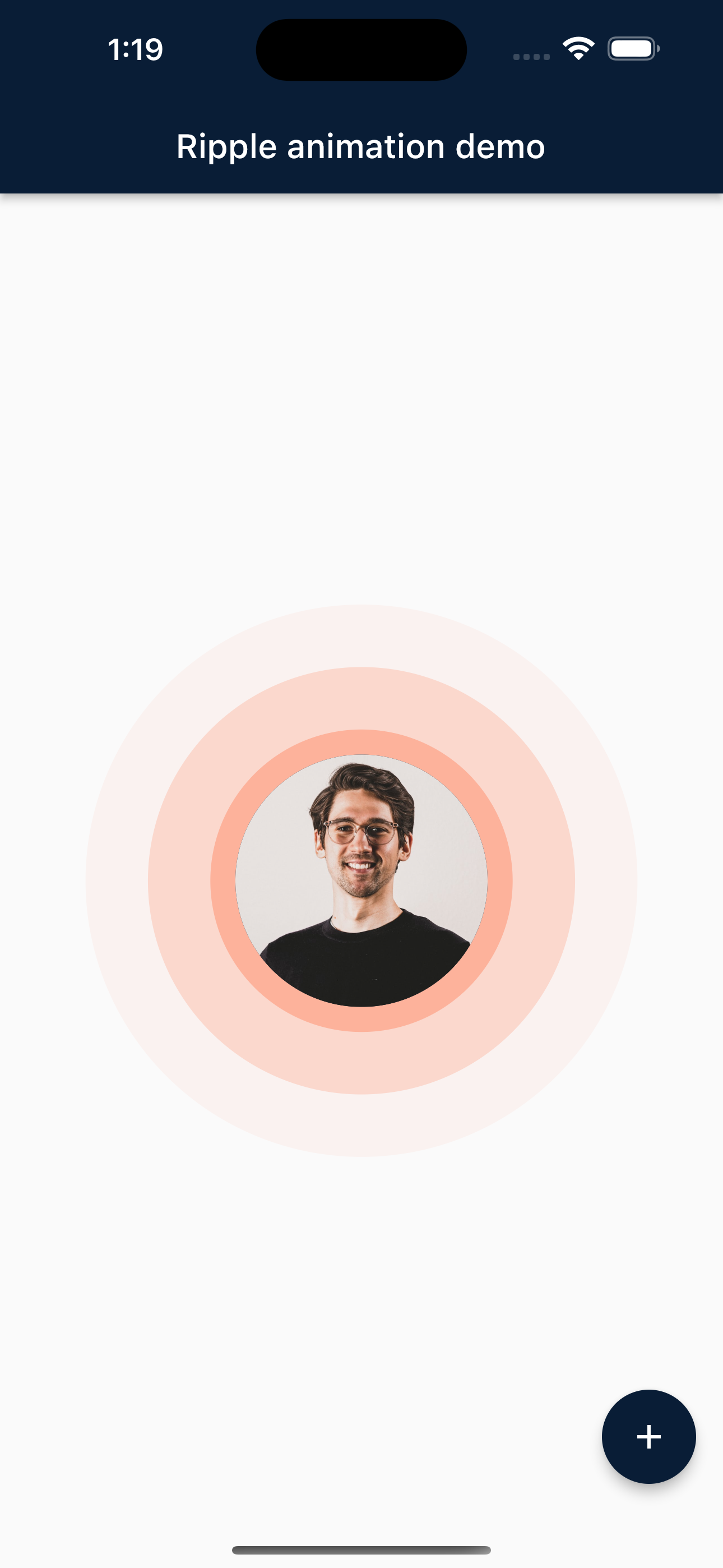
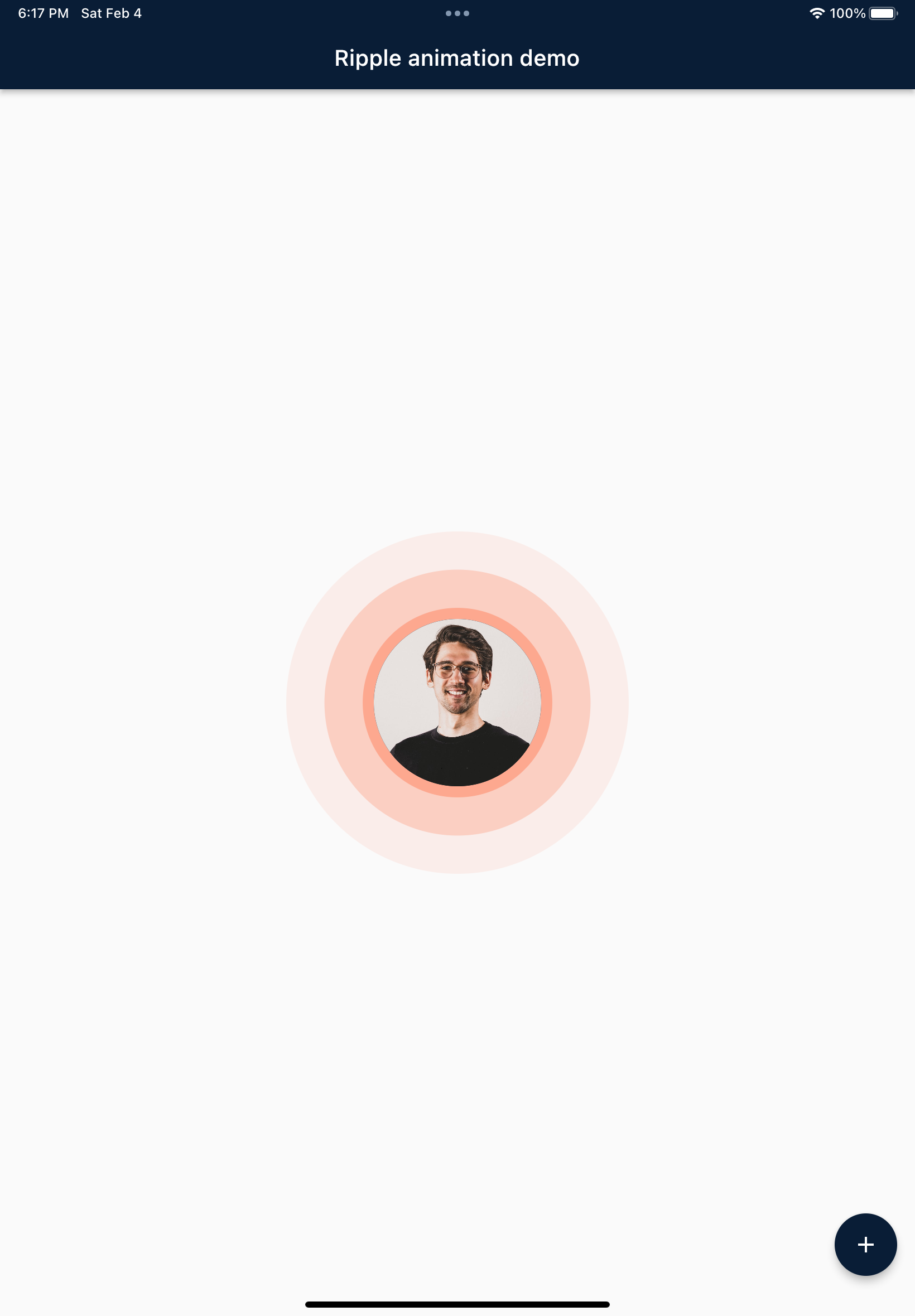
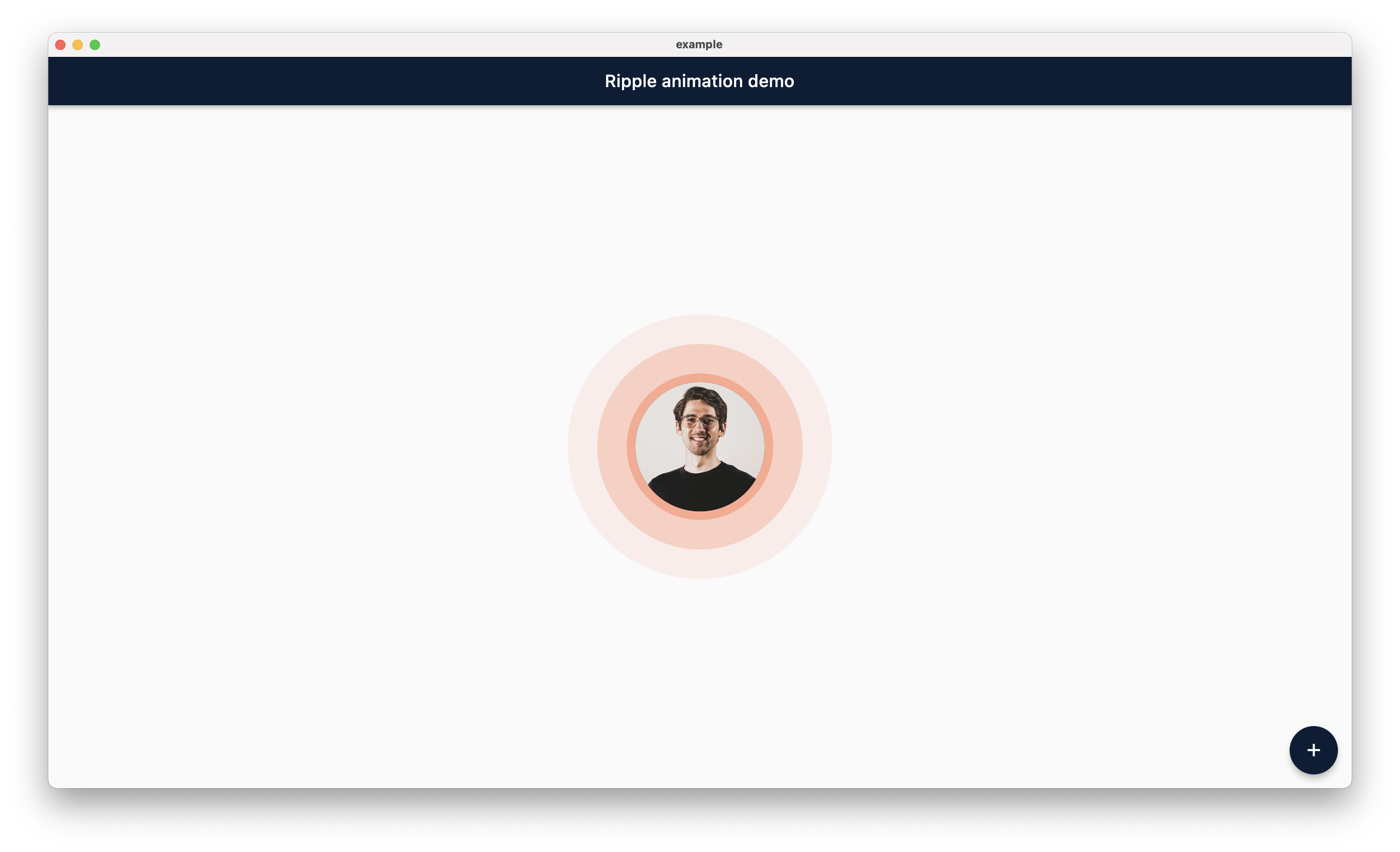
Screenshot

TODO: Here is the few screenshot for the preview. This will be remove in new verison becuase pub.dev now support screenshot.


Mobile

Tablet

Desktop

Web

Main Contributors


Jemis Goti

Furkan Arslan

Thanks

Thank you for using this package and keep supporting opensource community.

所屬分類

原始碼儲存庫

使用此套件的專案

暫無相關資料。