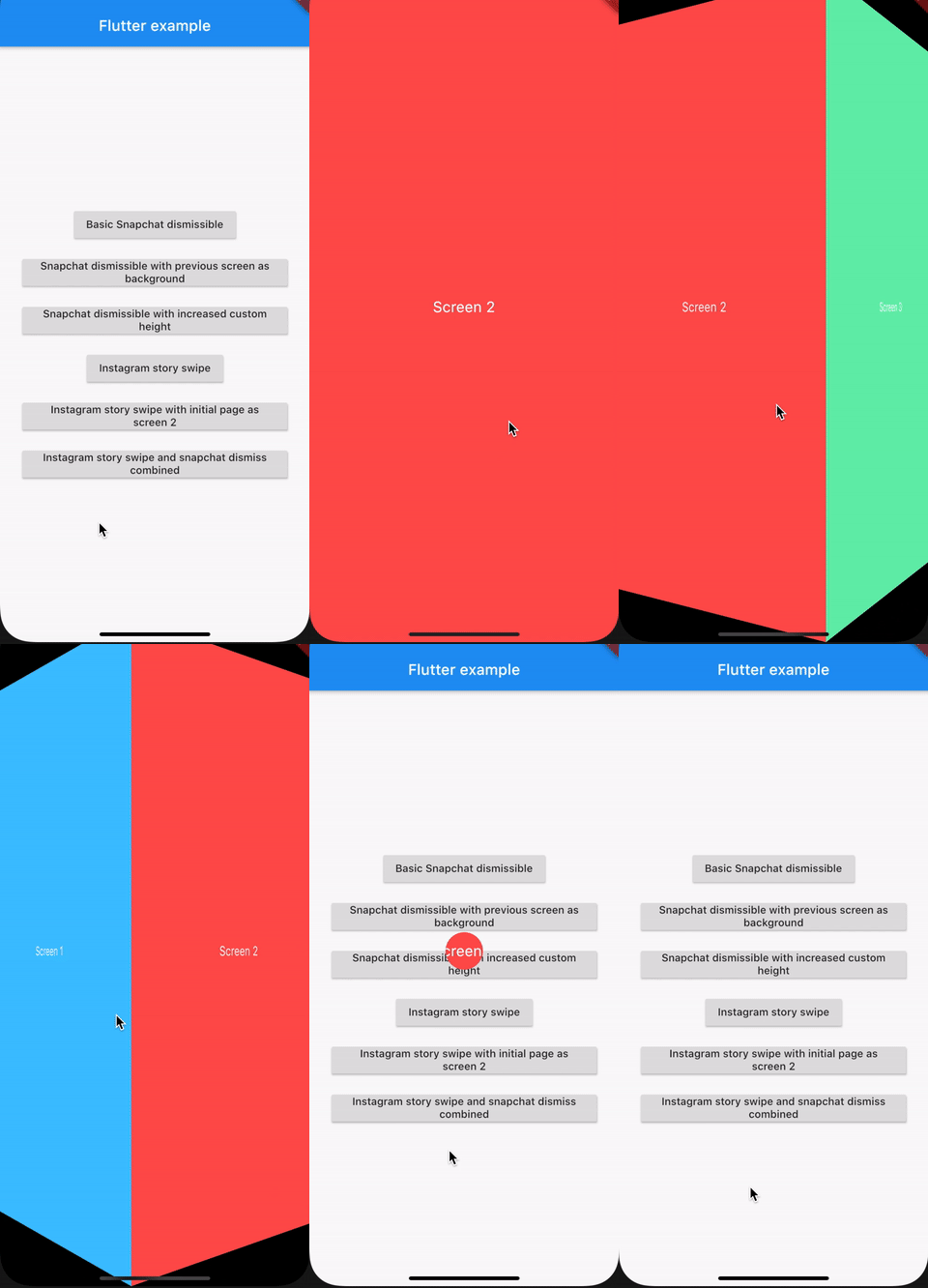
Social Media Widgets - package
A new flutter package for collection of common popular social media widgets
Currently available widgets
- Snapchat screen dismiss - By swiping down
- Instagram story swipe
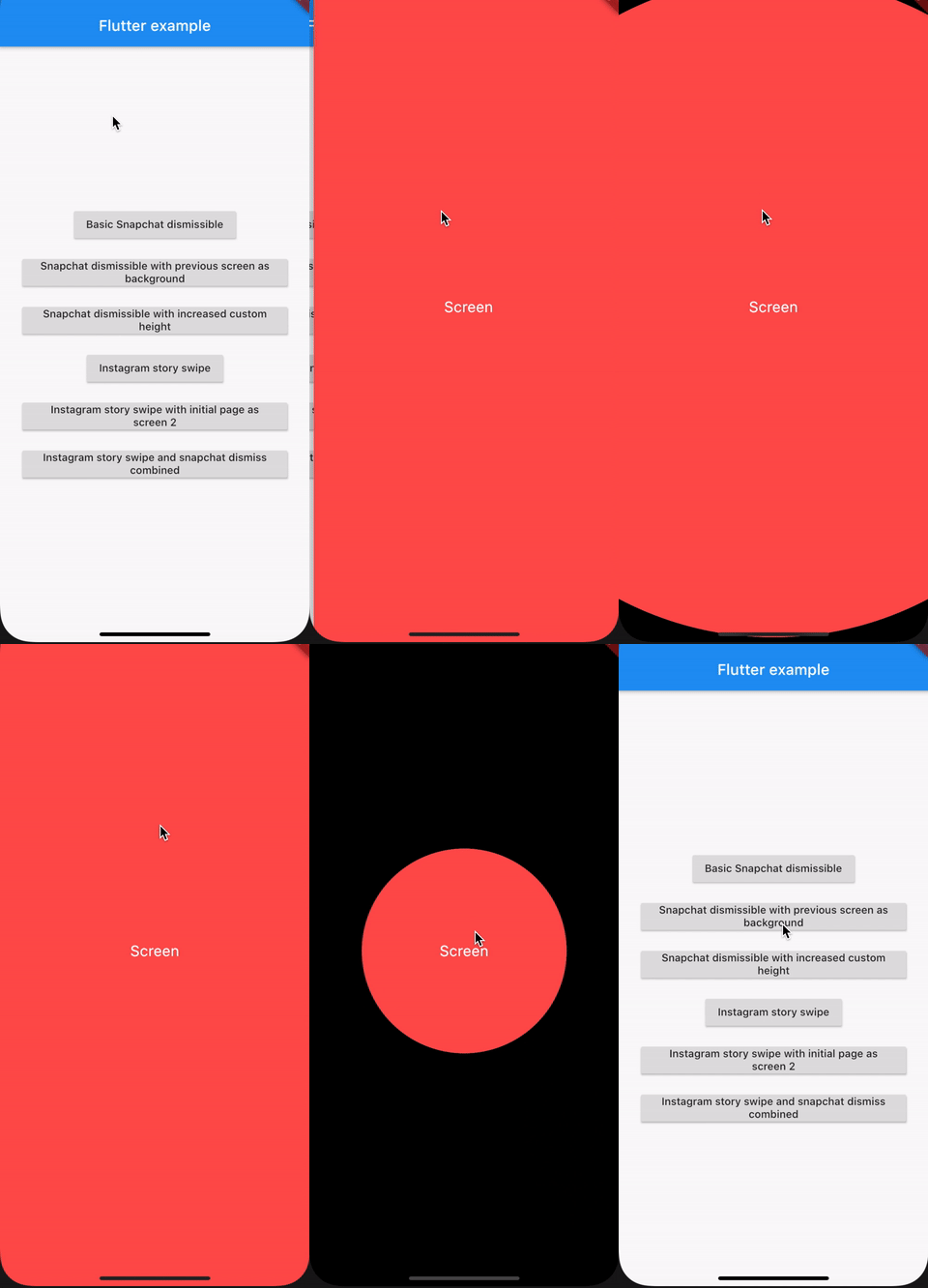
Adding basic Snapchat screen dismiss
Navigator.push(
  context,
  MaterialPageRoute(
    builder: (context) => SnapchatDismiss(
      child: Screen('Screen', Colors.redAccent),
    ),
  ),
);
Here we are navigating to another screen and applying the snapchat screen dismiss
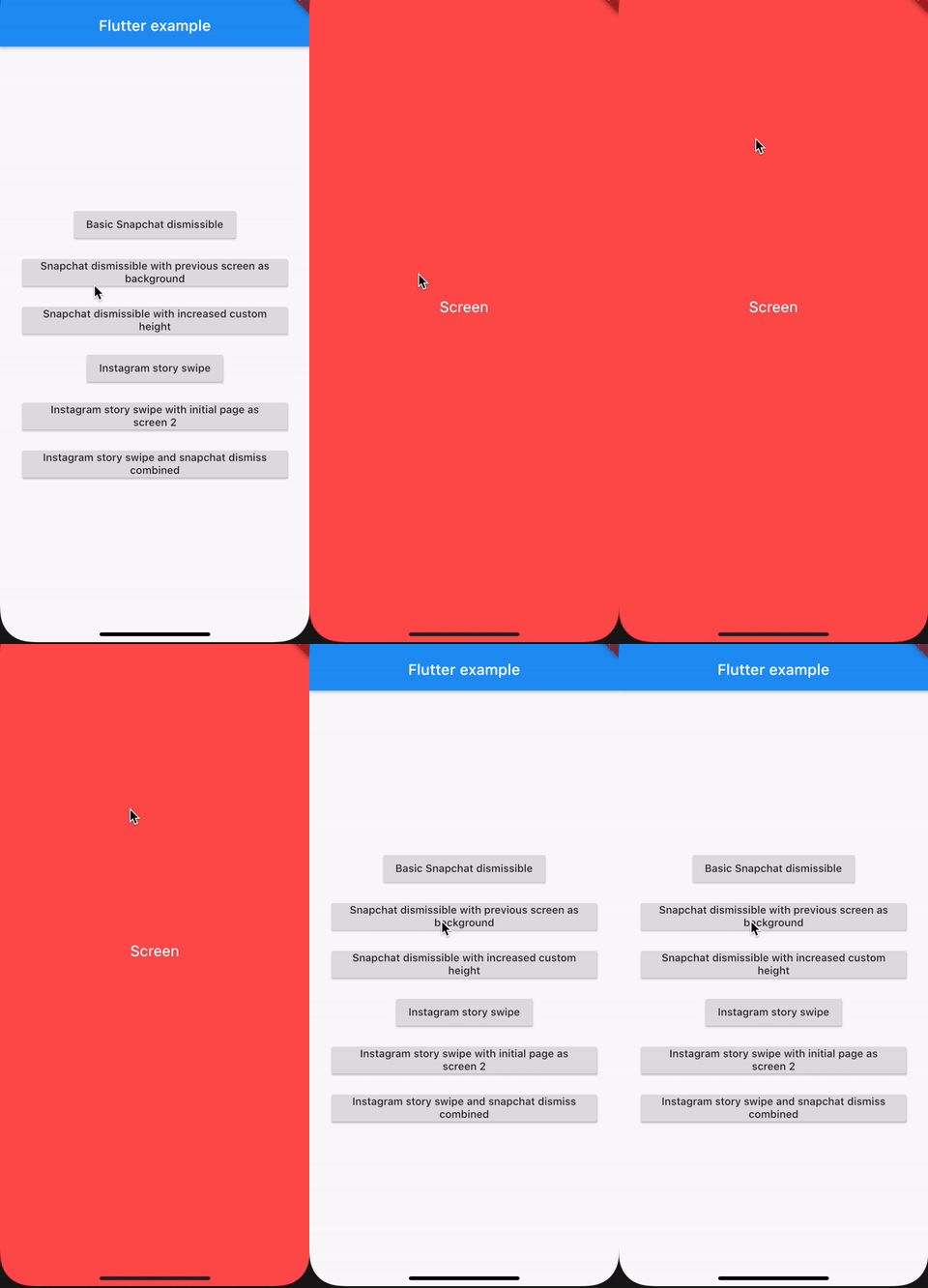
Adding basic Snapchat screen dismiss with previous screen as background
Navigator.push(
  context,
  PageRouteBuilder(
    opaque: false,
    pageBuilder: (_, __, ___) =>
        SnapchatDismiss(child: Screen('Screen', Colors.redAccent),)
  ),
);
Here we are navigating to another screen and applying the snapchat screen dismiss and with the previous screen as background when we dismiss
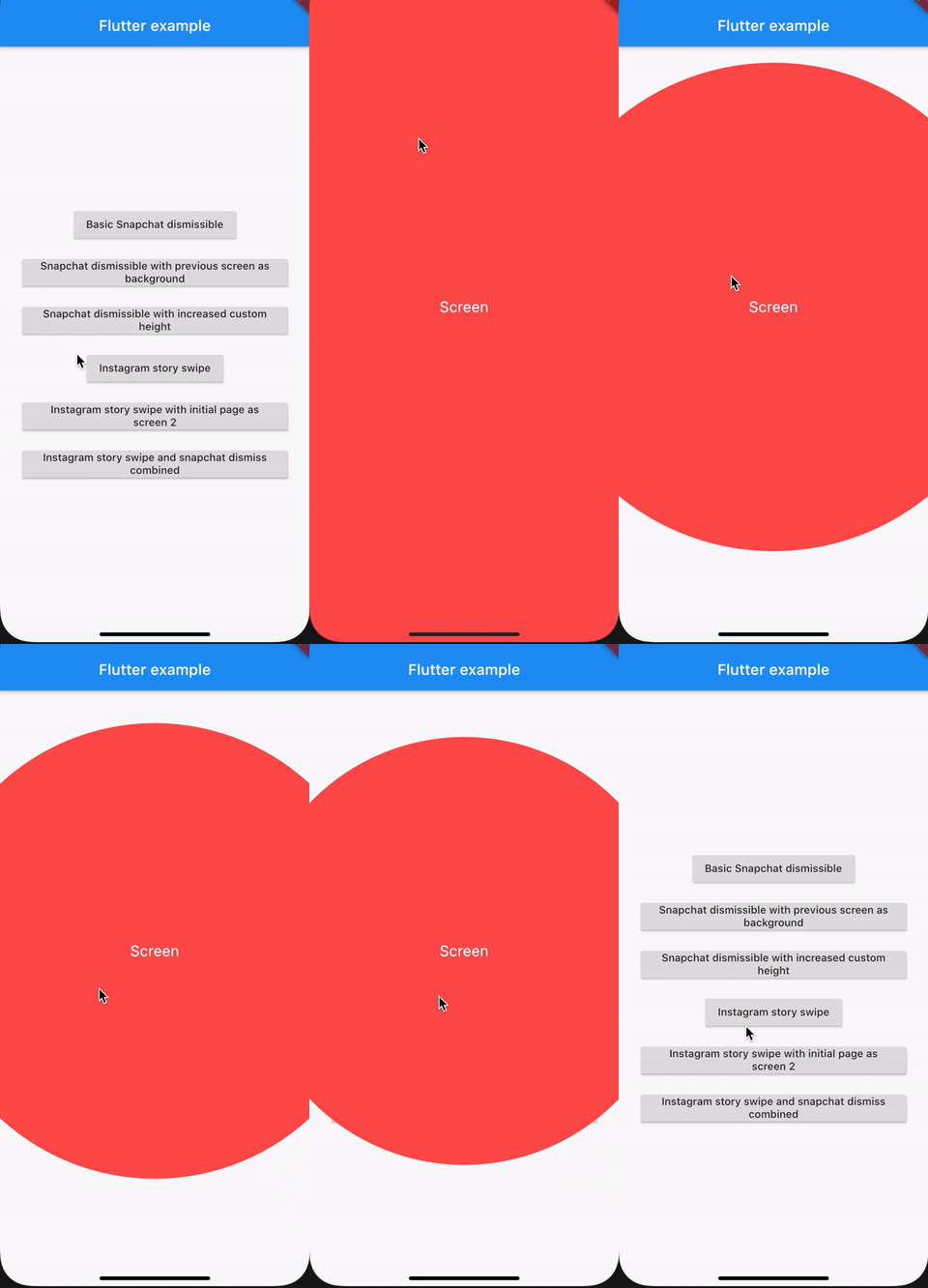
Adding basic Snapchat screen dismiss with increased dismiss height
Navigator.push(
  context,
  PageRouteBuilder(
    opaque: false,
    pageBuilder: (_, __, ___) => SnapchatDismiss(
      dismissHeight: 250,
      child: Screen('Screen', Colors.redAccent),
    ),
  ),
);
Here we are navigating to another screen and applying the snapchat screen dismiss and this will require more drag than default to dismiss screen
Basic Instagram Story Swipe
Navigator.push(
  context,
  MaterialPageRoute(
    builder: (context) => InstagramStorySwipe(
      children: <Widget>[
        Screen('Screen 1', Colors.lightBlueAccent),
        Screen('Screen 2', Colors.redAccent),
        Screen('Screen 3', Colors.greenAccent),
      ],
    ),
  ),
);
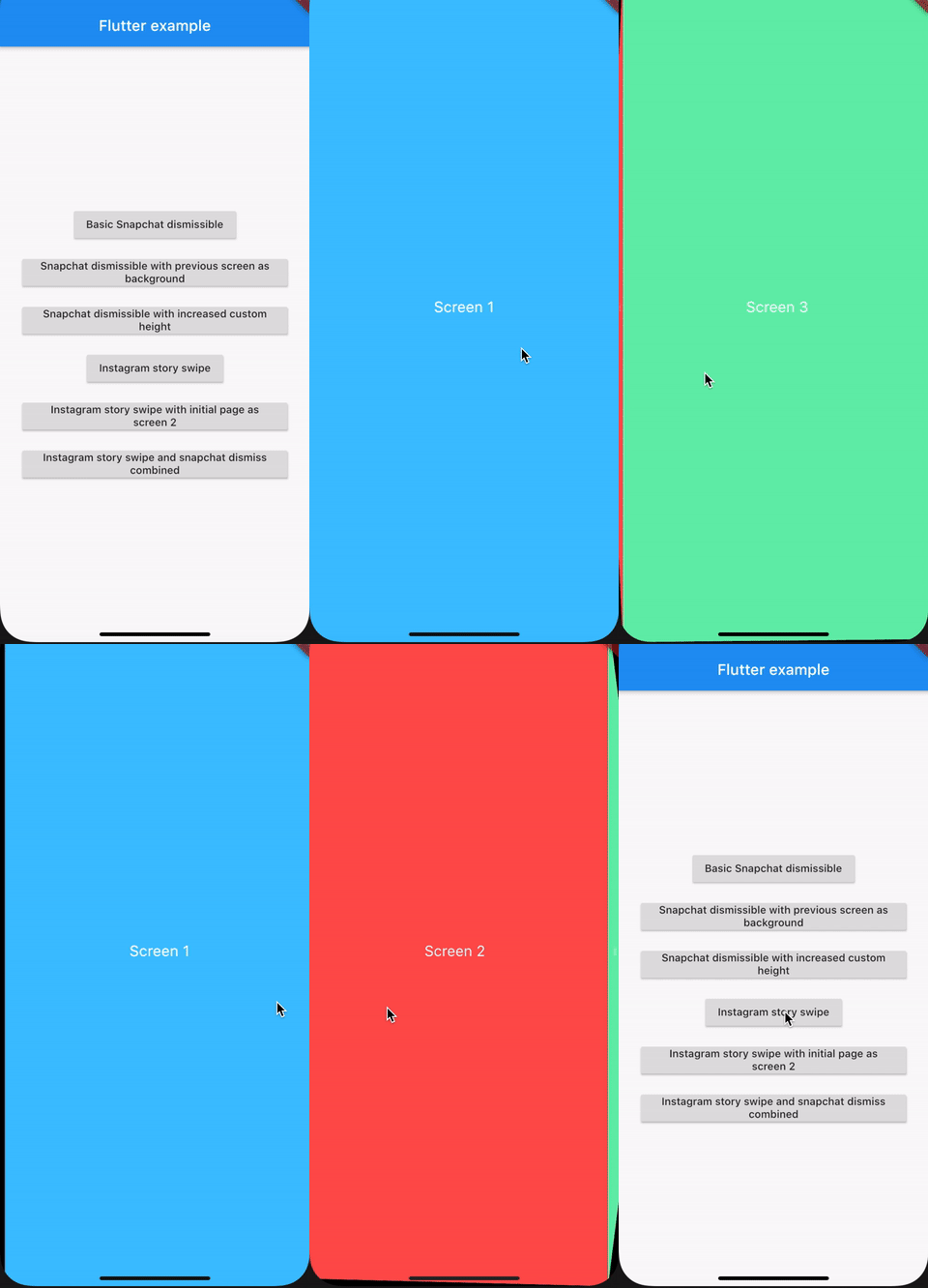
Instagram Story Swipe with initial page specified
Navigator.push(
  context,
  MaterialPageRoute(
    builder: (context) => InstagramStorySwipe(
      initialPage: 1,
      children: <Widget>[
        Screen('Screen 1', Colors.lightBlueAccent),
        Screen('Screen 2', Colors.redAccent),
        Screen('Screen 3', Colors.greenAccent),
      ],
    ),
  ),
);
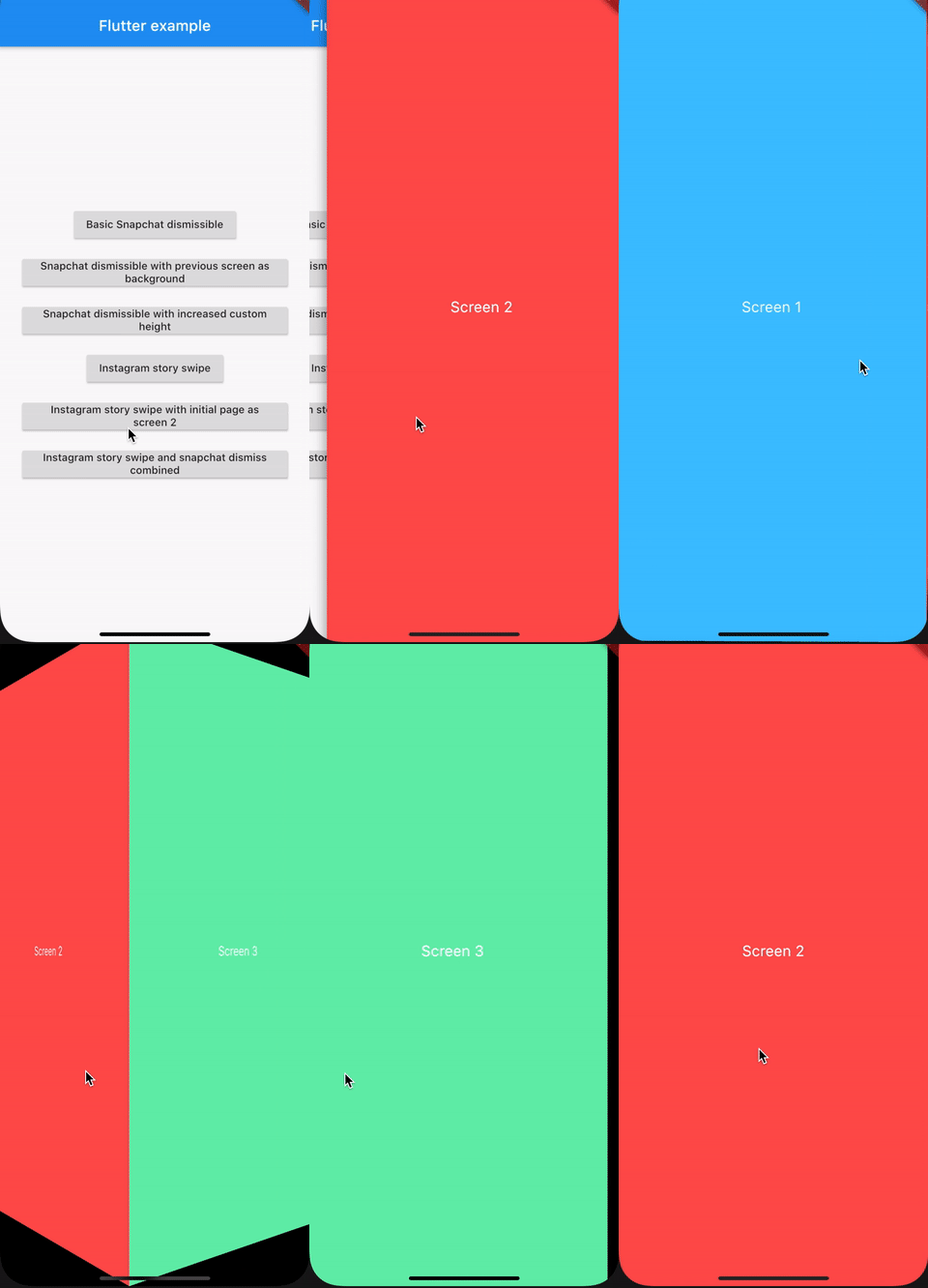
Instagram Story Swipe and snapchat dismiss combined
Navigator.push(
  context,
  PageRouteBuilder(
    pageBuilder: (_, __, ___) => SnapchatDismiss(
      child: InstagramStorySwipe(
        initialPage: 1,
        children: <Widget>[
          Screen('Screen 1', Colors.lightBlueAccent),
          Screen('Screen 2', Colors.redAccent),
          Screen('Screen 3', Colors.greenAccent),
        ],
      ),
    ),
  ),
);