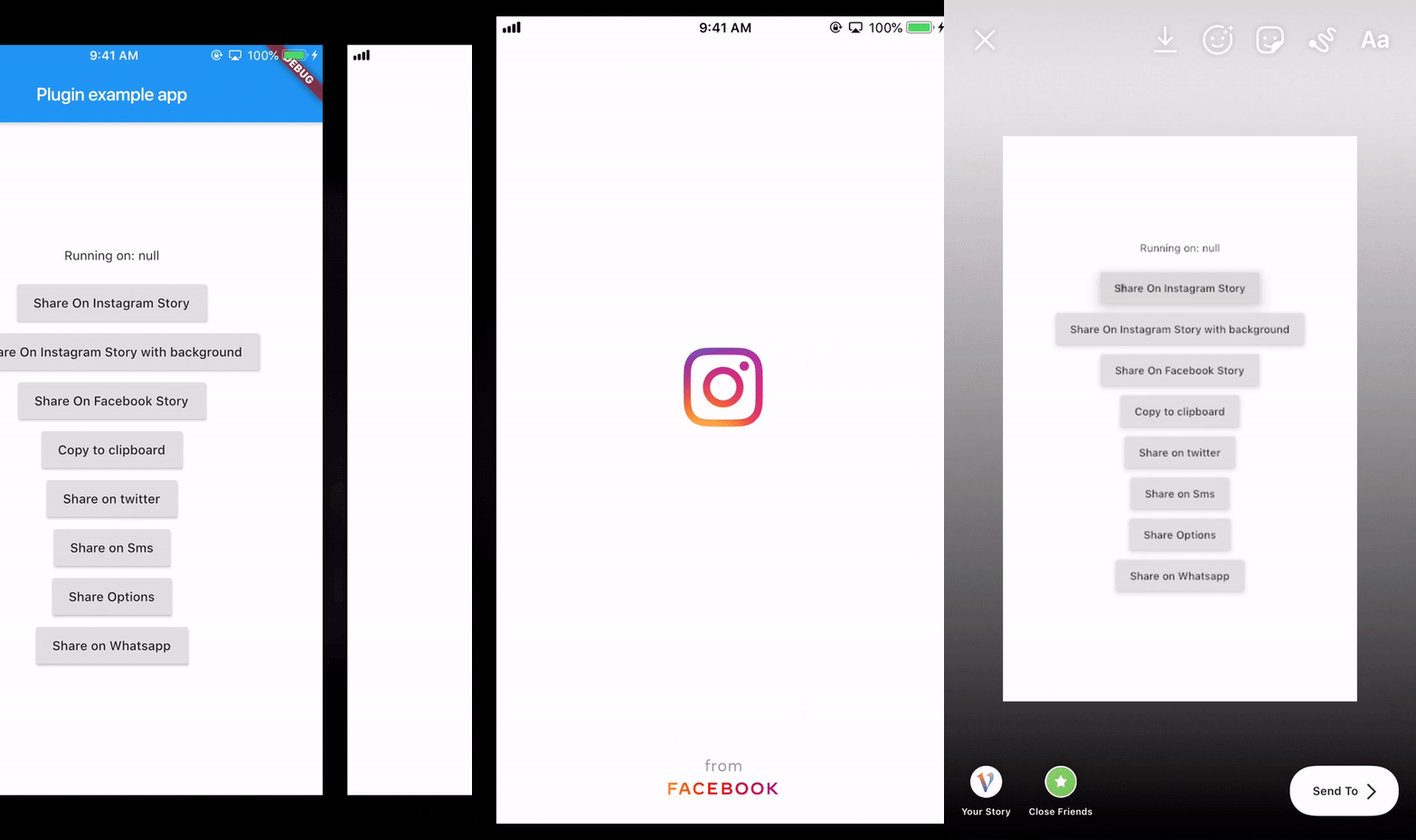
social_share
Wide variety of sharing options you'll need to share directly to certain popular apps or just share with default native share.
Introduction
Works on both platforms Android and iOS
It provides you with most of the popular sharing options
With this plugin you can share on instagram stories and facebook stories and also copy to clipboard
Usage
Android Configuration
Paste the following attribute in the manifest tag in the android/app/src/main/AndroidManifest.xml:
`xmlns:tools="http://schemas.android.com/tools"`
For example:
        <manifest xmlns:android="http://schemas.android.com/apk/res/android"
                xmlns:tools="http://schemas.android.com/tools"
                package="your package...">
Add this piece of code in the manifest/application in the android/app/src/main/AndroidManifest.xml:
 		<provider
            android:name="androidx.core.content.FileProvider"
            android:authorities="${applicationId}.com.shekarmudaliyar.social_share"
            android:exported="false"
            android:grantUriPermissions="true"
            tools:replace="android:authorities">
            <meta-data
                android:name="android.support.FILE_PROVIDER_PATHS"
                android:resource="@xml/filepaths" />
        </provider>
Create a xml file named filepaths.xml in the app/src/main/res/xml folder and paste this code in the file :
<?xml version="1.0" encoding="utf-8"?>
<paths xmlns:android="http://schemas.android.com/apk/res/android">
    <cache-path name="image" path="/"/>
</paths>
iOS Configuration
Add this to your Info.plist to use share on instagram and facebook story
<key>LSApplicationQueriesSchemes</key>
	<array>
	<string>instagram-stories</string>
	<string>facebook-stories</string>
	<string>facebook</string>
	<string>instagram</string>
	<string>twitter</string>
	<string>whatsapp</string>
    <string>tg</string>
	</array>
Add this if you are using share on facebook. For this you have to create an app on https://developers.facebook.com/ and get the App ID
<key>FacebookAppID</key>
<string>xxxxxxxxxxxxxxx</string>
shareInstagramStory
SocialShare.shareInstagramStory(imageFile.path, "#ffffff",
                              "#000000", "https://deep-link-url");
shareInstagramStorywithBackground
 SocialShare.shareInstagramStorywithBackground(image.path, "https://deep-link-url",
                              backgroundImagePath: backgroundimage.path);
shareFacebookStory
For iOS
SocialShare.shareFacebookStory(image.path,"#ffffff","#000000",
                              "https://deep-link-url","facebook-app-id");
For Android
appID is mandatory if using shareFacebookStory or else it wont work
SocialShare.shareFacebookStory(image.path,"#ffffff","#000000",
                              "https://deep-link-url","facebook-app-id",
							  appId: "xxxxxxxxxxxxx");
copyToClipboard
SocialShare.copyToClipboard("This is Social Share plugin");
shareTwitter
SocialShare.shareTwitter("This is Social Share plugin");
SocialShare.shareTwitter(
"This is Social Share twitter example",
hashtags: ["hello", "world", "foo", "bar"]);
SocialShare.shareTwitter(
"This is Social Share twitter example",
hashtags: ["hello", "world", "foo", "bar"],url:"https://your-url-here/");
shareSms
SocialShare.shareSms("This is Social Share Sms example");
SocialShare.shareSms("This is Social Share Sms example",url: "https://your-url-here/");
shareWhatsapp
SocialShare.shareWhatsapp("Hello World");
shareTelegram
SocialShare.shareTelegram("Hello World");
shareOptions
This will open the default native share options
SocialShare.shareOptions("Hello world");
SocialShare.shareOptions("Hello world",imagePath: image.path);
checkInstalledAppsForShare
SocialShare.checkInstalledAppsForShare();
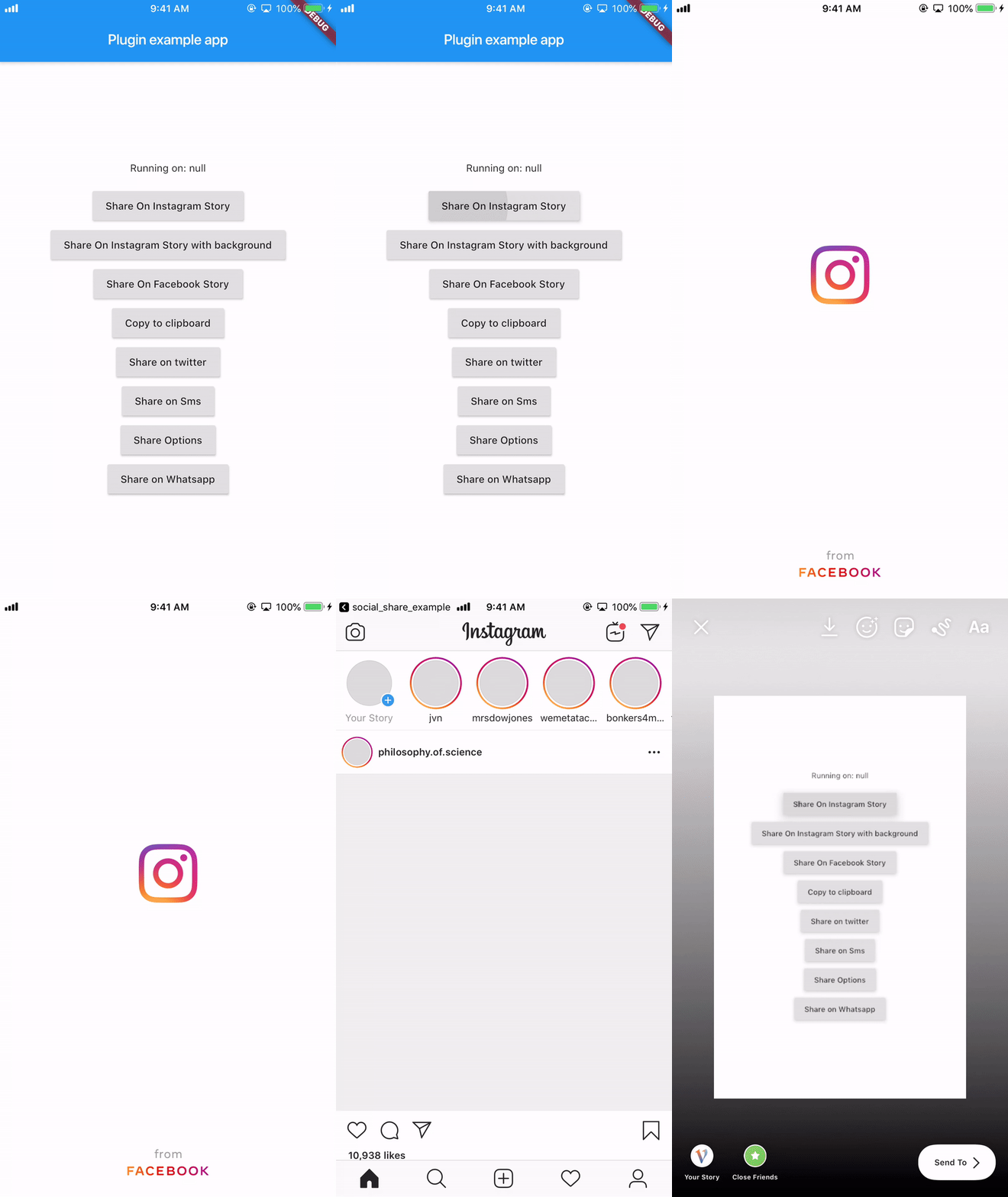
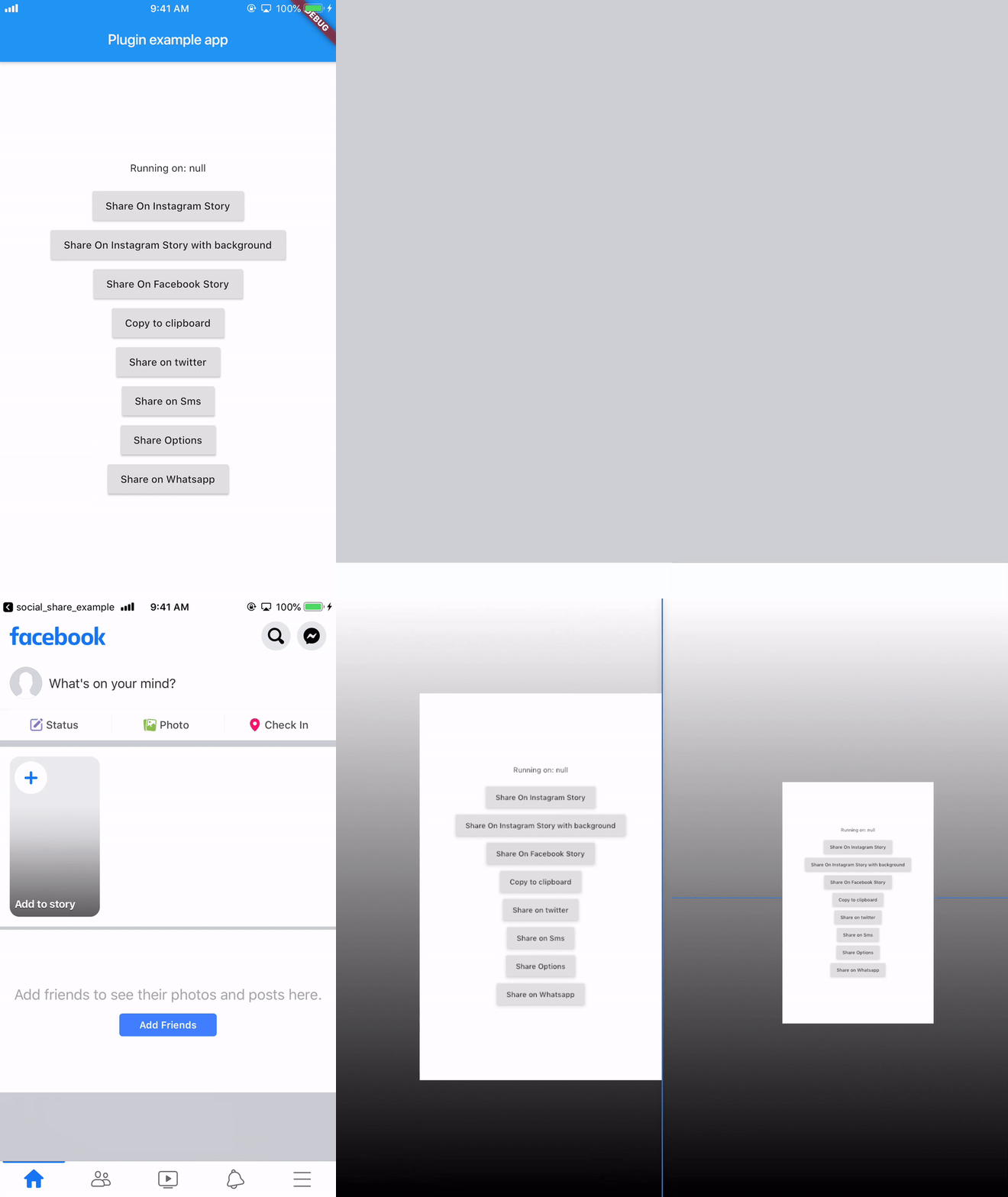
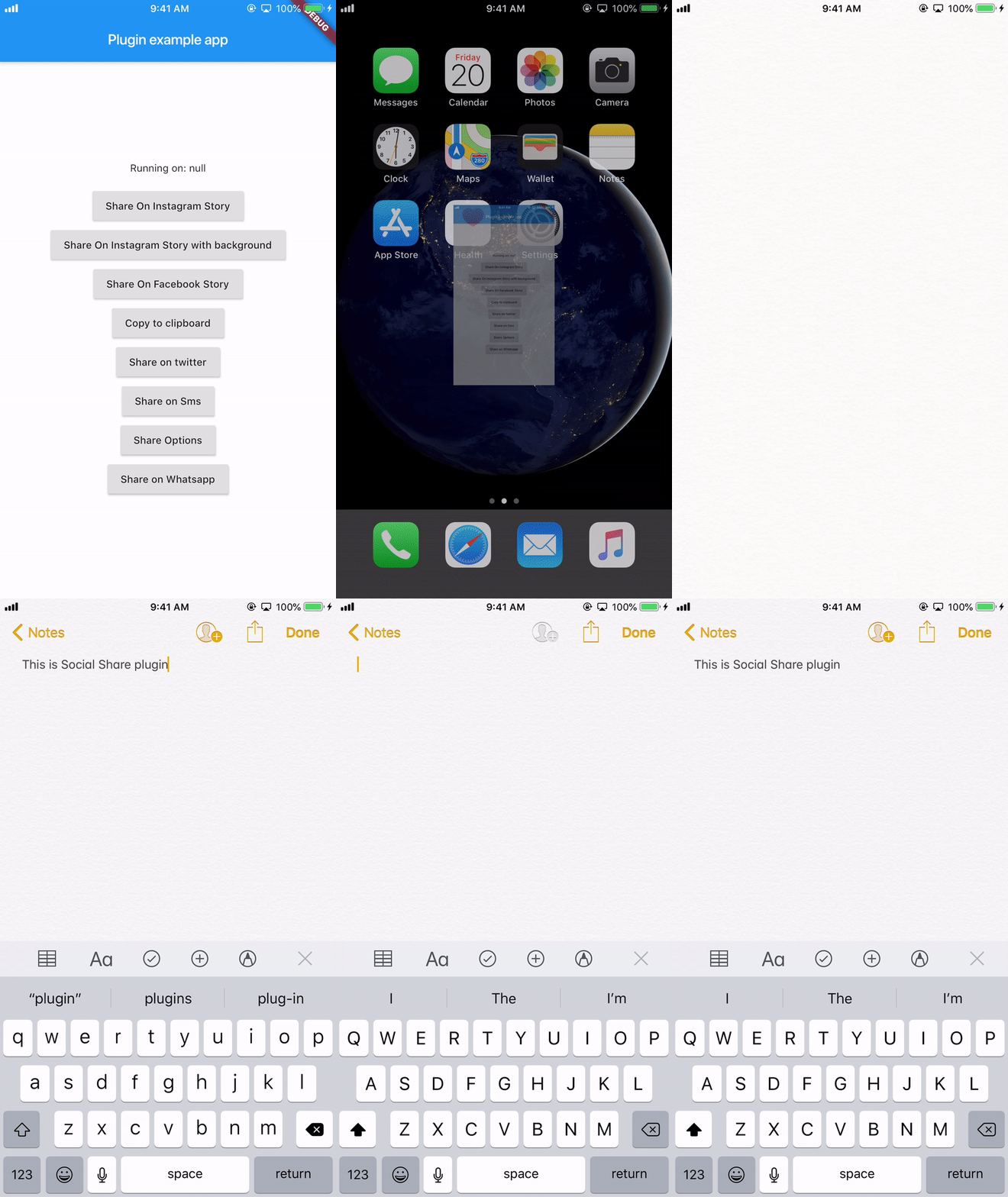
Here's few demo!
Story share on Instagram
Story share on Facebook
Copy to Clipboard
Known issues
On Android 6, Share to Instagram Stories may not open Instagram app or load the specified image.
Buy me a :coffee: !!
((More coffee == more code) == faster updates)