搜尋套件、儲存庫與 APP 分類

splash_route 封面
套件詳情v0.0.2

splash_route

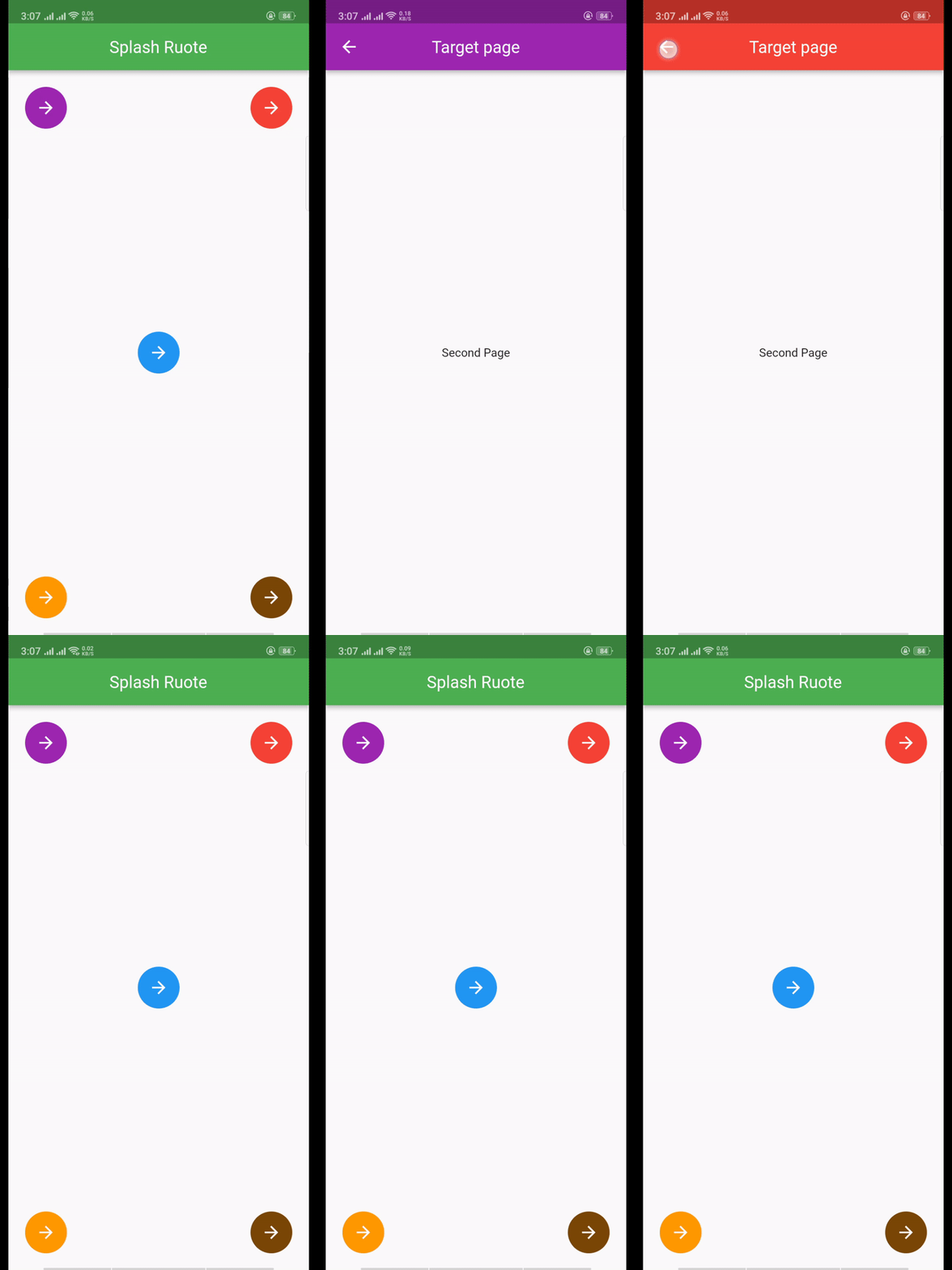
這只是一條帶有華麗動畫的路由。用於在導航到另一頁面時顯示啟動畫面動畫。

AndroidiOSWebmacOSWindowsLinux
近 30 天下載
49
喜歡數
16
Pub 分數
140

安裝套件

flutter pub add splash_route

套件介紹

根據套件公開資料產生的選型評估,僅供參考。

SplashRoute 是一個 Flutter 套件,提供視覺上吸引人的啟動畫面,並在導航轉換期間實現順暢的動畫。它簡化了在跳轉到其他頁面之前顯示動畫啟動畫面的過程,透過最少的設定提升使用者體驗。適用於希望添加精緻引導或載入體驗但無需複雜自訂程式碼的應用程式。該套件支援 Android、iOS、Web、macOS、Windows 和 Linux 多個平台,確保在各種裝置上行為一致。

適用情境

  • 入門螢幕
  • 應用啟動動畫
  • 載入狀態轉換
  • 頁面導航預覽
  • 品牌介紹

主要特色

  • 流暢的濺水動畫
  • 與現有路由的輕鬆整合
  • 跨平台相容性
  • 最小設定需求
  • 可自定義的動畫持續時間

適合對象

  • 行動應用程式開發者
  • Web 應用程式創建者
  • 尋求動畫增強的UI/UX設計師
  • 開發者優先考慮使用者體驗
  • 需要簡單而優雅的啟動畫面的項目

使用建議

  • 僅限基本的 splash 動畫
  • 沒有高級自訂選項
  • 依賴於 Flutter 的動畫框架
  • 不適用於複雜的互動式啟動畫面
  • 需要了解 Flutter 路由基礎知識

原始 README

以下為關聯原始碼儲存庫的 README 原文快照,最新內容請造訪原始碼儲存庫。

Splash Route

It is just a route with fancy animation. It is used to show the splash animation while navigating to another page.


Demo

Installation

Add splash_route: ^0.0.2 to your pubspec.yaml dependecies. And import it:

import 'package:splash_route/splash_route.dart';

How to use

Simply add a SplashRoute as route inside a Navigator with required params.

  void _goToNextPage(
    BuildContext context,
    FractionalOffset position,
    Color splashColor,
    Duration duration,
  ) {
    Navigator.of(context).push(
      SplashRoute(
        targetPage: TargetPage(
          appBarColor: splashColor,
        ),
        splashColor: splashColor,
        startFractionalOffset: position,
        transitionDuration: duration,
      ),
    );
  }

所屬分類

原始碼儲存庫

使用此套件的專案

暫無相關資料。