stepo
A highly customisable Flutter package for animated unit stepper
Supported Dart Versions
Dart SDK version >= 2.1.0
Demo Gif
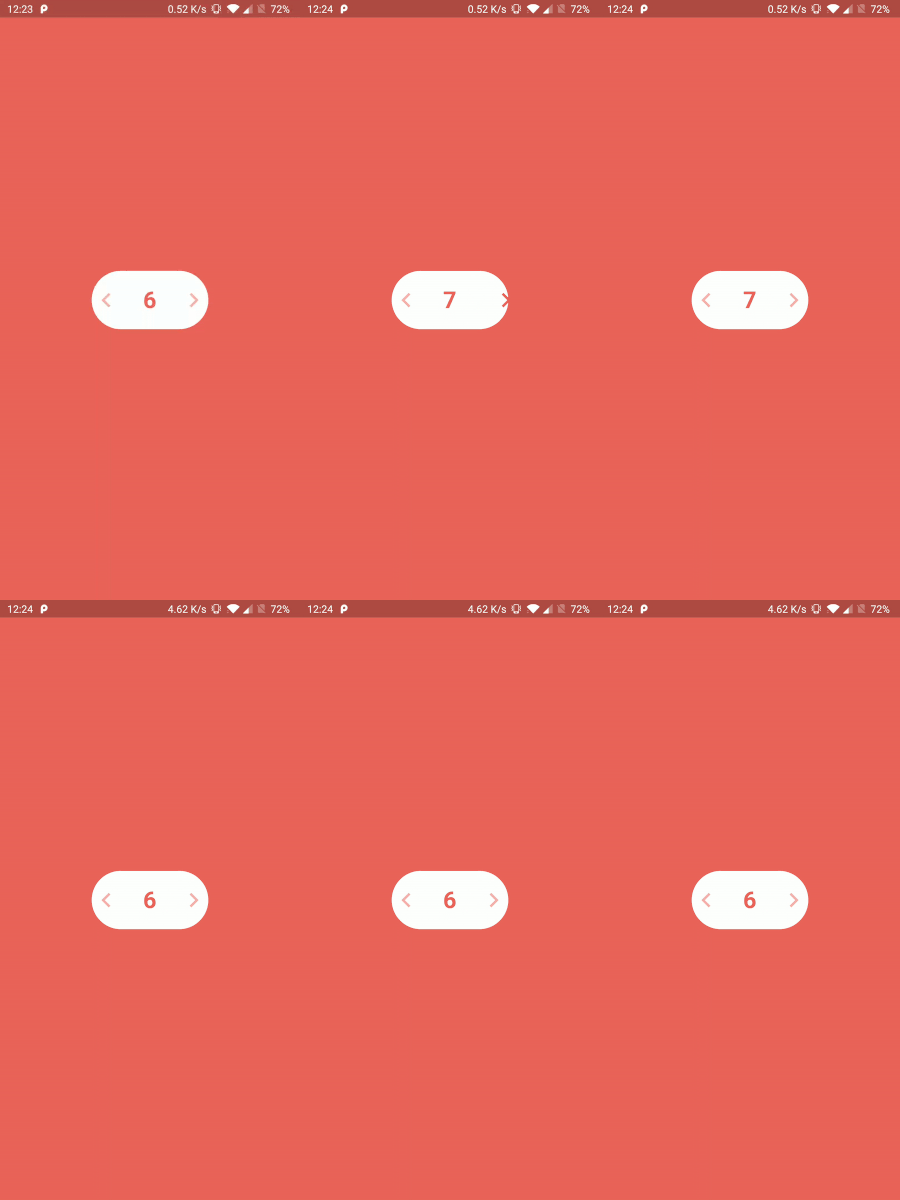
Installation

Add the Package
dependencies:
  stepo: ^1.0.0
How to use
Import the package in your dart file
import 'package:stepo/stepo.dart';
Basic usage :
Stepo(
  key: UniqueKey(),
),
Note: For stepo to show instant changes on hot reload, you need to provide UniqueKey() so that the widget rebuilds every time.
Customisable usage :
Stepo(
key: UniqueKey(),
width: 200,
backgroundColor: Colors.deepPurple,
style: Style.vertical,
textColor: Colors.white,
animationDuration: Duration(milliseconds: 500),
iconColor: Colors.white,
fontSize: 20,
iconSize: 30,
initialCounter: 25,
lowerBound: 10,
upperBound: 50,
onIncrementClicked: (counter) {
print("Increment clicked");
},
onDecrementClicked: (counter) {
print("Decrement clicked");
},
),
Customisable fields
| Attribute |
Type |
Default Value |
| width |
int |
160 |
| backgroundColor |
color |
Colors.white |
| style |
vertical/horizontal |
Style.horizontal |
| textColor |
color |
Color(0xffEC645B) |
| animationDuration |
int |
Duration(milliseconds: 200) |
| iconColor |
color |
Color(0xffEC645B) |
| fontSize |
int |
32 |
| iconSize |
int |
40 |
| initialCounter |
int |
0 |
| lowerBound |
int |
0 |
| upperBound |
int |
100 |
| onIncrementClicked |
function |
(counter) {} |
| onDecrementClicked |
function |
(counter) {} |
Inspired by
Oleg Frolov's Design
Created & Maintained By
Harpreet Singh
Damanpreet Singh
License
Copyright 2020 Harpreet Singh & Damanpreet Singh
Licensed under the Apache License, Version 2.0 (the "License");
you may not use this file except in compliance with the License.
You may obtain a copy of the License at
http:
Unless required by applicable law or agreed to in writing, software
distributed under the License is distributed on an "AS IS" BASIS,
WITHOUT WARRANTIES OR CONDITIONS OF ANY KIND, either express or implied.
See the License for the specific language governing permissions and
limitations under the License.
