搜尋套件、儲存庫與 APP 分類

stroke_text 封面
套件詳情v1.0.0

stroke_text

一個簡單的 Flutter 插件,用於為文字小部件應用描邊(邊框)樣式

AndroidiOSWebmacOSWindowsLinux
近 30 天下載
2290
喜歡數
41
Pub 分數
130

安裝套件

flutter pub add stroke_text

套件介紹

根據套件公開資料產生的選型評估,僅供參考。

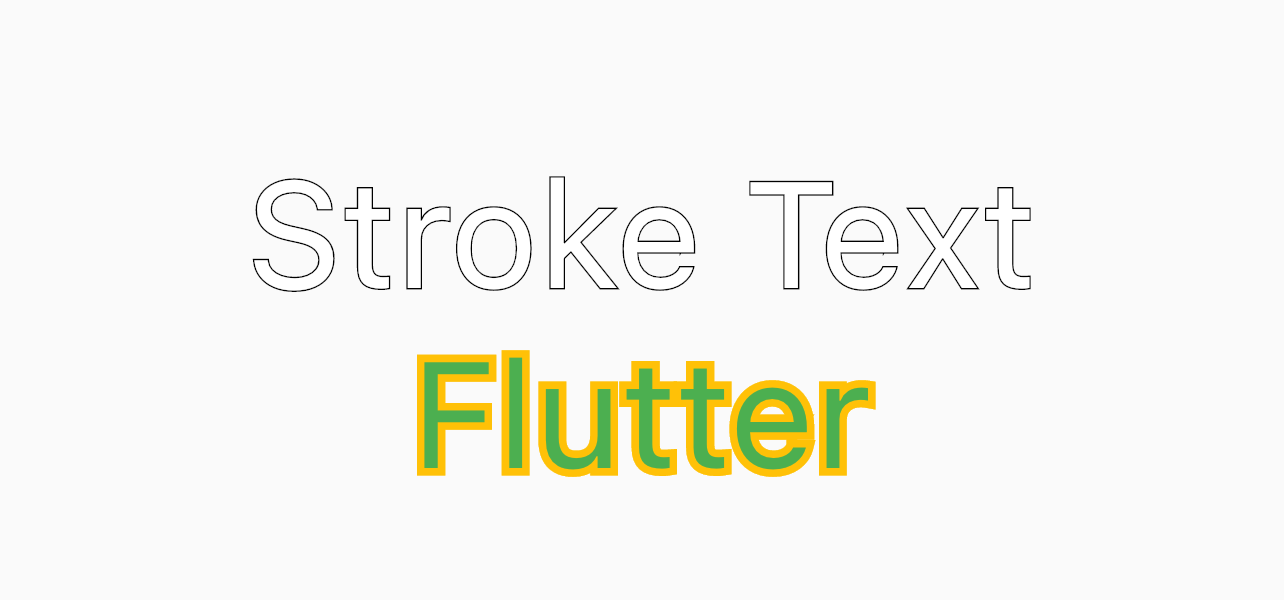
Stroke Text 是一個輕量級的 Flutter 套件,讓開發者能輕鬆為文字小部件加入描邊(邊框)效果。它擴展了標準的 Text 小部件,支援自訂描邊寬度、顏色與模糊半徑,非常適合創造視覺衝擊力強的文字元素。此套件支援所有主要平台,包含 Android、iOS、Web、macOS、Windows 與 Linux,確保跨裝置呈現的一致性。僅需簡單設定,即可提升 UI 設計可能性,無需複雜的自定繪圖。

適用情境

  • 為按鈕創建輪廓文字
  • 設計帶有邊框效果的標題卡
  • 透過視覺深度增強UI元素
  • 在遊戲或應用中添加裝飾性文字
  • 透過高對比度文字改善可訪問性

主要特色

  • 可自訂的描邊寬度
  • 可設定的描邊顏色
  • 支援模糊效果
  • 跨平台相容性
  • 與現有 Text 小部件的簡單整合

適合對象

  • 尋求視覺增強的UI設計師
  • 開發遊戲或儀表板的開發者
  • 需要樣式化文字元素的應用程式
  • 專注於可存取性與可讀性的專案

使用建議

  • 多個實例可能影響效能
  • 模糊效果並非所有平台都支援
  • 僅限文字裝飾,非完整文字樣式
  • 需要仔細管理對比度以確保可讀性

原始 README

以下為關聯原始碼儲存庫的 README 原文快照,最新內容請造訪原始碼儲存庫。

Stroke Text Widget

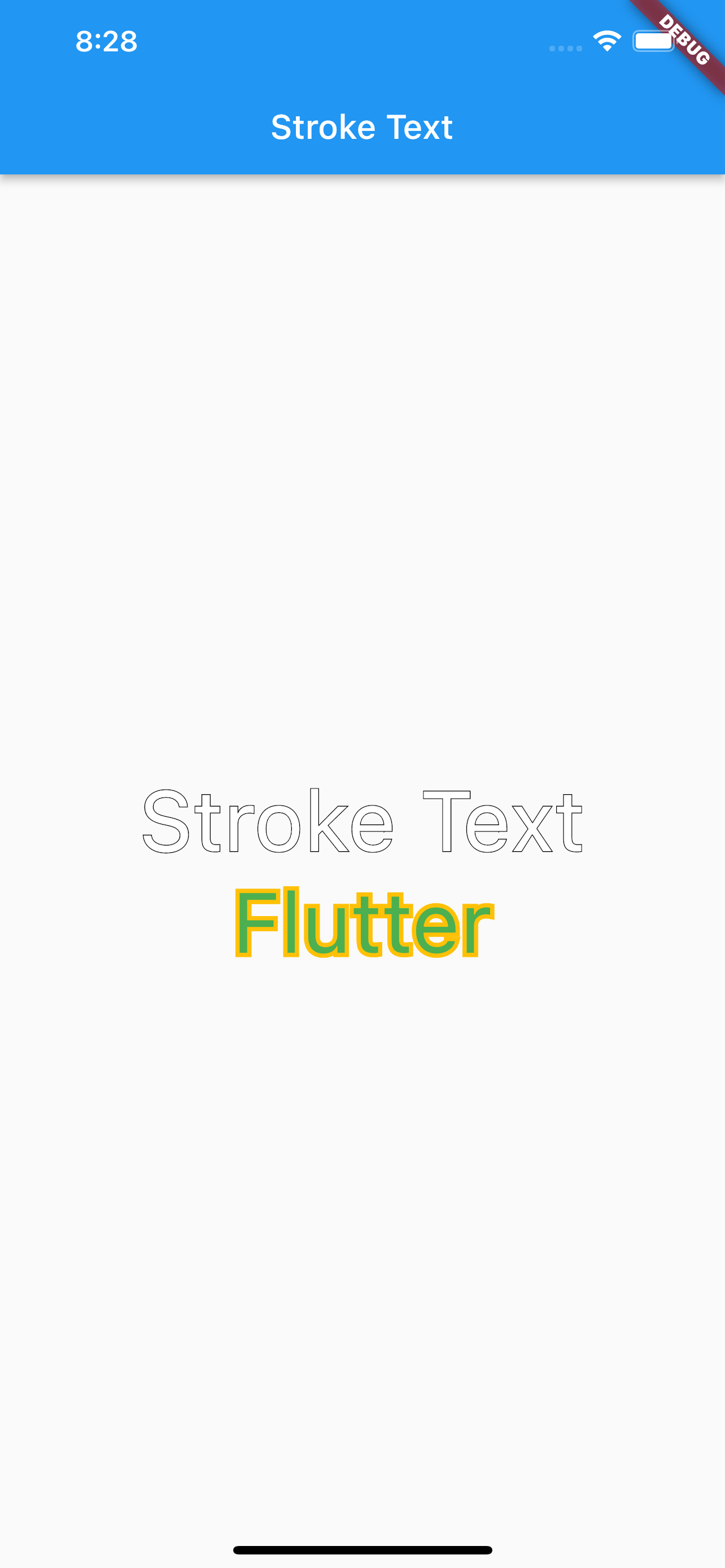
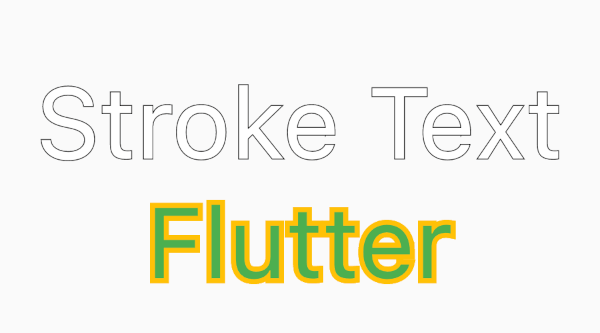
A simple flutter package to add stroke (border) style to a text widget

Installation

  1. Add this to your package's pubspec.yaml file:
dependencies:
  stroke_text: any
  1. Get the package using your IDE's GUI or via command line with
$ pub get
  1. Import the color.dart file in your app
import 'package:stroke_text/stroke_text.dart';

Usage

default text widget

StrokeText(text: "Stroke Text",)

custom text style

StrokeText(
  text: "Stroke Text",
  textStyle: TextStyle(
    fontSize: 50
  ),
),

StrokeText(
  text: "Flutter",
  textStyle: TextStyle(
    fontSize: 50,
    color: Colors.green
  ),
  strokeColor: Colors.amber,
  strokeWidth: 5,
),

Screenshots

所屬分類

原始碼儲存庫

使用此套件的專案

暫無相關資料。