Syncfusion Flutter Widgets
Syncfusion Flutter widgets libraries include high-quality UI widgets and file-format packages to help you create rich, high-quality applications for iOS, Android, and web from a single code base. Please find the supported platforms for our Flutter widgets.
Disclaimer: This is a commercial package. To use our packages, you need to have either the Syncfusion Commercial License or Syncfusion Community license. For more details, please check the LICENSE file.
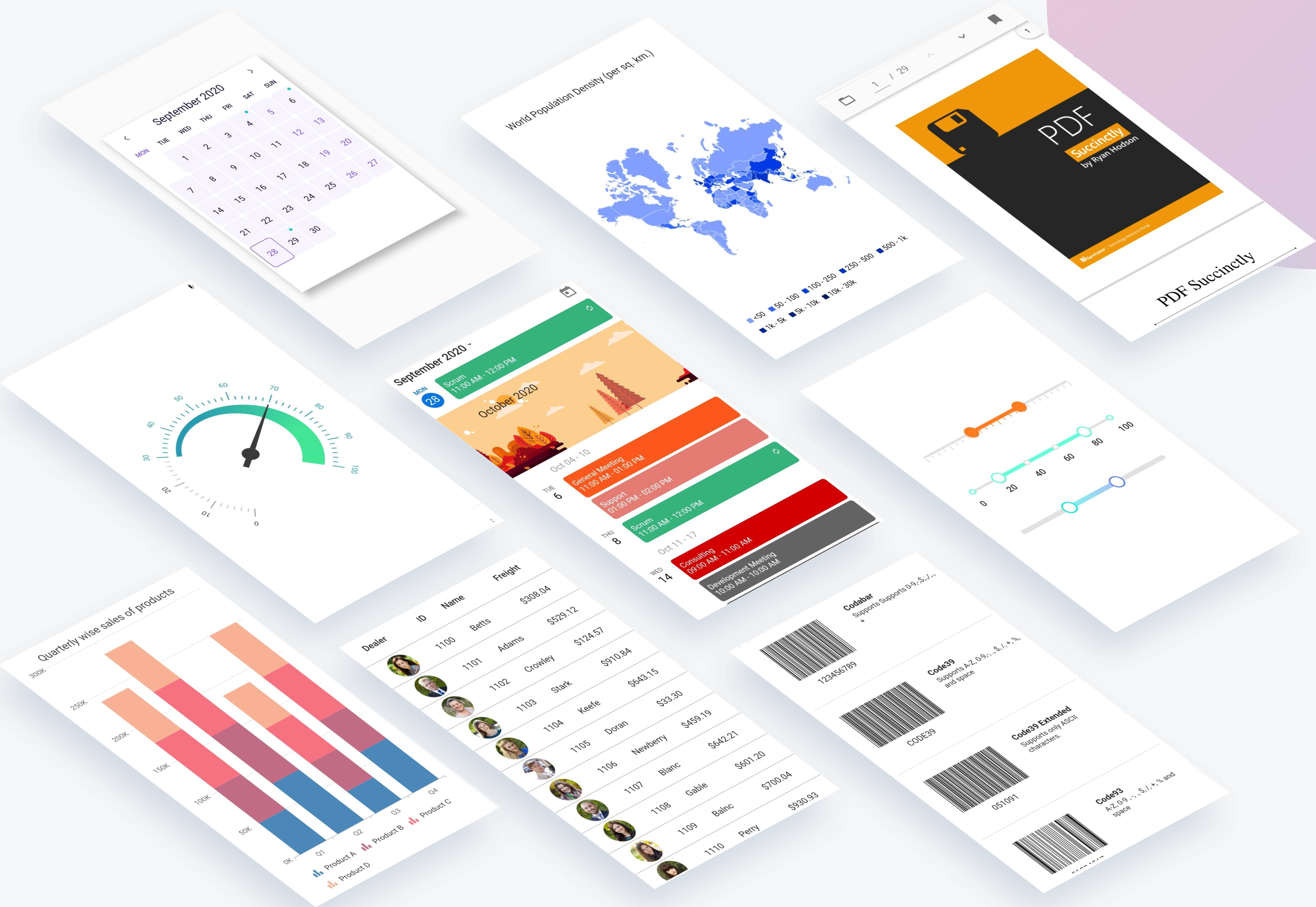
Table of contents
Repository structure
This repository holds the source code of all the Syncfusion Flutter widgets and libraries. Source code of the widget, a working example, read me, changelog, etc., files are available in the packages directory.
Also, you can view the samples code from this repository.
Packages
How to use
Referring packages source in your application
All the packages available in the packages folder can be referred in your application by following the below steps.
Step 1
Clone the flutter-widgets repository into your machine.
Step 2
Refer the required package in your application's pubspec.yaml file by mentioning its local path. For example, here we have referred the charts package.
syncfusion_flutter_charts:
    path: D:/flutter-widgets/packages/syncfusion_flutter_charts
Step 3
Run the following command to get the required packages.
$ flutter pub get
Step 4
Run your application using the following commands:
Windows & Linux
Run code: Ctrl + F5
Run with debugging: F5 or Run > Start Debugging
Stop debugging: Shift + F5
Restart debugging: Ctrl + Shift + F5
MacOS
Run code: Cmd + F5
Run with debugging: F5 or Run > Start Debugging
Stop debugging: Shift + Cmd + F5
Restart debugging: Cmd + Shift + F5
Web (VS Code in the Browser)
Run code: Ctrl + F5
Run with debugging: F5 or Run > Start Debugging
Running the available example
All the packages available in the packages folder has an example and it can be run by following the below steps.
Step 1
Clone the flutter-widgets repository into your machine.
Step 2
Open the example folder available in packages in an IDE. The below path is for reference.
..\flutter-widgets\packages\syncfusion_flutter_charts\example
Step 3
Run the following command to get the required packages.
$ flutter pub get
Note: In the example, packages are referred from the local folder which is available in this repository. If you wish, you can also refer the packages from pub.
Step 4
Run your application either using F5 or Run > Start Debugging.
Get the demo application
Explore the full capabilities of our Flutter widgets on your device by installing our sample browser applications from the below app stores, and view samples code in GitHub.





Useful links
Take a look at the following to learn more about Syncfusion Flutter widgets:
Support and feedback
- For any other queries, reach our Syncfusion support team or post the queries through the Community forums and submit a feature request or a bug through our Feedback portal.
- To renew the subscription, click renew or contact our sales team at salessupport@syncfusion.com | Toll Free: 1-888-9 DOTNET.
About Syncfusion
Founded in 2001 and headquartered in Research Triangle Park, N.C., Syncfusion has more than 20,000 customers and more than 1 million users, including large financial institutions, Fortune 500 companies, and global IT consultancies.
Today we provide 1,000+ controls and frameworks for web (ASP.NET Core, ASP.NET MVC, ASP.NET WebForms, JavaScript, Angular, React, Vue, and Blazor, mobile (Xamarin, Flutter, UWP, and JavaScript), and desktop development (WinForms, WPF, and UWP). We provide ready-to deploy enterprise software for dashboards, reports, data integration, and big data processing. Many customers have saved millions in licensing fees by deploying our software.



