搜尋套件、儲存庫與 APP 分類

syntax_highlight 封面
套件詳情v0.5.0

syntax_highlight

適用於 Flutter 的 VSCode 風格語法強調,接收一個字串並回傳格式化的 TextSpan。

AndroidiOSWebmacOSWindowsLinux
近 30 天下載
2.7萬
喜歡數
79
Pub 分數
150

安裝套件

flutter pub add syntax_highlight

套件介紹

根據套件公開資料產生的選型評估,僅供參考。

一個 Flutter/Dart 套件,為程式碼片段提供類似 VSCode 的語法強調。它將純文字字串轉換為具有適當顏色的 TextSpan,以正確標示關鍵字、字串、註解及其他語言元素。非常適合在應用程式、文件或開發工具中顯示程式碼。此套件支援多種平台,包含 Android、iOS、Web、macOS、Windows 與 Linux,確保跨裝置呈現一致性。輕量級且能順暢整合至現有的 Flutter 專案中。

適用情境

  • 在文件應用程式中顯示程式碼片段
  • 增強IDE類應用程式中的代碼編輯器小部件
  • 在學習或教程平台中突出顯示來源程式碼
  • 在開發工具中整合語法感知的文字渲染
  • 在即時協作應用中可視化程式碼

主要特色

  • VSCode 風格色彩方案
  • 支援多種程式語言
  • 傳回一個 TextSpan 以方便整合
  • 輕量且高效
  • 跨平台相容性
  • 可設定的主題與樣式

適合對象

  • Flutter 開發人員建構程式碼編輯器
  • 帶有程式碼範例的教育類應用程式
  • 開發者工具和IDE擴展
  • 文件與教學平台
  • 即時程式碼分享或協作應用

使用建議

  • 需要手動檢測或指定語言
  • 僅限基本語法規則(無進階解析)
  • 可能需要針對非標準語言進行客製化
  • 性能取決於輸入大小
  • 不支援執行時動態語言切換

原始 README

以下為關聯原始碼儲存庫的 README 原文快照,最新內容請造訪原始碼儲存庫。

Flutter Syntax Highlight

Syntax Highlight

The Syntax Highlight package uses the TextMate rules for highlighting code, which is used by many popular applications such as VSCode. It is easy to extend the language support by dropping in new grammar files in the grammars directory.

Currently supported languages are: css, dart, go, html, java, javascript, json, kotlin, python, rust, serverpod_protocol, sql, swift, typescript, and yaml.

Code editor

The Syntax Highlight package also comes bundled with a CodeEditor widget, which provides a simplistic interface for editing code. It supports rich text copy (e.g., for pasting into Google Slides).

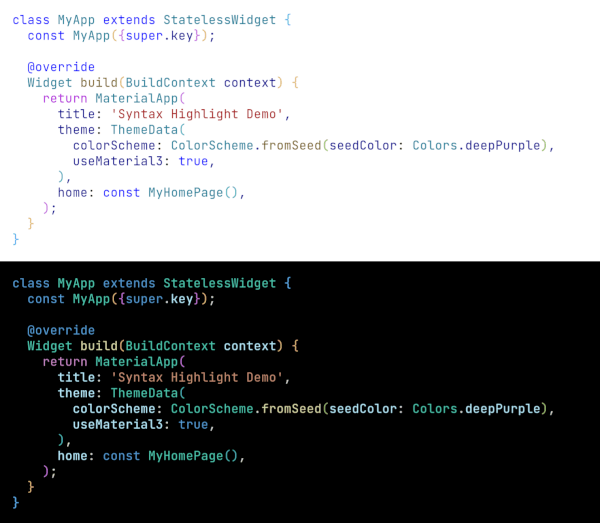
Live Demo

Usage

Before you can use the Highlighter class it needs to be initialized. The initialization will load the requested grammar files and parse them.

// Initialize the highlighter.
await Highlighter.initialize(['dart', 'yaml', 'sql']);

Next load a theme and create a highlighter.

// Load the default light theme and create a highlighter.
var theme = await HighlighterTheme.loadLightTheme();
var highlighter = Highlighter(
  language: 'dart',
  theme: theme,
);

Now, you can highlight your code by calling the highlight method. The highlight method will return a TextSpan, which you can use in a Text widget.

Widget build(BuildContext context) {
  var highlightedCode = highlighter.highlight(myCodeString);
  return Text.rich(highlightedCode);
}

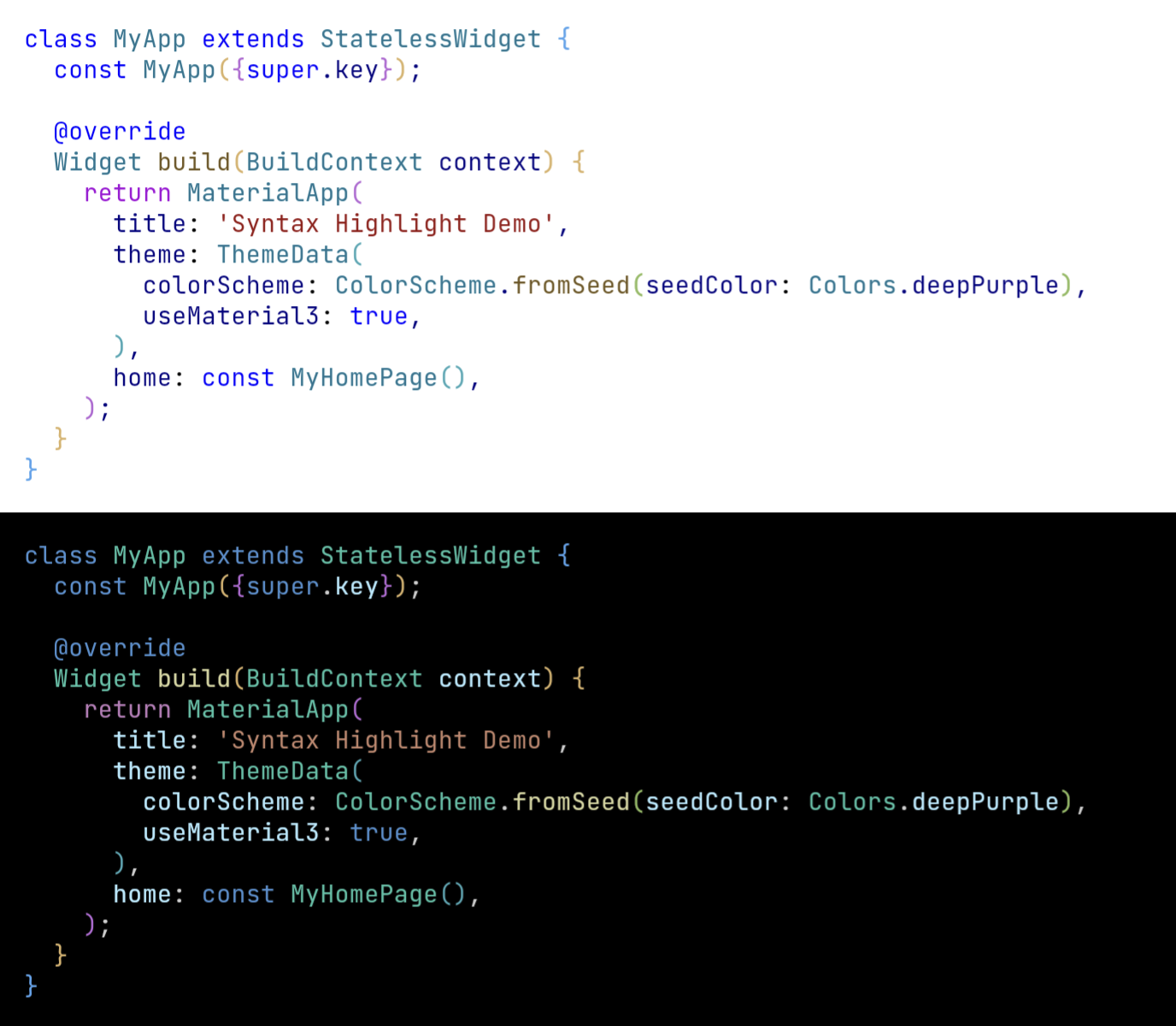
An example of highlighted code: Highlighted code

所屬分類

依賴

依賴清單 3 項

原始碼儲存庫

使用此套件的專案