搜尋套件、儲存庫與 APP 分類

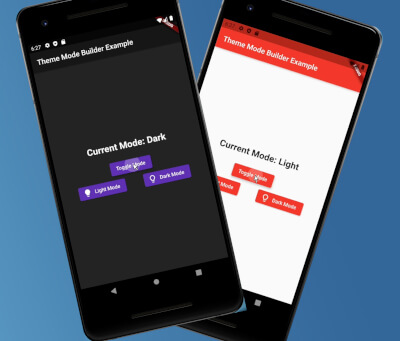
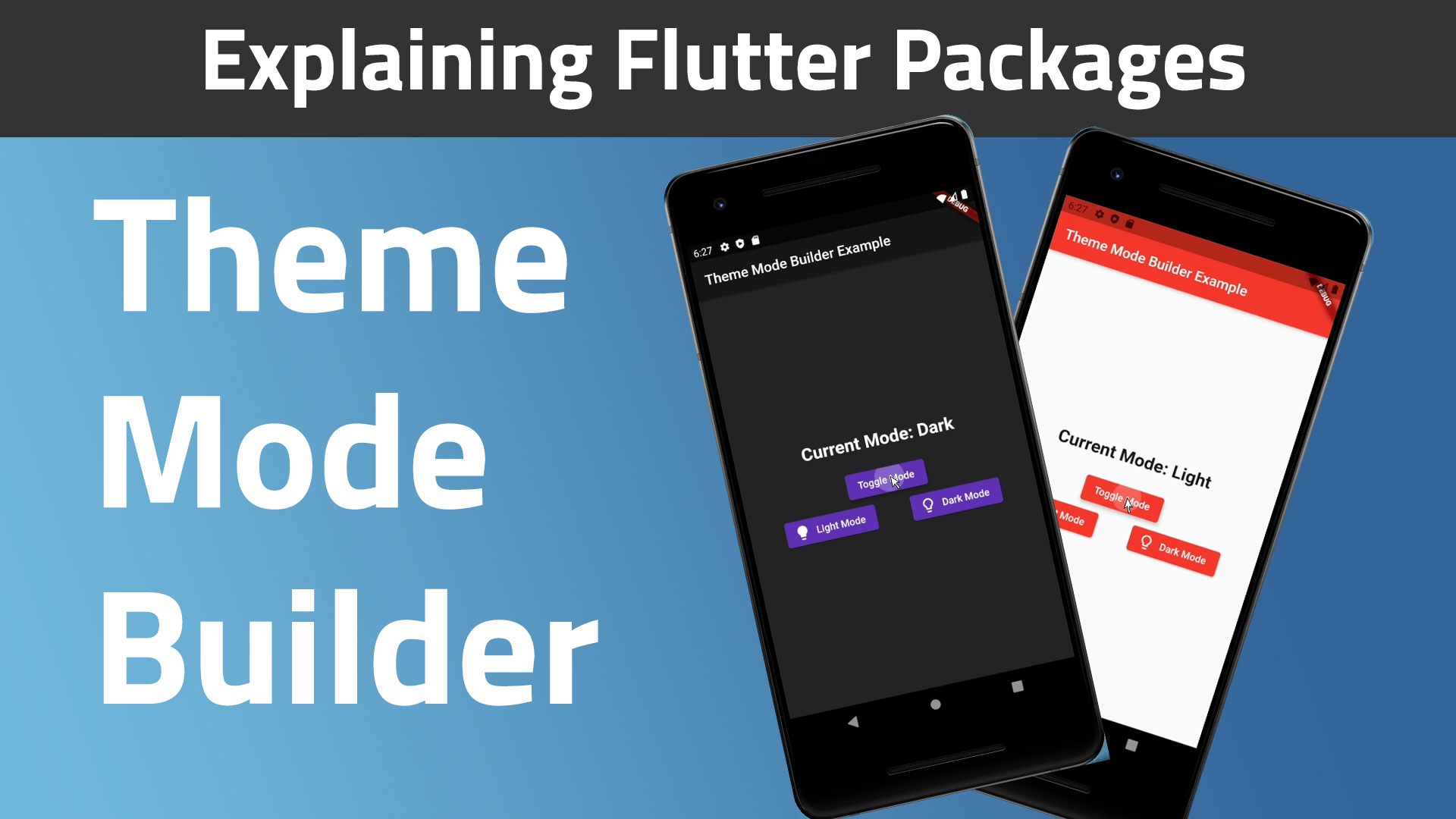
theme_mode_builder 封面
套件詳情v2.0.0

theme_mode_builder

一個用於處理應用程式主題的Flutter套件,同時也使用共享偏好在裝置上儲存主題

AndroidiOSmacOSWindowsLinux
近 30 天下載
64
喜歡數
24
Pub 分數
160

安裝套件

flutter pub add theme_mode_builder

套件介紹

根據套件公開資料產生的選型評估,僅供參考。

一個 Flutter 套件,可簡化應用程式中的主題管理,實現明亮與黑暗模式之間的無縫切換。它與共用偏好設定整合,可在應用程式重新啟動後保留使用者的主題選擇,確保一致的體驗。專為尋求輕鬆實作主題自訂且無需冗餘程式碼的開發者設計。此套件支援 Android、iOS、macOS、Windows 與 Linux 等多個平台。

適用情境

  • 實現亮色和暗色模式切換
  • 保留使用者主題偏好
  • 使用動態主題構建響應式 UI
  • 建立可存取的應用程式介面
  • 啟用使用者自訂外觀設定

主要特色

  • 透過共享首選項實現自動主題持久化
  • 主題狀態管理的簡單 API
  • 跨平台相容性
  • 支援淺色和深色模式
  • 與現有 Flutter 專案的輕鬆整合

適合對象

  • 開發具有主題自訂功能的應用程式之開發者
  • 需要持久用戶偏好設定的應用程式
  • 針對多個平台的專案
  • 以使用者介面為重點的應用程式
  • 希望主題設定盡可能簡單的團隊

使用建議

  • 需要 shared_preferences 依賴
  • 僅限淺色/深色模式
  • 可能需要額外的邏輯來處理複雜的主题變體
  • 不適用於進階主題系統
  • 依賴於應用程式啟動時的正確初始化

原始 README

以下為關聯原始碼儲存庫的 README 原文快照,最新內容請造訪原始碼儲存庫。

Theme Mode Builder 🚀

Pub Version GitHub GitHub Issues GitHub Pull Requests

I created this package to help standardize my apps way of theme handling.

Web Demo: https://theme-mode-builder.netlify.app/

Features:
  • 🚀 Cross platform: mobile, desktop, browser
  • ❤ Simple, powerful, intuitive API
  • 🛡 Null Safety
  • 🔋 Batteries included

📚 How to Use

Table of contents
  1. Video
  2. Guide
Video: (A bit outdated, for v0.0.3)

Guide:

First run the initialization which is asynchronous so you will need to change the return type of your main() method from void to Future<void>:

Future<void> main() async {
  /// ensure widgets are initialized
  WidgetsFlutterBinding.ensureInitialized();

  /// initialize theme mode builder
  await ThemeModeBuilderConfig.ensureInitialized();

  /// Runs the app :)
  runApp(MyCoolApp());
}

Then just wrap your MaterialApp widget with the ThemeModeBuilder and return the MaterialApp widget from the builder. The builder gives you two arguments, builder: (BuildContext context, ThemeMode themeMode) {}. Pass the themeMode to themeMode on your MaterialApp.

Now this code below explains better than I do 🙈🚀😂:

import "package:flutter/material.dart";
import "package:theme_mode_builder/theme_mode_builder.dart";

class MyCoolApp extends StatelessWidget {
  @override
  Widget build(BuildContext context) {
    return ThemeModeBuilder(
      builder: (BuildContext context, ThemeMode themeMode) {
        return MaterialApp(
          title: "My Cool App",

          /// here is the `themeMode` passed form the `builder`
          themeMode: themeMode,
          theme: ThemeData(
            colorScheme: ColorScheme.fromSeed(
              brightness: Brightness.light,
              seedColor: Colors.red,
            ),

            /// put your light theme data here
          ),
          darkTheme: ThemeData(
            colorScheme: ColorScheme.fromSeed(
              brightness: Brightness.dark,
              seedColor: Colors.deepPurple,
            ),

            /// put your dark theme data here
          ),
          home: Home(),
        );
      },
    );
  }
}
If you want to change the themeMode you just call:
await ThemeModeBuilderConfig.toggleTheme();

And the theme will change instantly given you followed the steps above correctly 🎉.

Want more customization?

To change to dark mode:

await ThemeModeBuilderConfig.setDark();

To change to light mode:

await ThemeModeBuilderConfig.setLight();

To change to system mode:

await ThemeModeBuilderConfig.setSystem();
To get the theme mode you can run:
final ThemeMode themeMode = ThemeModeBuilderConfig.getThemeMode();
Finally, To check if the current theme is dark or not, you use this simple call:
final bool isDarkTheme = ThemeModeBuilderConfig.isDarkTheme();

所屬分類

依賴

依賴清單 4 項

原始碼儲存庫

使用此套件的專案