time_slot
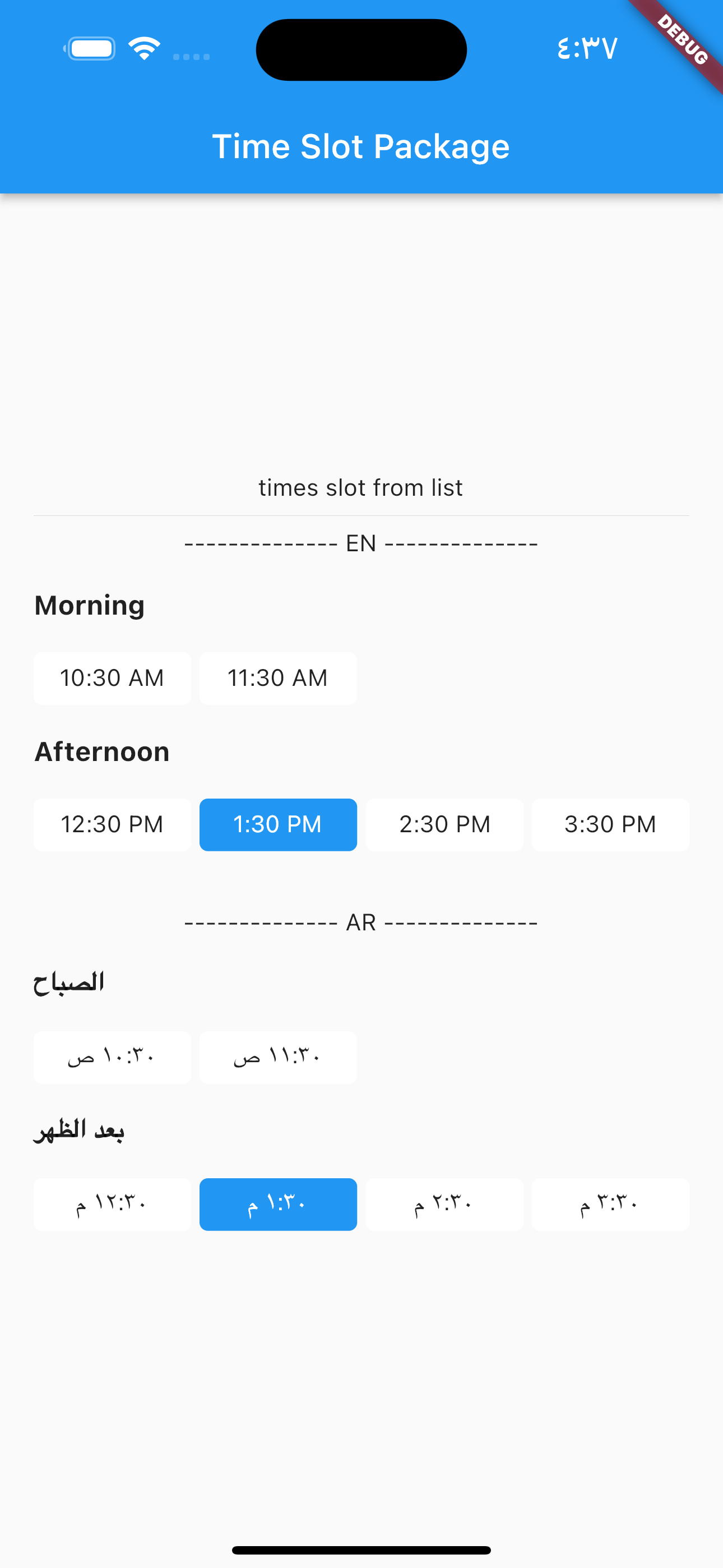
A new Flutter package which helps in creating time slots with given time interval or list of date times and get day part name of time, and this package allow localization ar and en.
Demo gif
Installation
Add this to your package's pubspec.yaml file:
dependencies:
  time_slot: any
Get the package using your IDE's GUI or via command line with
$ pub get
Import the time_slot.dart file in your app
import 'package:time_slot/time_slot.dart' ;
Features
Creating time slots with given time interval
Creating time slots with given list date times
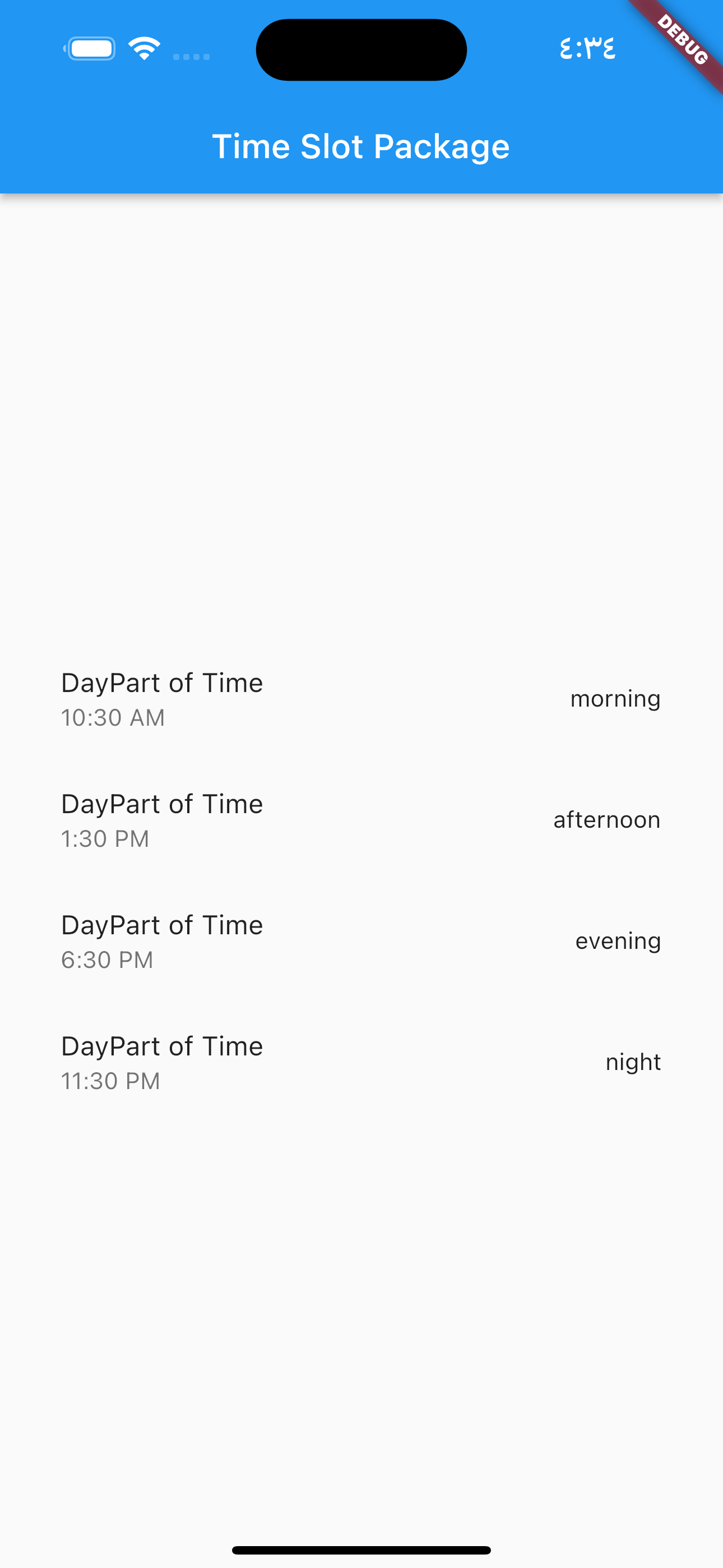
Get day part name of time
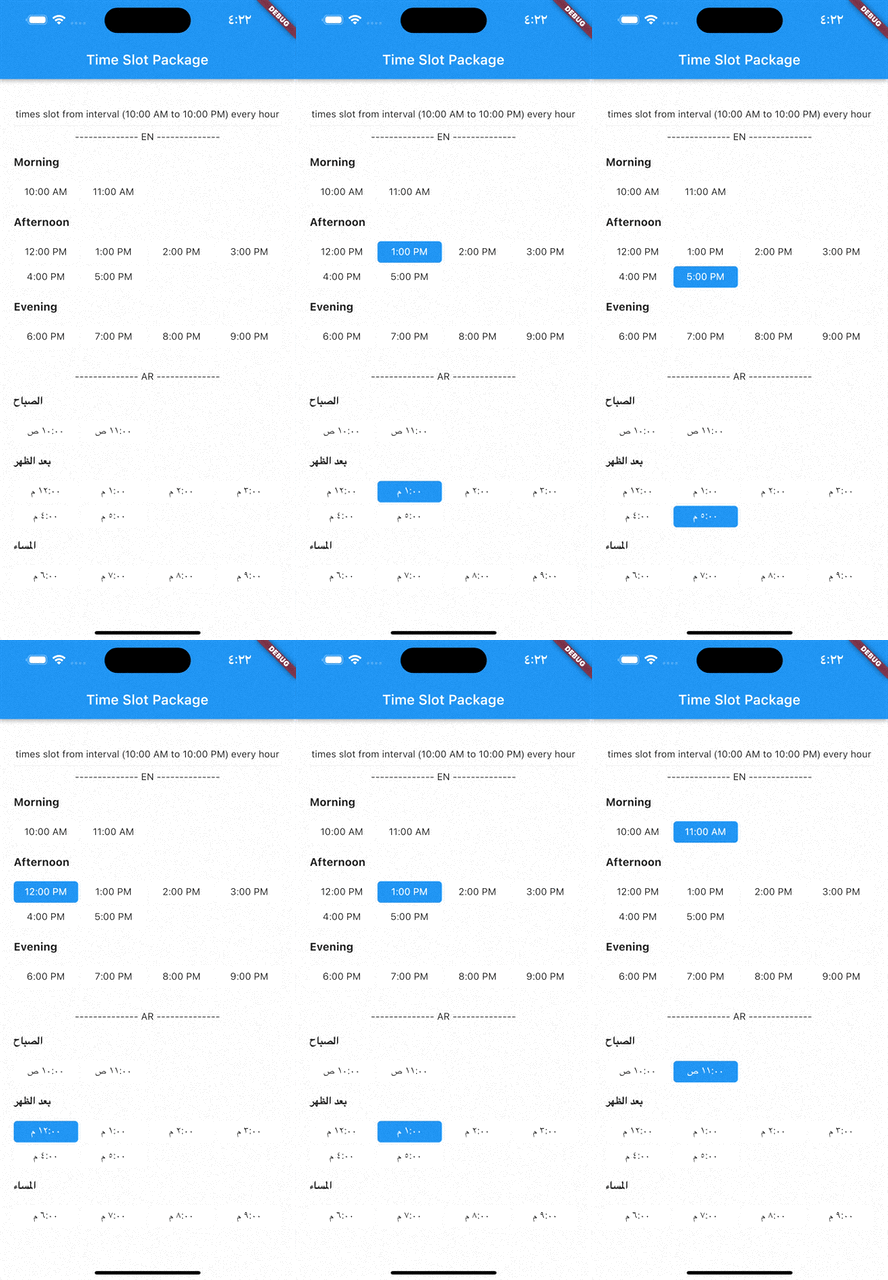
Support for multiple selection
Support different display options
Usage
DayPartController
DayPartController dayPartController = DayPartController ();
to get day part of time
DayParts dayPart = dayPartController.getDayPartOfTime (
time: DateTime (2023 , 1 , 1 , 10 , 30 ),
);
to get day part name from DayParts
DayParts dayPart = dayPartController.getDayPartName (dayPart: dayPart),);
TimesSlotGridViewFromInterval
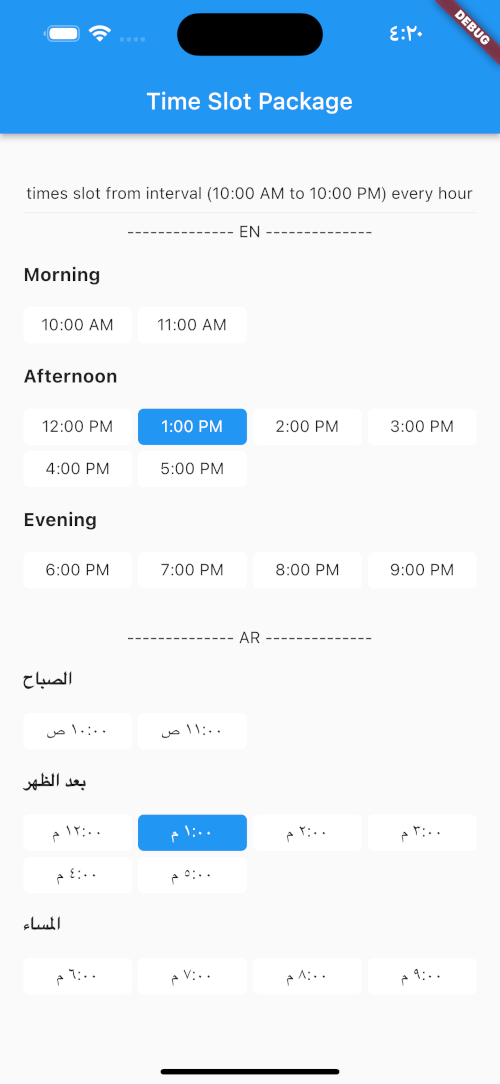
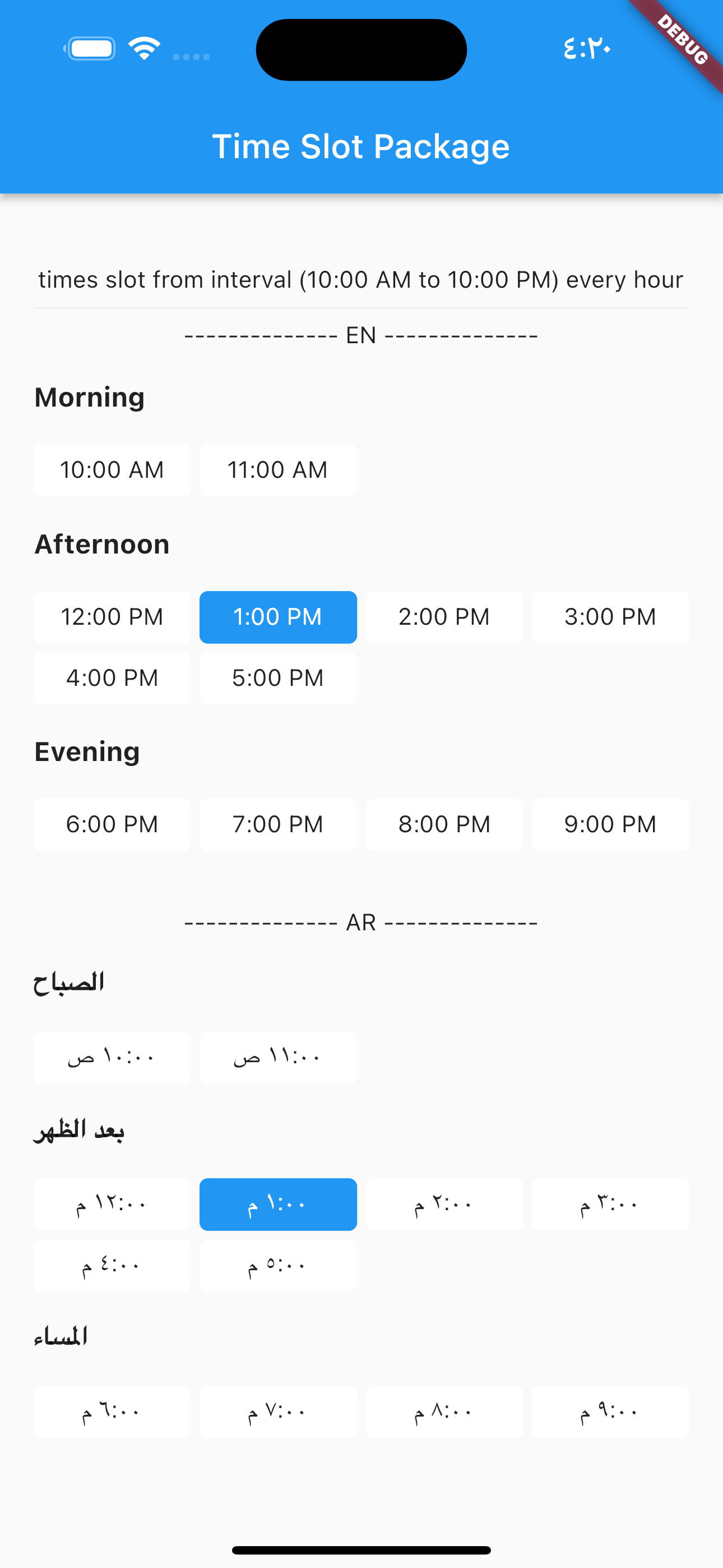
to build time slot grid view from interval (10:00 AM to 10:00 PM) every hour
TimesSlotGridViewFromInterval (
locale: "en" ,
initTime: selectTime,
crossAxisCount: 4 ,
timeSlotInterval: const TimeSlotInterval (
start: TimeOfDay (hour: 10 , minute: 00 ),
end: TimeOfDay (hour: 22 , minute: 0 ),
interval: Duration (hours: 1 , minutes: 0 ),
),
onChange: (value) {
setState (() {
selectTime = value;
});
},
),
locale = "ar",
TimesSlotGridViewFromInterval (
locale: "ar" ,
initTime: selectTime,
crossAxisCount: 4 ,
timeSlotInterval: const TimeSlotInterval (
start: TimeOfDay (hour: 10 , minute: 00 ),
end: TimeOfDay (hour: 22 , minute: 0 ),
interval: Duration (hours: 1 , minutes: 0 ),
),
onChange: (value) {
setState (() {
selectTime = value;
});
},
),
TimesSlotGridViewFromList
to build time slot grid view from list date.
TimesSlotGridViewFromList (
locale: "en" ,
initTime: selectTime,
crossAxisCount: 4 ,
listDates: [
DateTime (2023 , 1 , 1 , 10 , 30 ),
DateTime (2023 , 1 , 1 , 11 , 30 ),
DateTime (2023 , 1 , 1 , 12 , 30 ),
DateTime (2023 , 1 , 1 , 13 , 30 ),
DateTime (2023 , 1 , 1 , 14 , 30 ),
DateTime (2023 , 1 , 1 , 15 , 30 )
],
onChange: (value) {
setState (() {
selectTime = value;
});
},
),
locale = "ar",
TimesSlotGridViewFromList (
locale: "ar" ,
initTime: selectTime,
crossAxisCount: 4 ,
listDates: [
DateTime (2023 , 1 , 1 , 10 , 30 ),
DateTime (2023 , 1 , 1 , 11 , 30 ),
DateTime (2023 , 1 , 1 , 12 , 30 ),
DateTime (2023 , 1 , 1 , 13 , 30 ),
DateTime (2023 , 1 , 1 , 14 , 30 ),
DateTime (2023 , 1 , 1 , 15 , 30 )
],
onChange: (value) {
setState (() {
selectTime = value;
});
},
),