搜尋套件、儲存庫與 APP 分類

tweet_ui 封面
套件詳情v4.0.5

tweet_ui

在 Android 與 iOS 上顯示來自 Twitter API JSON 的推文。支援包含 1-4 張照片、影片、GIF、主題標籤、提及、符號、網址、引用推文與轉發推文的推文。

AndroidiOS
近 30 天下載
156
喜歡數
67
Pub 分數
120

安裝套件

flutter pub add tweet_ui

套件介紹

根據套件公開資料產生的選型評估,僅供參考。

tweet_ui 是一個 Flutter 套件,可從 JSON 資料渲染 Twitter 推文,支援豐富的媒體內容,包括 1-4 張照片、影片、GIF、標籤、提及、符號、URL、引用推文與轉發。它在 Android 和 iOS 平台上提供乾淨、原生般的推文顯示效果,非常適合整合 Twitter 內容的社群媒體應用或資訊流。該套件可輕鬆處理複雜的推文結構,設定簡單,確保跨裝置的一致性渲染。

適用情境

  • 在應用中顯示 Twitter 資訊
  • 將 Twitter 內容整合到社交平台
  • 即時渲染豐富的推文媒體
  • 建構新聞或更新儀表板
  • 顯示使用者產生的推文內容
  • 建立社群媒體小工具

主要特色

  • 支援多張照片的推文
  • 處理影片和GIF
  • 處理話題標籤和提及
  • 顯示引用推文和轉發推文
  • 適用於所有推文類型的響應式版面
  • 對 Android 和 iOS 的內建支援

適合對象

  • 社群媒體應用開發者
  • 內容聚合平台
  • 新聞源整合
  • 帶有使用者產生推文顯示的應用程式
  • 需要原生 Twitter 使用者介面元件的開發者

使用建議

  • 需要有效的 Twitter API JSON
  • 僅限推特相關內容
  • 依賴外部API獲取數據
  • 可能需要自訂樣式以用於品牌識別
  • 不適用於非Twitter推文來源
  • 需要對限流的API回應進行正確處理
原始 README

以下為關聯原始碼儲存庫的 README 原文快照,最新內容請造訪原始碼儲存庫。

tweet_ui

Flutter Tweet UI - Flutter package that is inspired by twitter-kit-android. Works on iOS and Android.

Getting Started

To use this package add it to the pubspec.yaml file:

tweet_ui: <latest_version>

import it:

import 'package:tweet_ui/tweet_ui.dart';

If you want to show tweets with videos: check the better_player installation site

Video/GIF Tweets don't work on iOS simulators (video_player ios instructions)

finally, create a TweetView from a JSON:

API V1.1
TweetView.fromTweetV1(
    TweetV1Response.fromRawJson(
        jsonFromTwitterAPI
        // {"created_at": "Mon Nov 12 13:00:38 +0000 2018", "id": 1061967001177018368, ...
    )
);
API V2
TweetView.fromTweetV2(
    TweetV2Response.fromRawJson(
        jsonFromTwitterAPI
        // {"data": ["created_at": "2020-09-18T18:36:15.000Z", "id": "1061967001177018368", ...
        // or
        // {"data": {"created_at": "2020-09-18T18:36:15.000Z", "id": "1061967001177018368", ...
    )
);

or a CompactTweetView,

API V1.1
CompactTweetView.fromTweetV1(
    TweetV1Response.fromRawJson(
        jsonFromTwitterAPI
        // {"created_at": "Mon Nov 12 13:00:38 +0000 2018", "id": 1061967001177018368, ...
    )
);
API V2
CompactTweetView.fromTweetV2(
    TweetV2Response.fromRawJson(
        jsonFromTwitterAPI
        // {"data": ["created_at": "2020-09-18T18:36:15.000Z", "id": "1061967001177018368", ...
        // or
        // {"data": {"created_at": "2020-09-18T18:36:15.000Z", "id": "1061967001177018368", ...
    )
);

or a EmbeddedTweetView.

API V1.1
EmbeddedTweetView.fromTweetV1(
    TweetV1Response.fromRawJson(
        jsonFromTwitterAPI
        // {"created_at": "Mon Nov 12 13:00:38 +0000 2018", "id": 1061967001177018368, ...
    )
  darkMode: true,
)
API V2
EmbeddedTweetView.fromTweetV2(
    TweetV2Response.fromRawJson(
      jsonFromTwitterAPI
      // {"data": ["created_at": "2020-09-18T18:36:15.000Z", "id": "1061967001177018368", ...
      // or
      // {"data": {"created_at": "2020-09-18T18:36:15.000Z", "id": "1061967001177018368", ...
    )
    darkMode: true,
)

There is also a special QuoteTweetView that is embedded in a TweetView or a CompactTweetView or a EmbeddedTweetView. This depends if a Tweet has a quoted_status value in the JSON.

What tweet view should I create?

TweetView and CompactTweetView are more customisable, but EmbeddedTweetView looks more modern. Check the screenshots below.

Twitter API V2 know problems

In current version of twitter API (V2 as of 14.02.2022) it is not possible to get video url in tweet response. See the following links for more info:

All other video fields (like size or duration) are available in the response. This means that videos will not work for now.

Need more information? Check our wiki pages!

Colors & styling

Custom callbacks

Custom date format

Video player options

Example of supported view and media types:

Standard tweet views
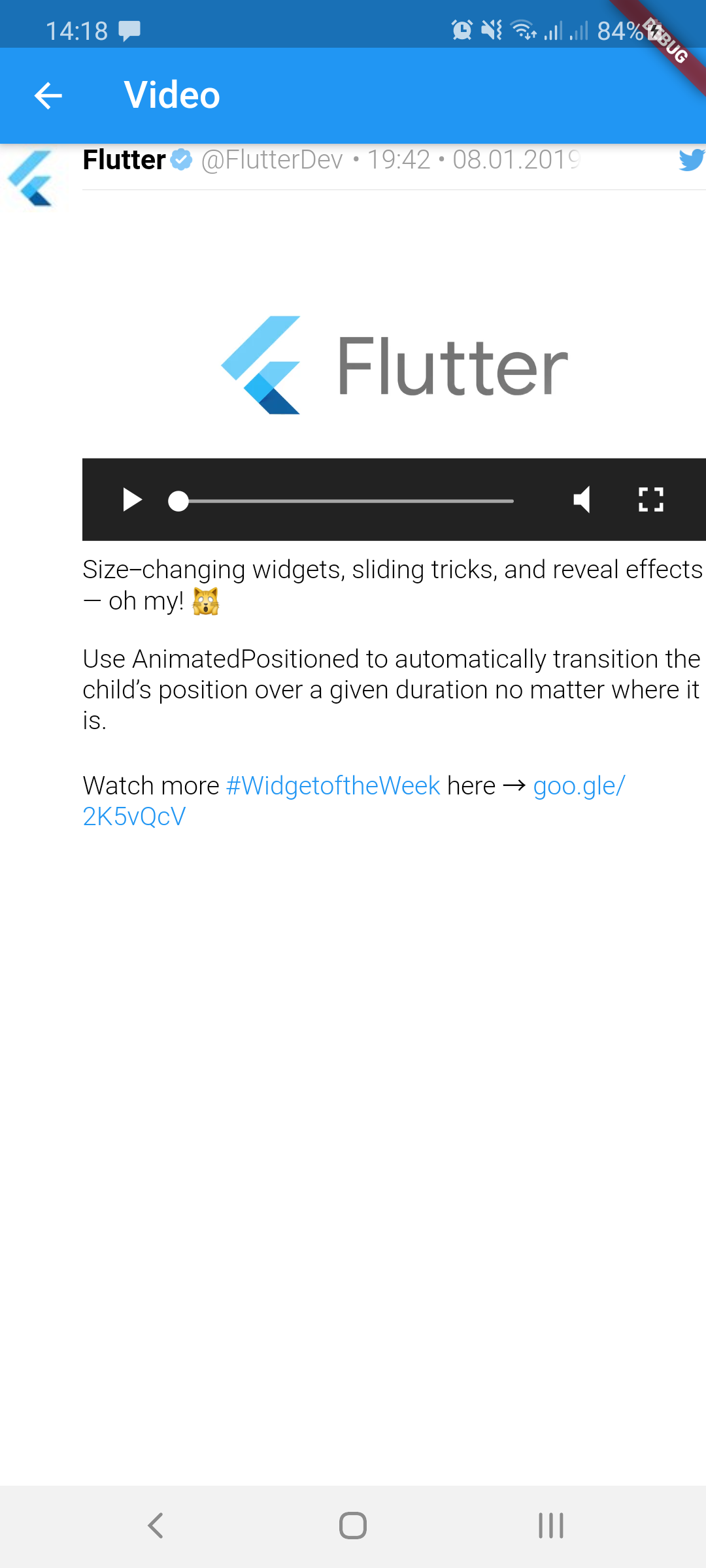
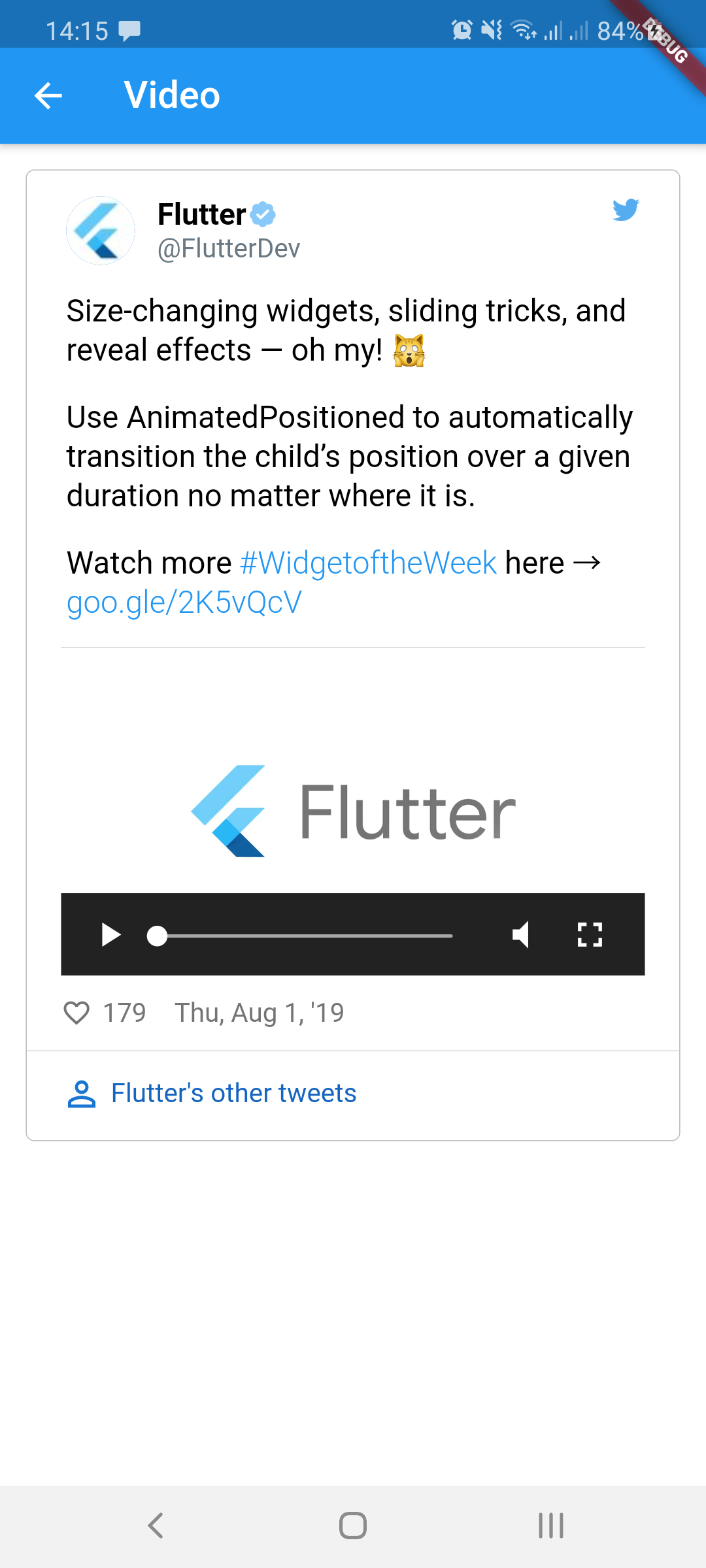
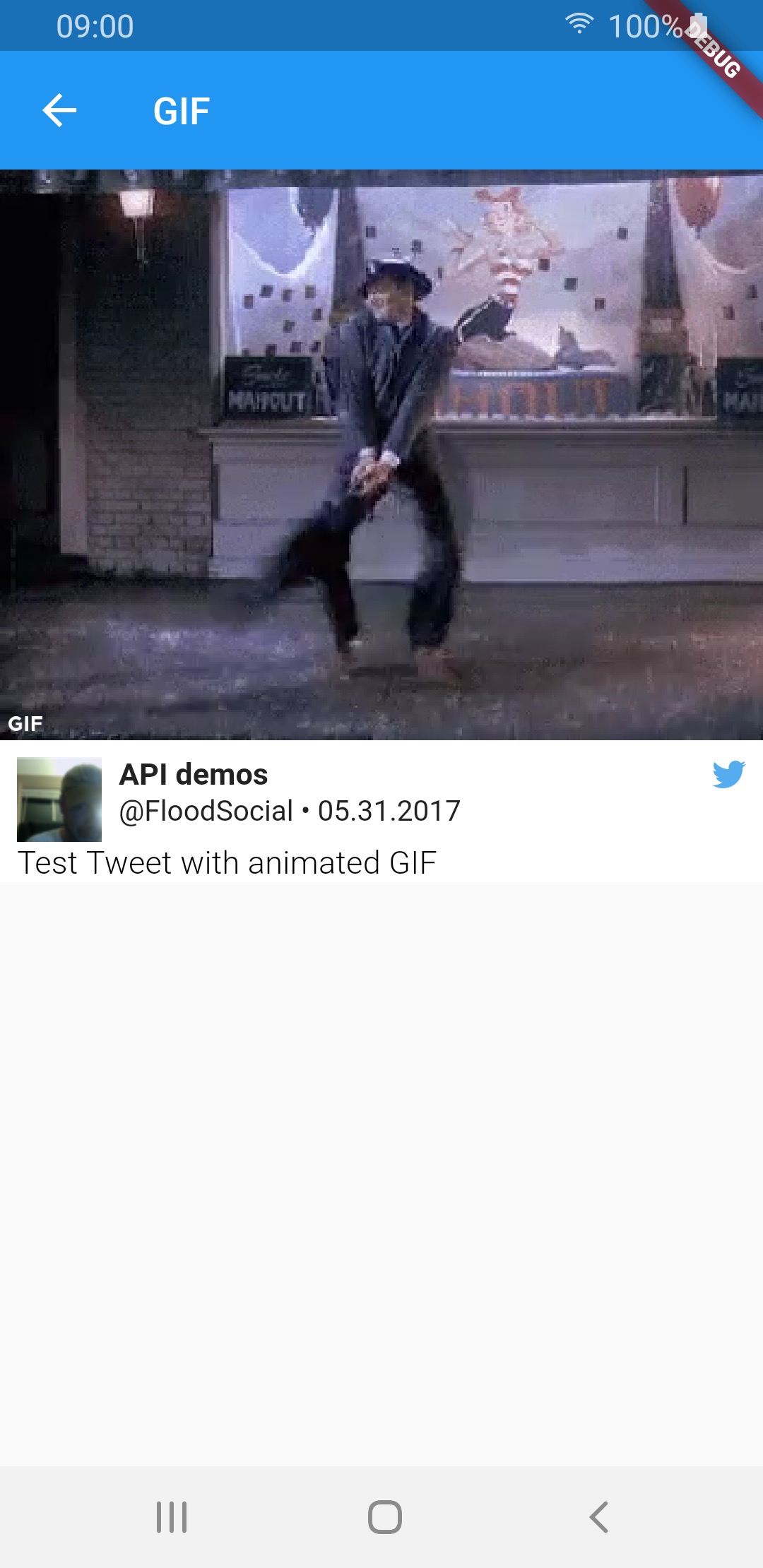
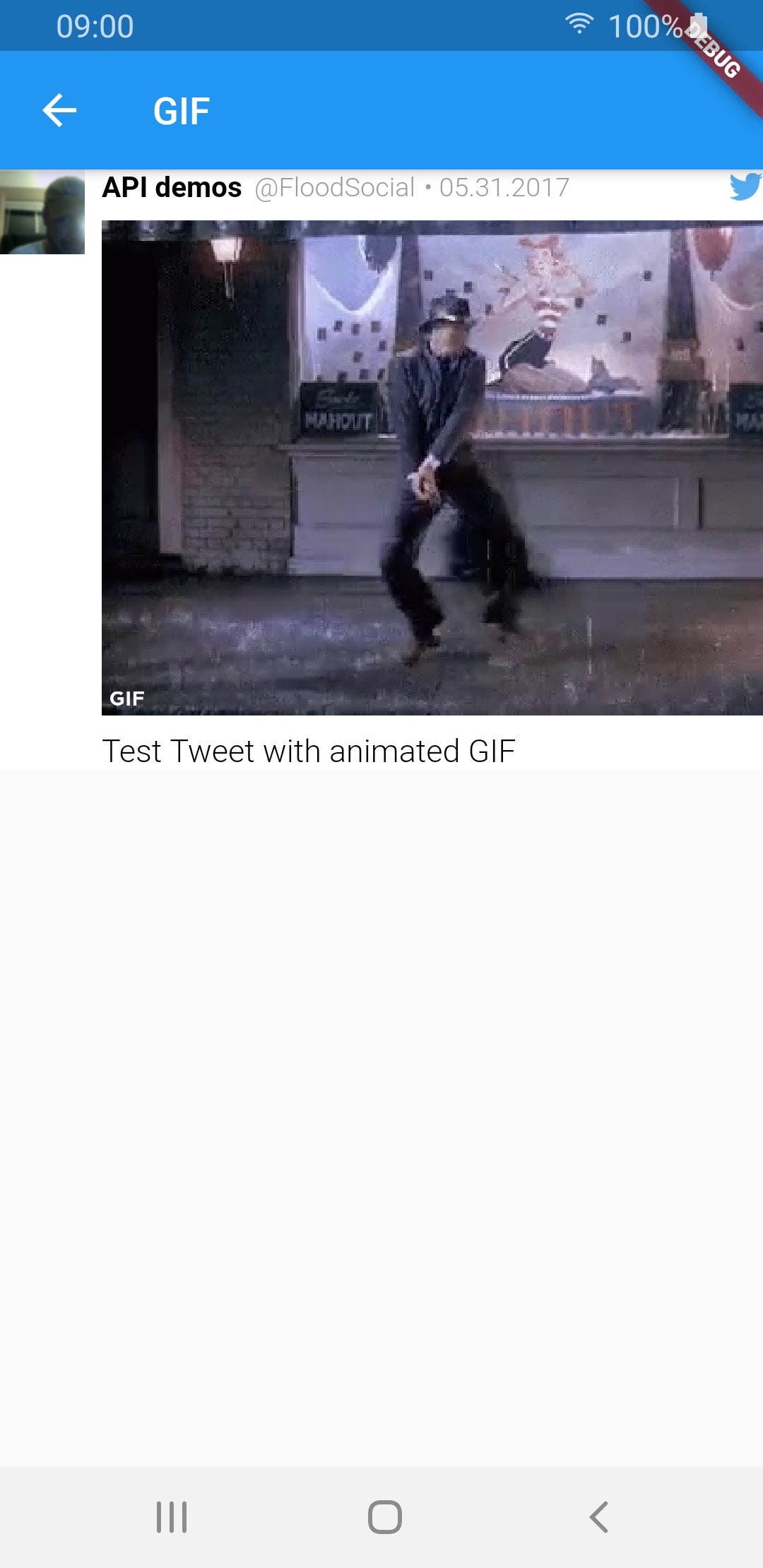
Media type TweetView CompactTweetView EmbeddedTweetView
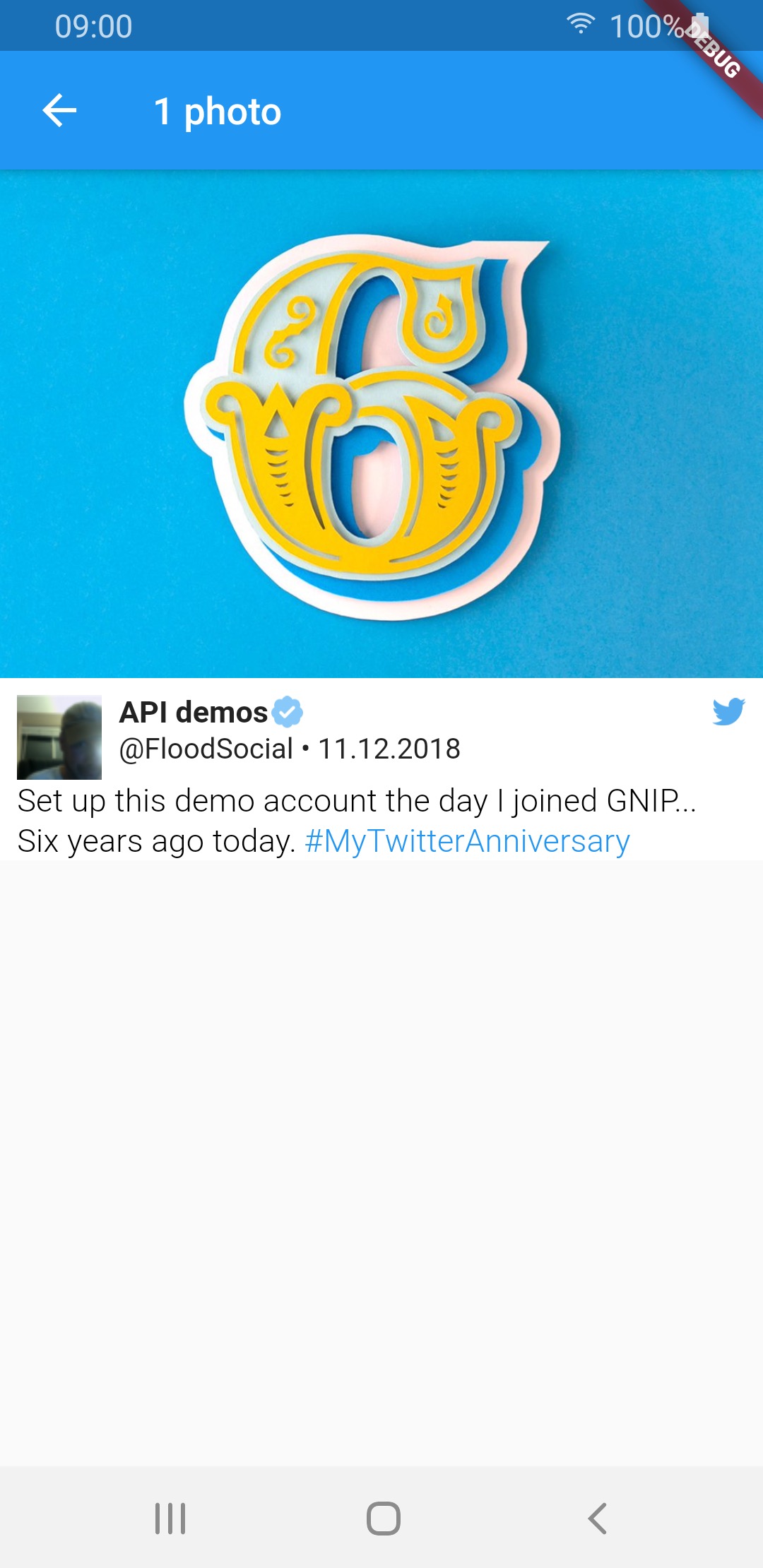
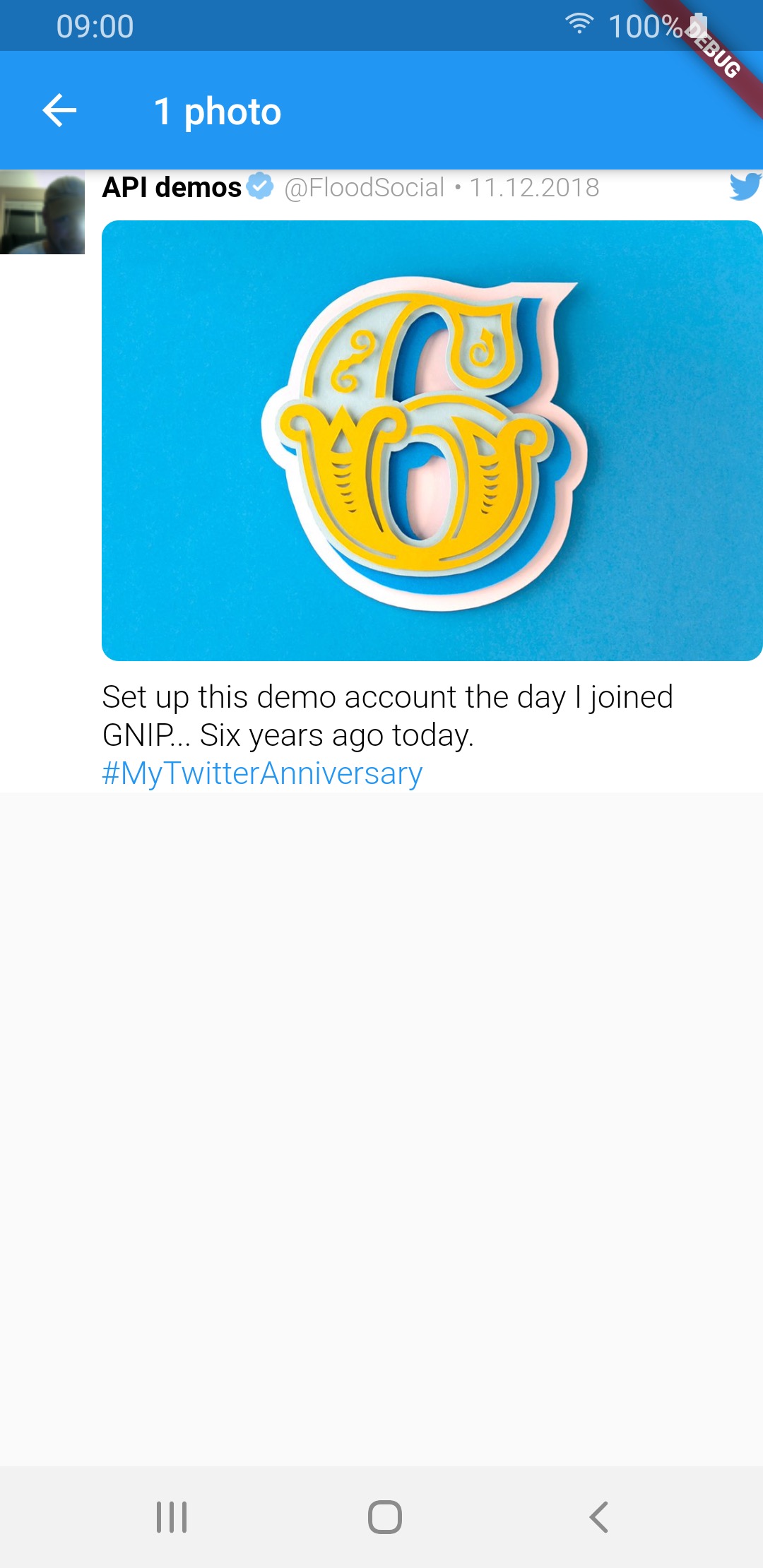
1 photo img img img
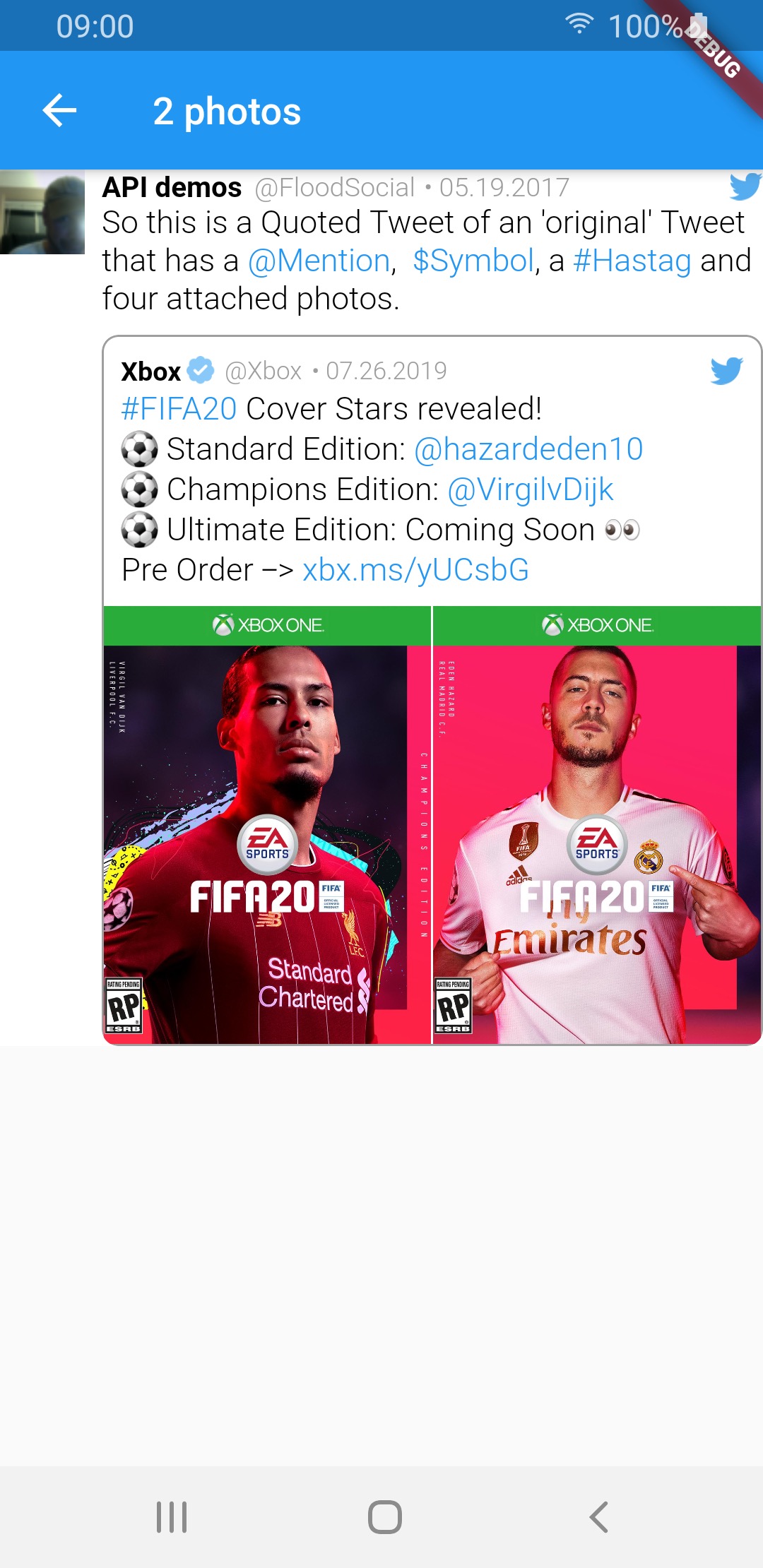
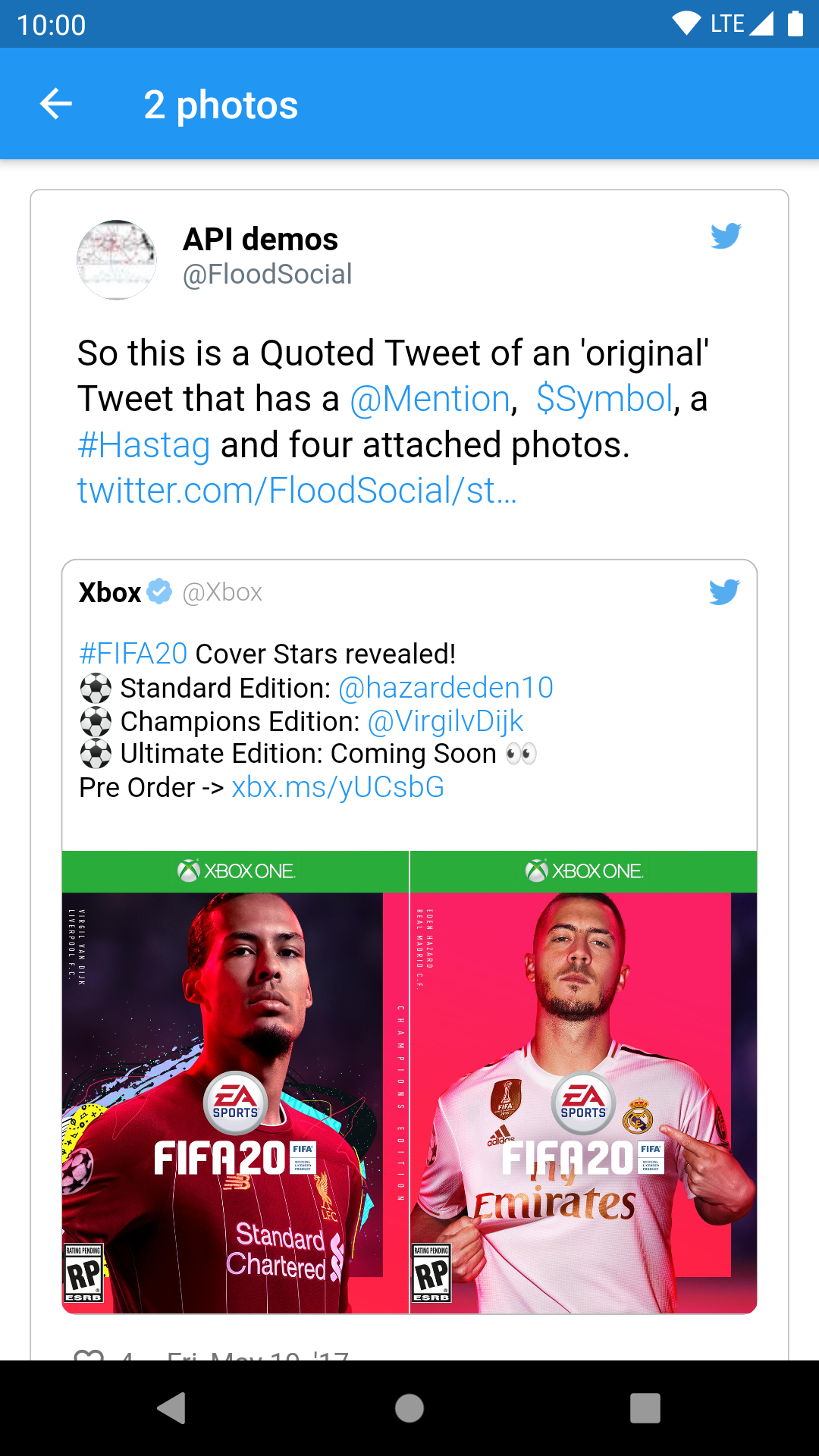
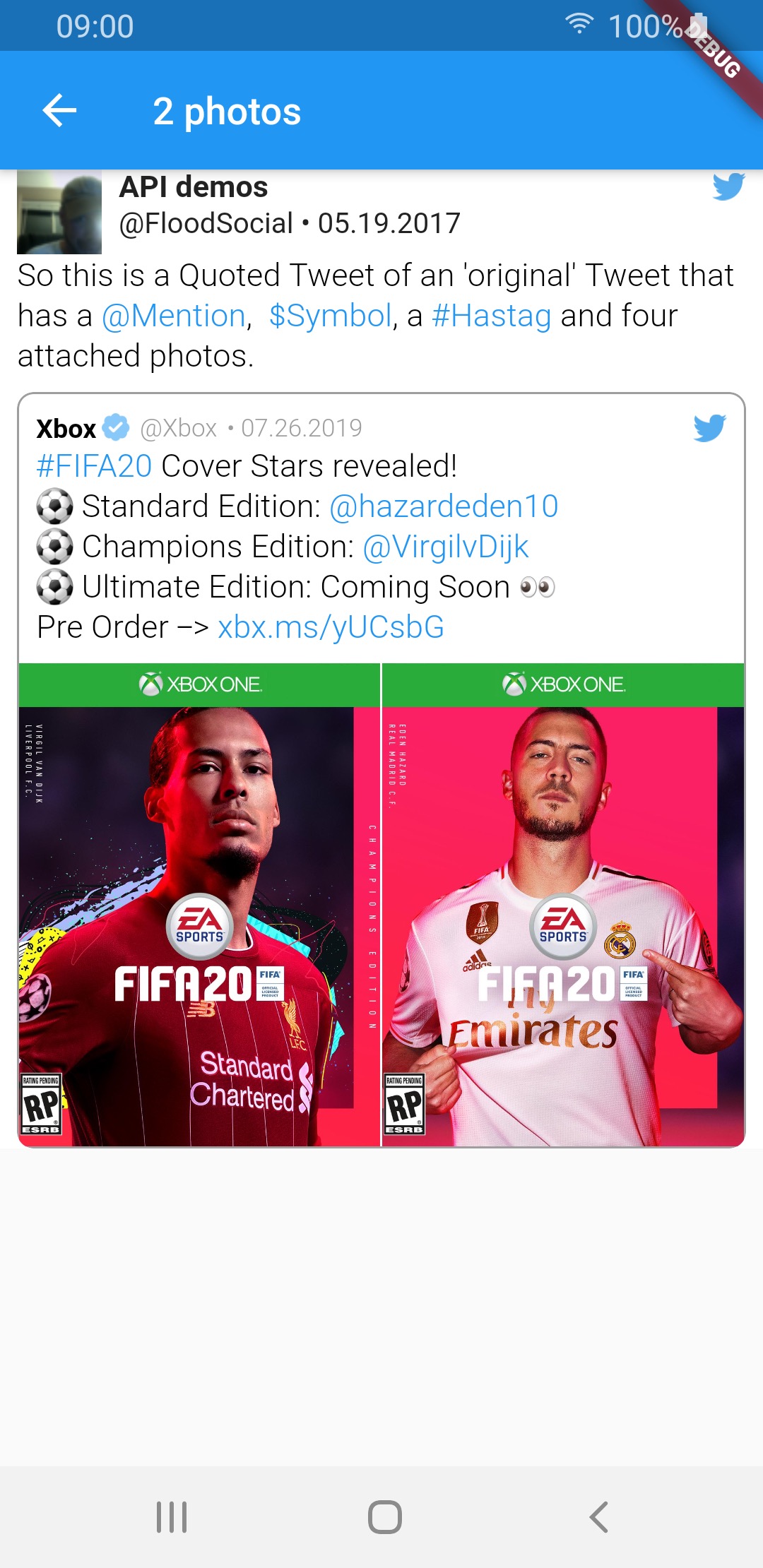
2 photos img img img
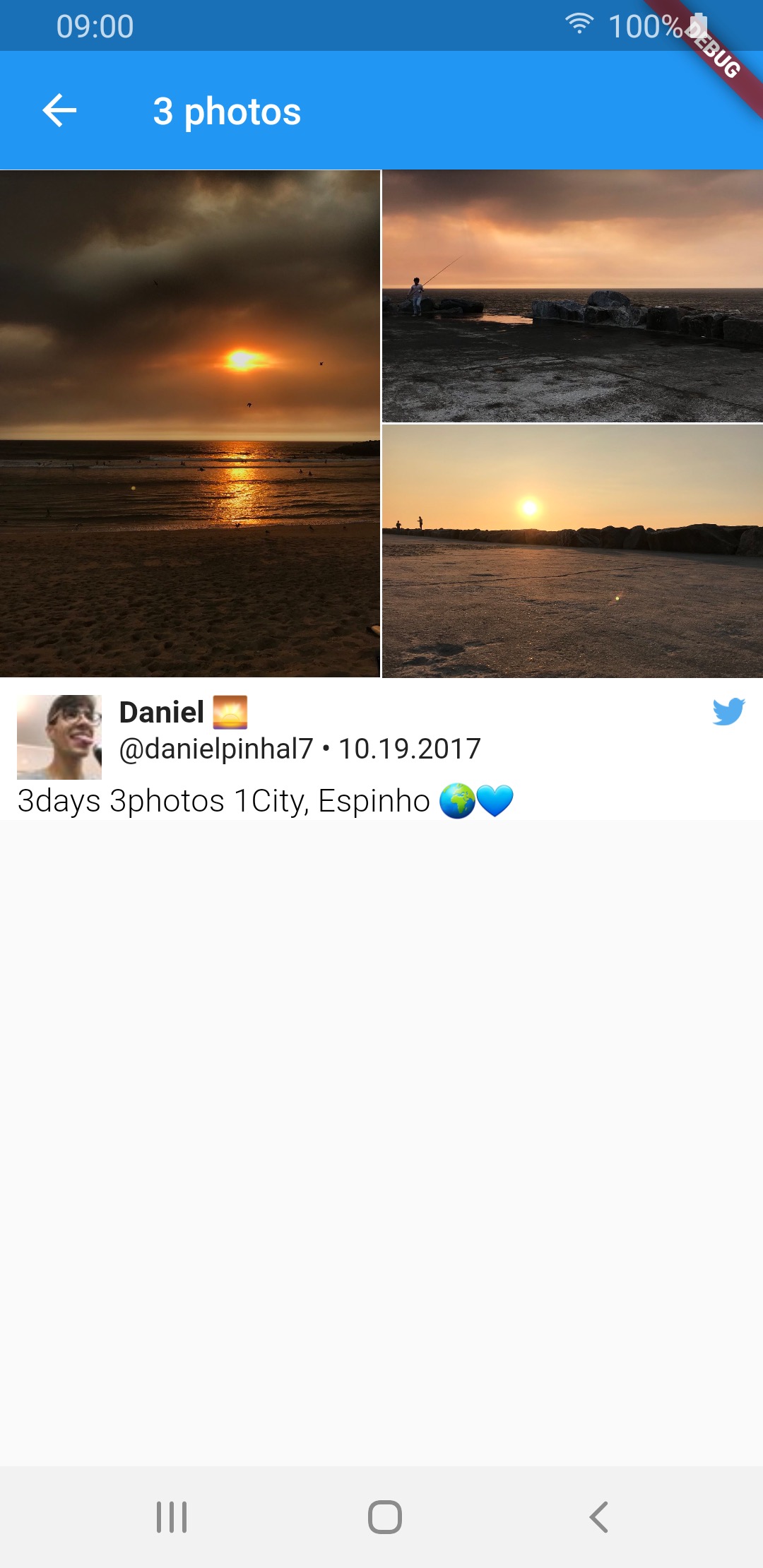
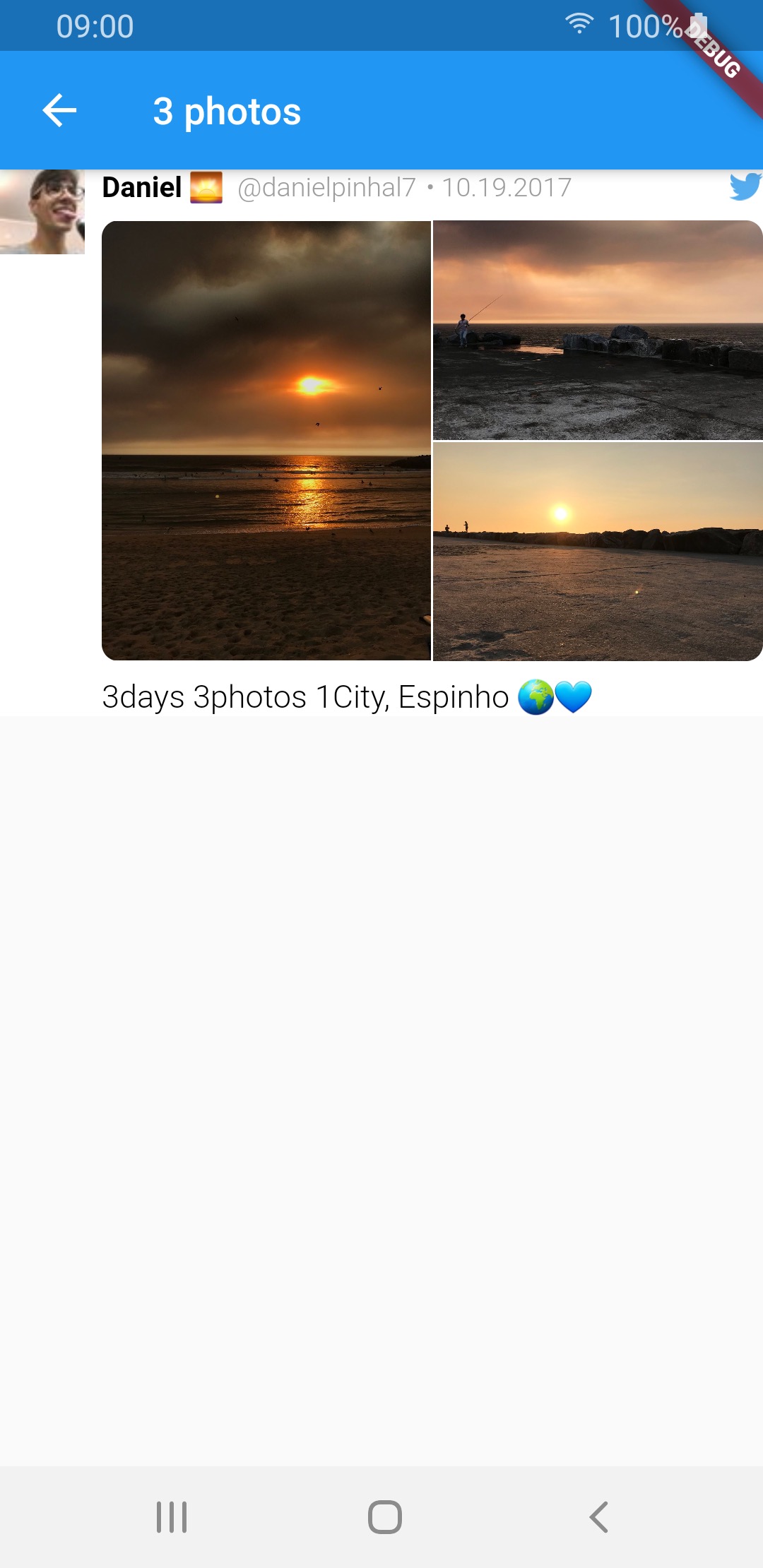
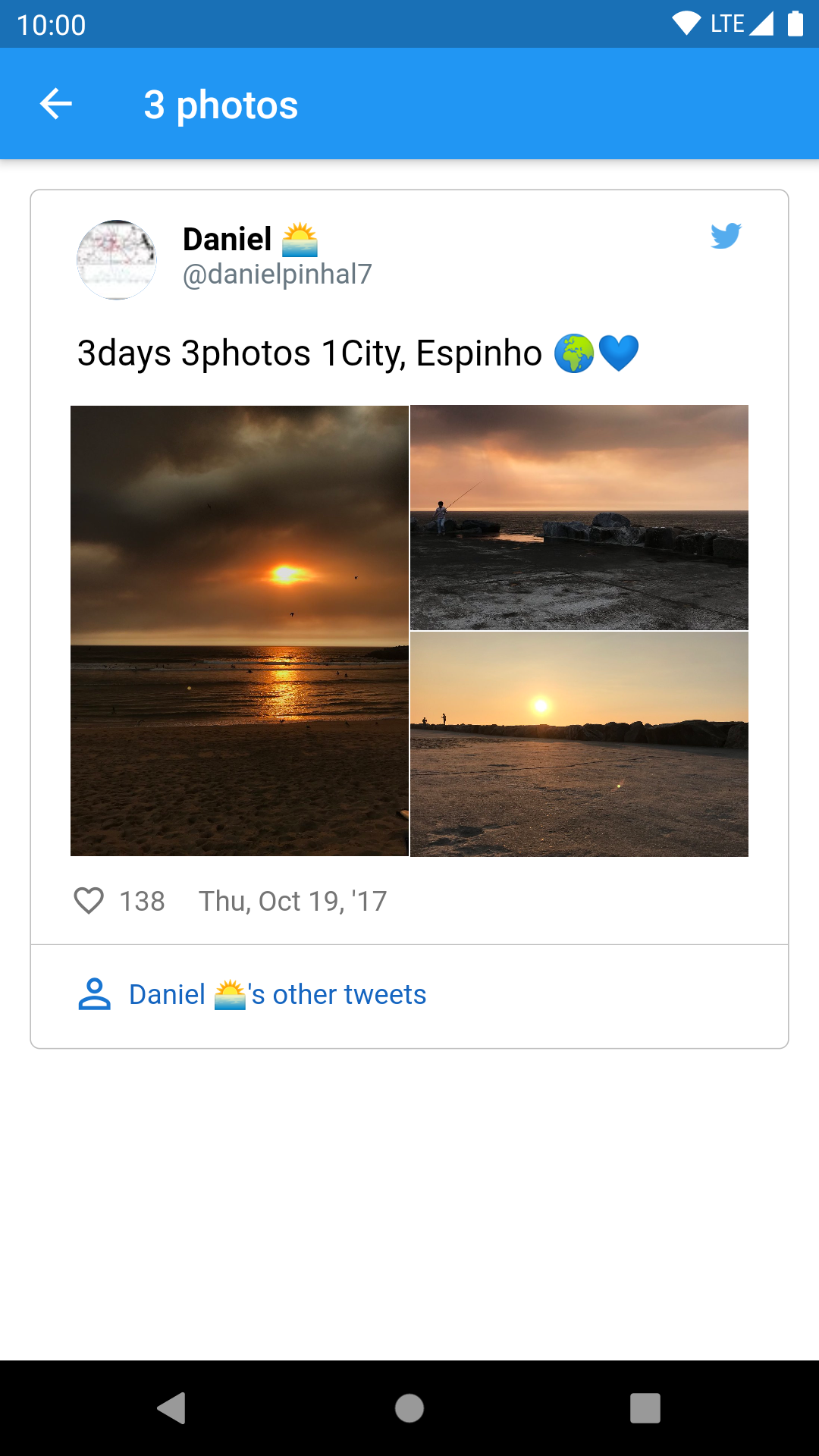
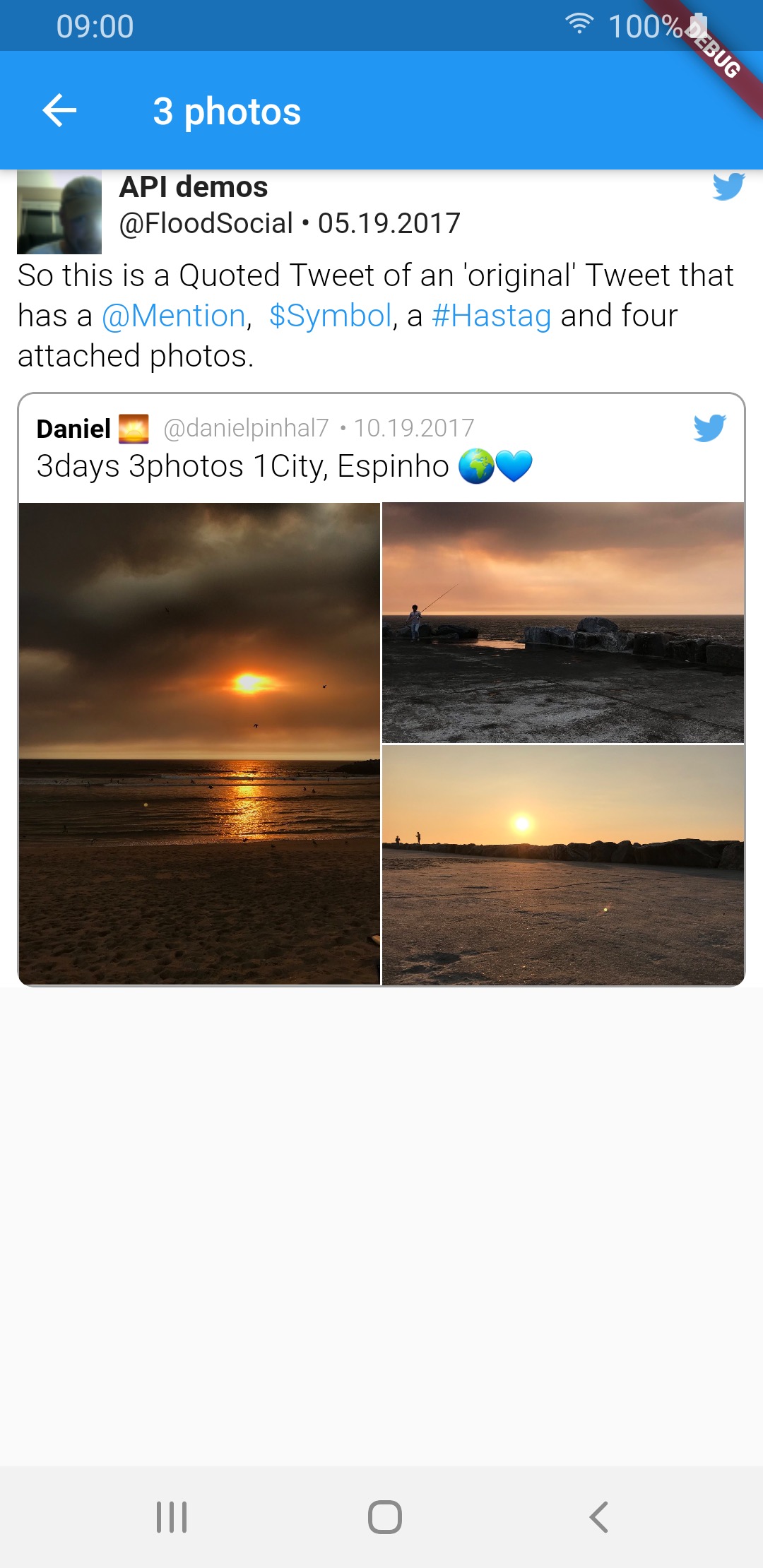
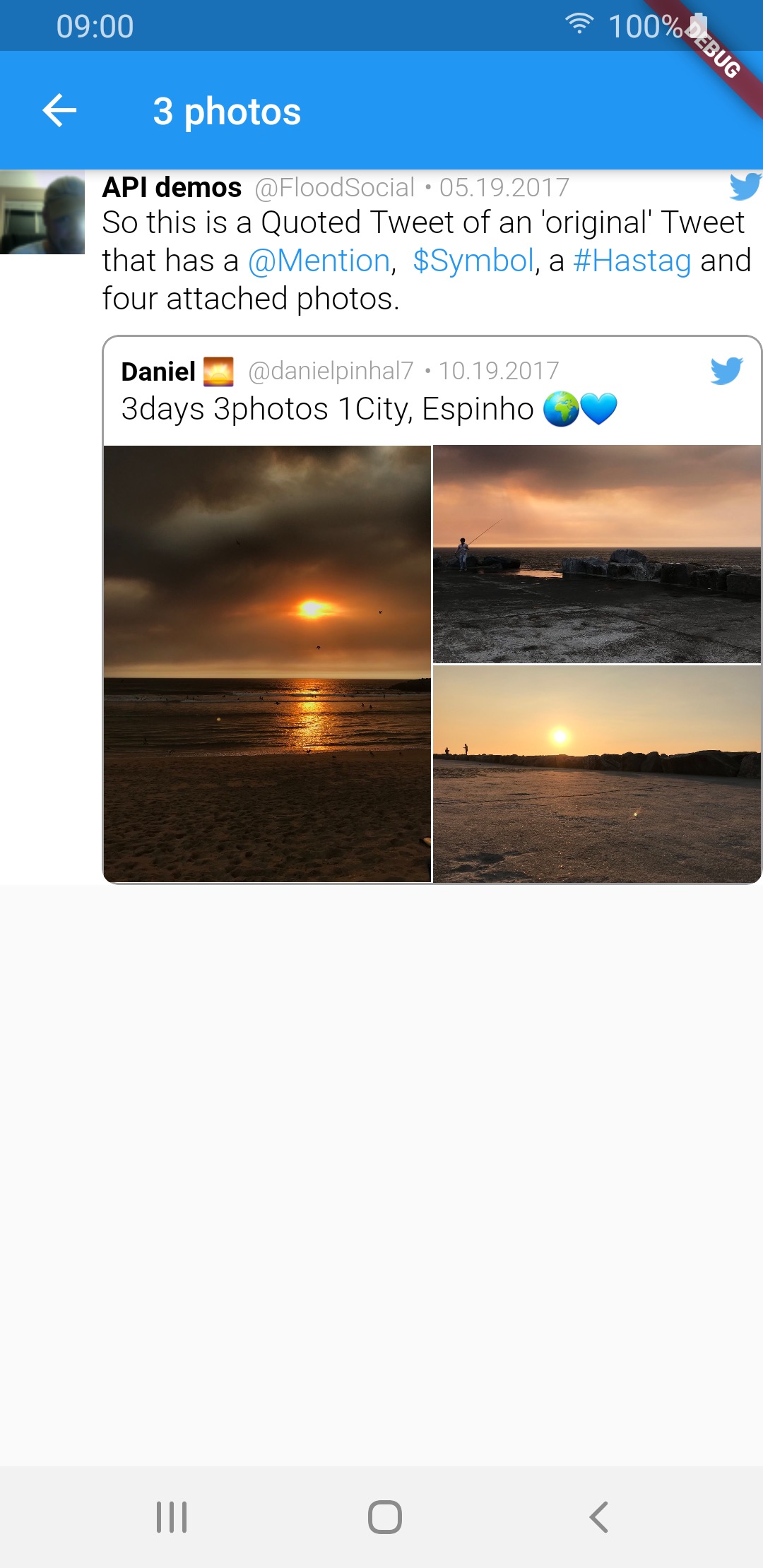
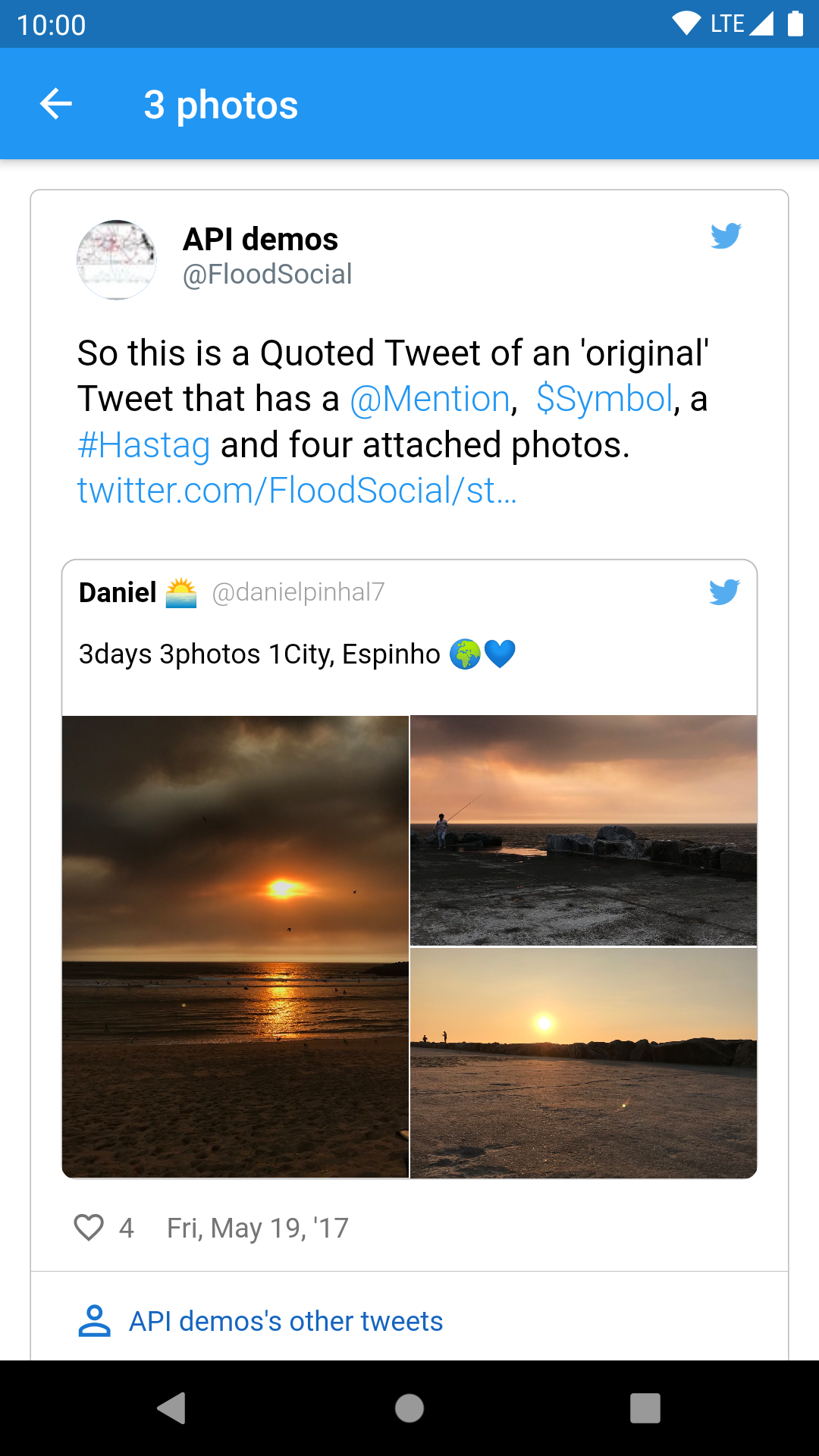
3 photos img img img
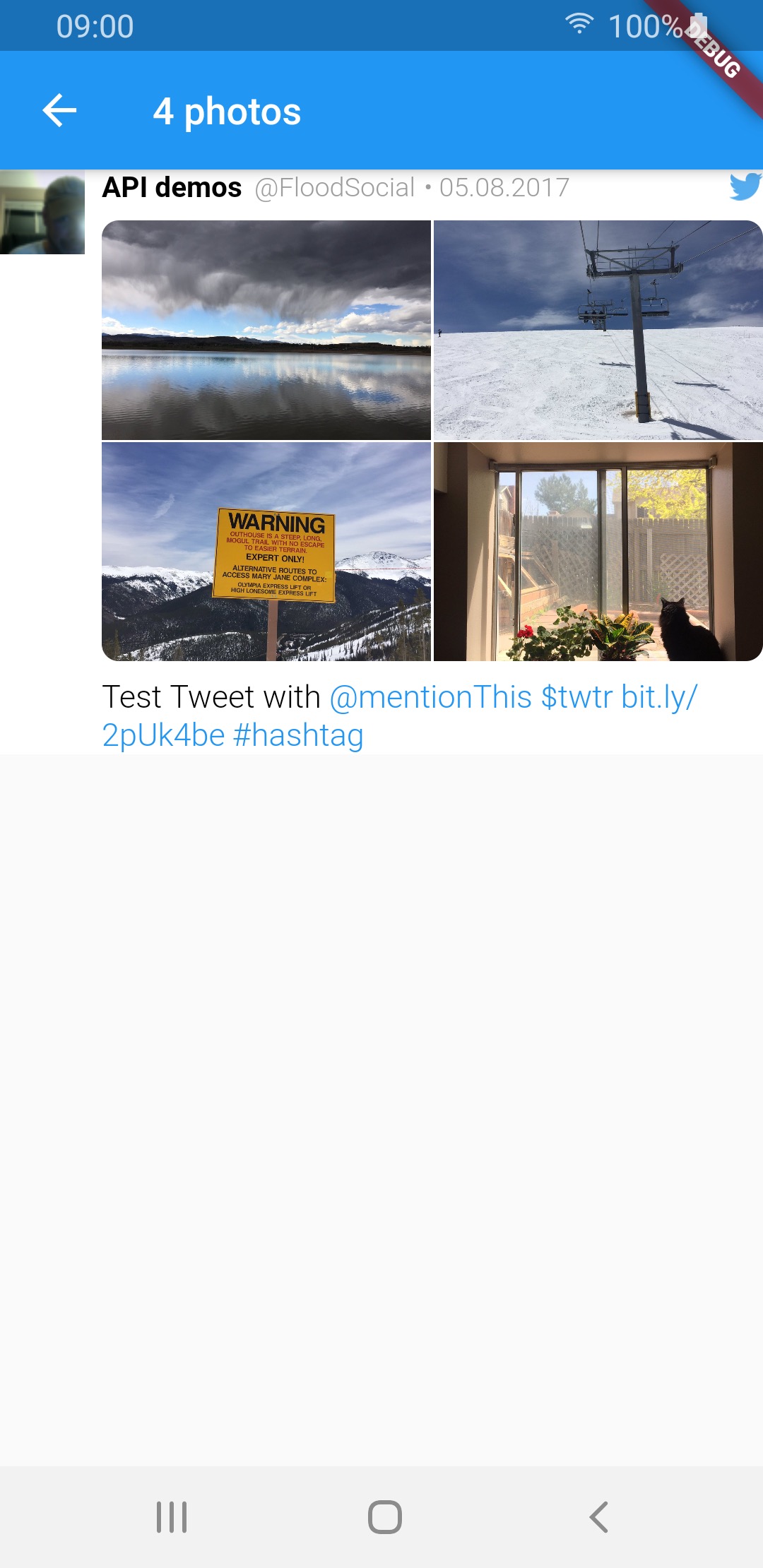
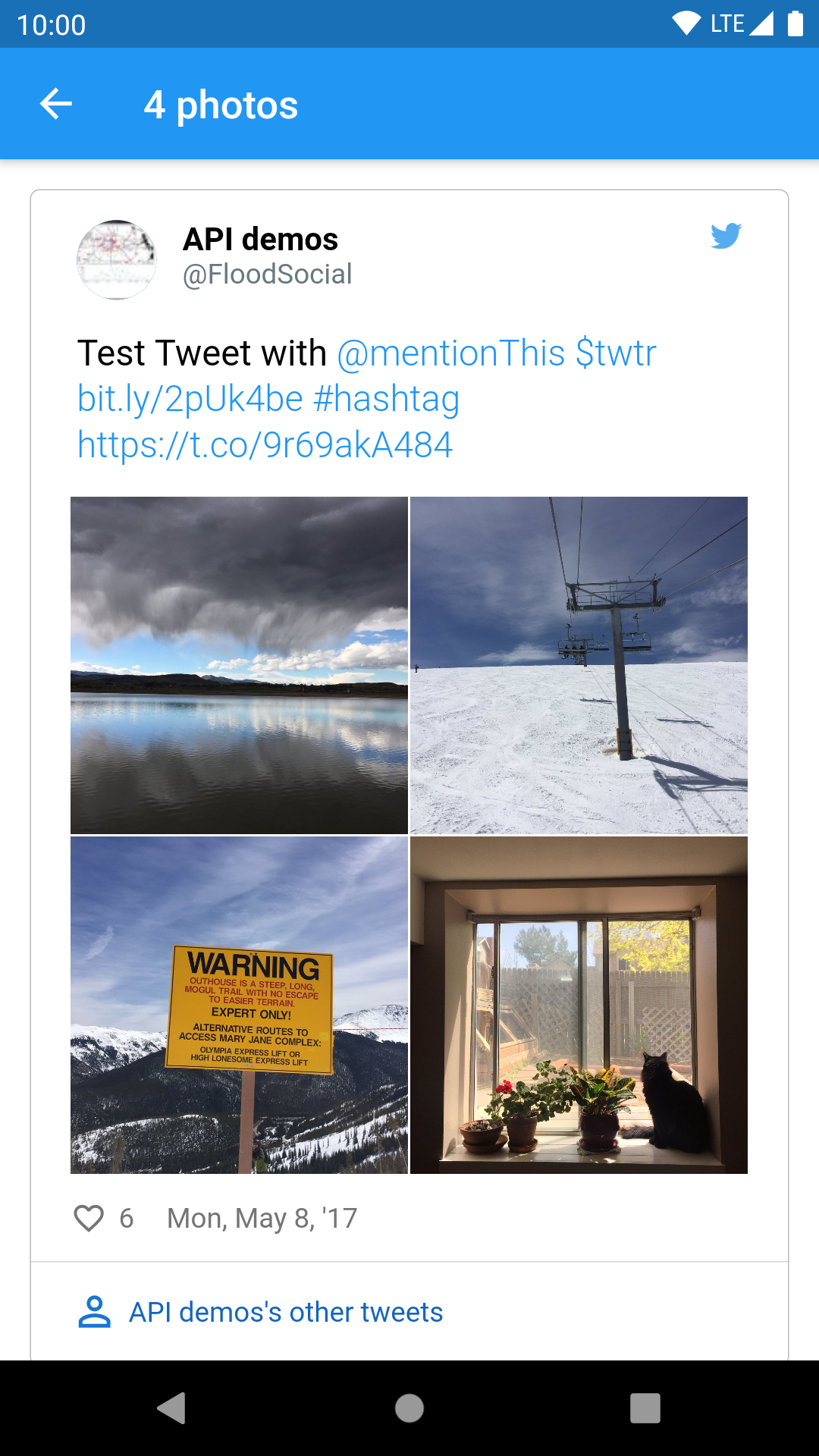
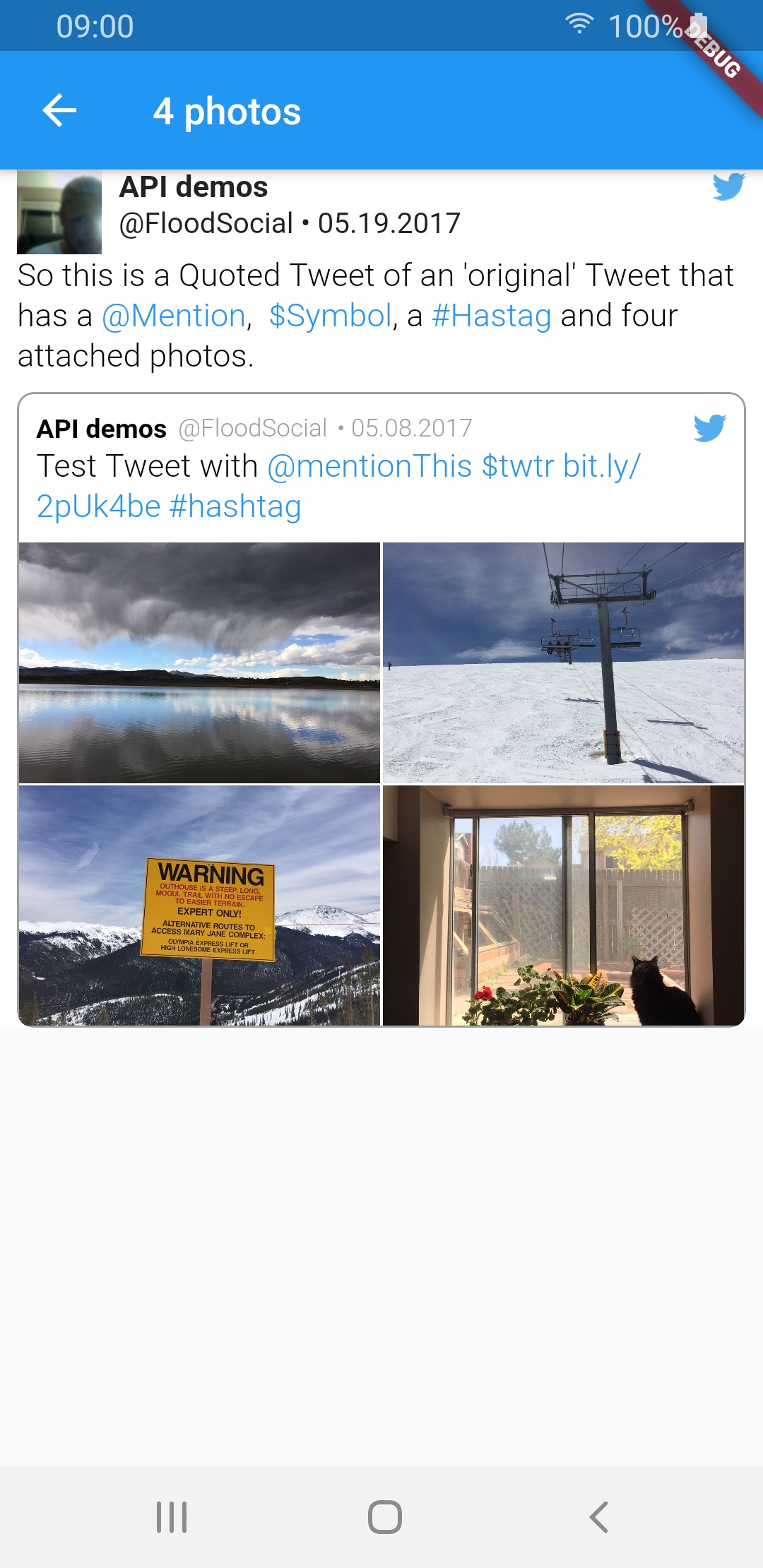
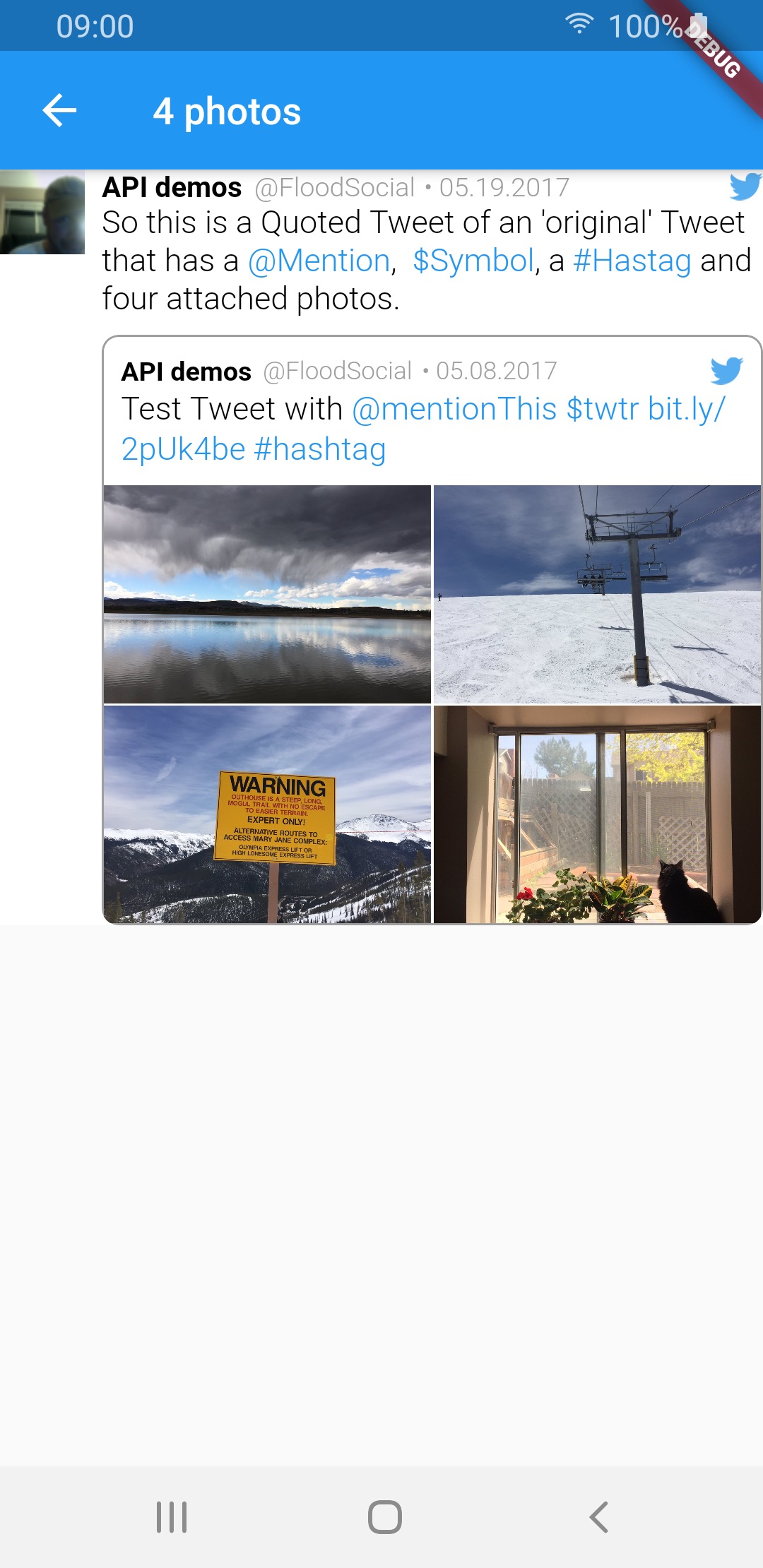
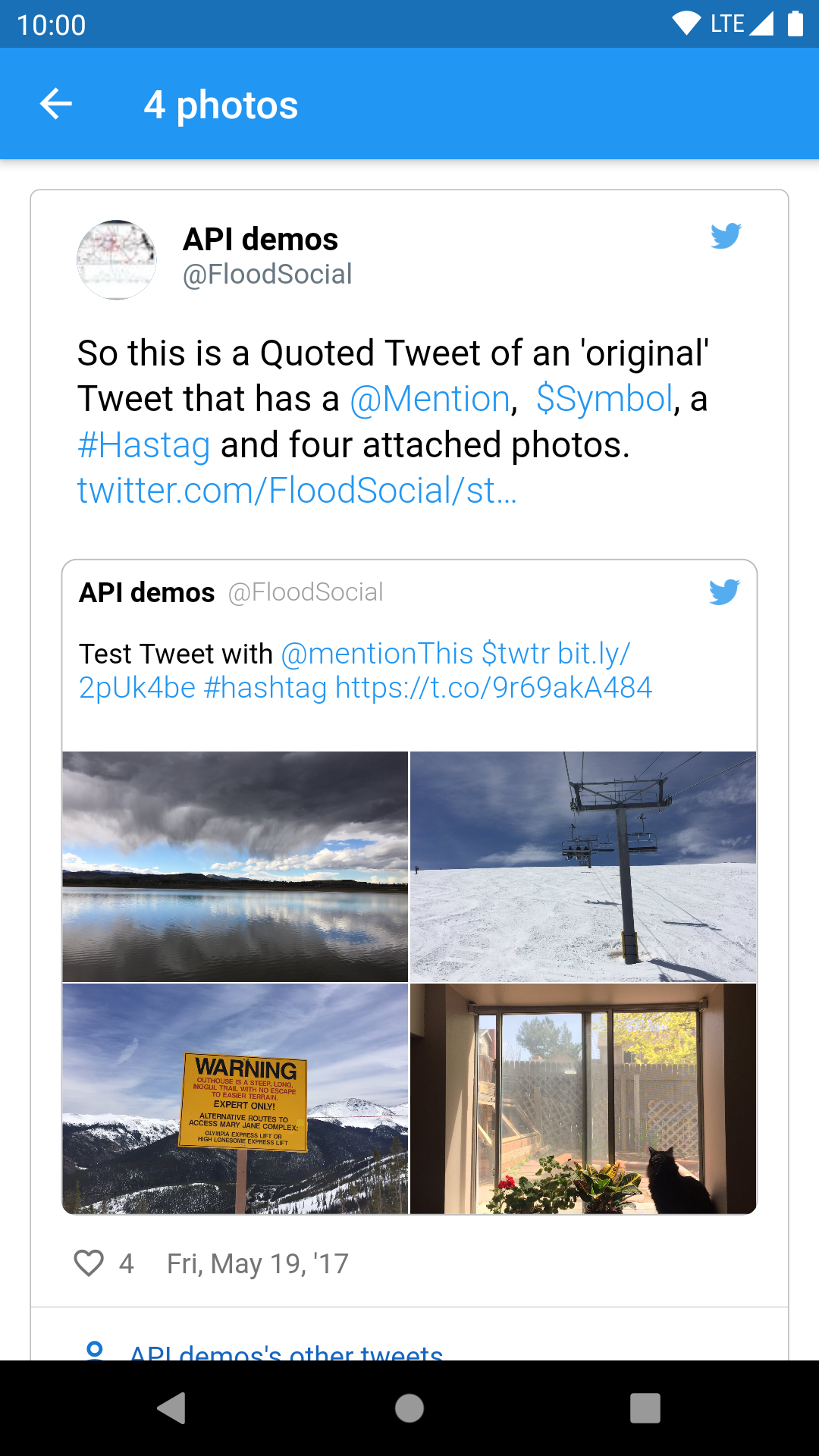
4 photos img img img
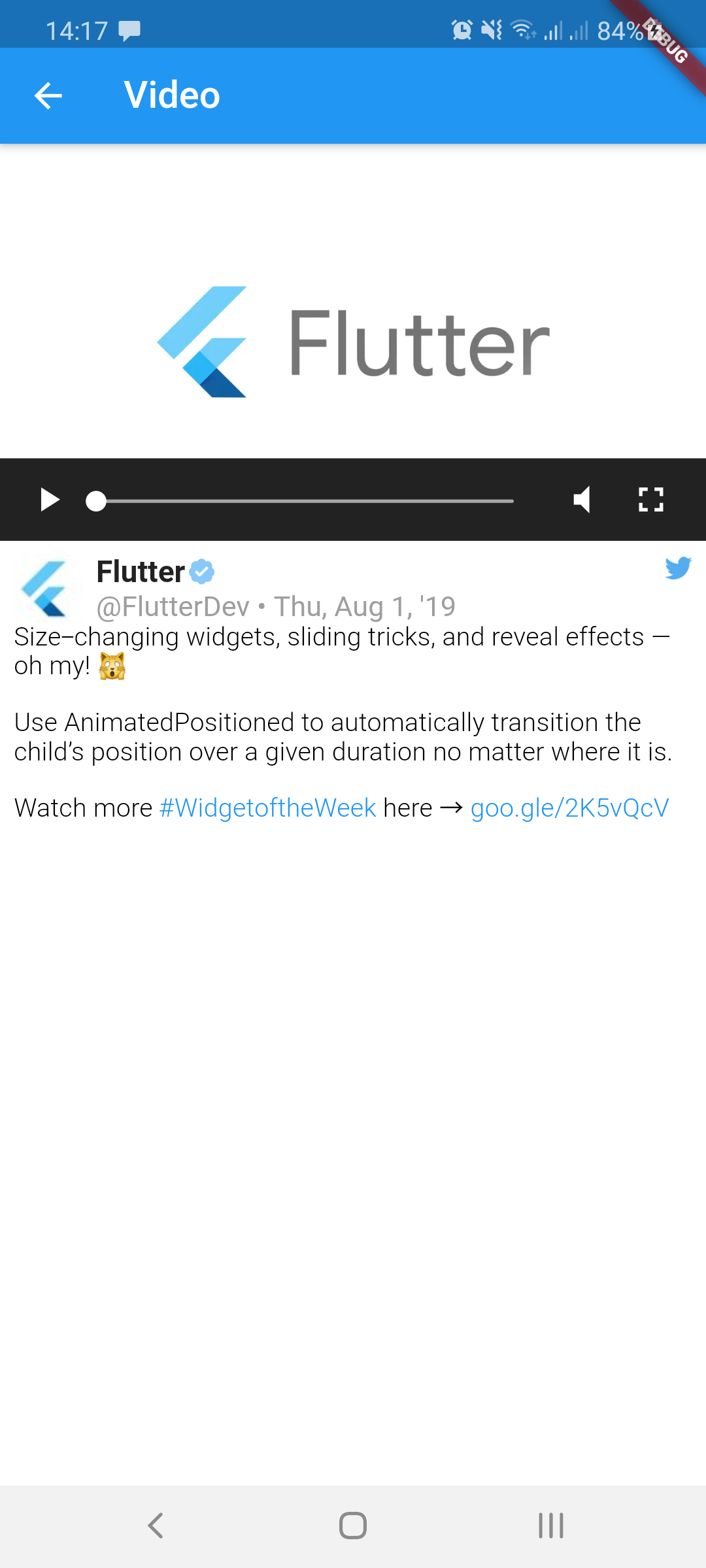
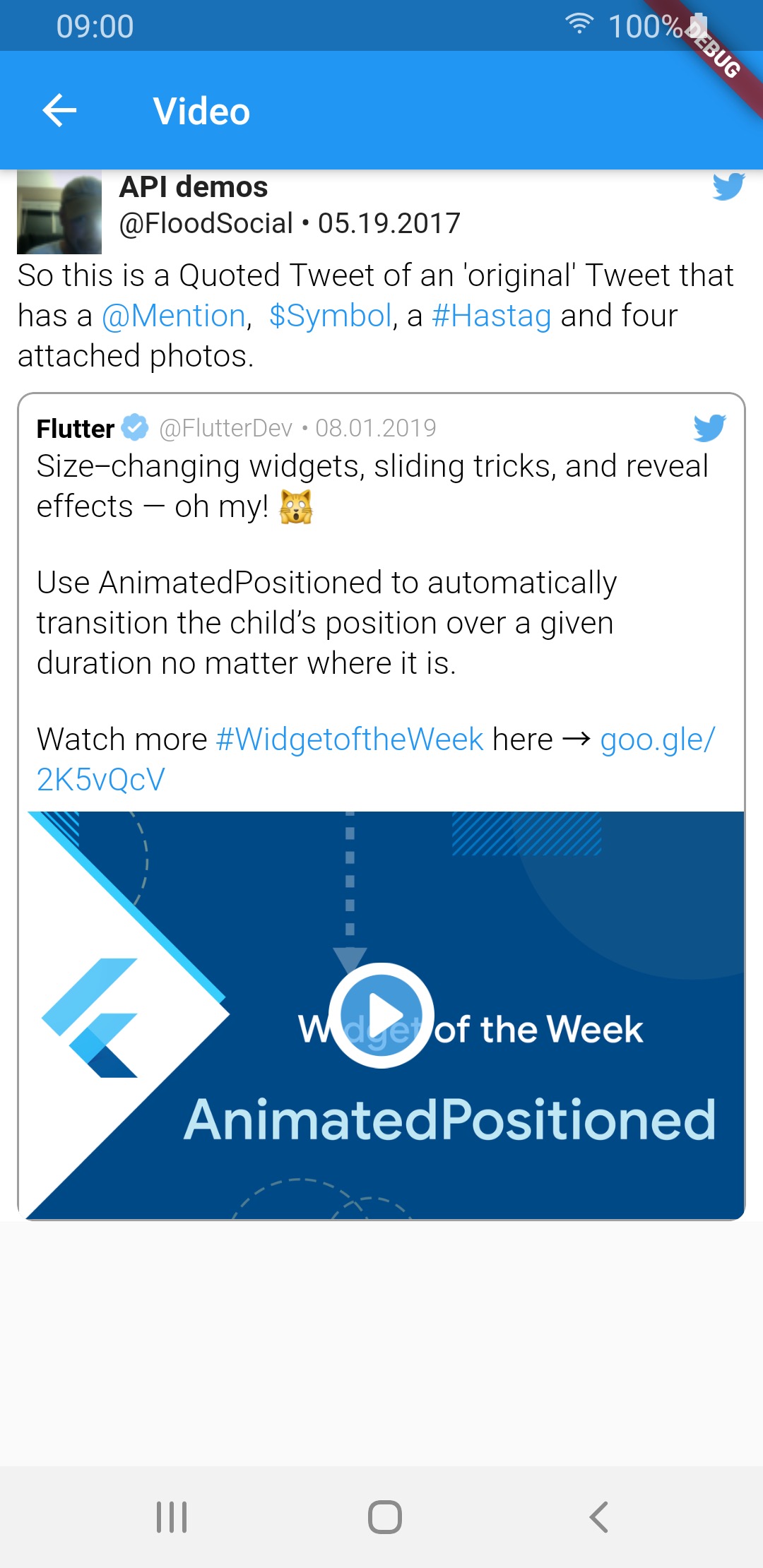
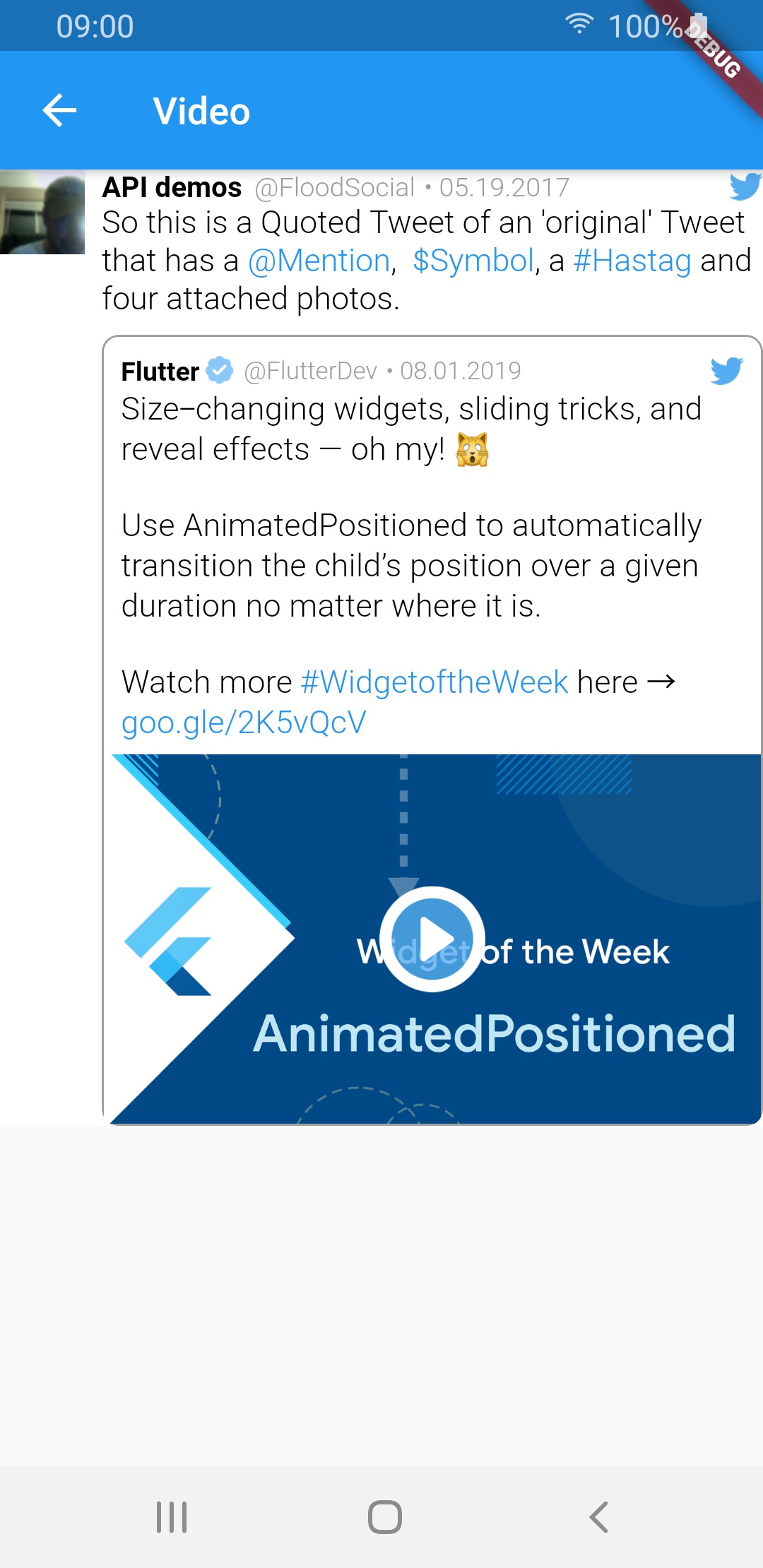
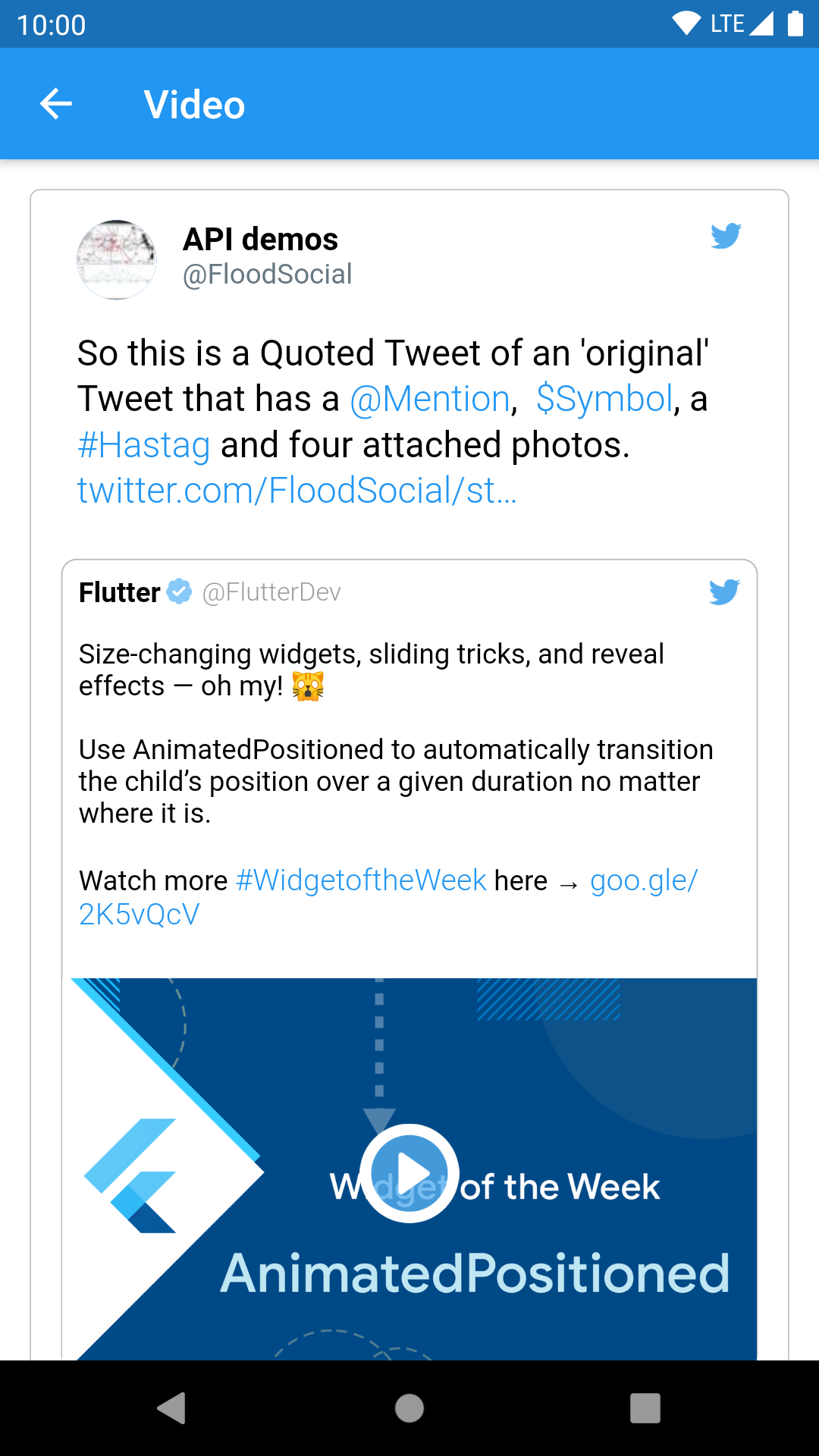
video img img img
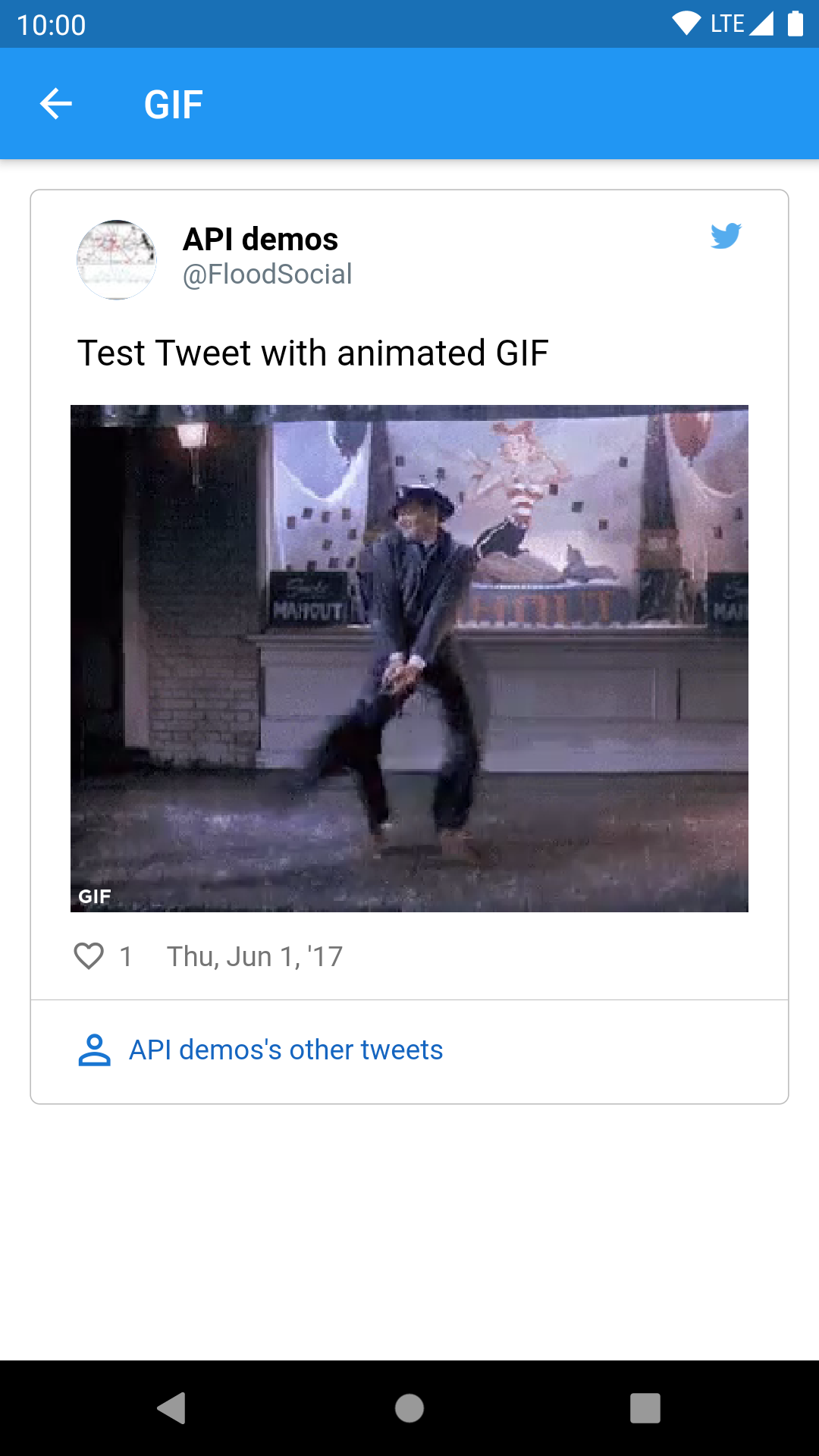
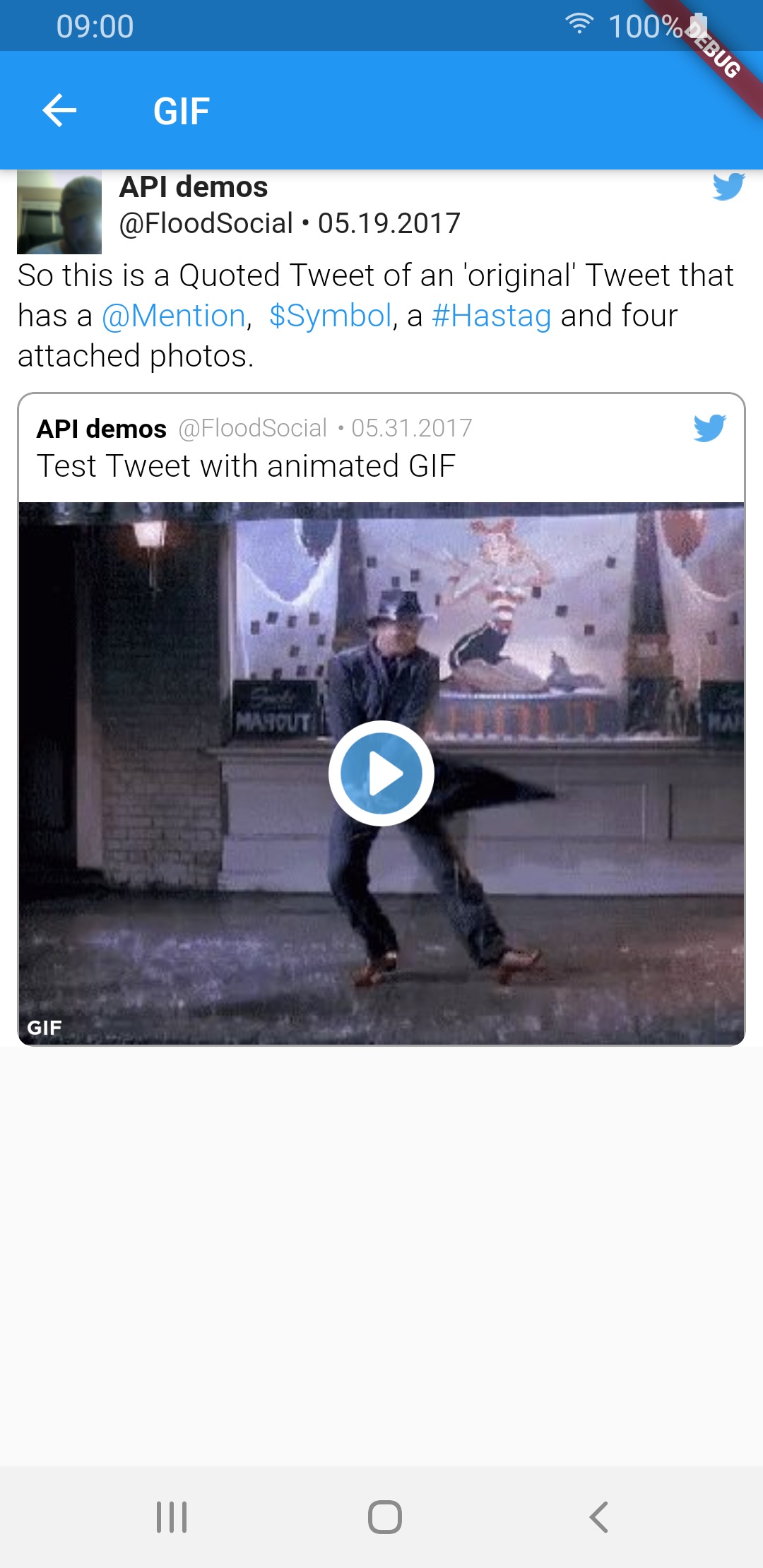
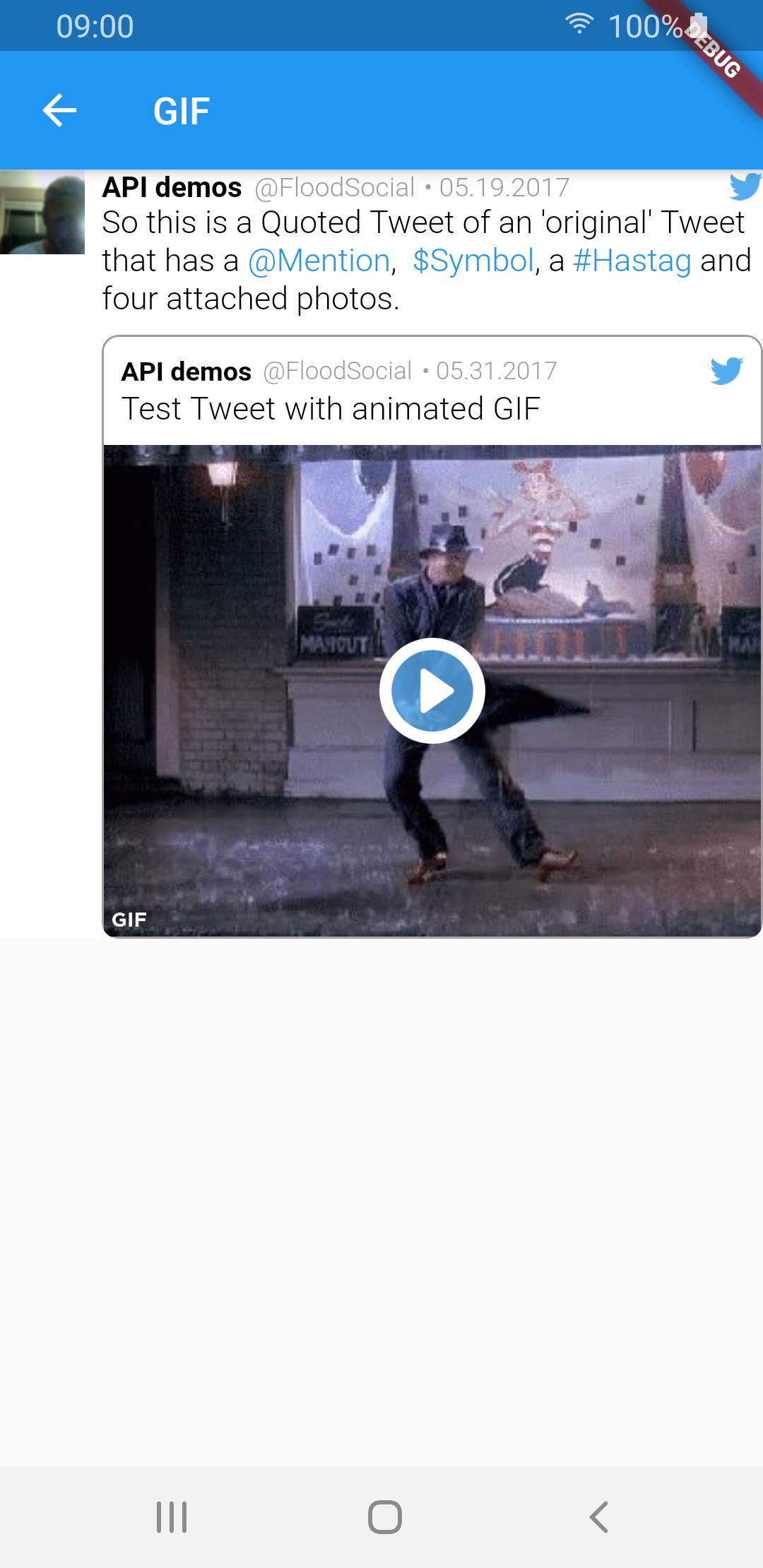
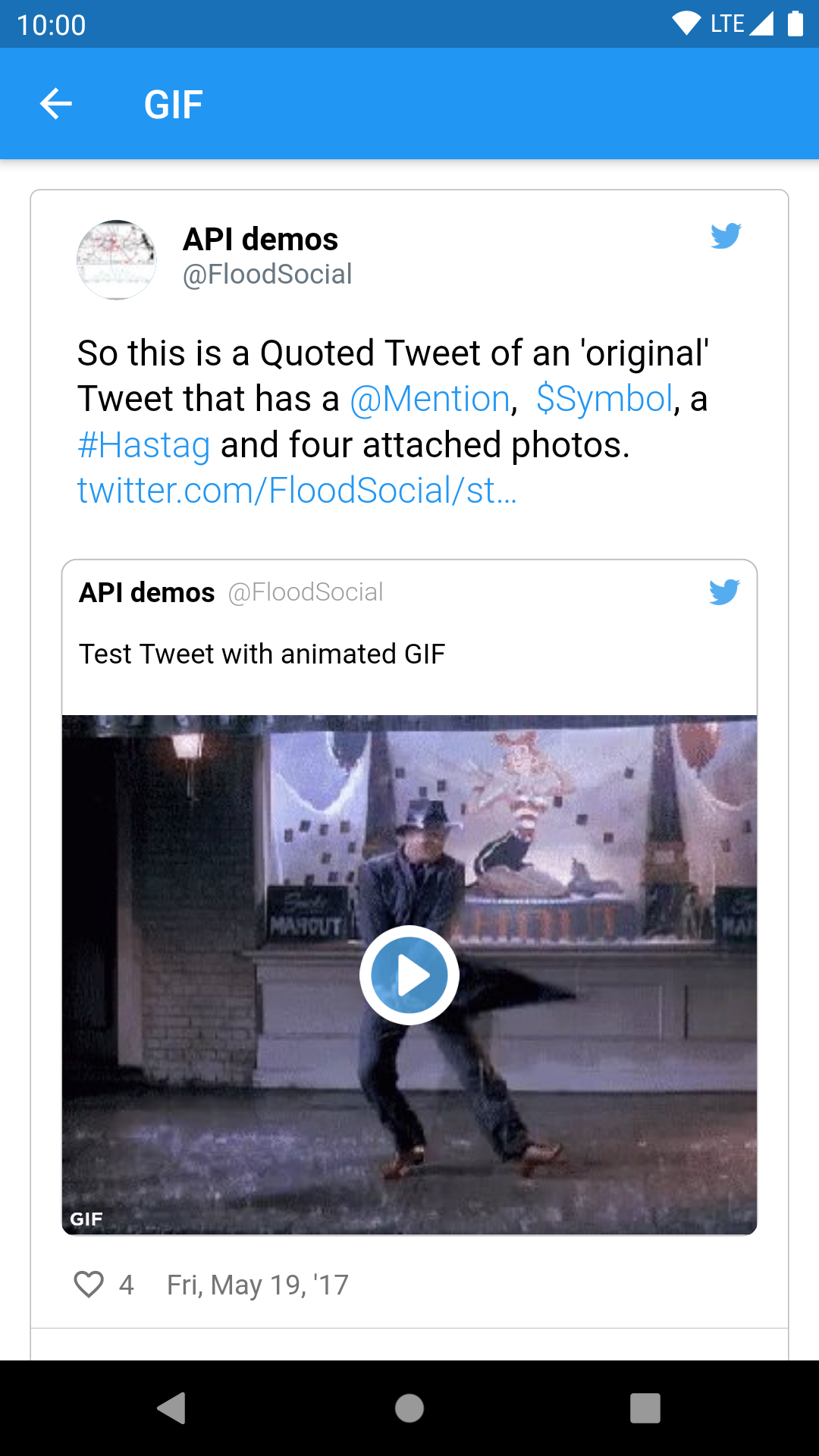
GIF img img img
Quoted tweet views
Media type TweetView CompactTweetView EmbeddedTweetView
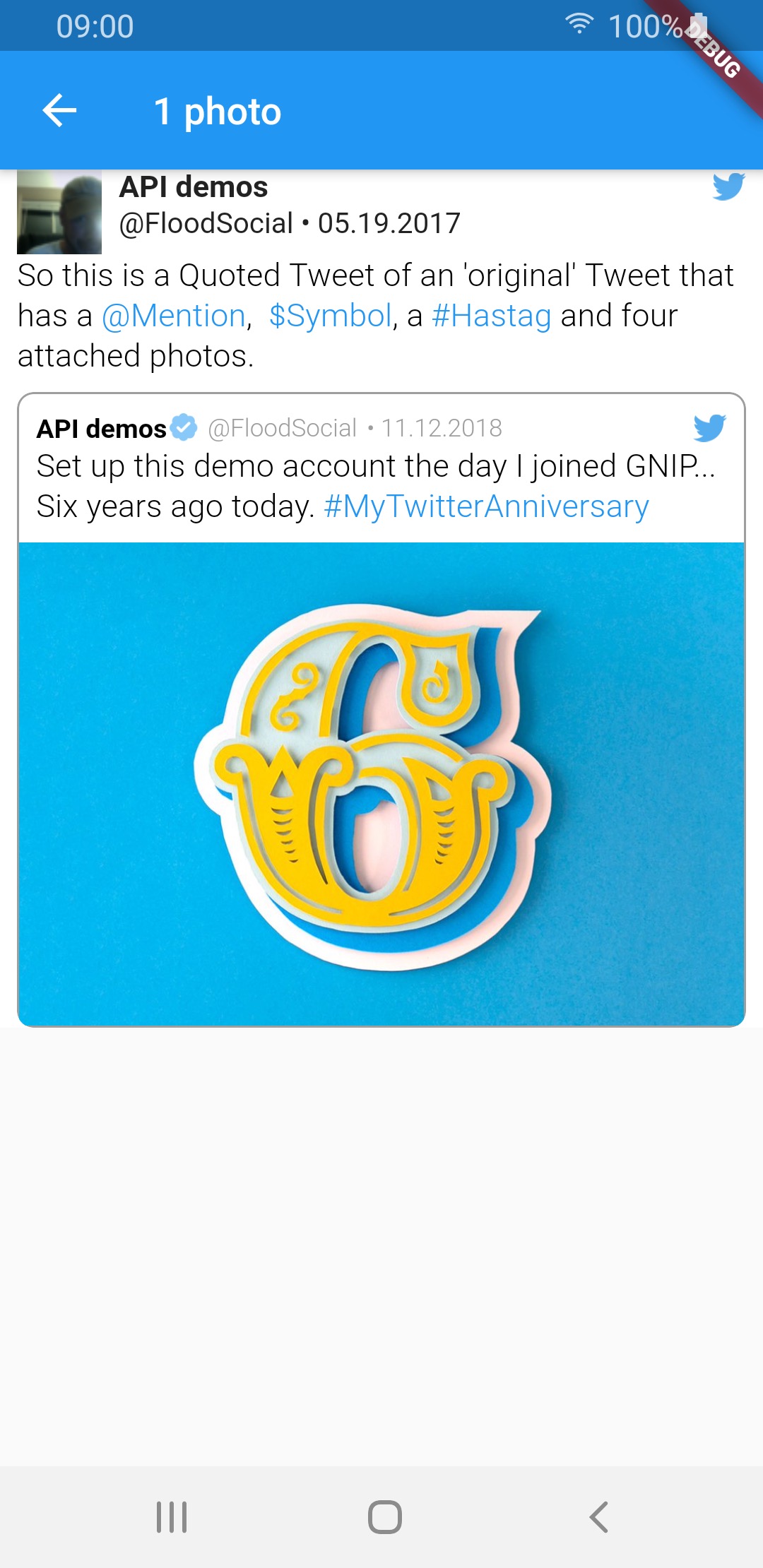
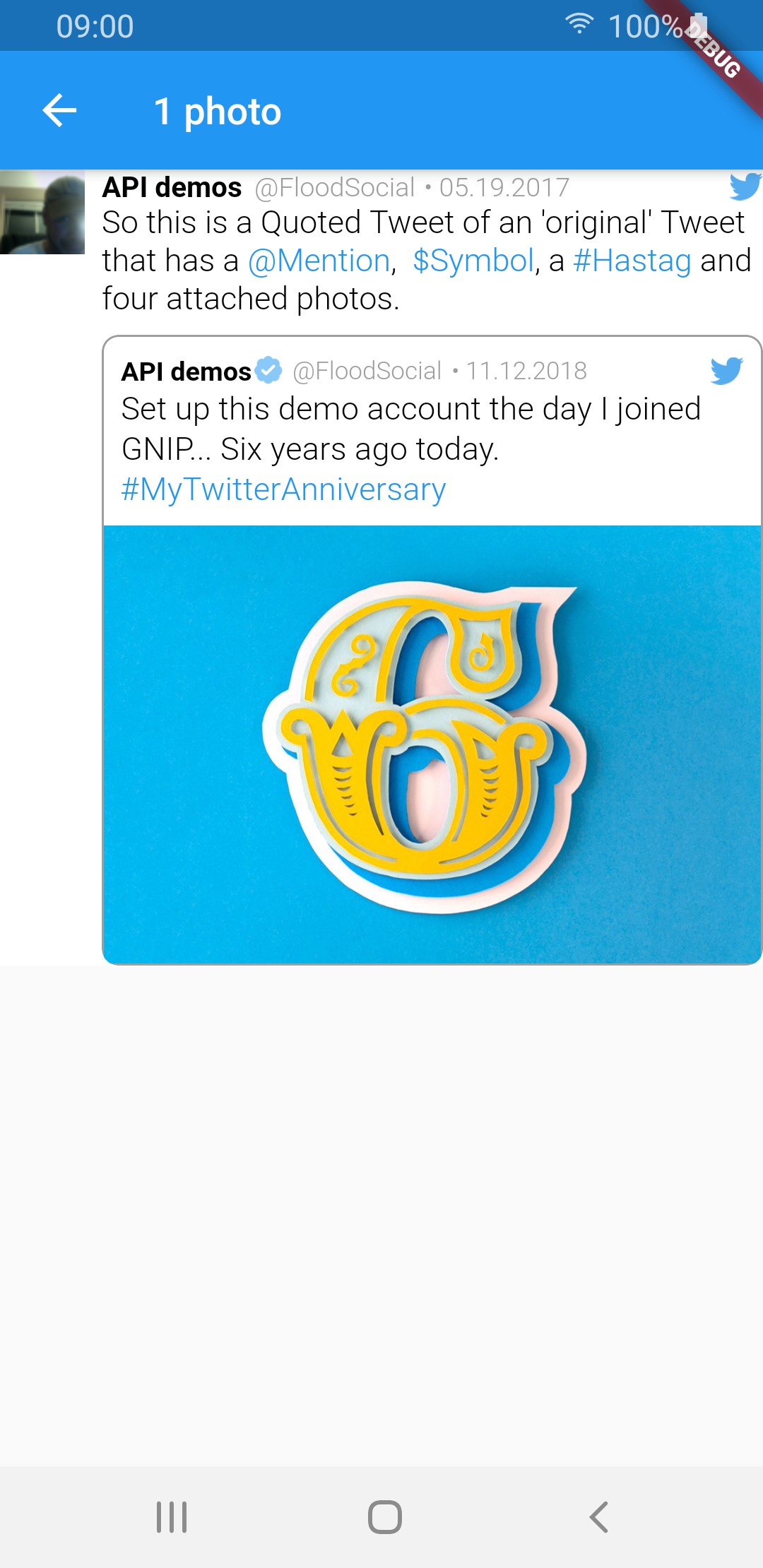
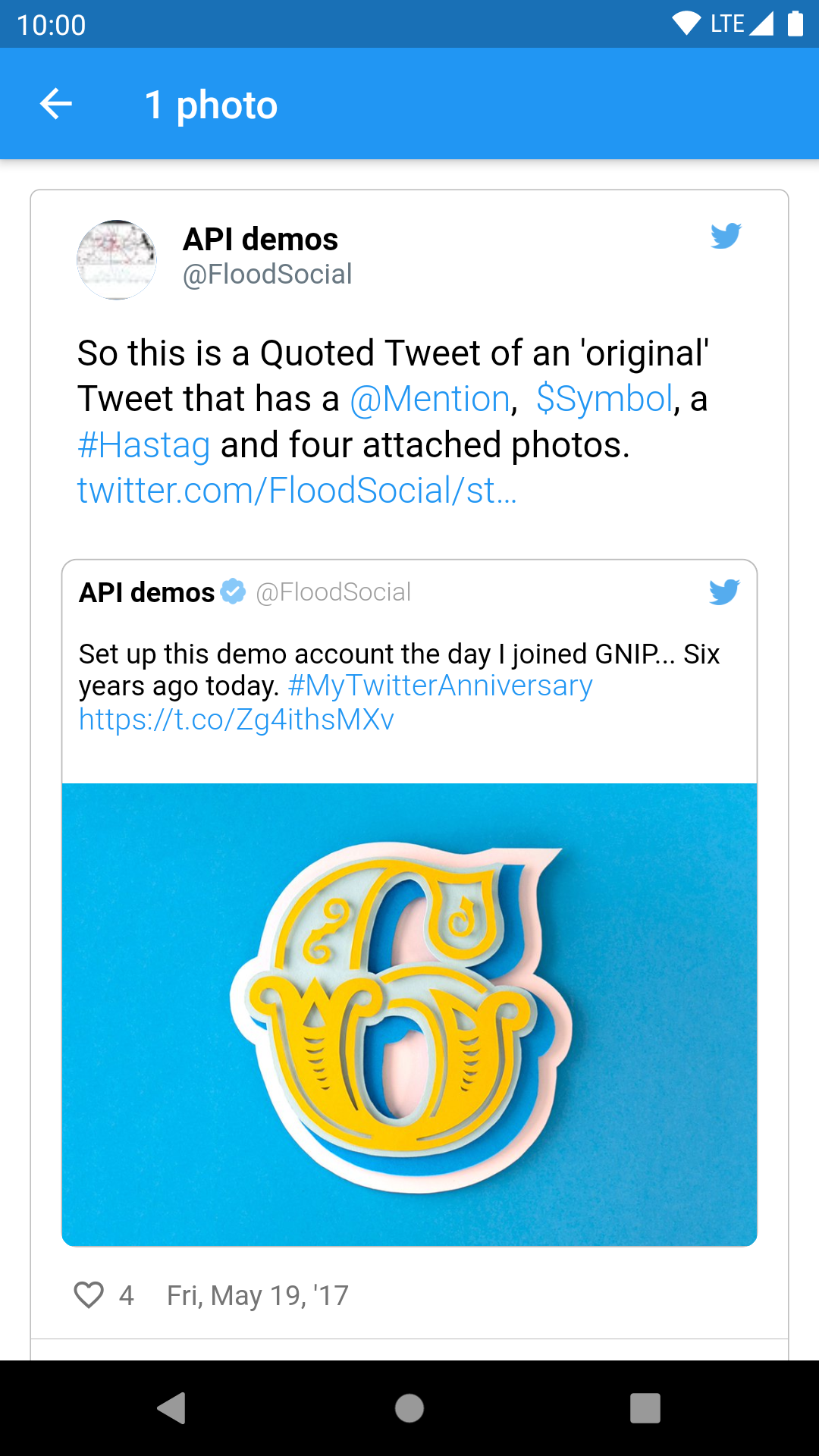
1 photo img img img
2 photos img img img
3 photos img img img
4 photos img img img
video img img img
GIF img img img

Sample tweets use real-life tweet ids but for example purposes, their content was changed.


Thanks for contributing: dasmikko, jamesblasco, tristan-vrt, daver123, ercadev, ivanjpg, escamoteur, ndahlquist, wszeborowskimateusz, robertmrobo

所屬分類

依賴

依賴清單 9 項

原始碼儲存庫

使用此套件的專案

暫無相關資料。