originally a fork of epub_kitty with few more features. i
made this out of epub_kitty because the author was inactive(he isn't merging PRs or attending to
issues) and i started having alot of issues with the plugin
vocsy_epub_viewer is an epub ebook reader that encapsulates
the folioreader framework. It supports iOS and
android.
Features
Name
Android
iOS
Reading Time Left / Pages left
✅
✅
Last Read Locator
✅
✅
Distraction Free Reading
✅
❌
Load E-Pub from Asset
✅
✅
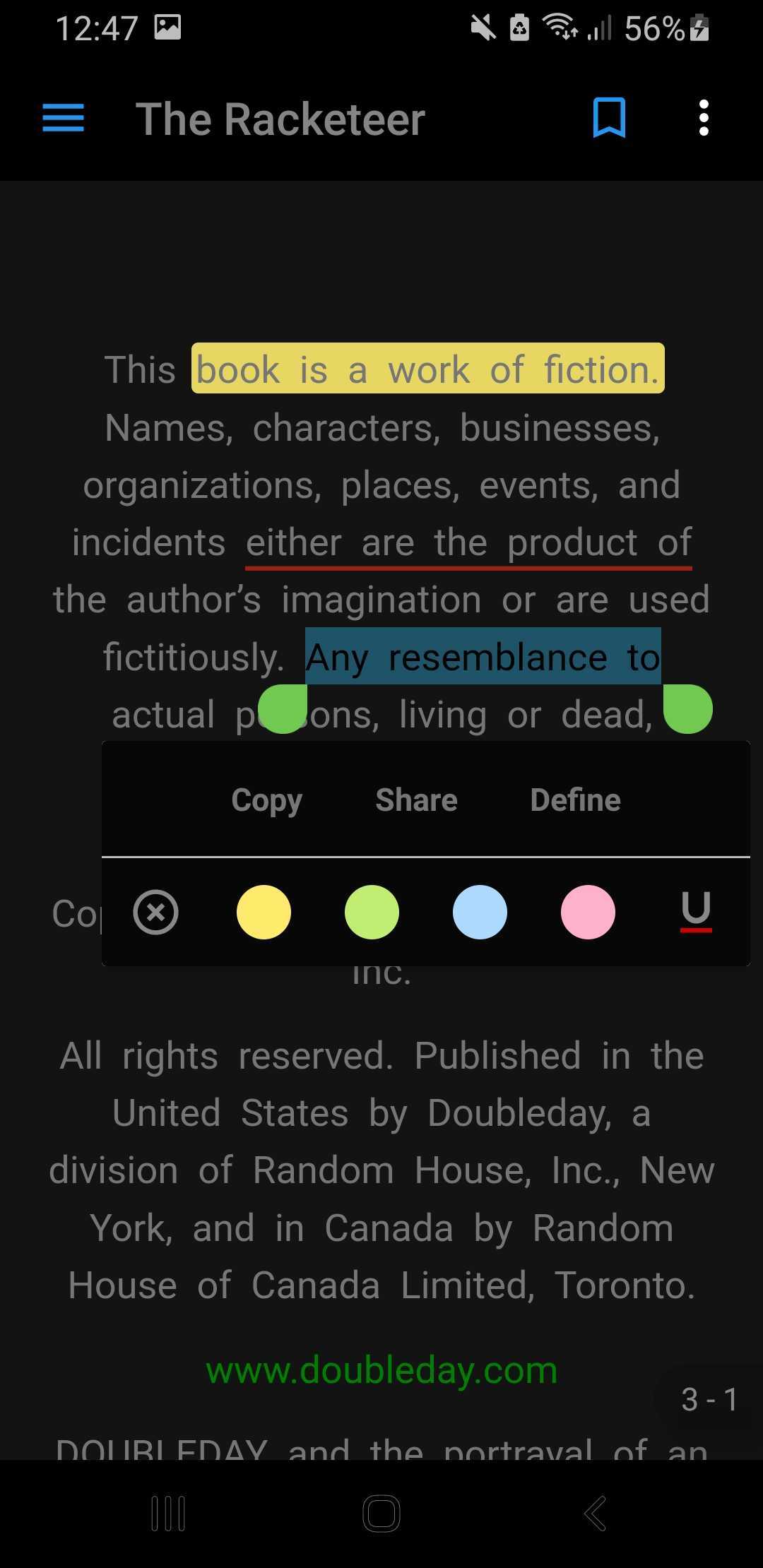
Copy and Share Text
✅
✅
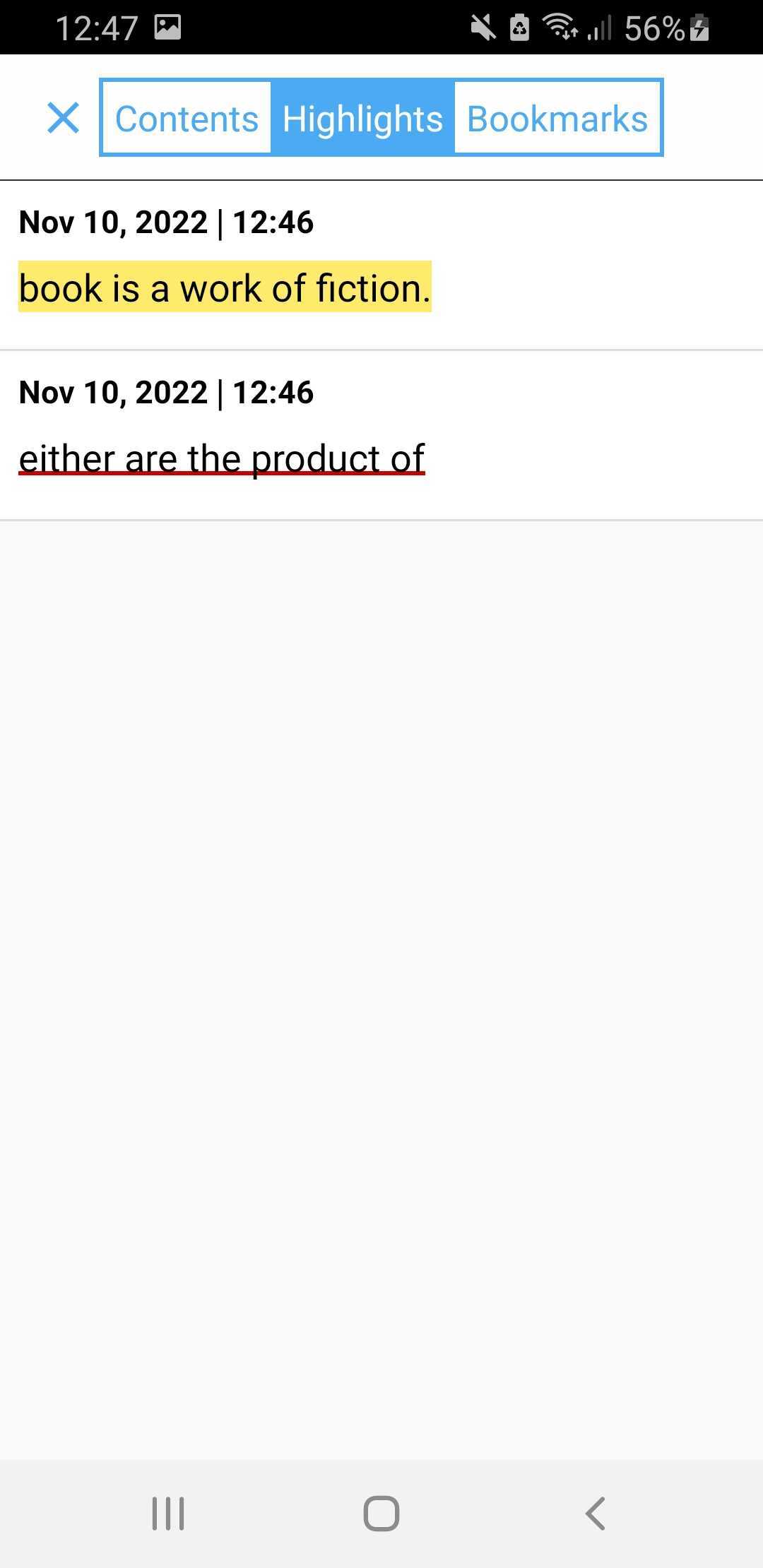
Highlight Text
✅
✅
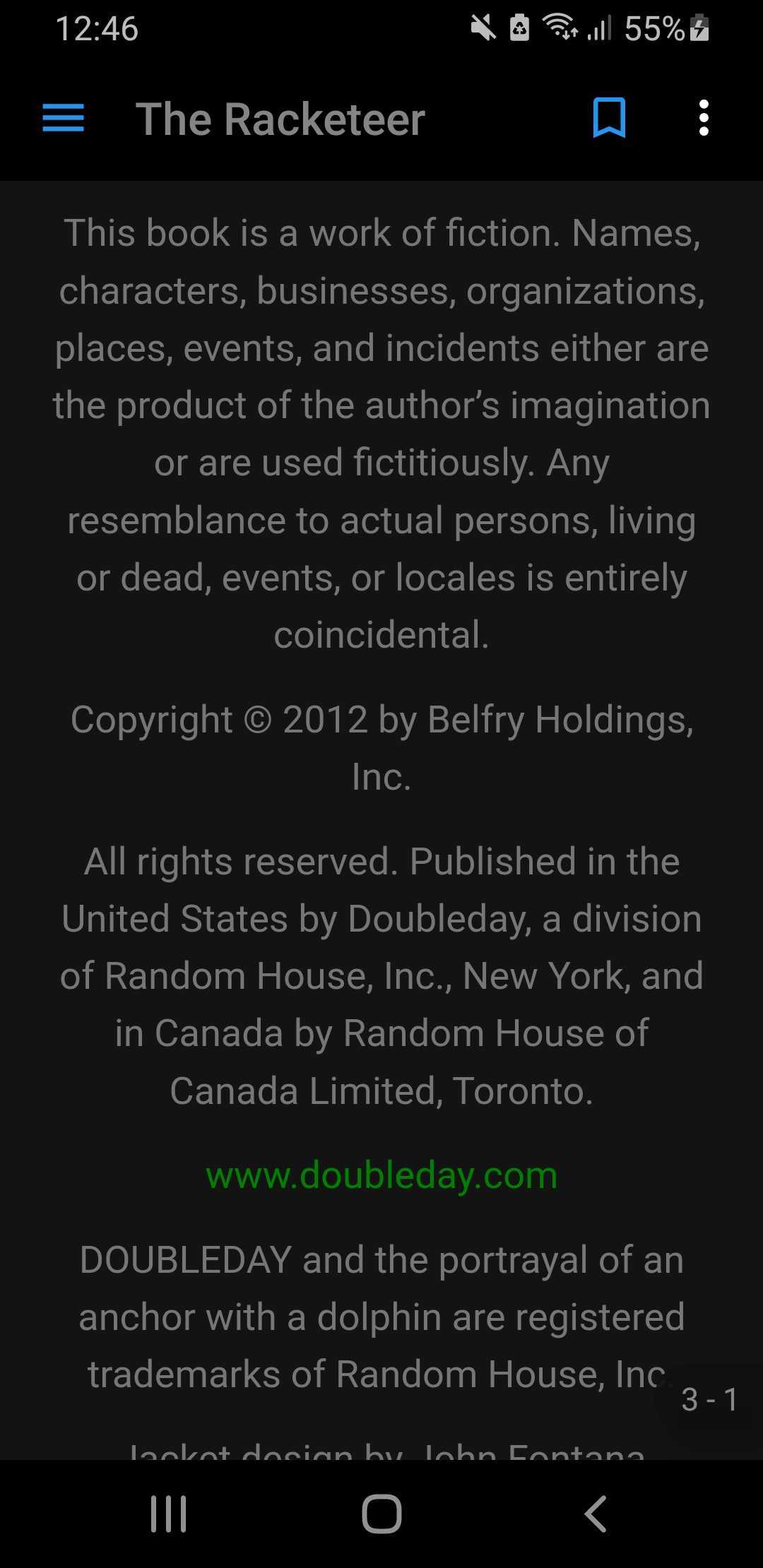
Multiple Theme [Light / Dark]
✅
❌
Support Multiple Device Language
✅
✅
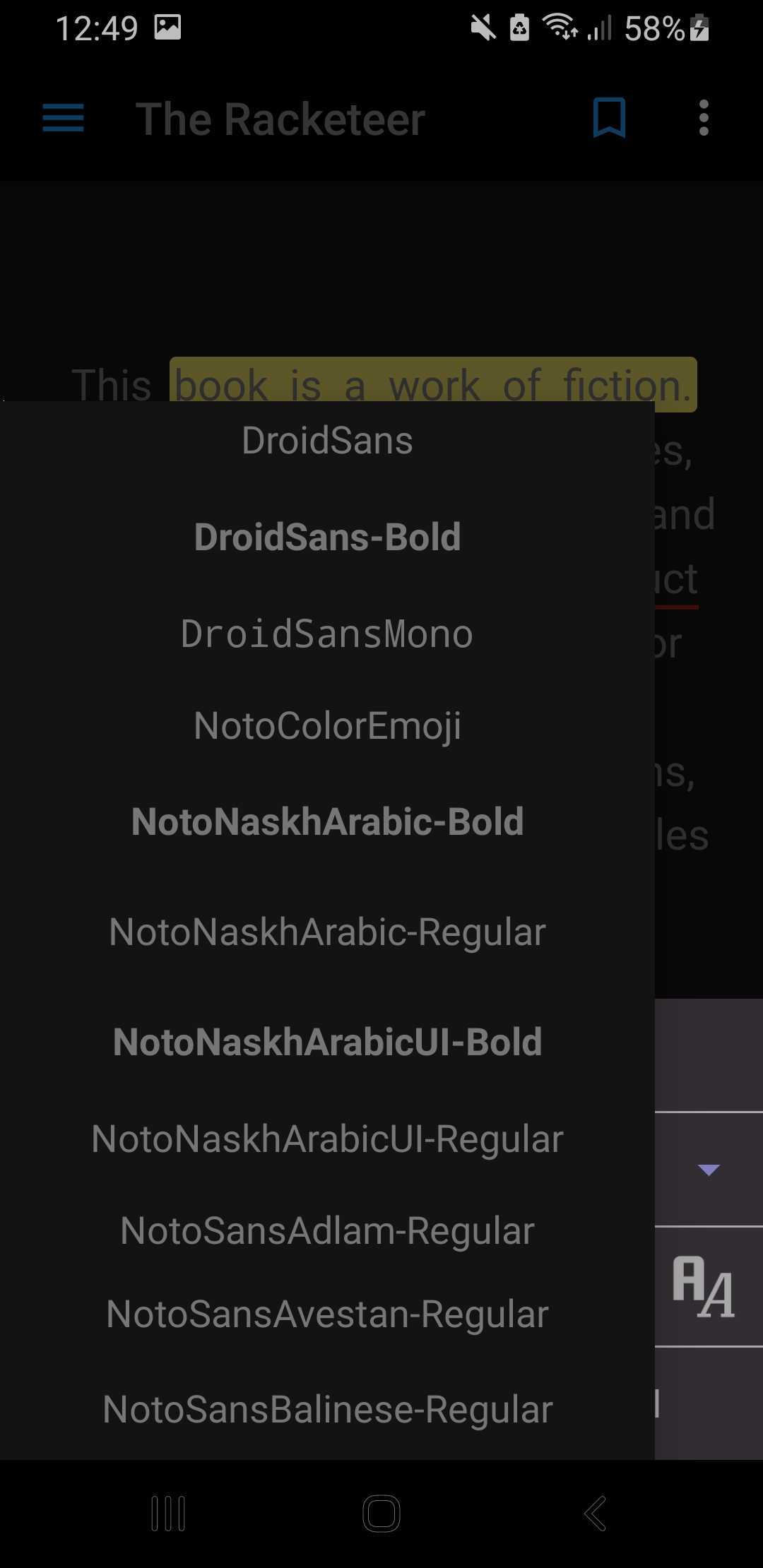
Change FontStyle
✅
❌
Android 13 Supported
✅
❌
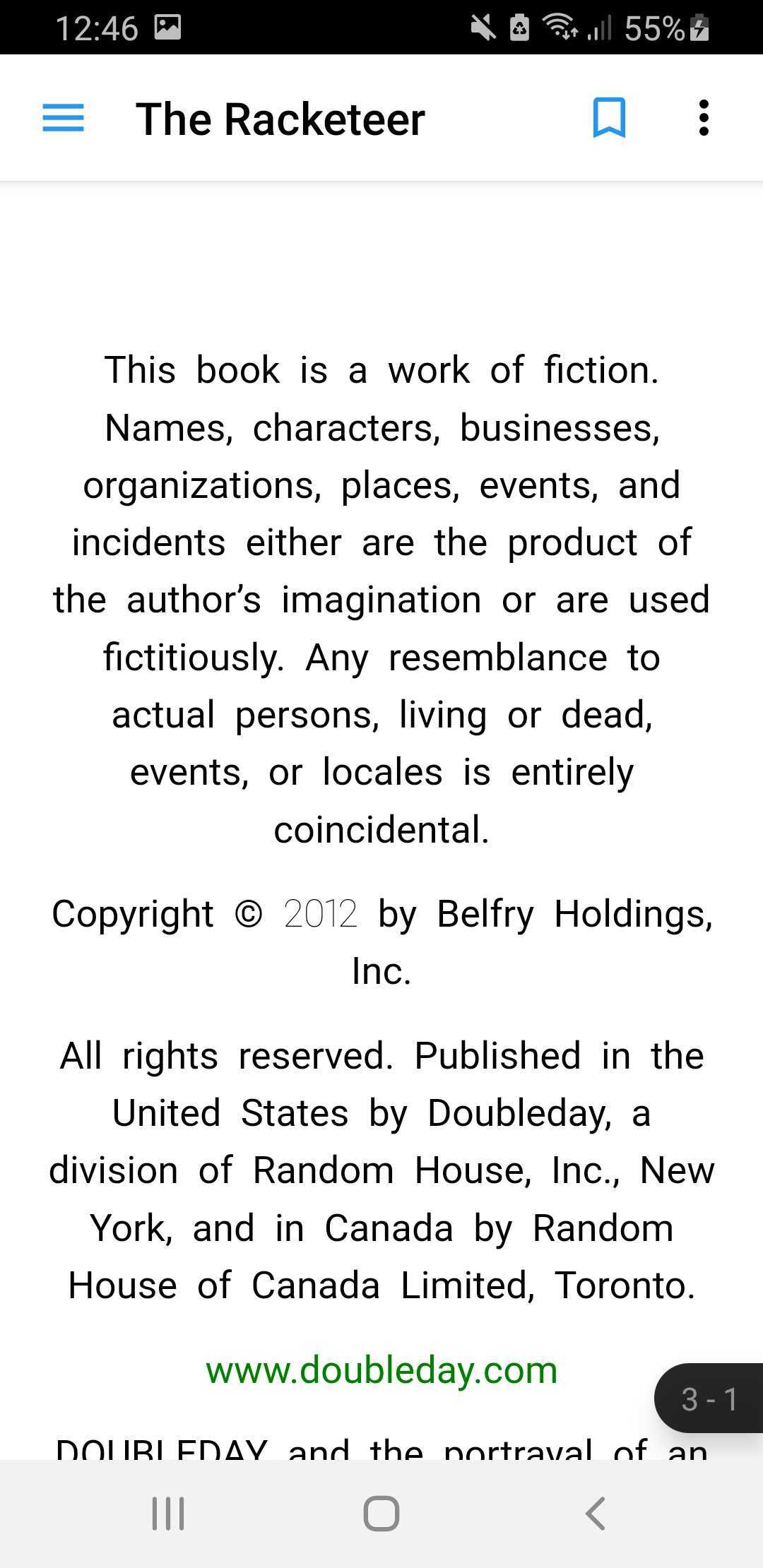
ScreenShots
Light
Dark
Install
This plugin requires Swift to work on iOS. Also, the minimum deployment target is 9.0
platform :ios, '9.0'
Import into pubspec.yaml
dependencies:vocsy_epub_viewer:latest_version
NOTE Please add this to the release build type in your app build.gradle to avoid crashes on android
release builds
NOTEandroid -> app -> src -> main -> res -> xml Inside xml Folder create xml file network_security_config.xml
Usage
VocsyEpub.setConfig(
themeColor: Theme.of(context).primaryColor,
identifier: "iosBook",
scrollDirection: EpubScrollDirection.ALLDIRECTIONS,
allowSharing: true,
enableTts: true,
nightMode: true,
);
/**
* @bookPath
* @lastLocation (optional and only android)
*/VocsyEpub.open(
'bookPath',
lastLocation: EpubLocator.fromJson({
"bookId": "2239",
"href": "/OEBPS/ch06.xhtml",
"created": 1539934158390,
"locations": {
"cfi": "epubcfi(/0!/4/4[simple_book]/2/2/6)"
}
}), // first page will open up if the value is null
);
// Get locator which you can save in your databaseVocsyEpub.locatorStream.listen((locator) {
print('LOCATOR: ${EpubLocator.fromJson(jsonDecode(locator))}');
// convert locator from string to json and save to your database to be retrieved later
});
You can also load epub from your assets using EpubViewer.openAsset()
awaitVocsyEpub.openAsset('assets/3.epub',
lastLocation: EpubLocator.fromJson({
"bookId": "2239",
"href": "/OEBPS/ch06.xhtml",
"created": 1539934158390,
"locations": {
"cfi": "epubcfi(/0!/4/4[simple_book]/2/2/6)"
}
}), // first page will open up if the value is null
);
// Get locator which you can save in your databaseVocsyEpub.locatorStream.listen((locator) {
print('LOCATOR: ${EpubLocator.fromJson(jsonDecode(locator))}');
// convert locator from string to json and save to your database to be retrieved later
});
If you encounter any problems feel free to open an issue. If you feel the library is missing a
feature, please raise a ticket on Github and I'll look into it. Pull request are also welcome.
For help getting started with Flutter, view the online
documentation.
For help on editing plugin code, view
the documentation.