搜尋套件、儲存庫與 APP 分類

套件詳情v1.0.2

vocsy_esys_flutter_share

一個用於與其他應用程式共享圖片與文字的 Flutter 外掛程式。

AndroidiOS
近 30 天下載
23
喜歡數
21
Pub 分數
140

安裝套件

flutter pub add vocsy_esys_flutter_share

套件介紹

根據套件公開資料產生的選型評估,僅供參考。

一個 Flutter 插件,可在 Android 和 iOS 上實現與其他應用的圖像和文字無縫分享。它簡化了與系統層級分享意圖的整合,允許使用者透過電子郵件、訊息應用、社群媒體等方式傳送內容。該插件提供直觀的 API,用於分享純文字與影像資料,支援常見格式如 PNG 與 JPEG。設計上強調易用性,背後自動處理平台差異。適用於需要快速、原生分享功能而無需複雜設定的應用。

適用情境

  • 共享應用生成的影像
  • 發送文字片段到社群媒體
  • 與訊息應用整合
  • 啟用使用者內容匯出
  • 支援跨應用協作

主要特色

  • 跨平台分享(Android 與 iOS)
  • 用於文字和影像分享的簡單 API
  • 自動處理平台差異
  • 支援常見圖像格式
  • 內建意圖整合

適合對象

  • 社群媒體整合
  • 內容創作應用
  • 使用者產生內容分享
  • 需要快速匯出選項的應用程式
  • 尋求最小化設定的開發者

使用建議

  • 需要 Android 上的適當權限
  • 僅限基本分享功能
  • 無內建預覽或自訂功能
  • 取決於外部應用程式之可用性
  • 可能需要針對特定平台進行額外設定

原始 README

以下為關聯原始碼儲存庫的 README 原文快照,最新內容請造訪原始碼儲存庫。

vocsy_esys_flutter_share

A Flutter plugin for sharing files & text with other applications.

IMPORTANT Is a forked for null-safety from esys_flutter_share

IMPORTANT Note for iOS

If you are starting a new fresh app, you need to create the Flutter App with flutter create -i swift ( see flutter/flutter#13422 (comment)) , otherwise, you will get this message:

=== BUILD TARGET flutter_inappbrowser OF PROJECT Pods WITH CONFIGURATION Debug ===
The "Swift Language Version" (SWIFT_VERSION) build setting must be set to a supported value for targets which use Swift. Supported values are: 3.0, 4.0, 4.2. This setting can be set in the build settings editor.

If you still have this problem, try to edit iOS Podfile like this ( see #15):

target 'Runner' do
  use_frameworks!  # required by simple_permission
  ...
end

post_install do |installer|
  installer.pods_project.targets.each do |target|
    target.build_configurations.each do |config|
      config.build_settings['SWIFT_VERSION'] = '4.0'  # required by simple_permission
      config.build_settings['ENABLE_BITCODE'] = 'NO'
    end
  end
end

Instead, if you have already a non-swift project, you can check this issue to solve the problem: Friction adding swift plugin to objective-c project .

Features

Name Android iOS
Share Text ✅ ✅
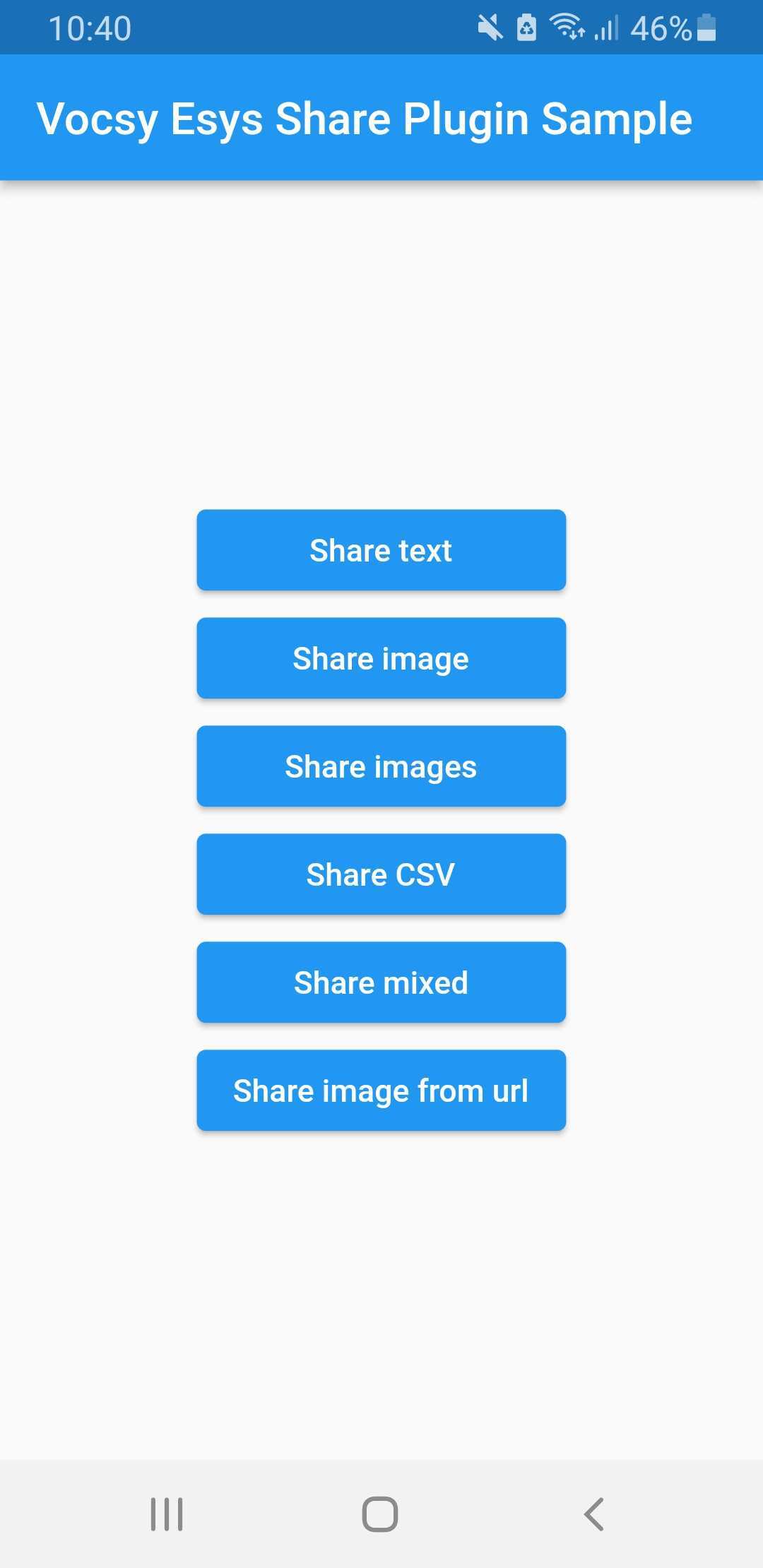
Share Image with Text [Assets / Network] ✅ ✅
Share Multiple Images [Assets / Network] ✅ ✅
Share Multiple Images And CSV Files ✅ ✅
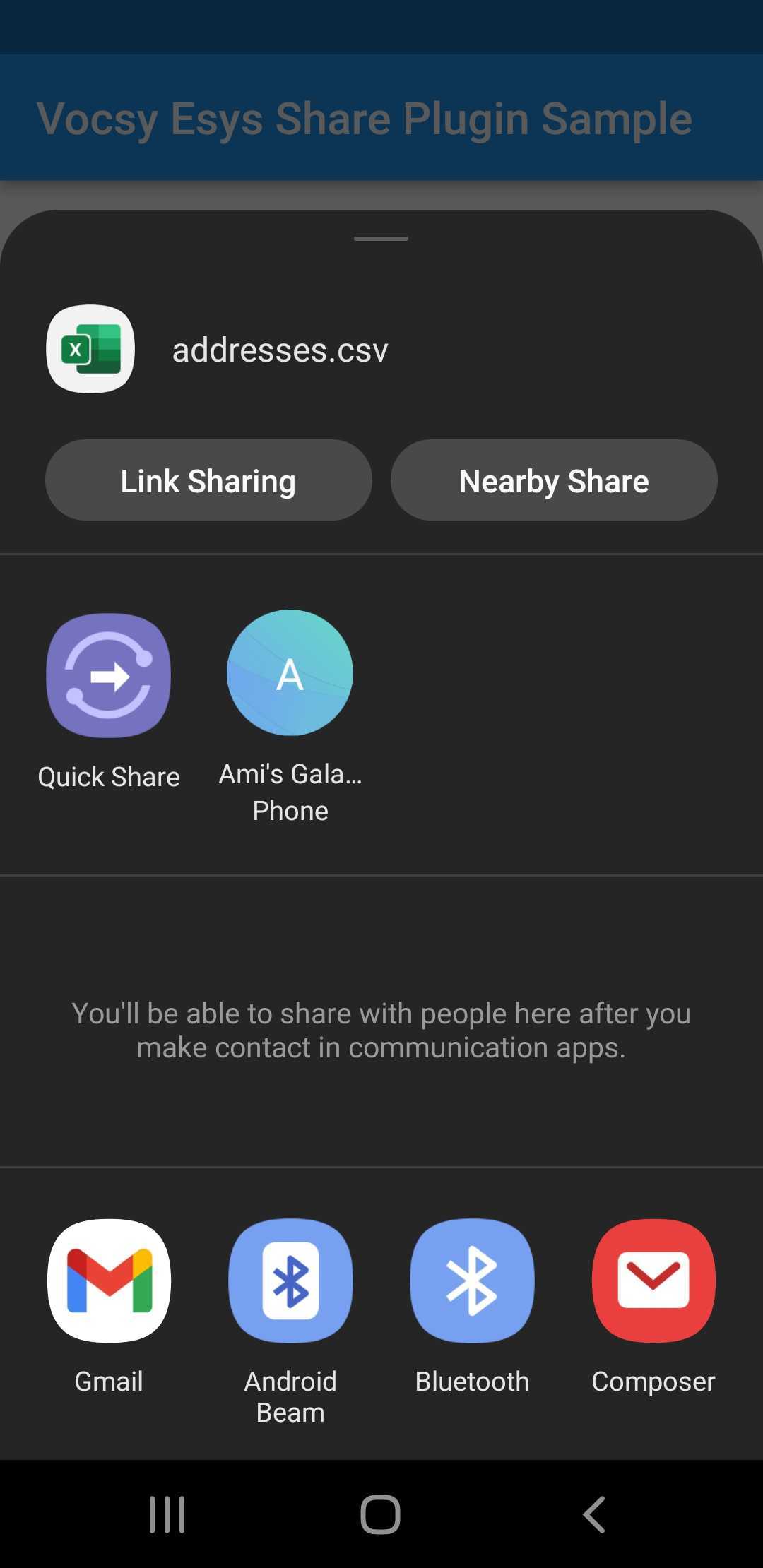
Share CSV Files ✅ ✅
Share Image From Url ✅ ✅

Images


Usage

  • Import Package:
import 'package:vocsy_esys_flutter_share/vocsy_esys_flutter_share.dart';
  • Share Simple text:
VocsyShare.text('my text title', 'This is my text to share with other applications.', 'text/plain'
);
  • Share Image With Text:

final ByteData bytes = await
rootBundle.load('assets/image1.png');
await VocsyShare.file('esys image','esys.png',bytes.buffer.asUint8List(),'image/png',
text: 'My optional text.');
  • Share Multiple Files:

final ByteData bytes1 = await
rootBundle.load('assets/image1.png');

final ByteData bytes2 = await
rootBundle.load('assets/image2.png');

final ByteData bytes3 = await
rootBundle.load('assets/addresses.csv');

await
VocsyShare.files('esys images',
{
'esys.png': bytes1.buffer.asUint8List(),
'bluedan.png': bytes2.buffer.asUint8List(),
'addresses.csv': bytes3.buffer.asUint8List(),
},
'*/*',
text: 'My optional text.');
  • Share file from url:

var request = await
HttpClient().getUrl(Uri.parse('https://shop.esys.eu/media/image/6f/8f/af/amlog_transport-berwachung.jpg'));

var response = await
request.close();

Uint8List bytes = await

consolidateHttpClientResponseBytes(response);
await
VocsyShare.file('ESYS AMLOG','amlog.jpg',bytes, 'image/jpg');

Check out the example app in the Repository for further information.

所屬分類

依賴

依賴清單 1 項

原始碼儲存庫

使用此套件的專案

暫無相關資料。