搜尋套件、儲存庫與 APP 分類

waterfall_flow 封面
套件詳情v3.1.1

waterfall_flow

一個快速建構瀑布流佈局的 Flutter 網格檢視。

AndroidiOSWebmacOSWindowsLinux
近 30 天下載
2.2萬
喜歡數
233
Pub 分數
140

安裝套件

flutter pub add waterfall_flow

套件介紹

根據套件公開資料產生的選型評估,僅供參考。

一個 Flutter 套件,讓開發者能快速建立瀑布流佈局,一種將項目以不同高度排列於欄位中的格狀檢視。非常適合以動態且視覺上吸引人的格式顯示圖片或內容,類似於 Pinterest。此套件支援所有主要平台,包括 Android、iOS、Web、macOS、Windows 與 Linux,確保跨平台的一致性。提供可自訂的欄位數量、間距與捲動行為,適用於各種 UI 需求。

適用情境

  • 顯示圖像畫廊
  • 建立 Pinterest 風格的動態
  • 構建動態內容網格
  • 顯示產品清單
  • 實現響應式佈局

主要特色

  • 透過最少的程式碼快速設定
  • 支援可變項目高度
  • 可自訂的欄數與間距
  • 跨平台相容性
  • 平滑捲動效能
  • 彈性項目建構器

適合對象

  • 開發社群媒體動態的開發者
  • 設計人員創建視覺內容顯示
  • 需要響應式網格佈局的應用程式
  • 包含動態或不規則內容大小的專案
  • 針對多個平台的團隊

使用建議

  • 可能需要針對大型資料集進行優化
  • 在項目數量極高的情況下,效能可能會下降
  • 需要仔細處理項目尺寸,以避免佈局問題
  • 不適合固定高度項目的情境
  • 內建動畫功能有限,僅支援基本過渡

原始 README

以下為關聯原始碼儲存庫的 README 原文快照,最新內容請造訪原始碼儲存庫。

waterfall_flow

pub package GitHub stars GitHub forks GitHub license GitHub issues FlutterCandies QQ 群

A Flutter grid view easy to build waterfall flow layout quickly.

Web demo for WaterfallFlow

Language: English | 中文简体

Use

  • add library to your pubspec.yaml

dependencies:
  waterfall_flow: any

  • import library in dart file

  import 'package:waterfall_flow/waterfall_flow.dart';

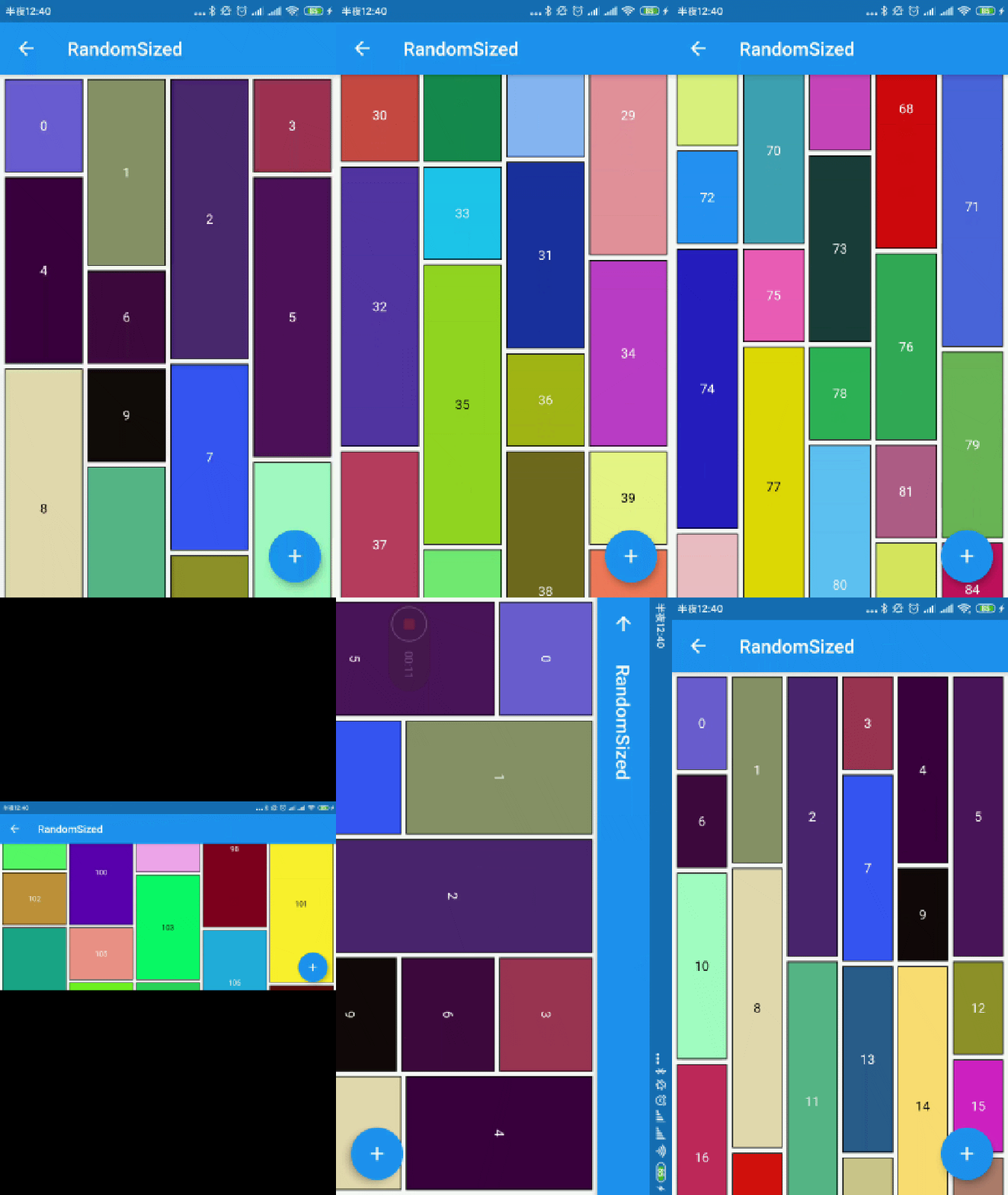
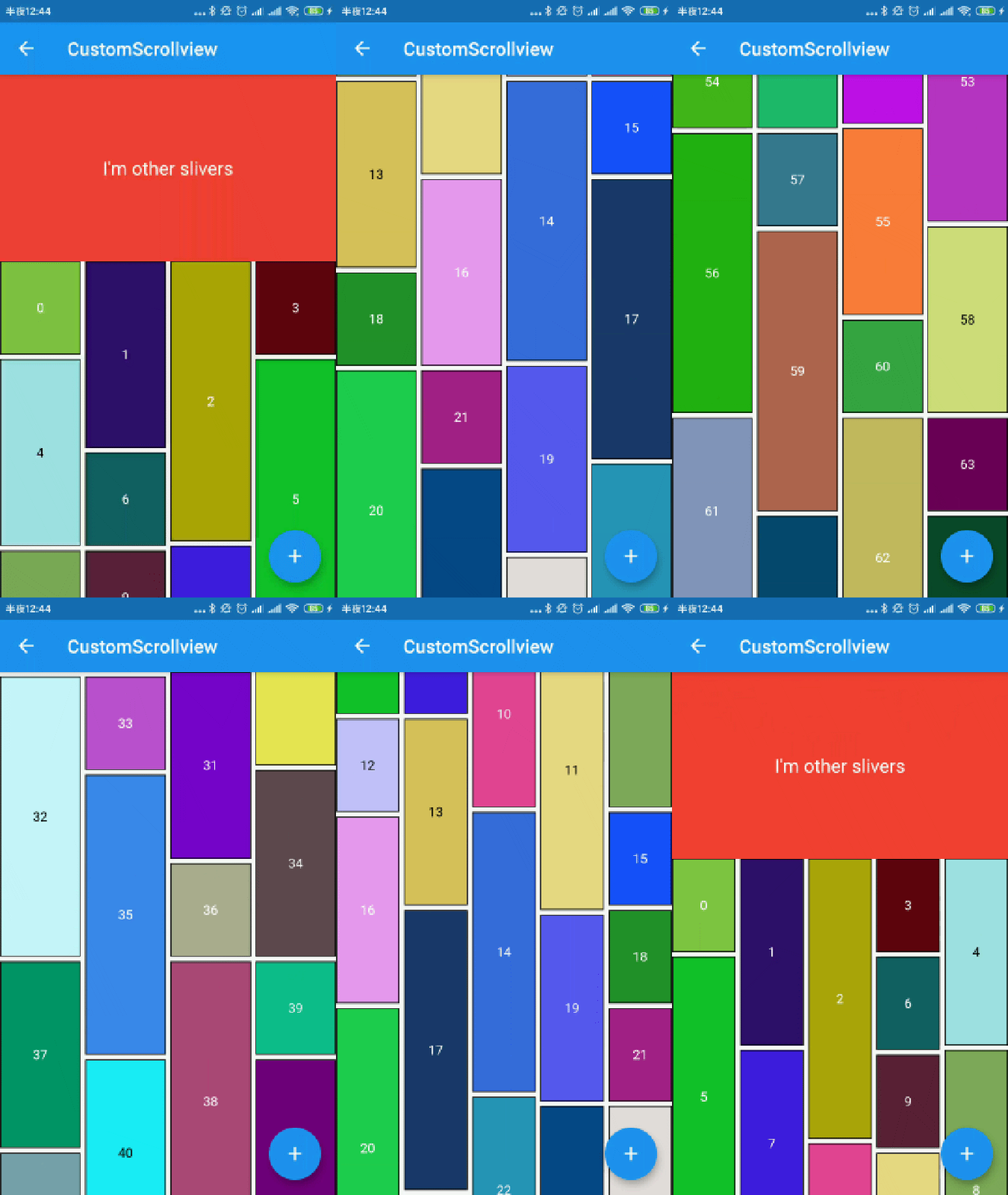
Easy to use

img img
img img

you can define waterfall flow layout within SliverWaterfallFlowDelegate.

  • SliverWaterfallFlowDelegateWithFixedCrossAxisCount
parameter description default
crossAxisCount The number of children in the cross axis. required
  • SliverWaterfallFlowDelegateWithMaxCrossAxisExtent
parameter description default
maxCrossAxisExtent The maximum extent of tiles in the cross axis. required
  • SliverWaterfallFlowDelegate
parameter description default
mainAxisSpacing The number of logical pixels between each child along the main axis. 0.0
crossAxisSpacing The number of logical pixels between each child along the cross axis. 0.0
collectGarbage Call when collect garbage, return indexs to collect -
lastChildLayoutTypeBuilder The builder to get layout type of last child ,Notice: it should only for last child -
viewportBuilder The builder to get indexs in viewport -
closeToTrailing Whether make layout close to trailing false
            WaterfallFlow.builder(
              //cacheExtent: 0.0,
              padding: EdgeInsets.all(5.0),
              gridDelegate: SliverWaterfallFlowDelegateWithFixedCrossAxisCount(
                  crossAxisCount: 2,
                  crossAxisSpacing: 5.0,
                  mainAxisSpacing: 5.0,
                  /// follow max child trailing layout offset and layout with full cross axis extend
                  /// last child as loadmore item/no more item in [GridView] and [WaterfallFlow]
                  /// with full cross axis extend
                  //  LastChildLayoutType.fullCrossAxisExtend,

                  /// as foot at trailing and layout with full cross axis extend
                  /// show no more item at trailing when children are not full of viewport
                  /// if children is full of viewport, it's the same as fullCrossAxisExtend
                  //  LastChildLayoutType.foot,
                  lastChildLayoutTypeBuilder: (index) => index == _list.length
                      ? LastChildLayoutType.foot
                      : LastChildLayoutType.none,
                  ),

CollectGarbage

track the indexes are collect, you can collect garbage at that monment(for example Image cache)

more detail

        WaterfallFlow.builder(
            gridDelegate: SliverWaterfallFlowDelegateWithFixedCrossAxisCount(
                collectGarbage: (List<int> garbages) {
                  ///collectGarbage
                  garbages.forEach((index) {
                    final provider = ExtendedNetworkImageProvider(
                      _list[index].imageUrl,
                    );
                    provider.evict();
                  });
                },
              ),

ViewportBuilder

track the indexes go into the viewport, it's not include cache extent.

        WaterfallFlow.builder(
            gridDelegate: SliverWaterfallFlowDelegateWithFixedCrossAxisCount(
                viewportBuilder: (int firstIndex, int lastIndex) {
                print("viewport : [$firstIndex,$lastIndex]");
                }),

LastChildLayoutTypeBuilder

build lastChild as special child in the case that it is loadmore/no more item.

        enum LastChildLayoutType {
        /// as default child
        none,

        /// follow max child trailing layout offset and layout with full cross axis extend
        /// last child as loadmore item/no more item in [ExtendedGridView] and [WaterfallFlow]
        /// with full cross axis extend
        fullCrossAxisExtend,

        /// as foot at trailing and layout with full cross axis extend
        /// show no more item at trailing when children are not full of viewport
        /// if children is full of viewport, it's the same as fullCrossAxisExtend
        foot,
        }

      WaterfallFlow.builder(
        gridDelegate: SliverWaterfallFlowDelegateWithFixedCrossAxisCount(
            lastChildLayoutTypeBuilder: (index) => index == length
                ? LastChildLayoutType.foot
                : LastChildLayoutType.none,
            ),

CloseToTrailing

when reverse property of List is true, layout is as following. it likes chat list, and new session will insert to zero index. but it's not right when items are not full of viewport.

     trailing
-----------------
|               |
|               |
|     item2     |
|     item1     |
|     item0     |
-----------------
     leading

to solve it, you could set closeToTrailing to true, layout is as following. support [ExtendedGridView],[ExtendedList],[WaterfallFlow]. and it also works when reverse is flase, layout will close to trailing.

     trailing
-----------------
|     item2     |
|     item1     |
|     item0     |
|               |
|               |
-----------------
     leading
      WaterfallFlow.builder(
        reverse: true,
        gridDelegate: SliverWaterfallFlowDelegateWithFixedCrossAxisCount(closeToTrailing: true),

所屬分類

依賴

依賴清單 2 項

原始碼儲存庫

使用此套件的專案